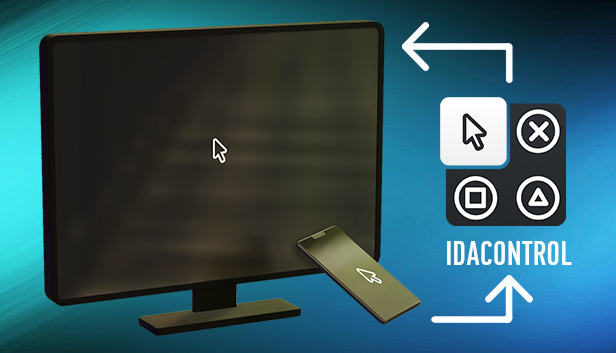


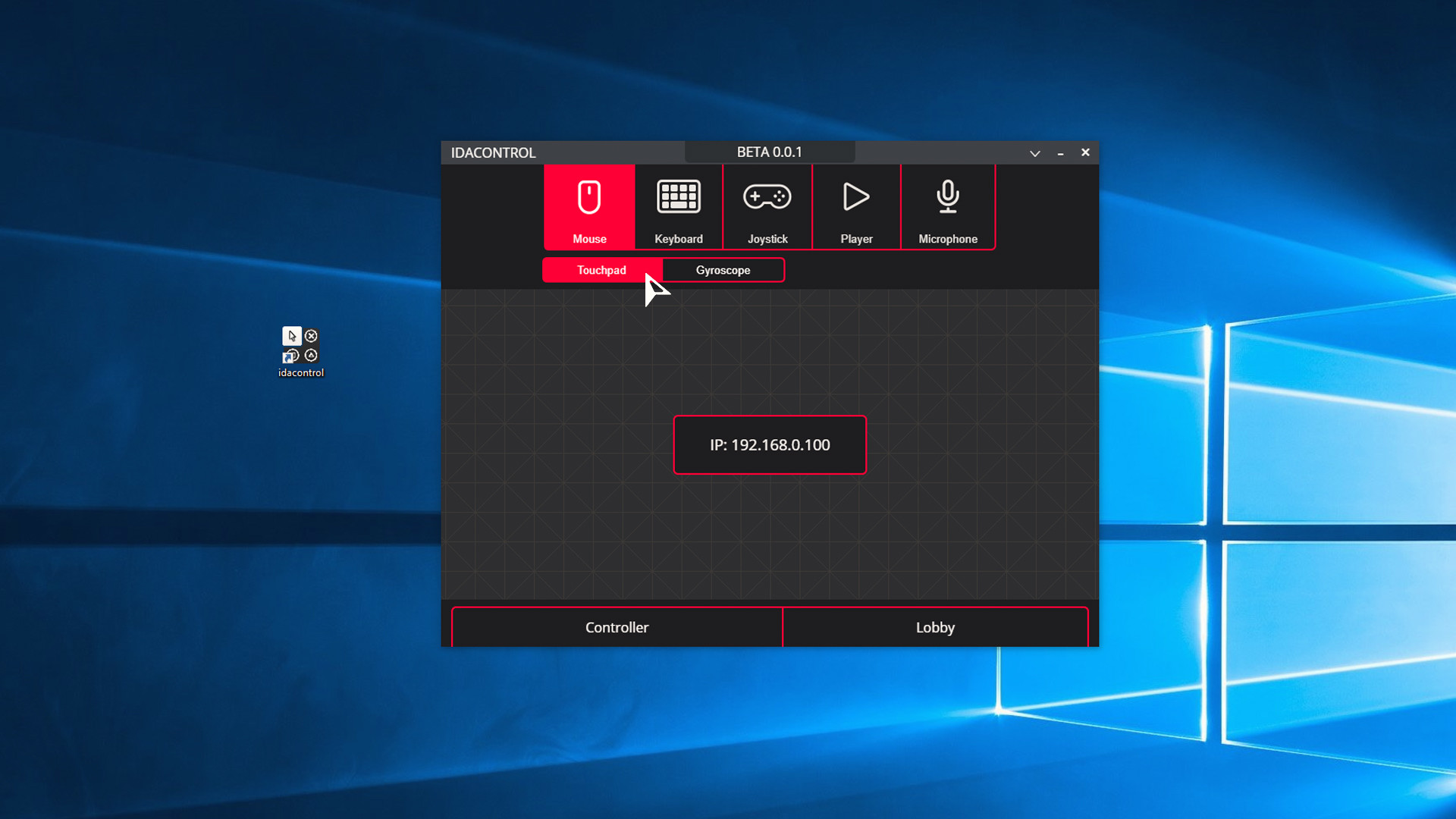
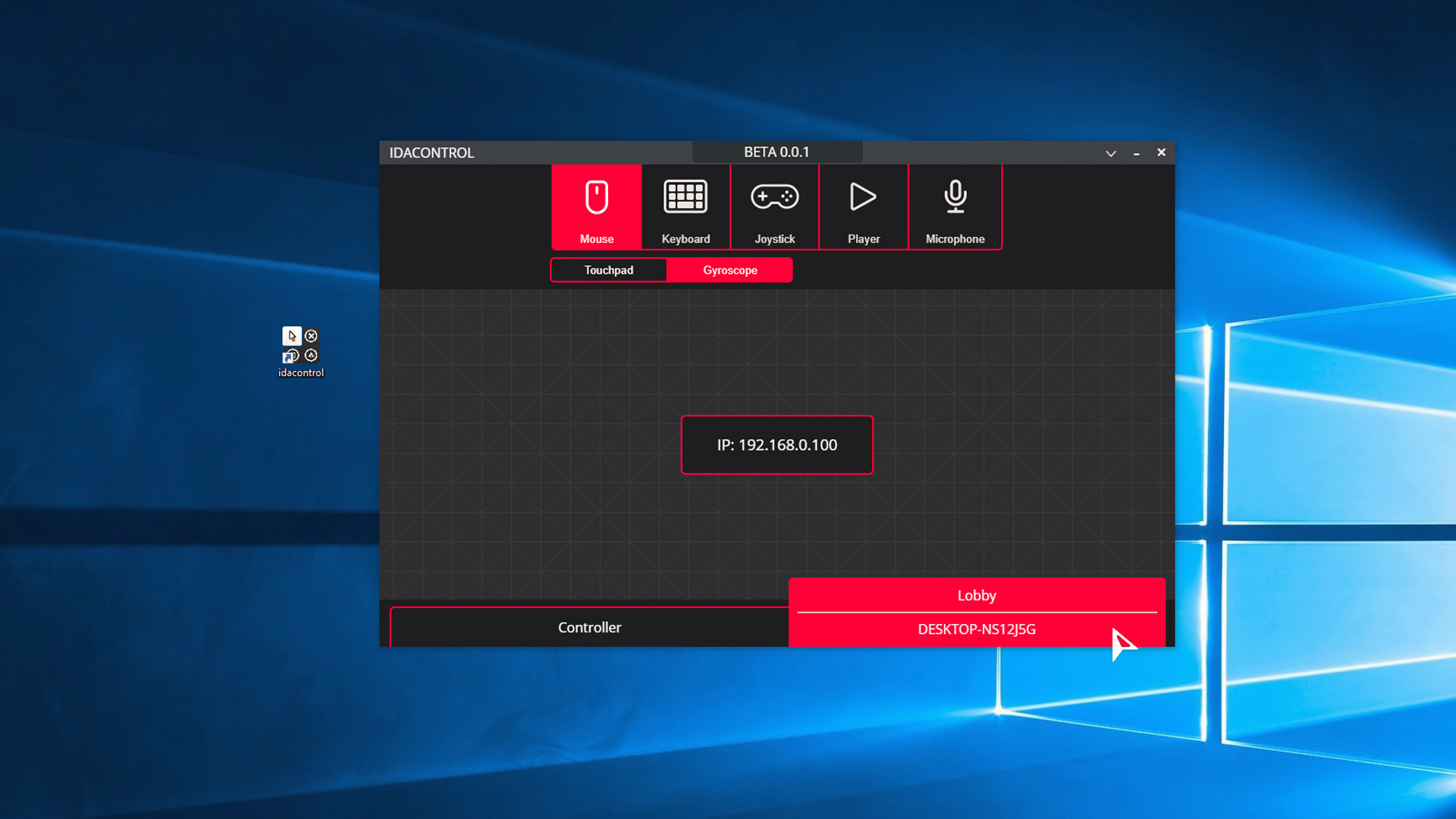
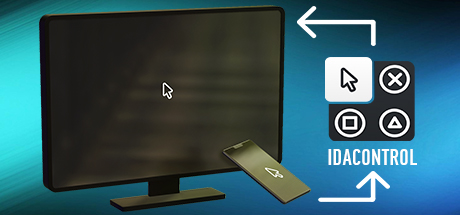

IDACONTROL is a cross-platform program for remotely controlling a computer. To use this application, you must have one WI-FI connection.
- With the help of a touchpad or gyroscope on your smartphone, you can control the cursor on the computer.
How does it work?
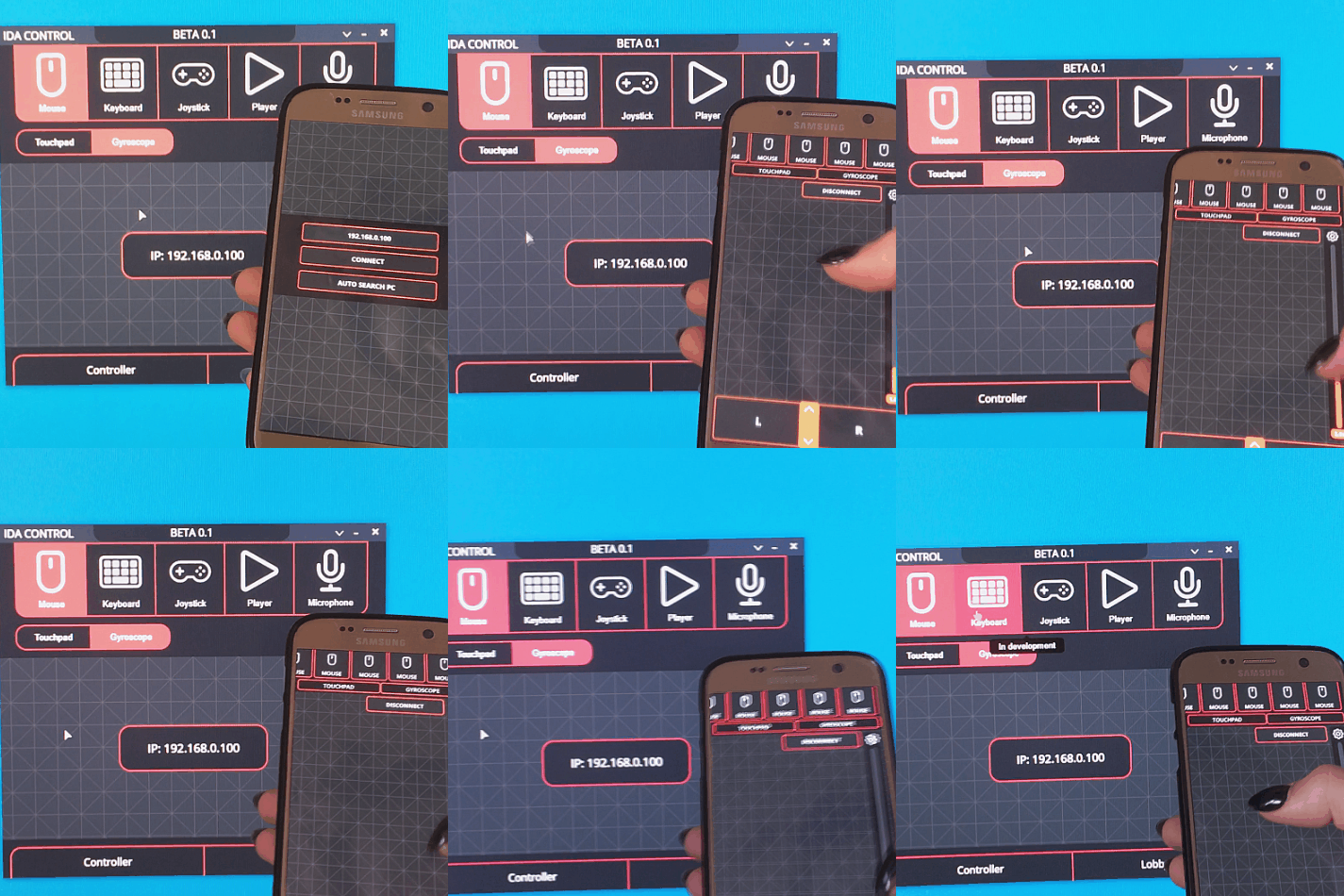
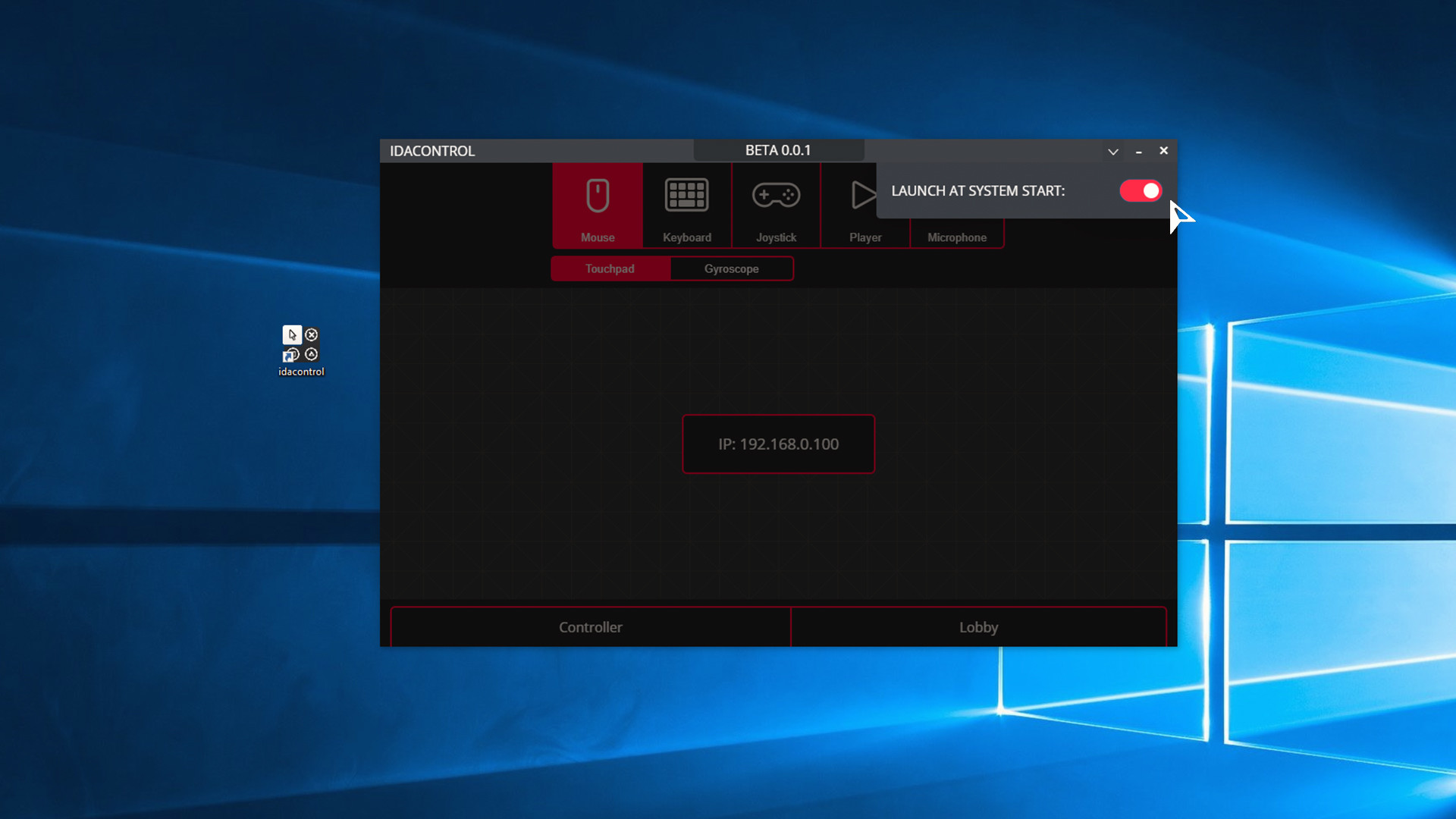
1. Download and install the program from Steam on computer . This program will run in the background.
2. Download and install the free app for smartphone from Google Play (IDACONTROL).
3. Launch the app on your smartphone.
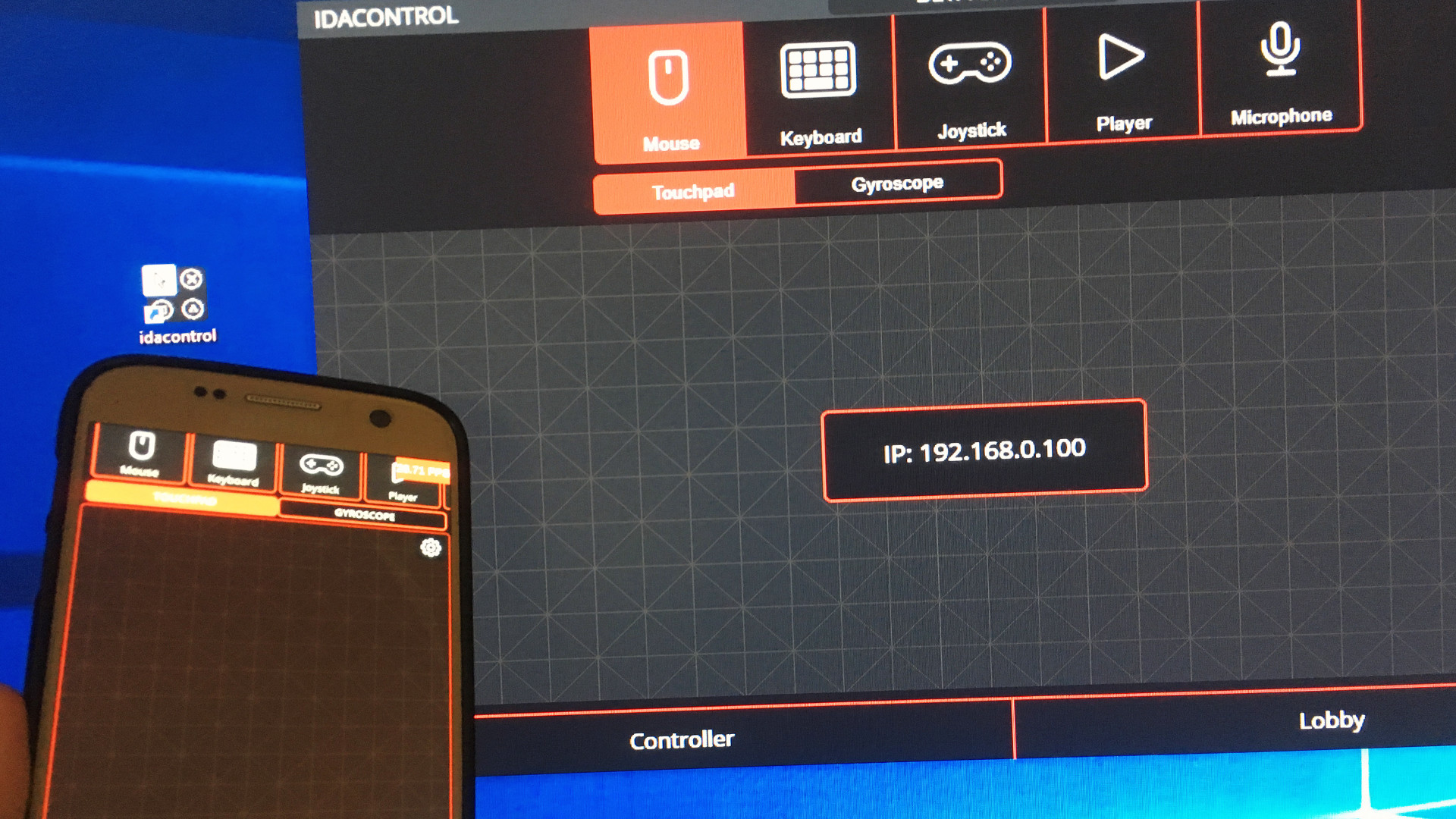
By default, from a smartphone, you can control the cursor. If this function does not work, then on the smartphone, enter the IP specified in the IDACONTROL PC program.
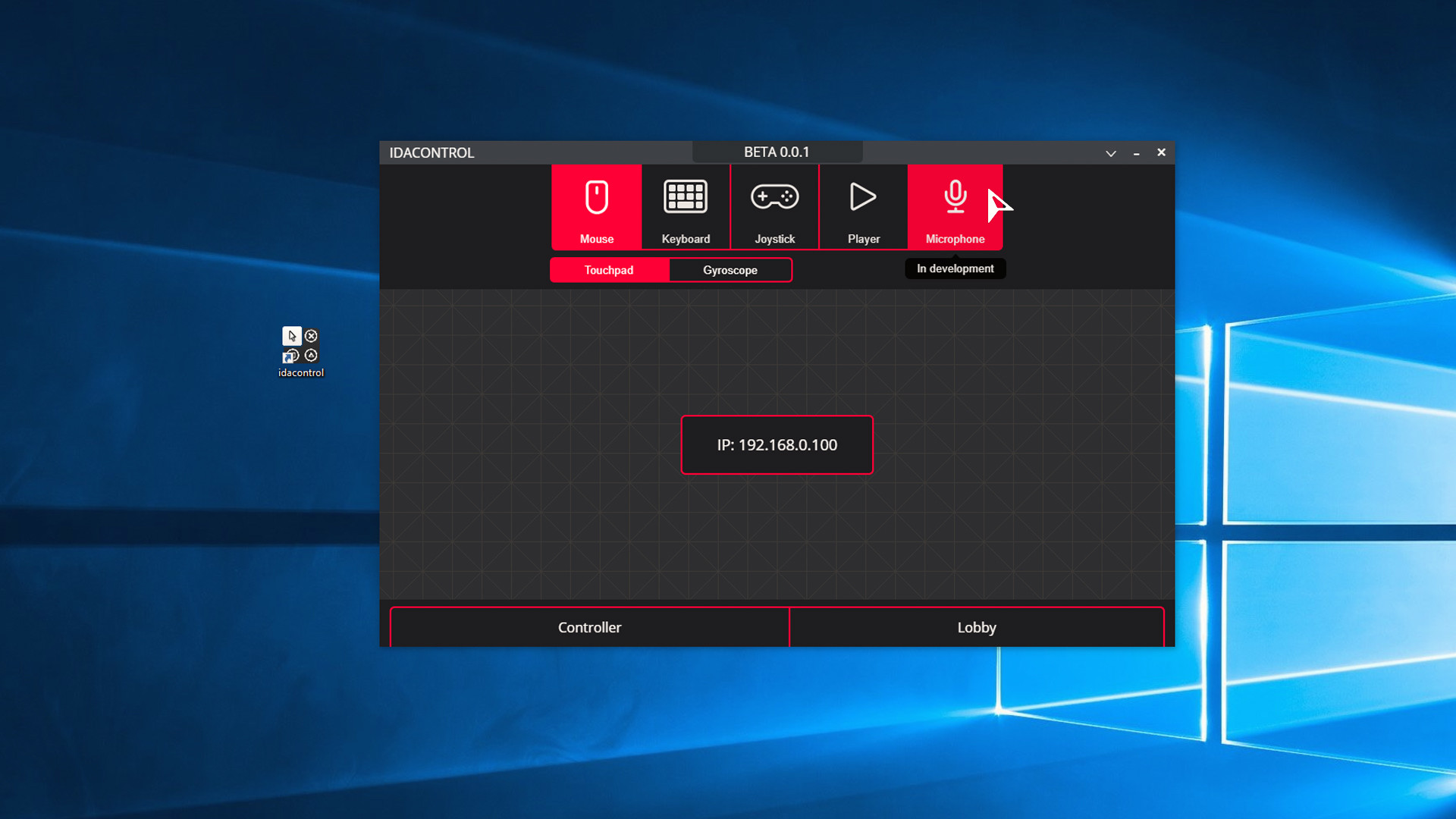
The program is still in development. Gradually, the possibilities of IDACONTROL will expand.