
Steam DB Steam DB Professor Teaches Publisher 2019




The Benefits of Learning Microsoft Publisher 2019
? Create visually stunning marketing materials for your company.
? Design print media material for large corporations.
? Make captivating fliers for an event, party or concert.
? Create great looking websites using conversion tools.
Publisher 2019 ? Over 60 Lessons!
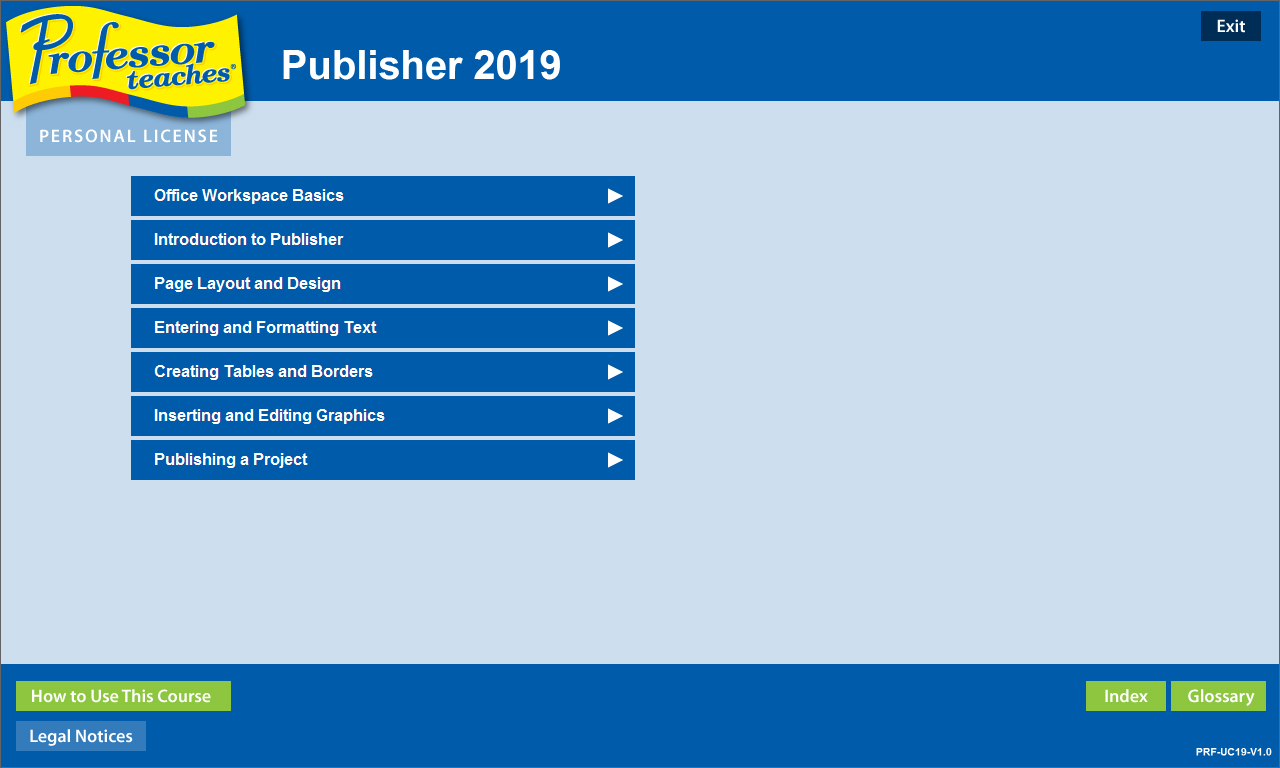
Our extensive computer training course will cover the following topics:
? Office Workspace Basics
? Exploring Microsoft Office Backstage
? Working with the Ribbon
? Customizing the Quick Access Toolbar
? Getting to Know the Publisher Screen
? Opening an Existing Publication
? Building Blocks of a Publication
? Creating Publications for Print
? Modifying Page Layout
? Formatting & Importing Text
? Using Text Styles and Font Schemes
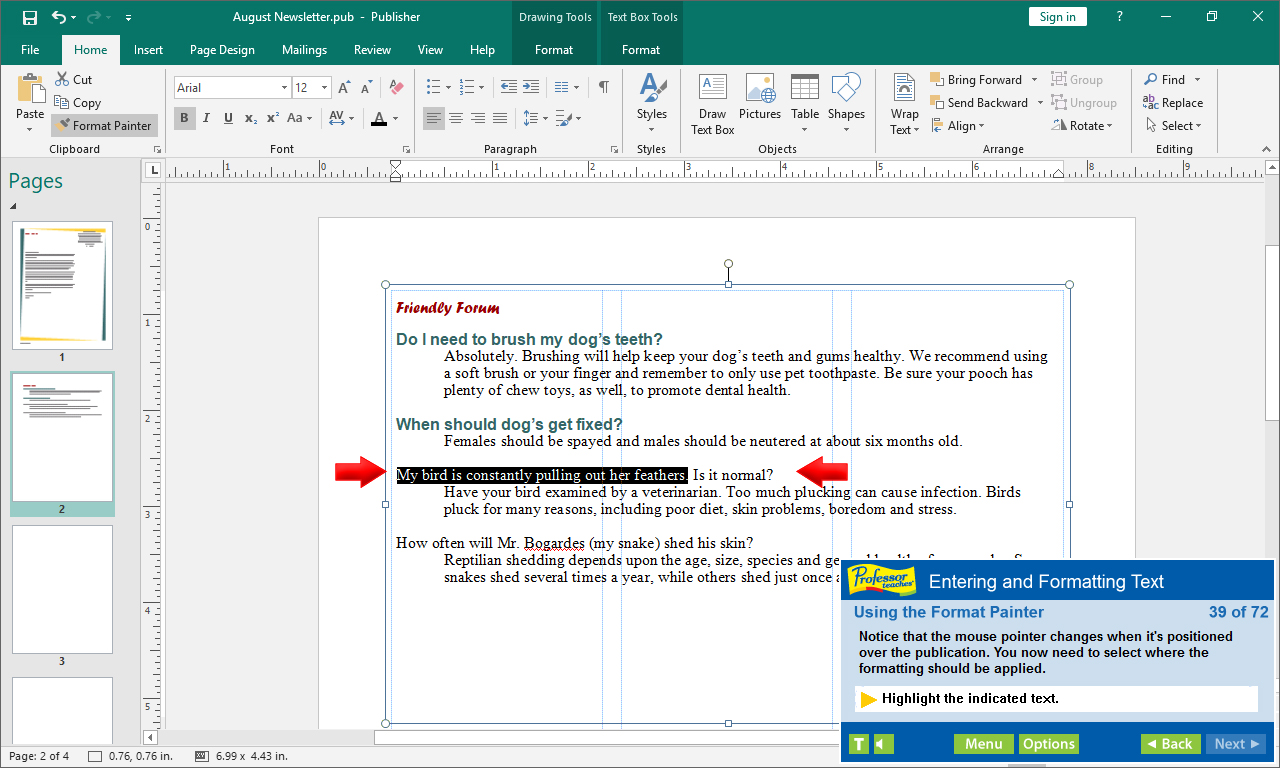
? Using the Format Painter
? Formatting Tables
? Adding Border Art
? Using Catalog Merge
? Modifying Drawing Objects
? Importing a Graphic File
? Creating WordArt
? Inserting Clip Art
? Saving a Publication as a Template
? Creating a Web Publication
? Inserting Hyperlinks
? Publishing Web Pages
? And more!
Key Benefits
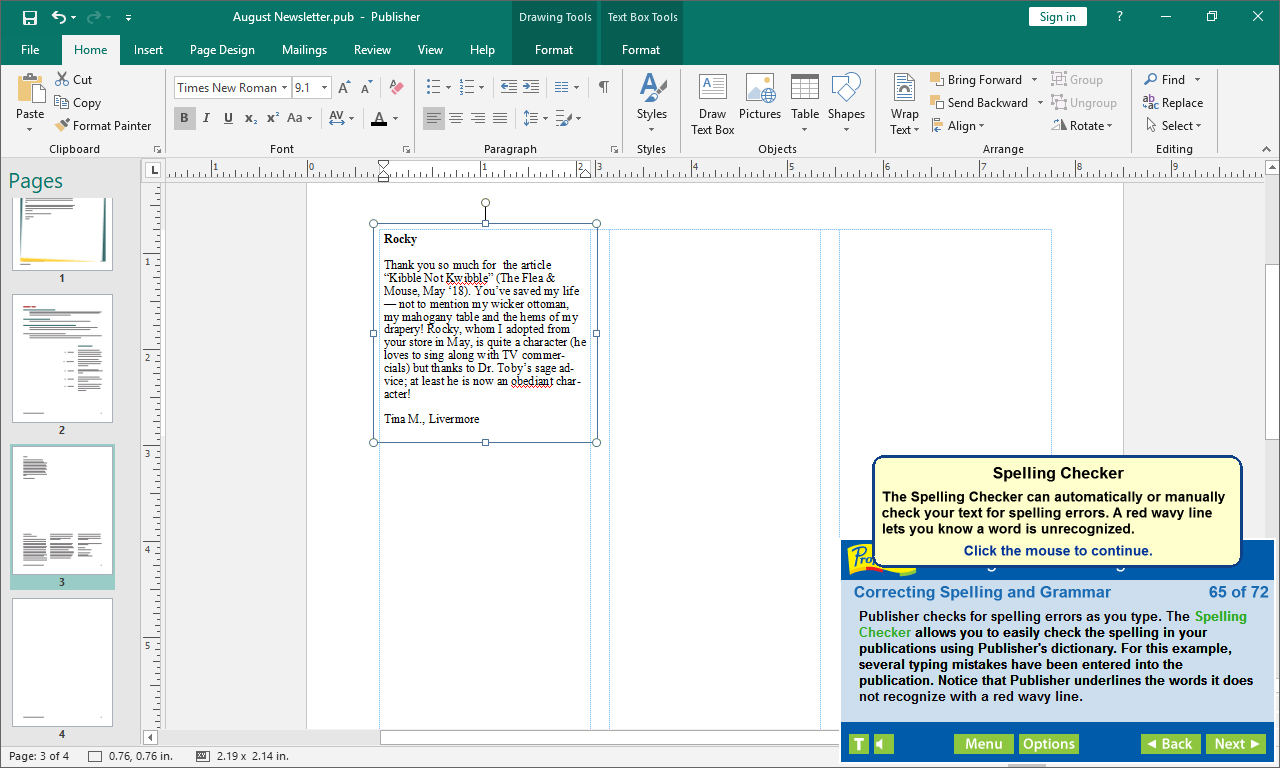
? Accurate screen presentations, menus, and buttons provide an easy transition to the real application
? Step-by-step interactive exercises help you achieve high retention rates
? Practical exercises and examples make learning easy
? Professional voice narration assists retention
? The most realistic, interactive & complete training
Features of Professor Teaches Publisher 2019
Practice in a Realistic Simulation of the Software
Hundreds of Learning Topics
4 to 8 Hours of Training per Course
Realistic Simulations
Beginner to Advanced Topics
Self-Paced Learning Objectives
Introductions and Summaries
Interactive Exercises
Professional Voice Narration
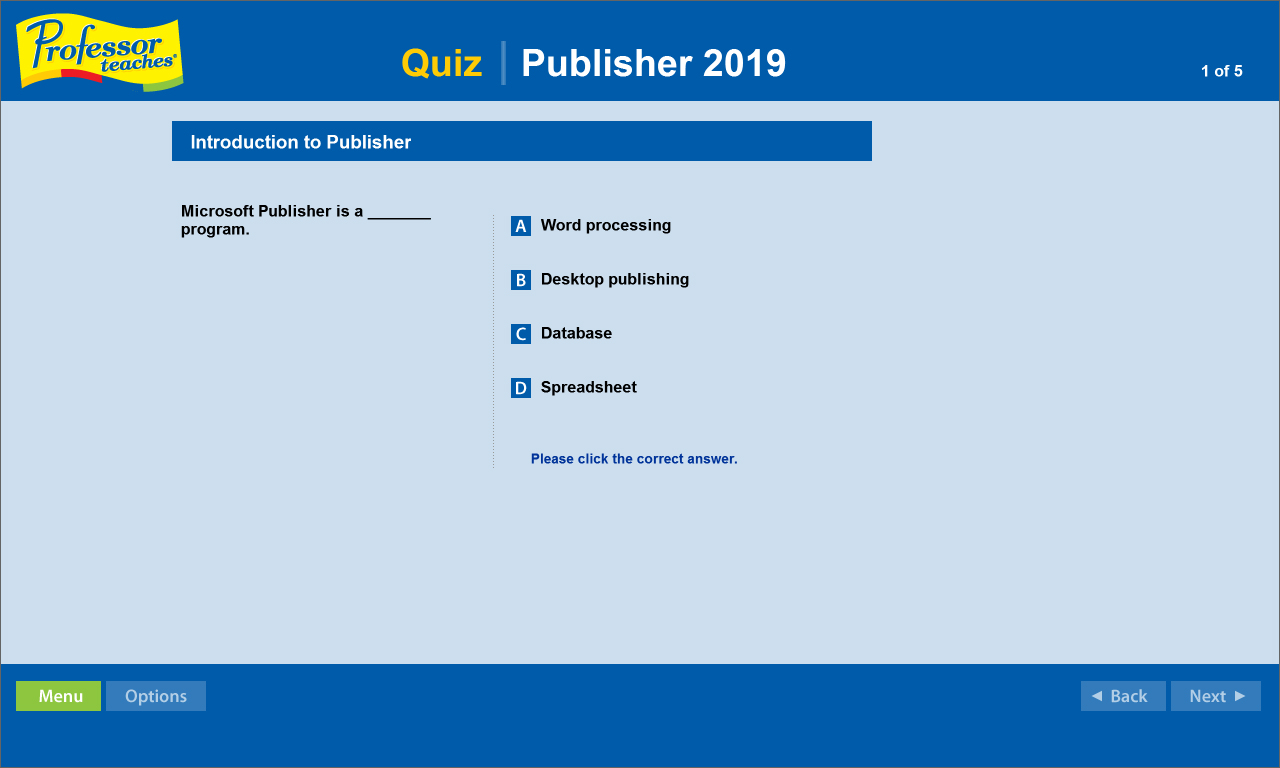
End-of-Chapter Quiz Questions
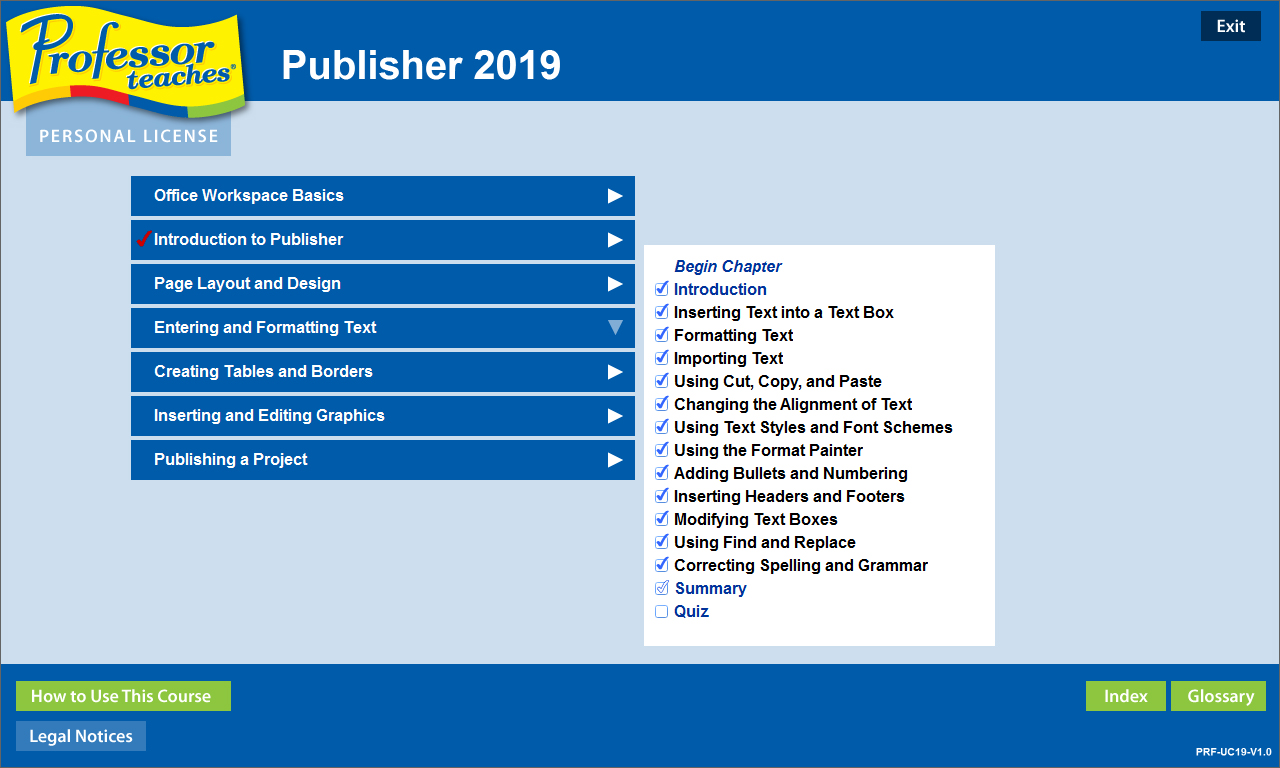
Check marks for Completed Topics
Glossary, Index, and Search
Professor Answers for Instant Training