
Steam DB Steam DB Professor Teaches Word 2019





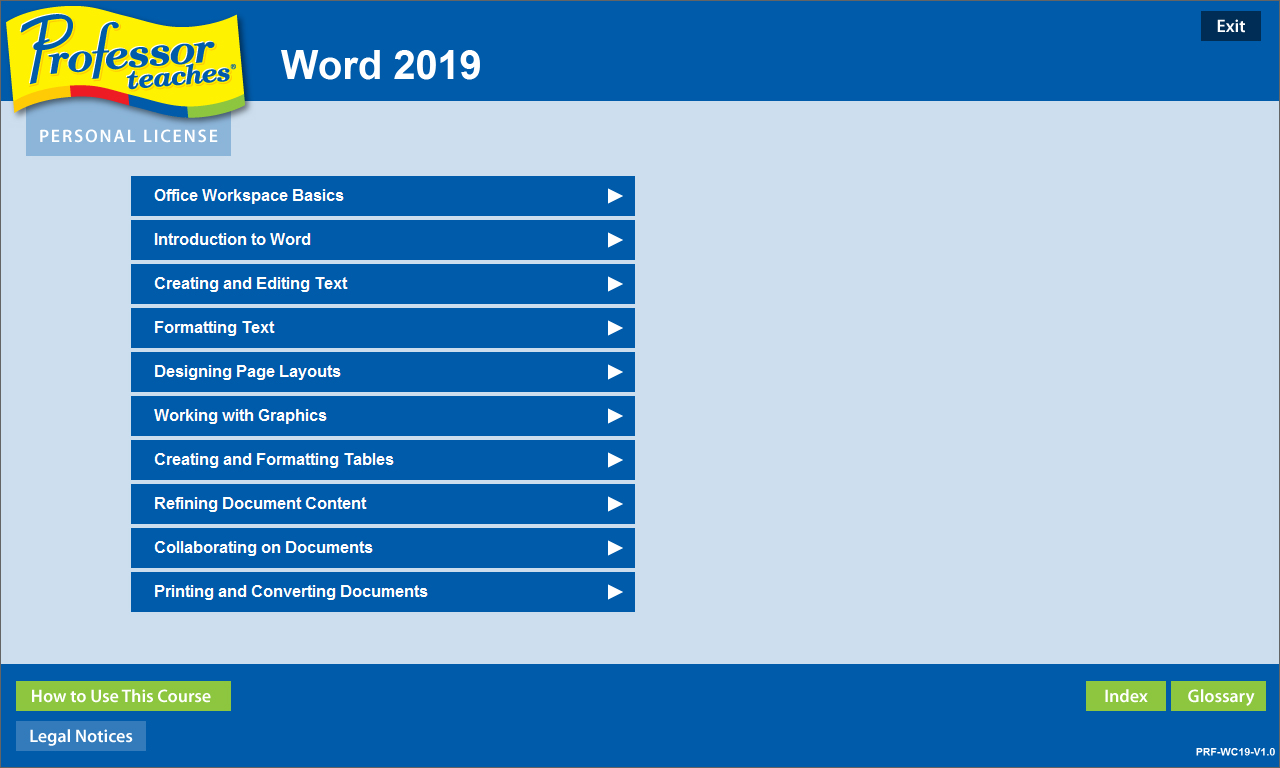

Learn Microsoft Word 2019 with hours of interactive training lessons and exercises. Microsoft Word is a word processing program that is a part of the Microsoft Office suite. This program allows you to create high quality, professional-looking documents using the finest document formatting tools. Professor Teaches Word 2019 will teach you how to create, edit, save, share, and access documents online from any internet browser.
The Benefits of Learning Microsoft Word 2019
? Create professional-looking documents for presentations and reports
? Learn to create meaningful reports and share valuable information
? Learn to export information as a web page
?
Word 2019 ? Over 70 Lessons!
Our extensive computer training course will cover the following topics:
? Learn how to apply Quick Styles
? Use SmartArt? diagrams
? Publish documents as Web Pages
? Create bulleted and numbered lists
? Insert images, tables, and charts
? Learn to use the Document Inspector
? Explore Office Backstage
? the Quick Access Toolbar
? Working with KeyTips
? Creating and editing text
? Using Repeat, Undo, and Redo
? Revealing and Clearing Formats
? Using the Format Painter
? Exploring page layout options
? And more!
Key Benefits
? Accurate screen presentations, menus, and buttons provide an easy transition to the real application
? Step-by-step interactive exercises help you achieve high retention rates
? Practical exercises and examples make learning easy
? Professional voice narration assists retention
? The most realistic, interactive & complete training
Features of Professor Teaches Word 2019
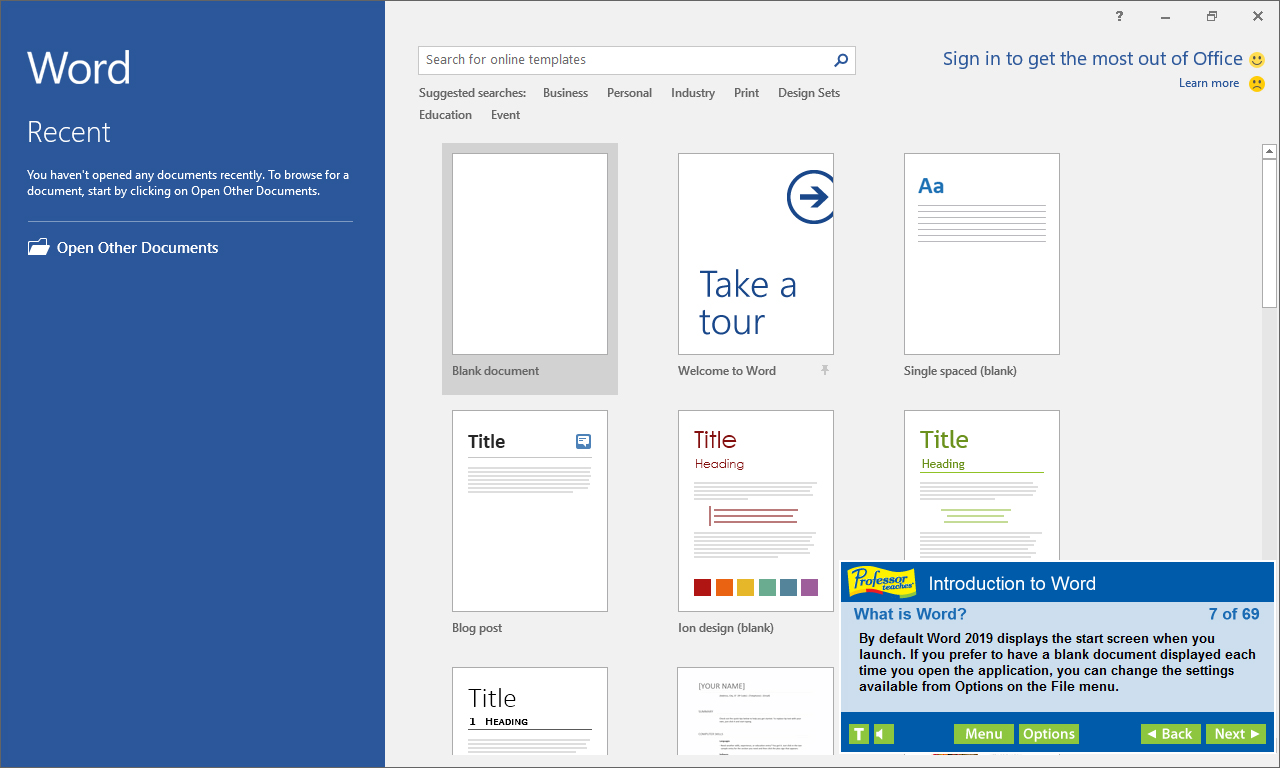
Practice in a Realistic Simulation of the Software
Hundreds of Learning Topics
4 to 8 Hours of Training per Course
Realistic Simulations
Beginner to Advanced Topics
Self-Paced Learning Objectives
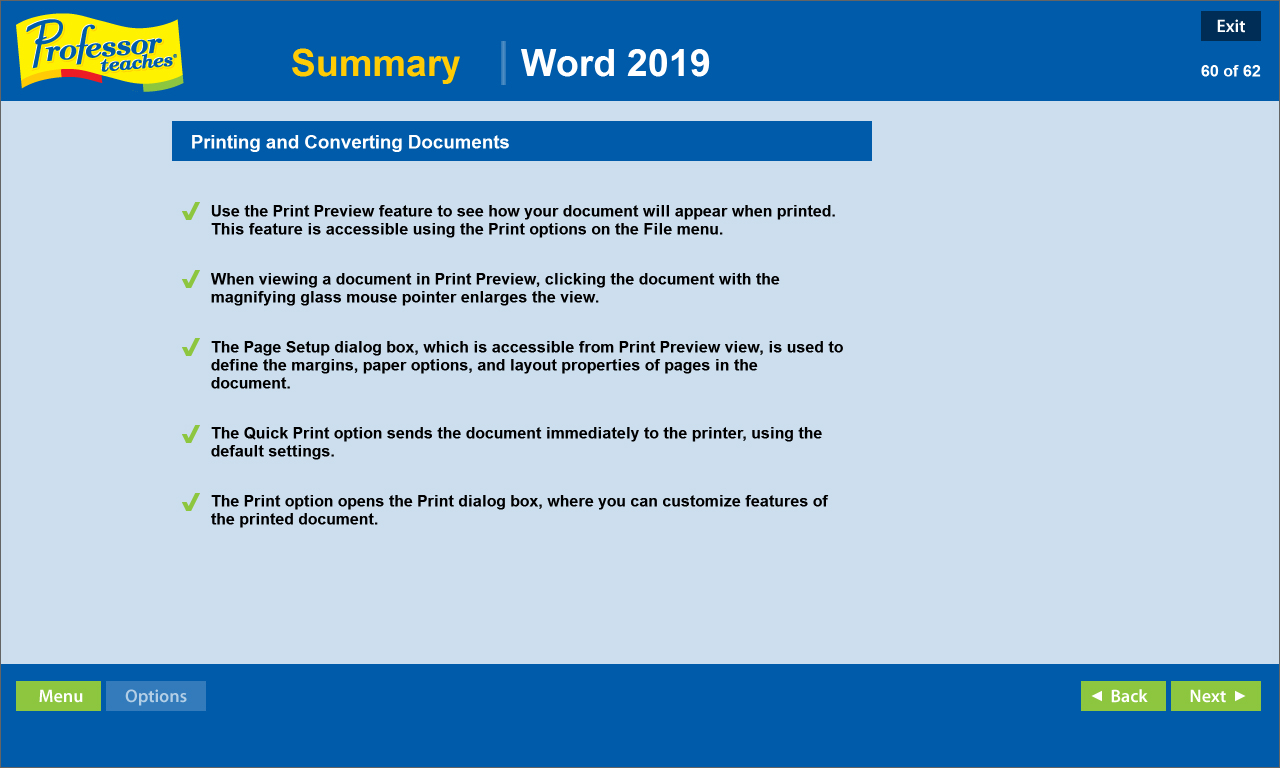
Introductions and Summaries
Interactive Exercises
Professional Voice Narration
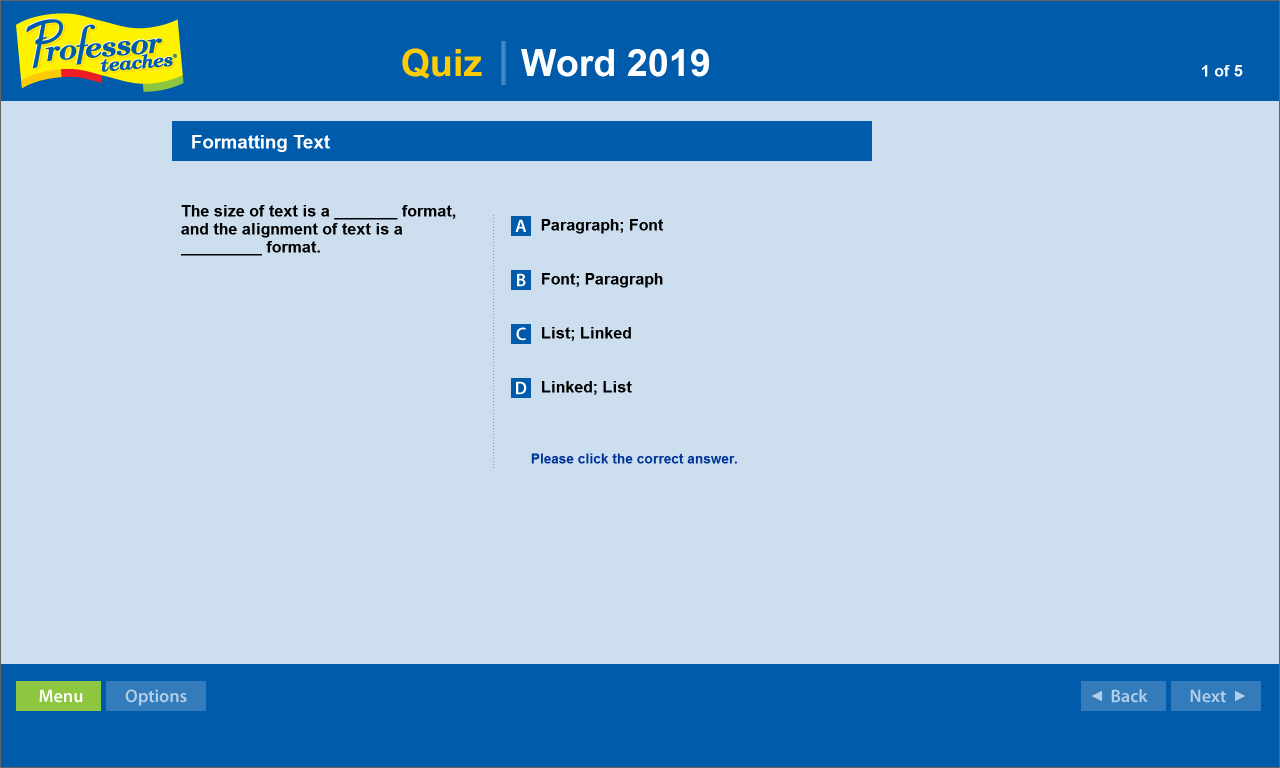
End-of-Chapter Quiz Questions
Check marks for Completed Topics
Glossary, Index, and Search
Professor Answers for Instant Training