
Steam DB Steam DB Professor Teaches Outlook 2019





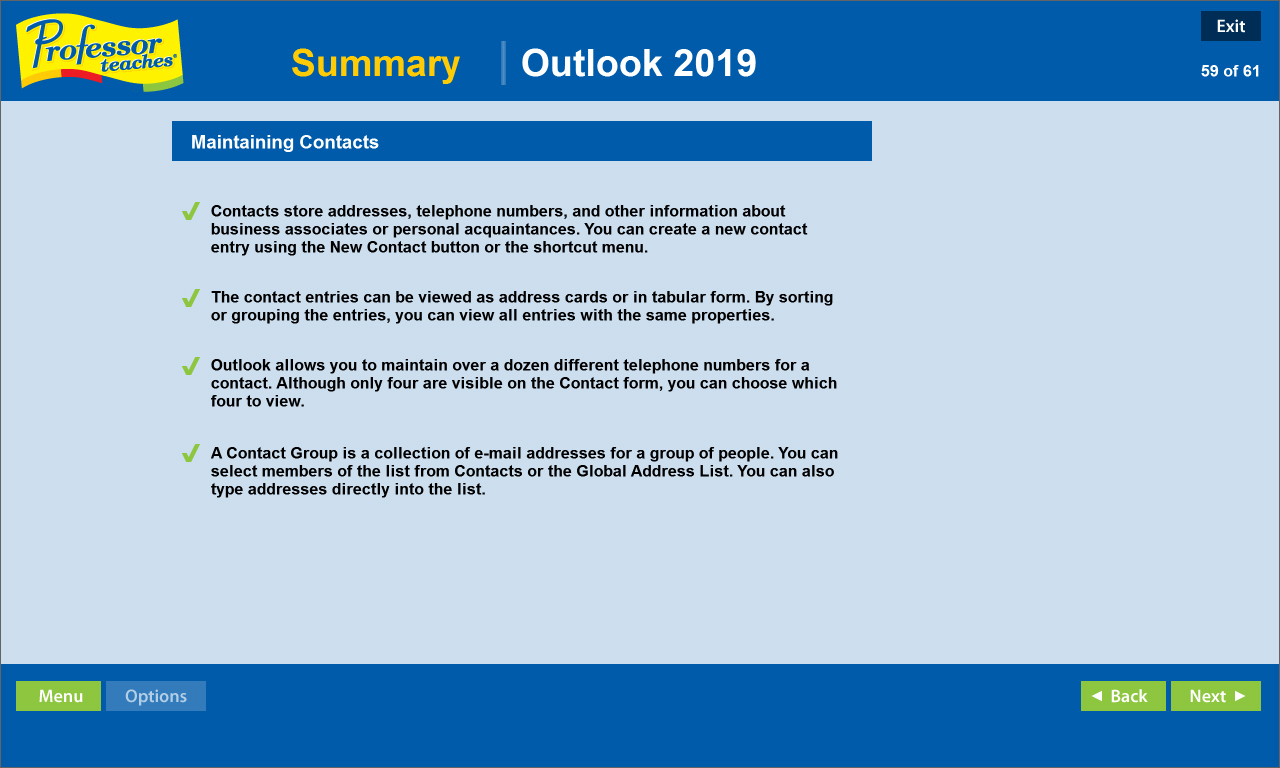

Microsoft Outlook is an extremely popular e-mail program used by millions of people worldwide. Outlook 2019 is the latest version of the program and belongs to the Microsoft Office Suite of products. Used by professionals and students all over the world, this e-mail program promises greater e-mail organization, search, communication and social networking features.
The Benefits of Learning Microsoft Outlook 2019
? Discover how to become more effective in your communication
? Learn how to keep your calendar organized and become more time efficient
? Build stronger relationships with an organized contact list
Outlook 2019 ? Over 60 Lessons!
Our extensive computer training course will cover the following topics:
? How to keep your task list up-to-date
? Learn how to use Outlook views
? How to read and reply to e-mail
? Plan meetings and use the journal
? Learn how to print calendars
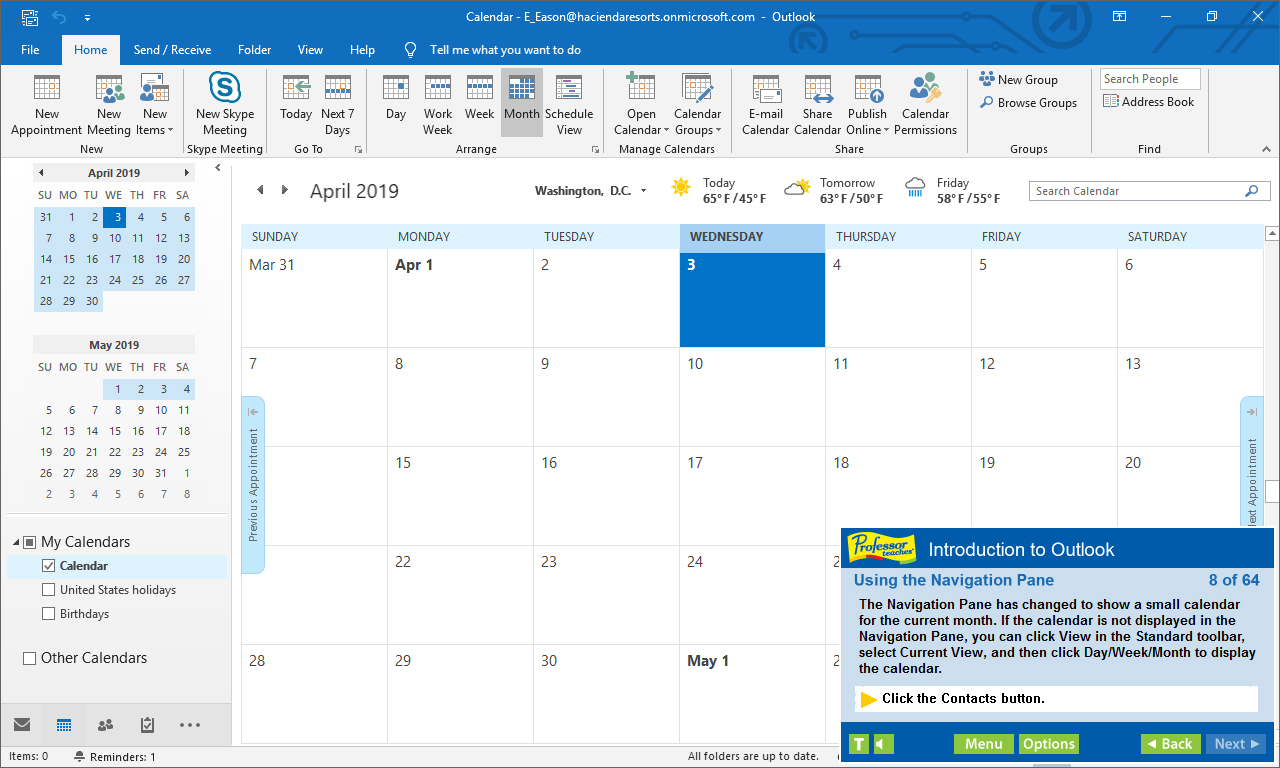
? Using the Navigation Pane
? Using multiple E-mail accounts
? Working with folders
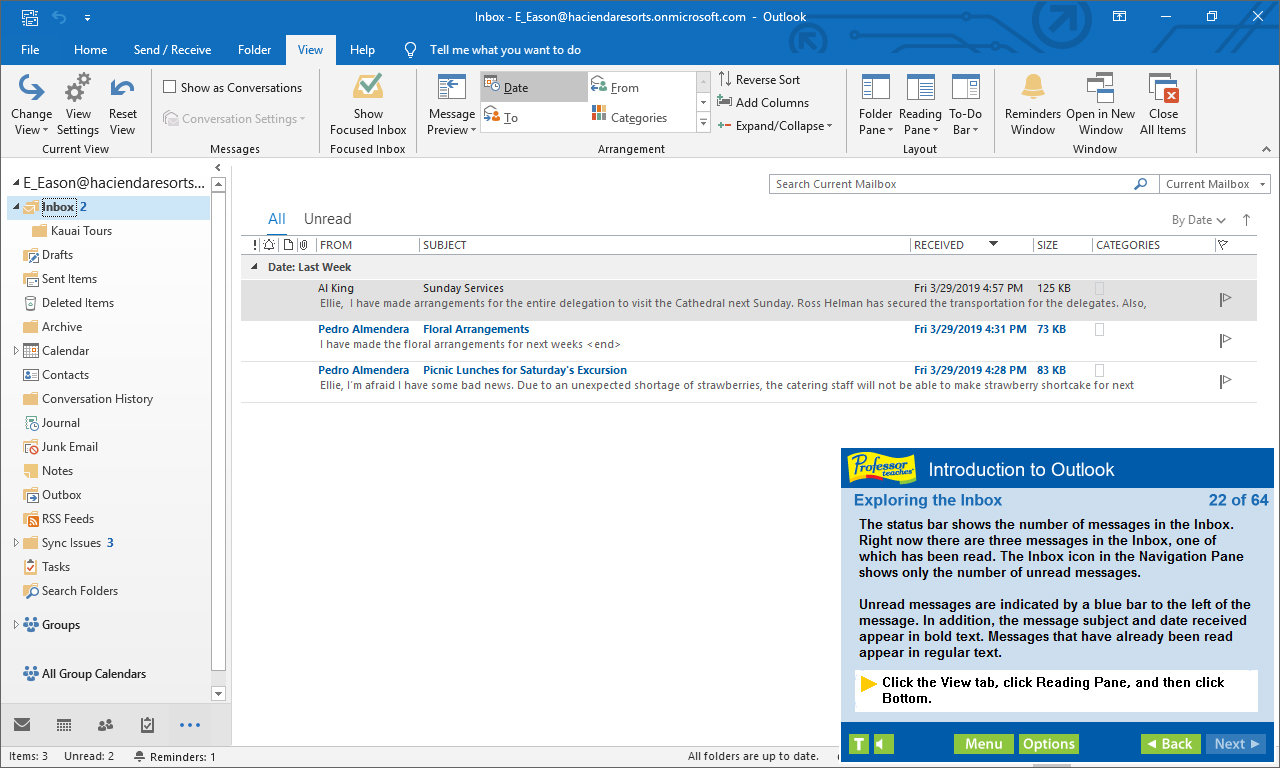
? Exploring the Inbox
? Adding an attachment
? Adding a signature
? Formatting messages
? Setting delivery options
? And more!
Features
? Accurate screen presentations, menus, and buttons provide an easy transition to the real application
? Step-by-step interactive exercises help you achieve high retention rates
? Practical exercises and examples make learning easy
? Professional voice narration assists retention
? The most realistic, interactive & complete training
Features of Professor Teaches Outlook 2019
Practice in a Realistic Simulation of the Software
Hundreds of Learning Topics
4 to 8 Hours of Training per Course
Realistic Simulations
Beginner to Advanced Topics
Self-Paced Learning Objectives
Introductions and Summaries
Interactive Exercises
Professional Voice Narration
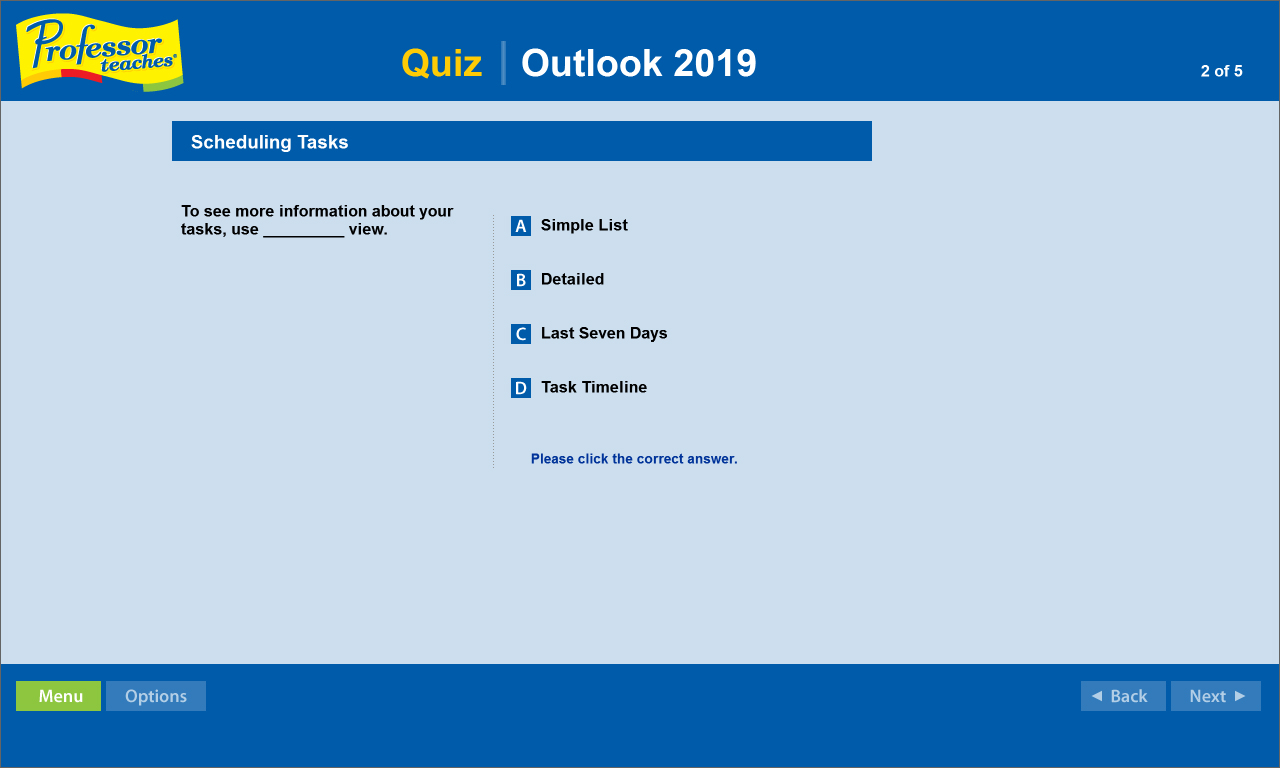
End-of-Chapter Quiz Questions
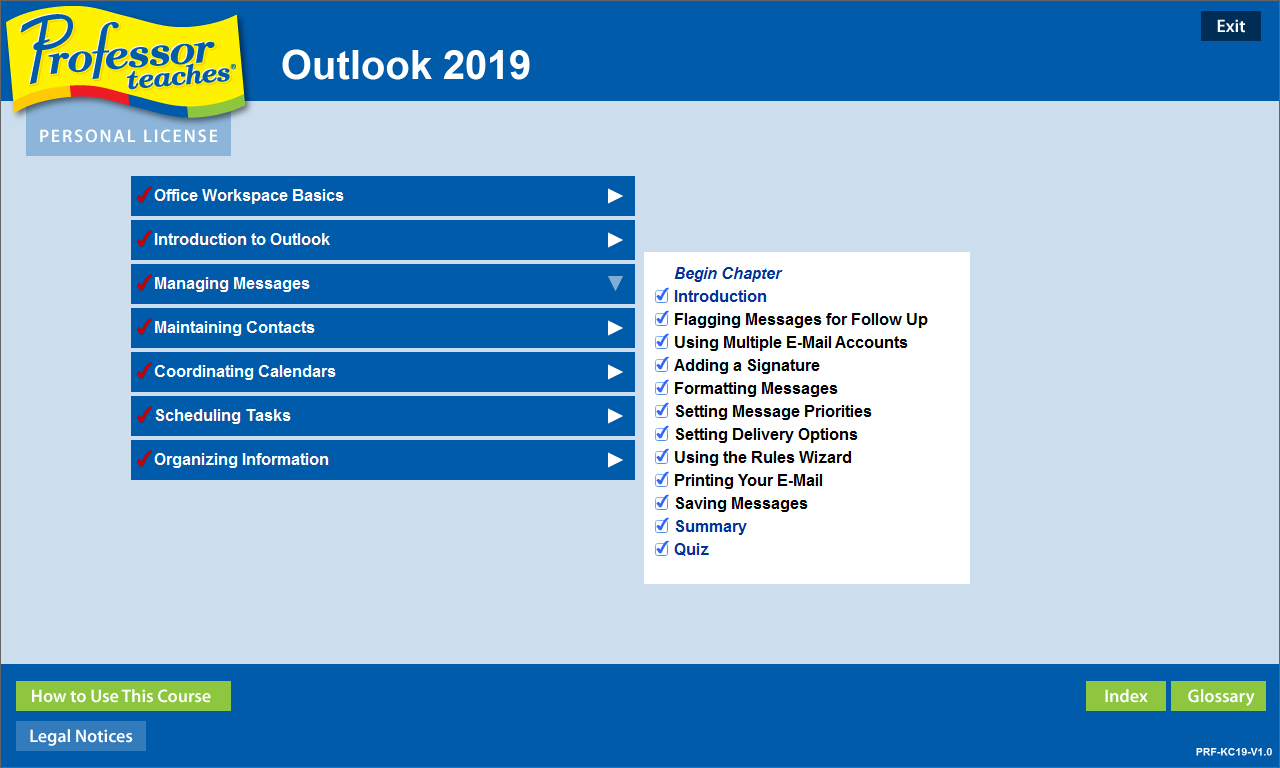
Check marks for Completed Topics
Glossary, Index, and Search
Professor Answers for Instant Training