



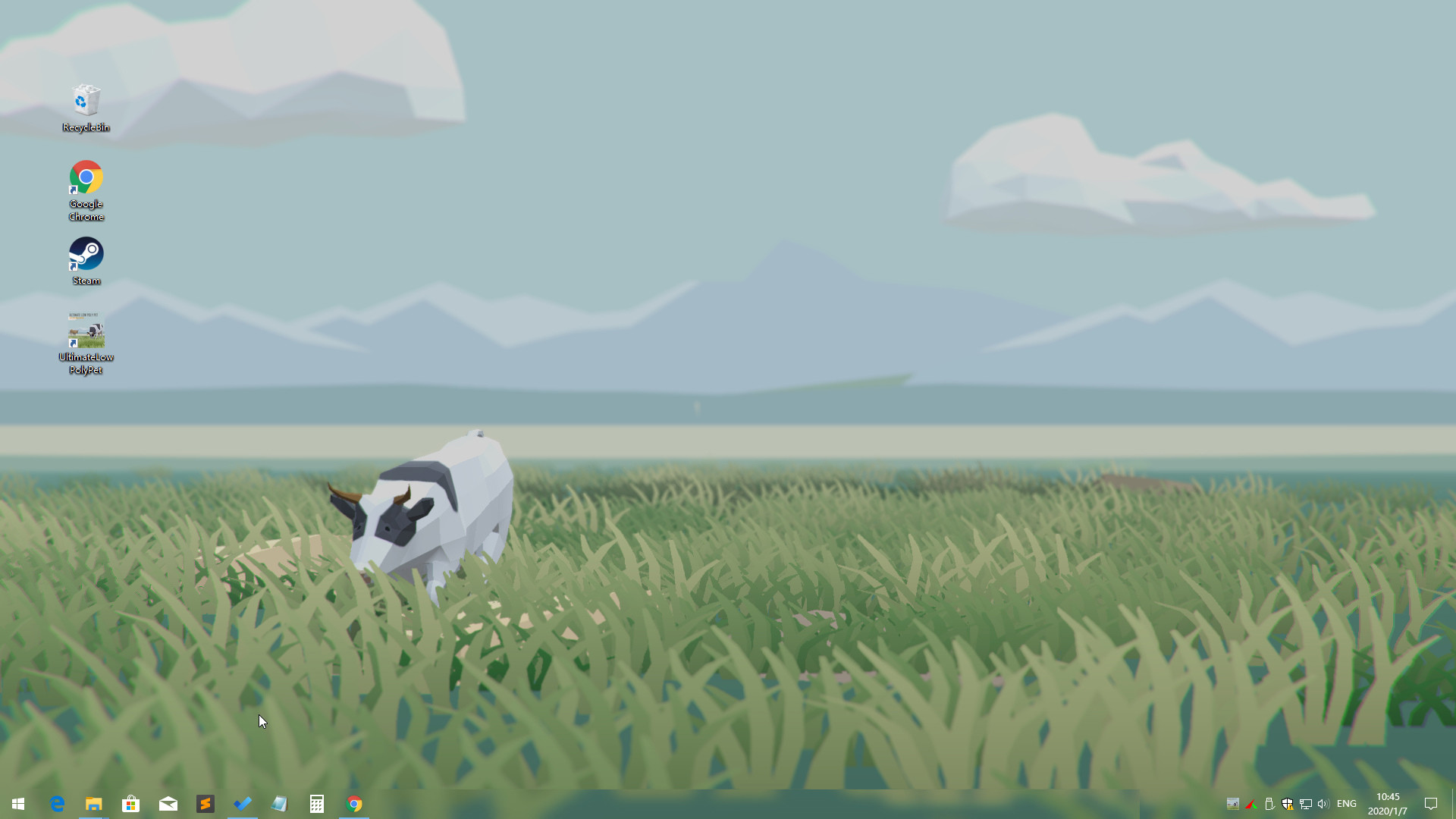
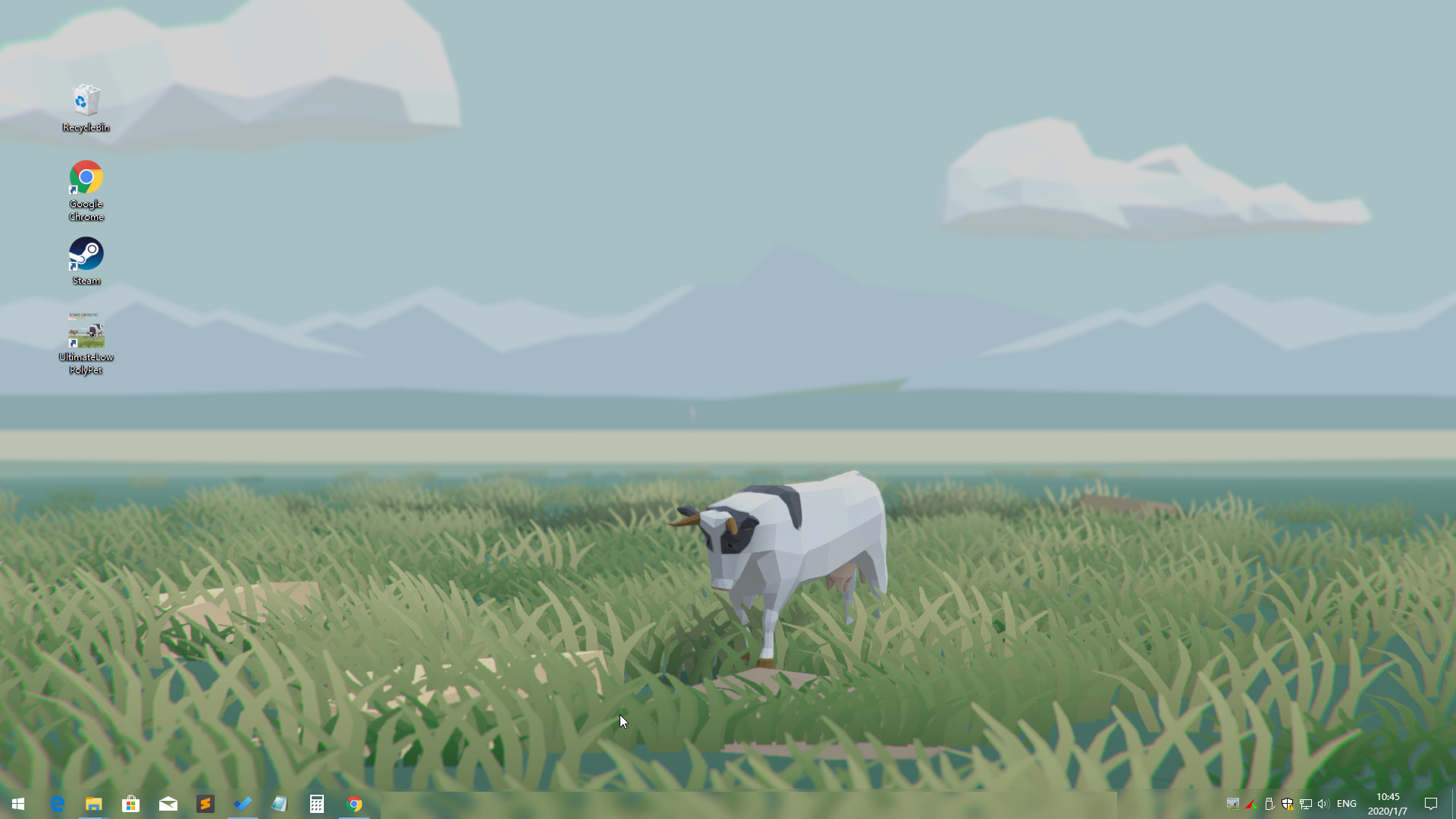
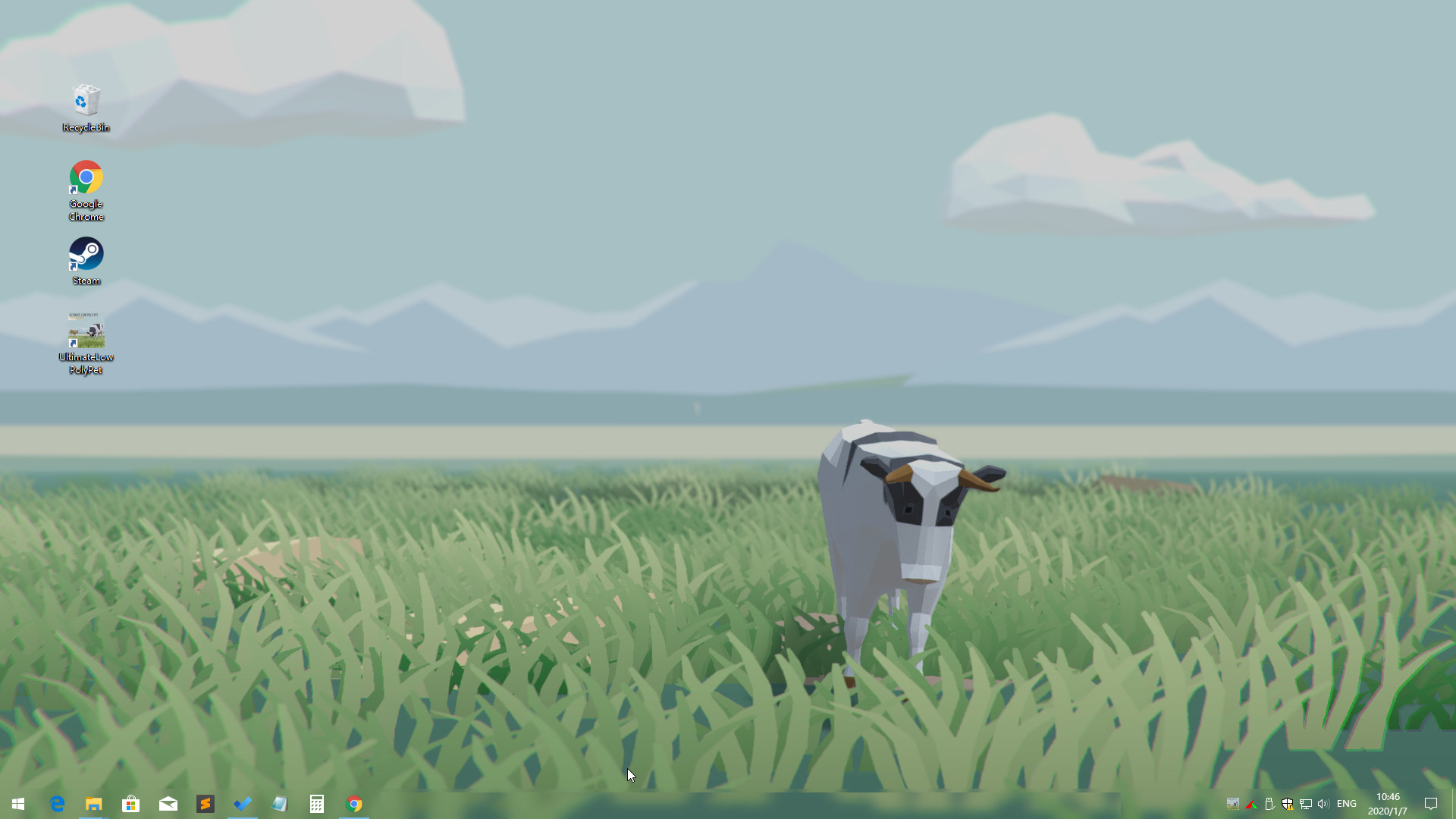
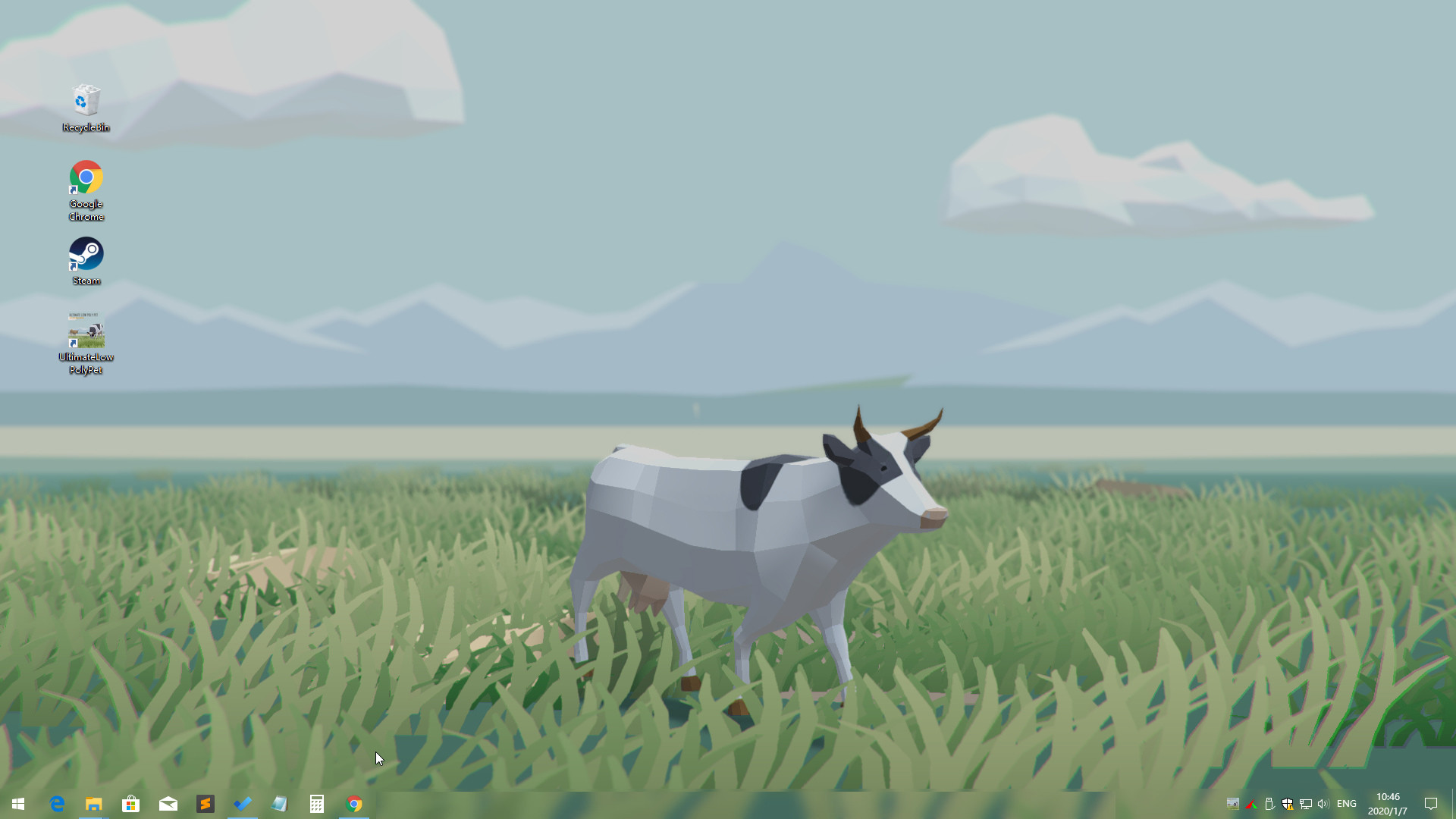
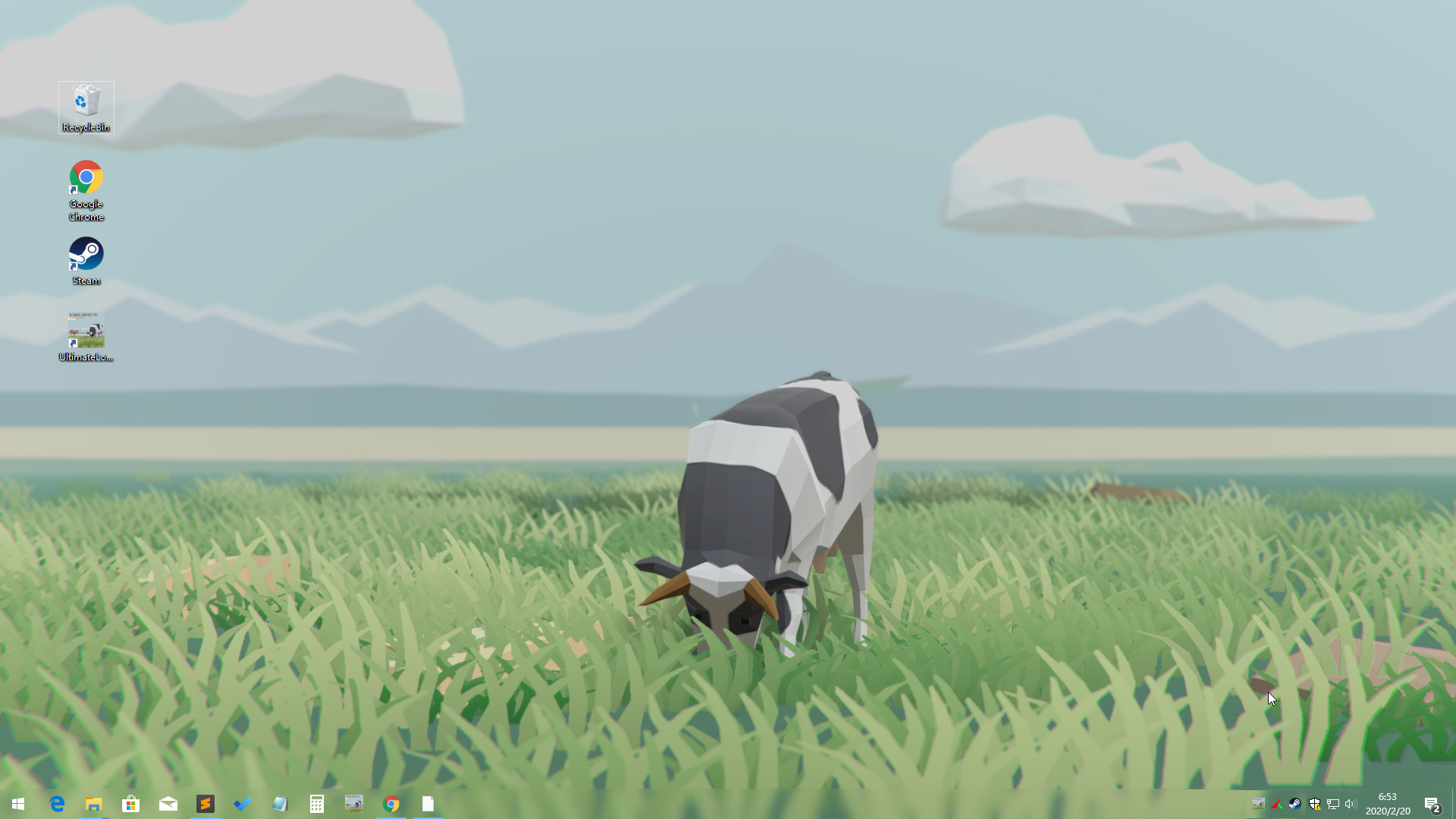
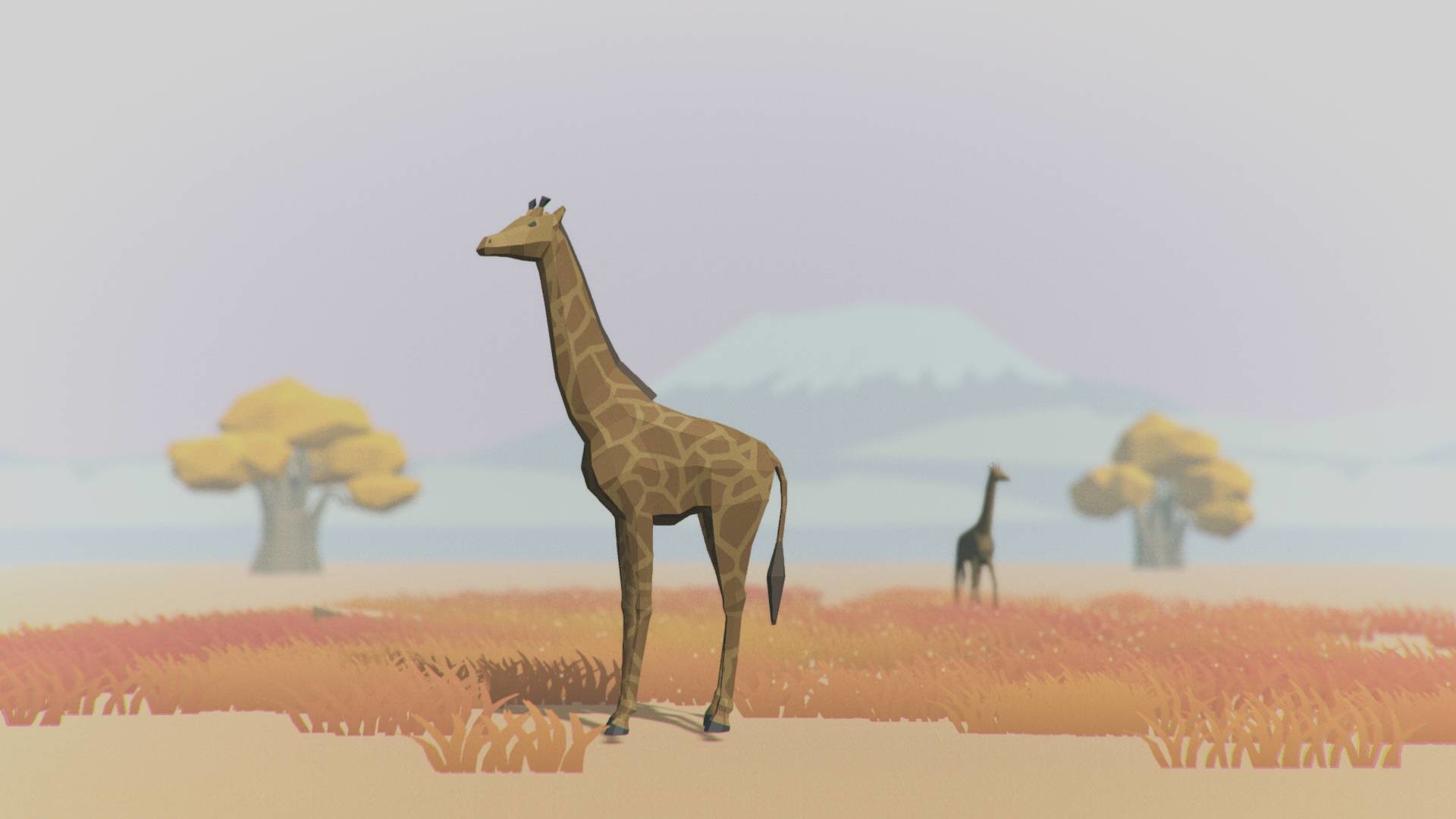
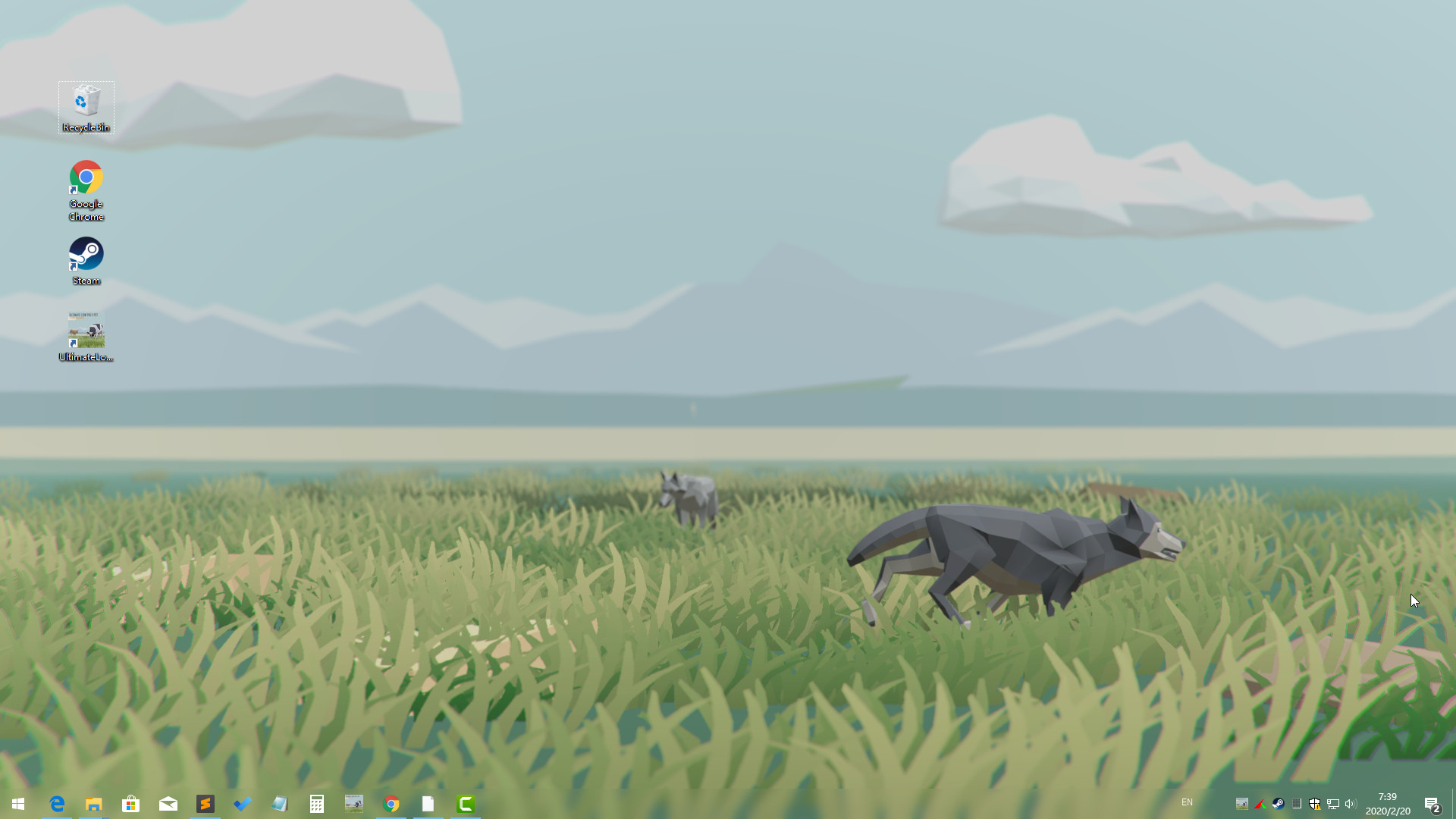
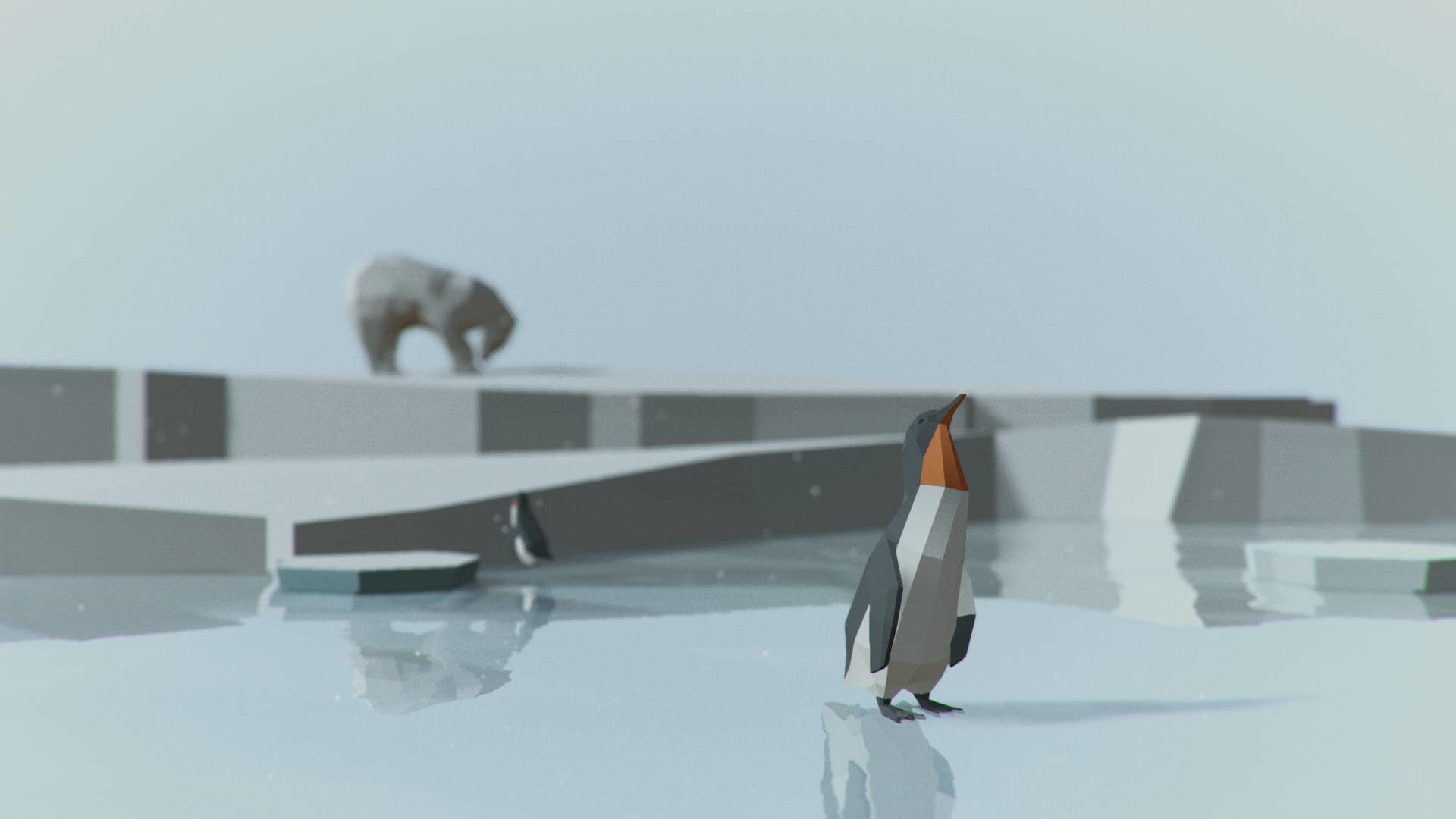
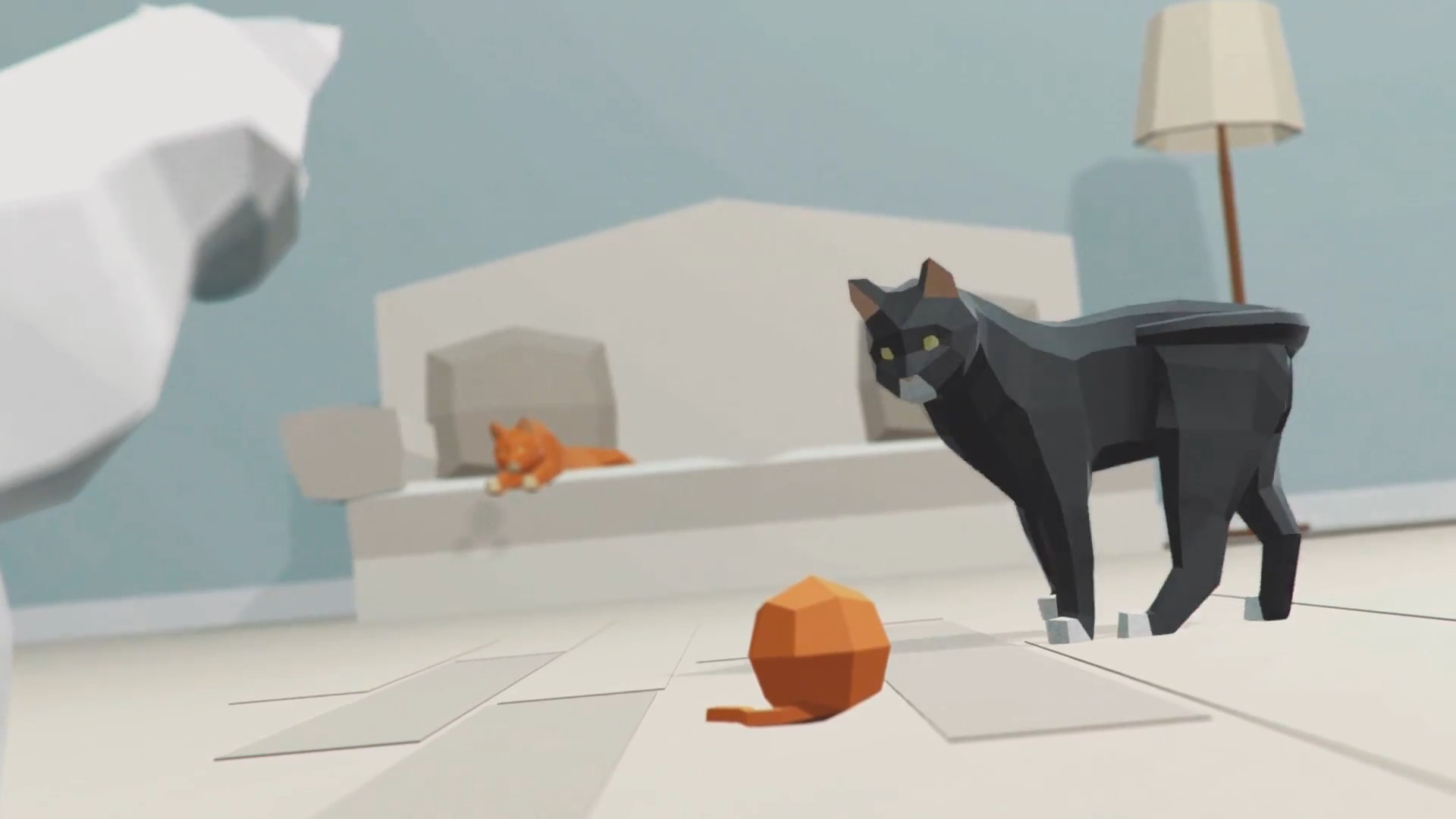
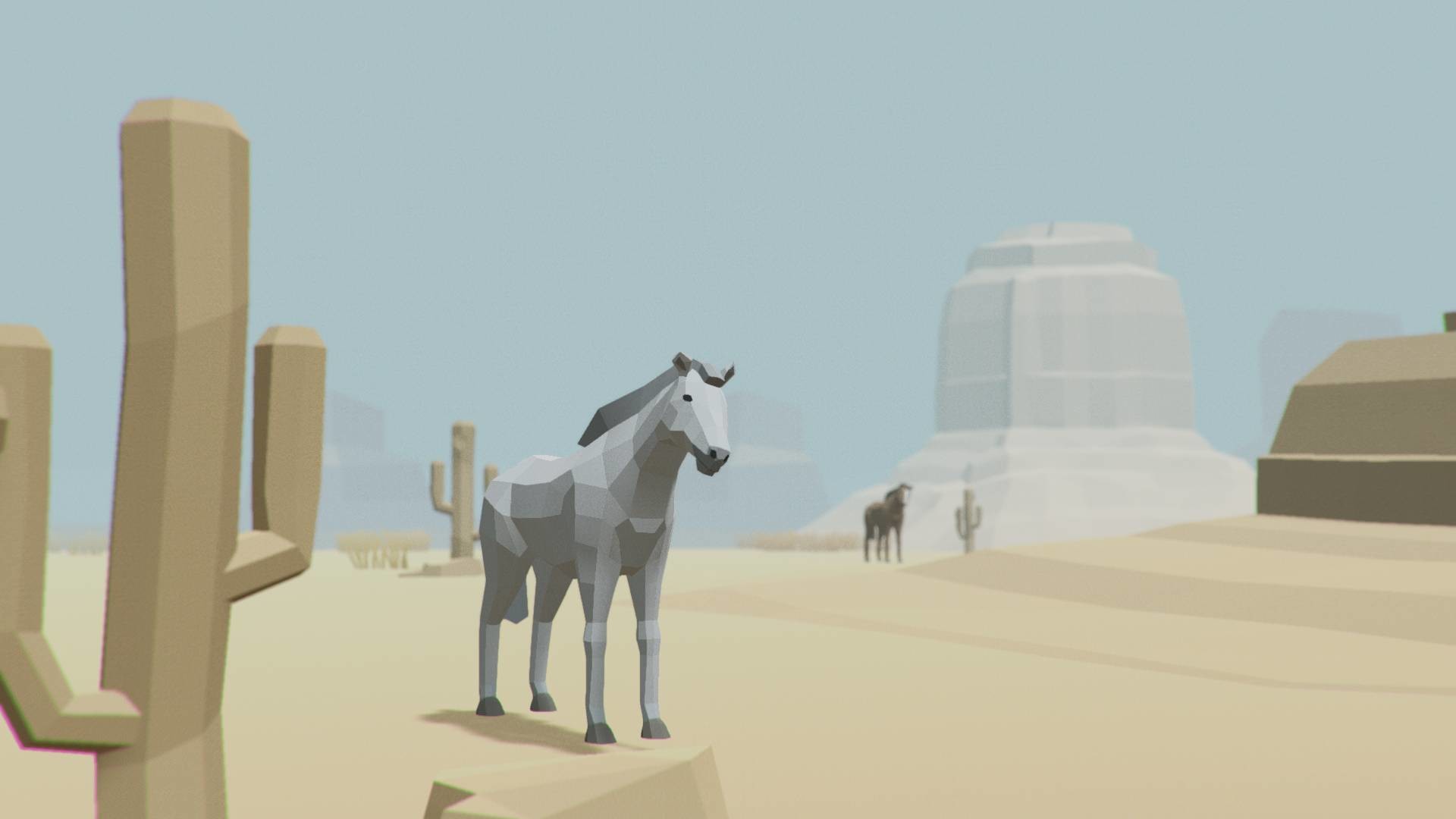
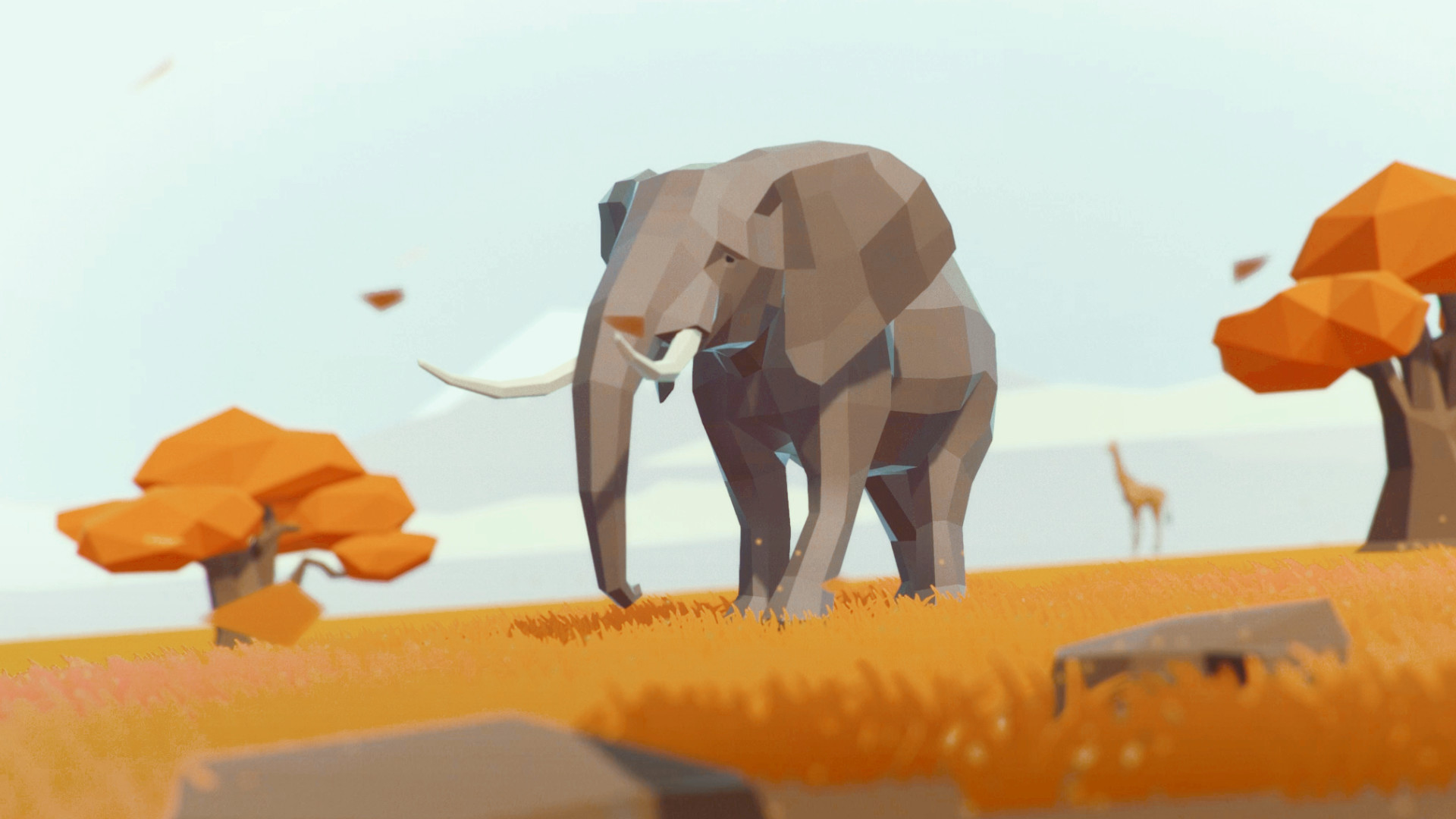
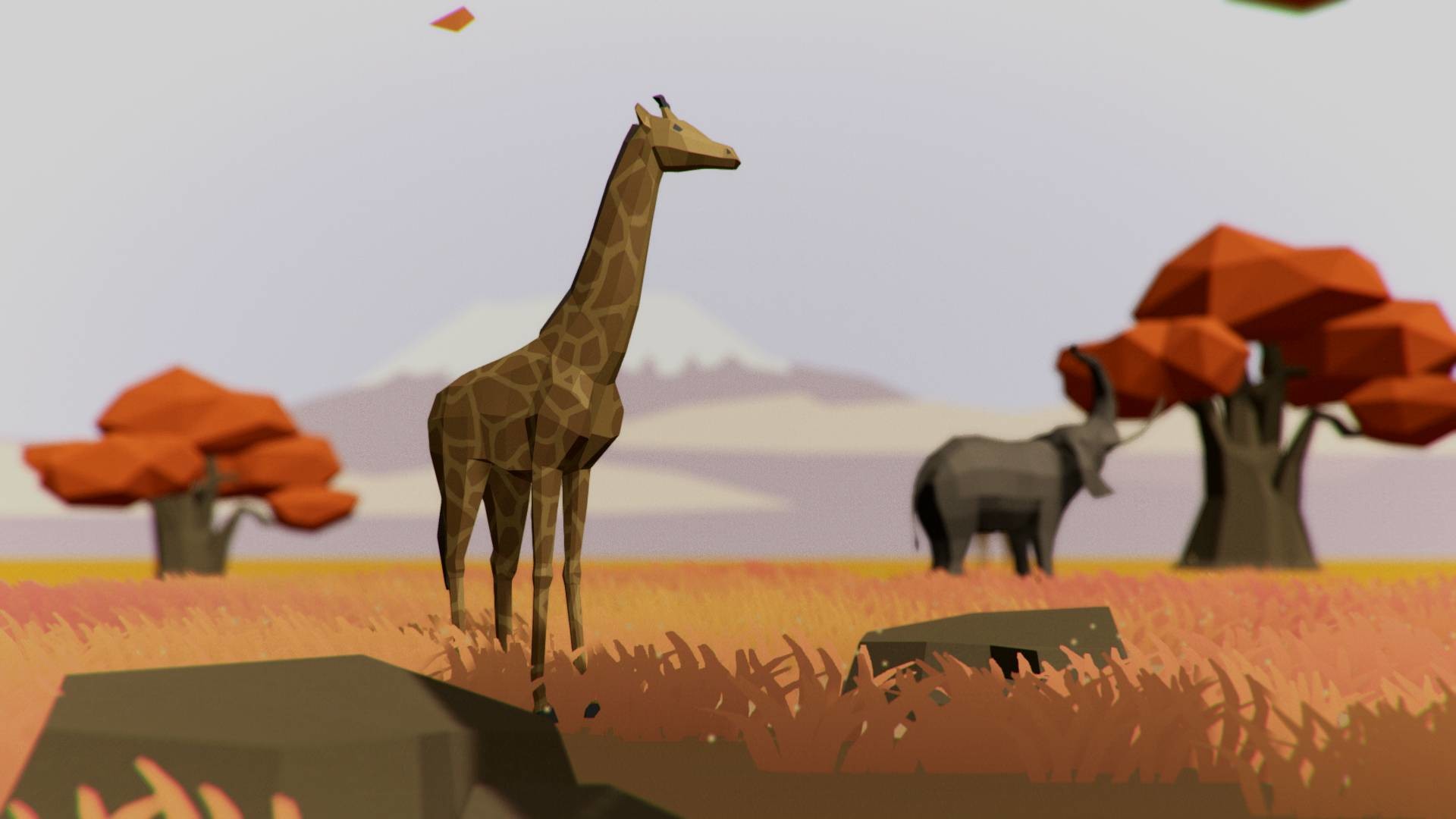
Features
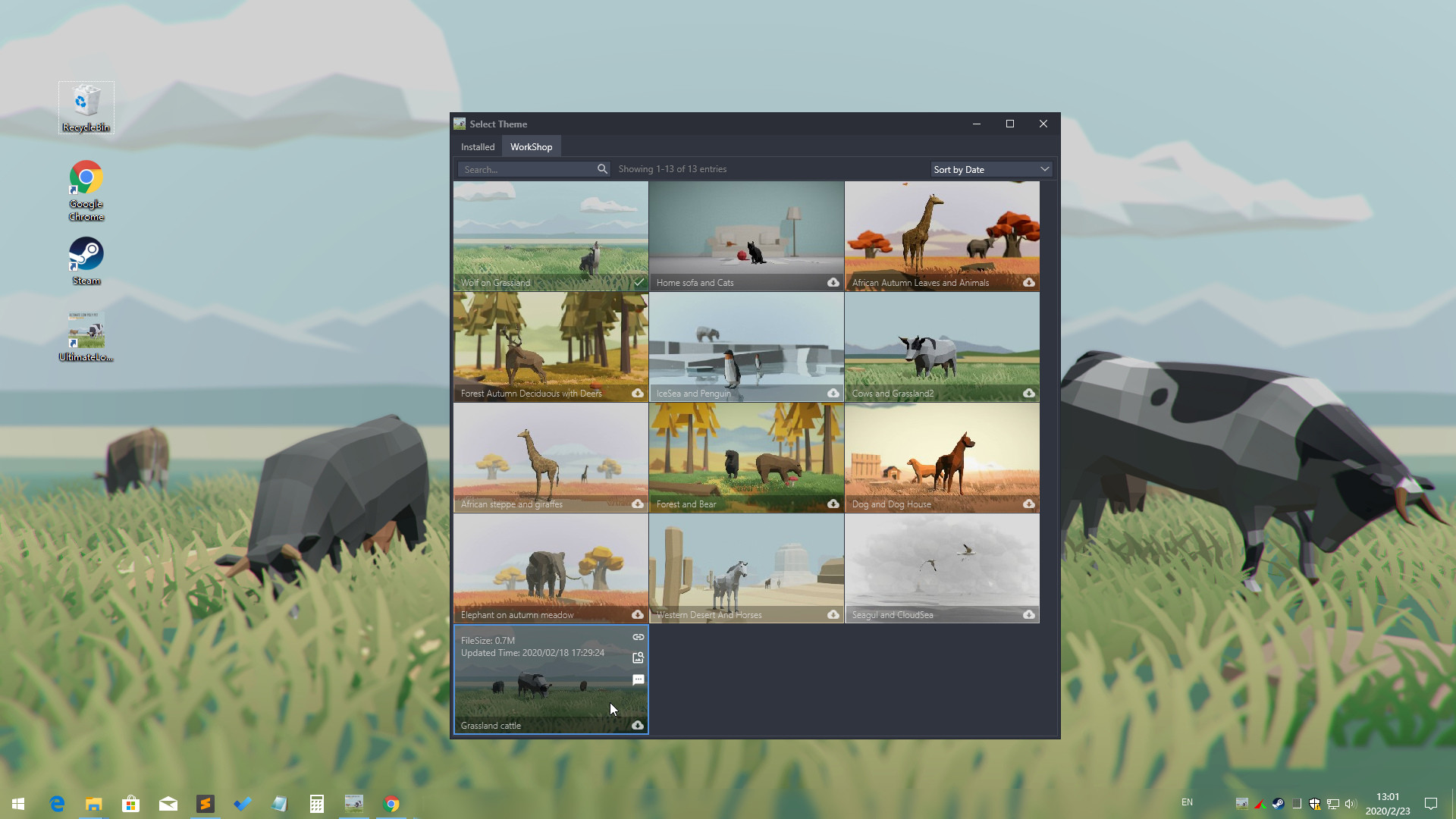
- Support Workshop,One-Click download online themes
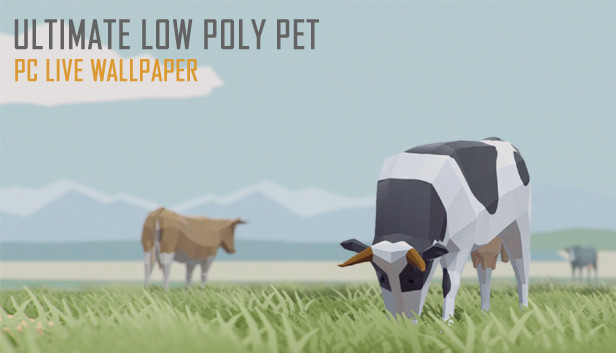
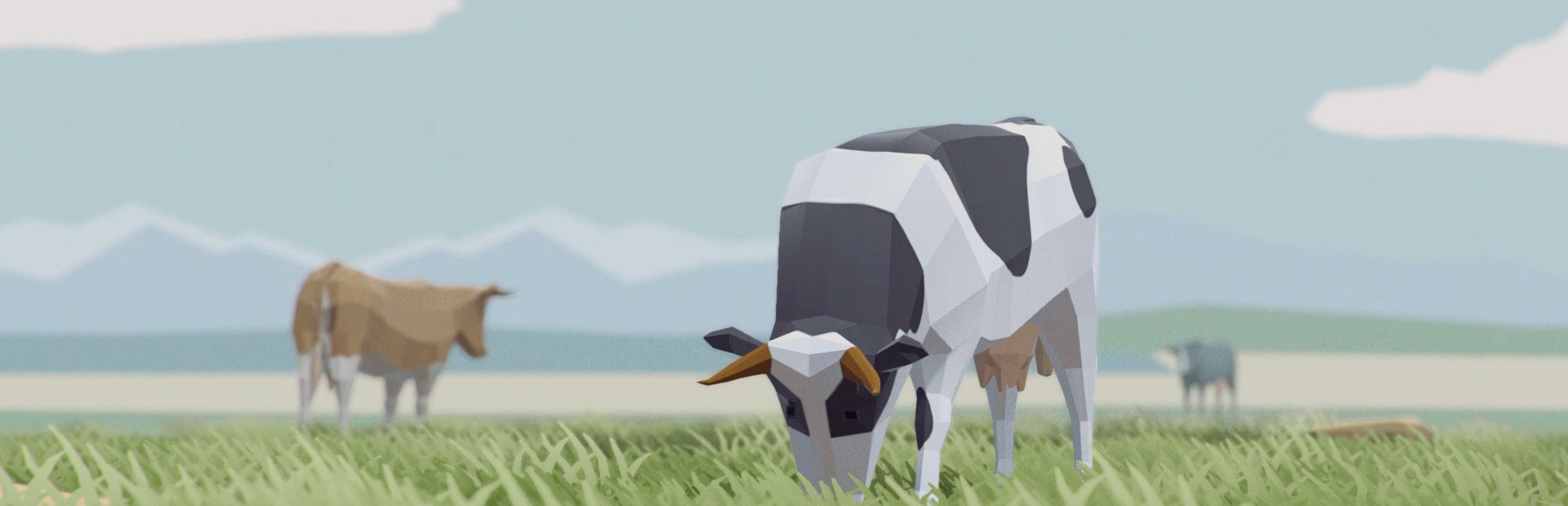
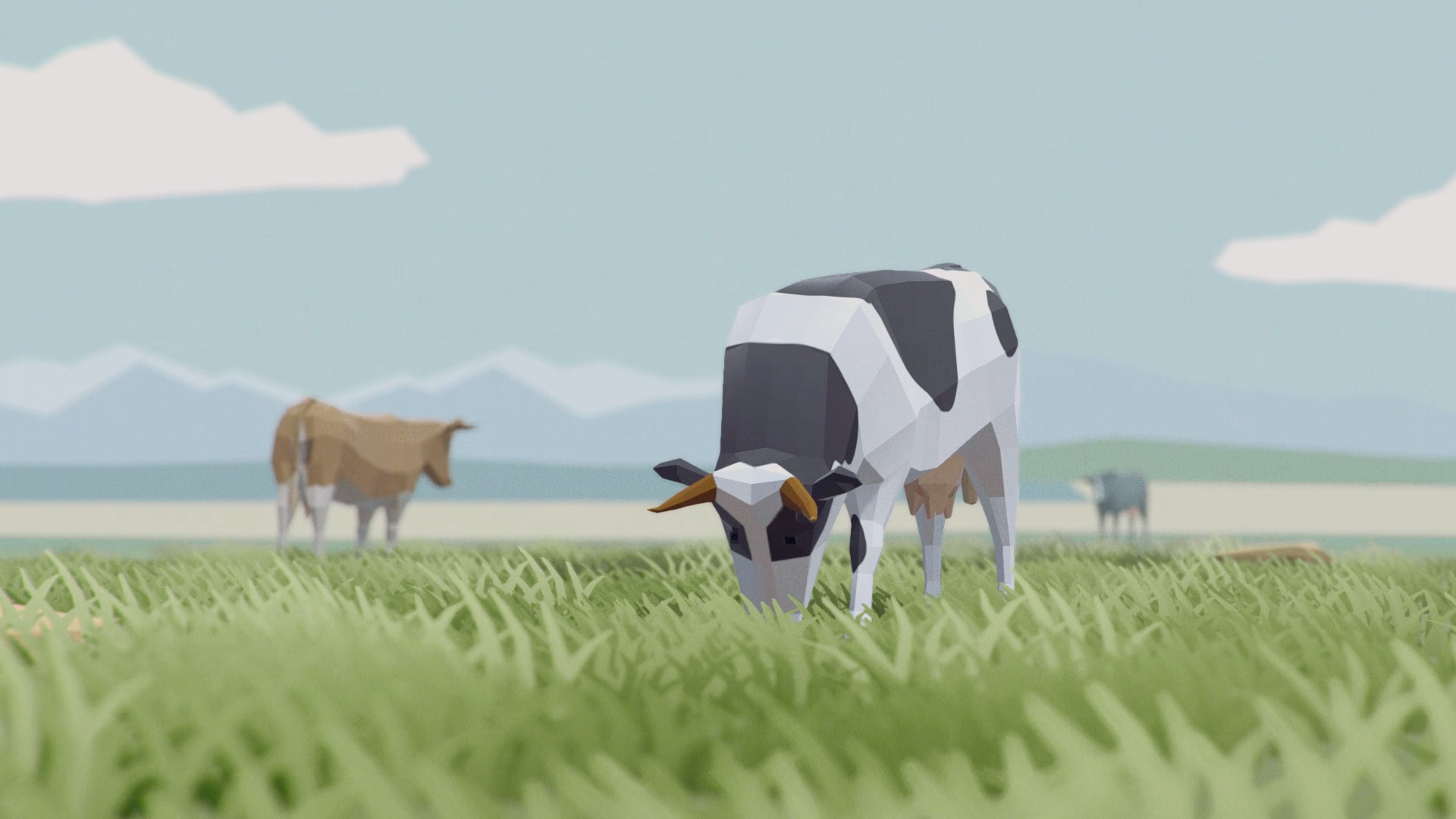
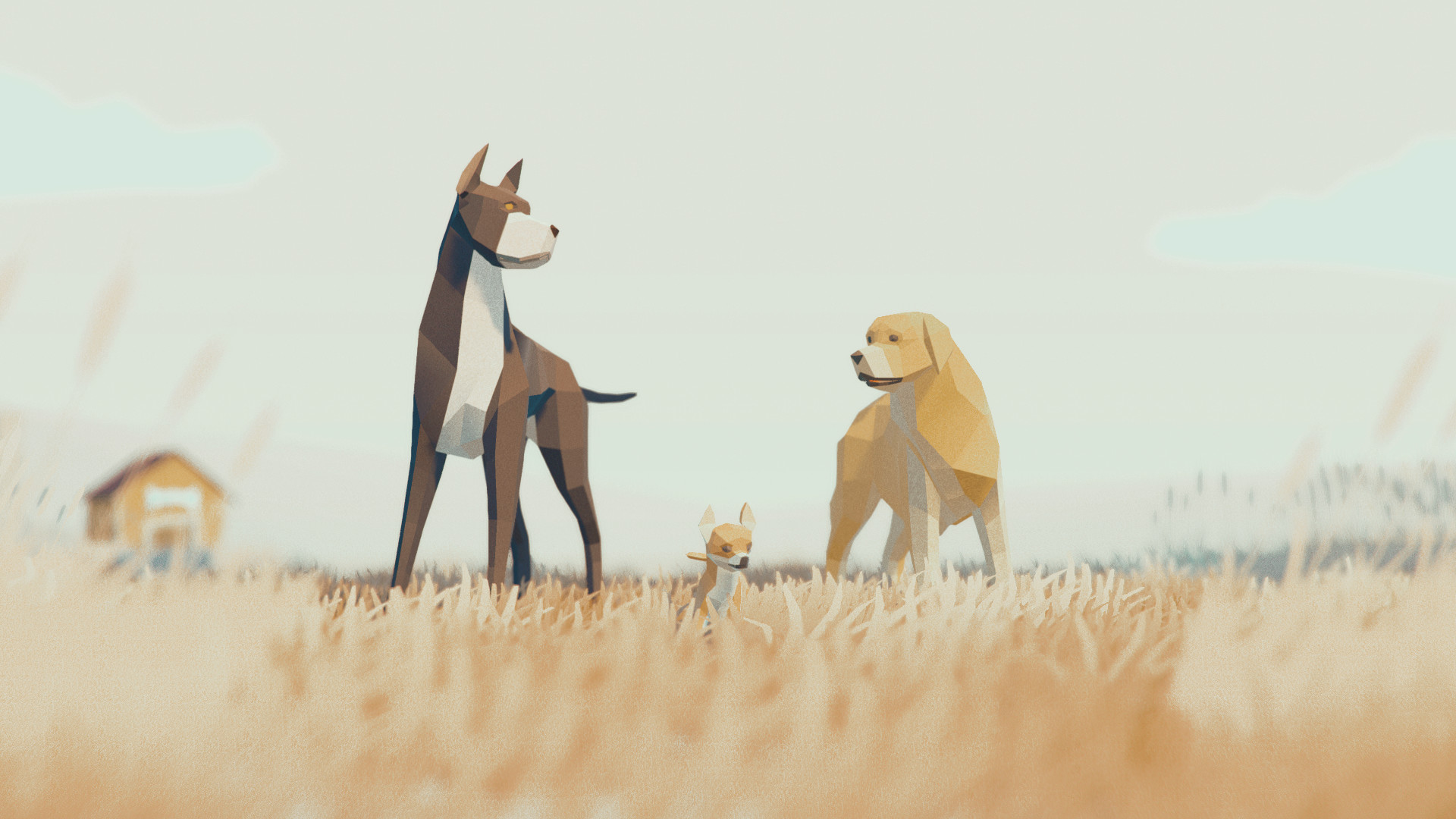
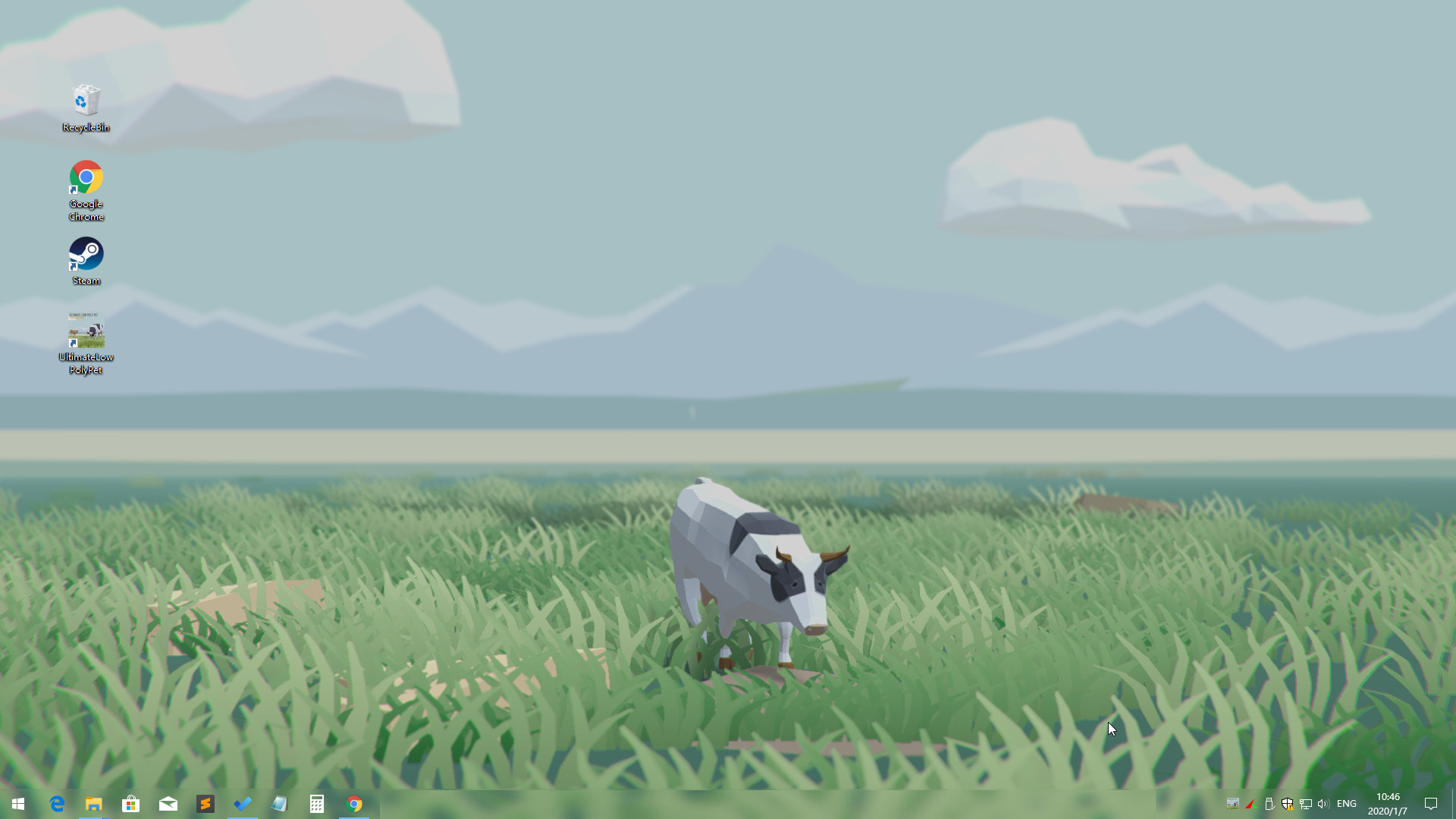
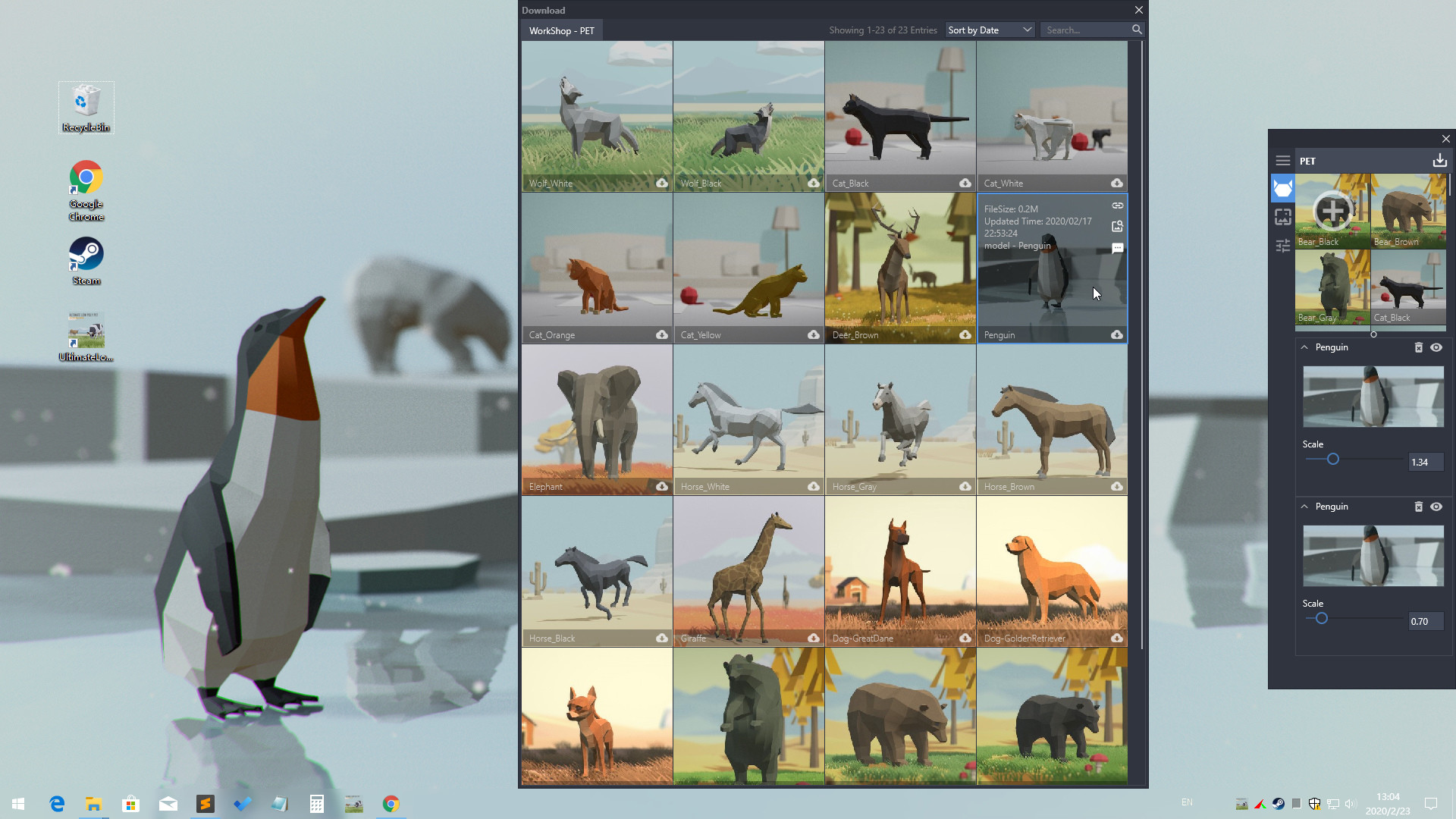
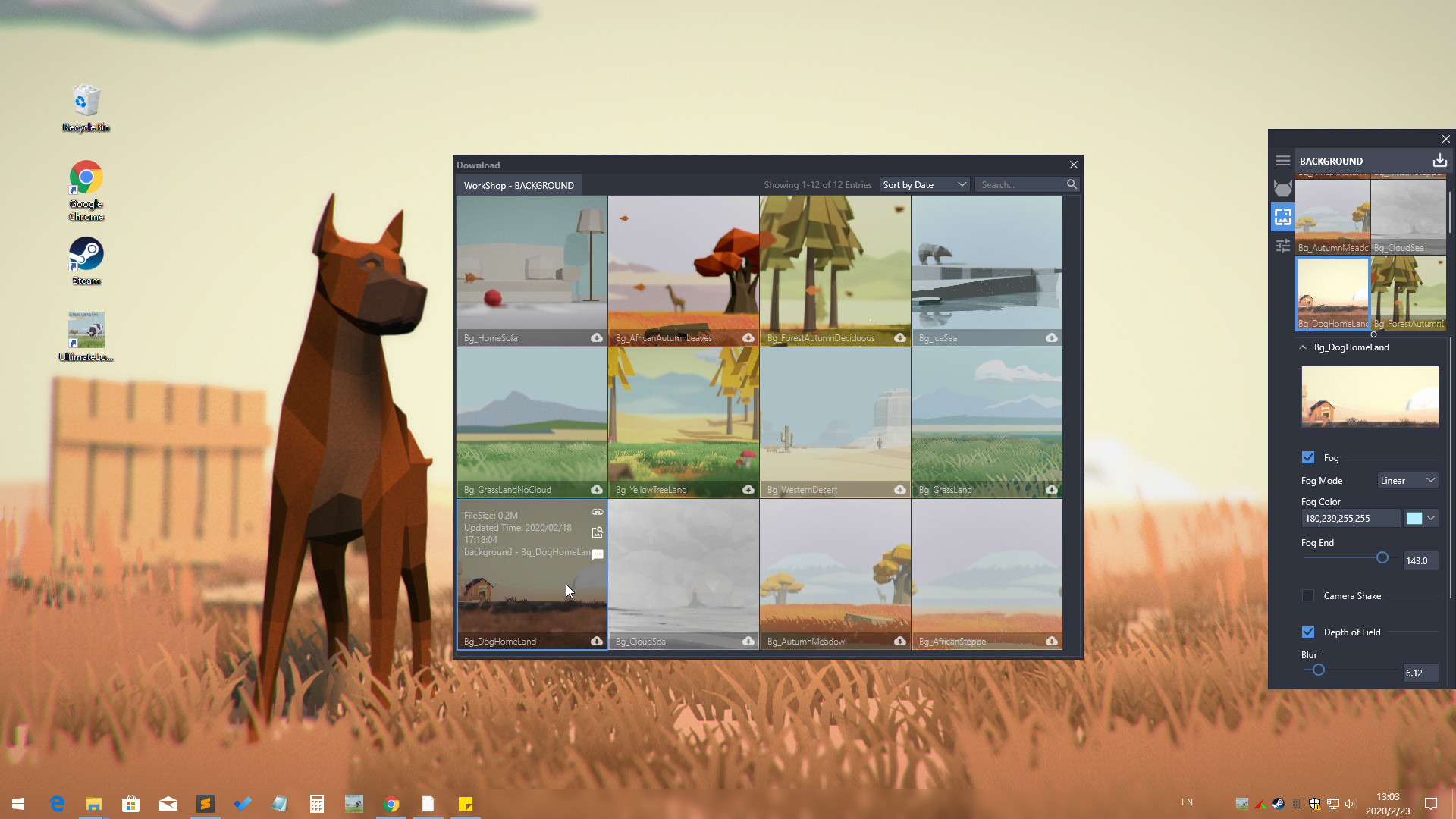
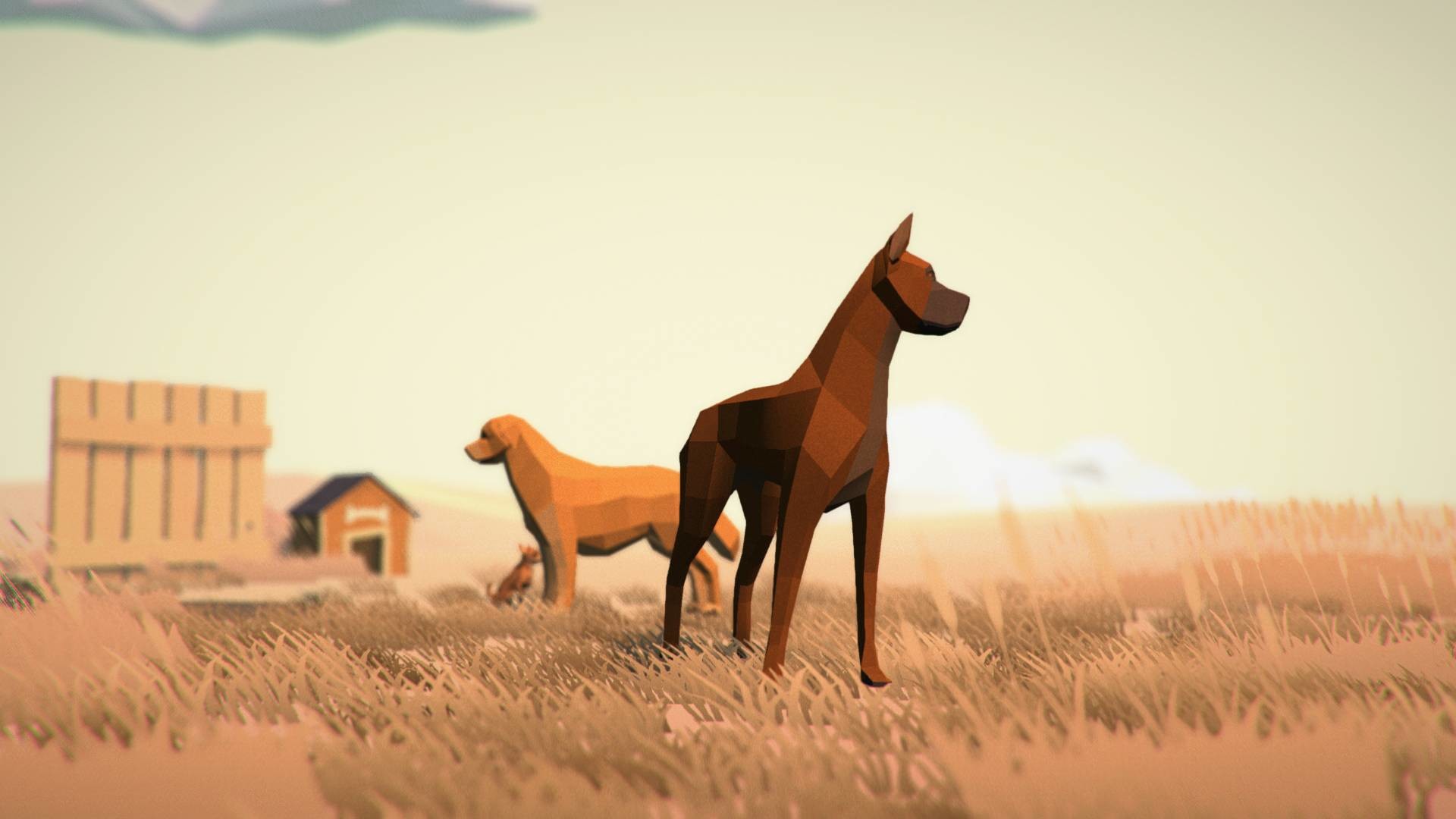
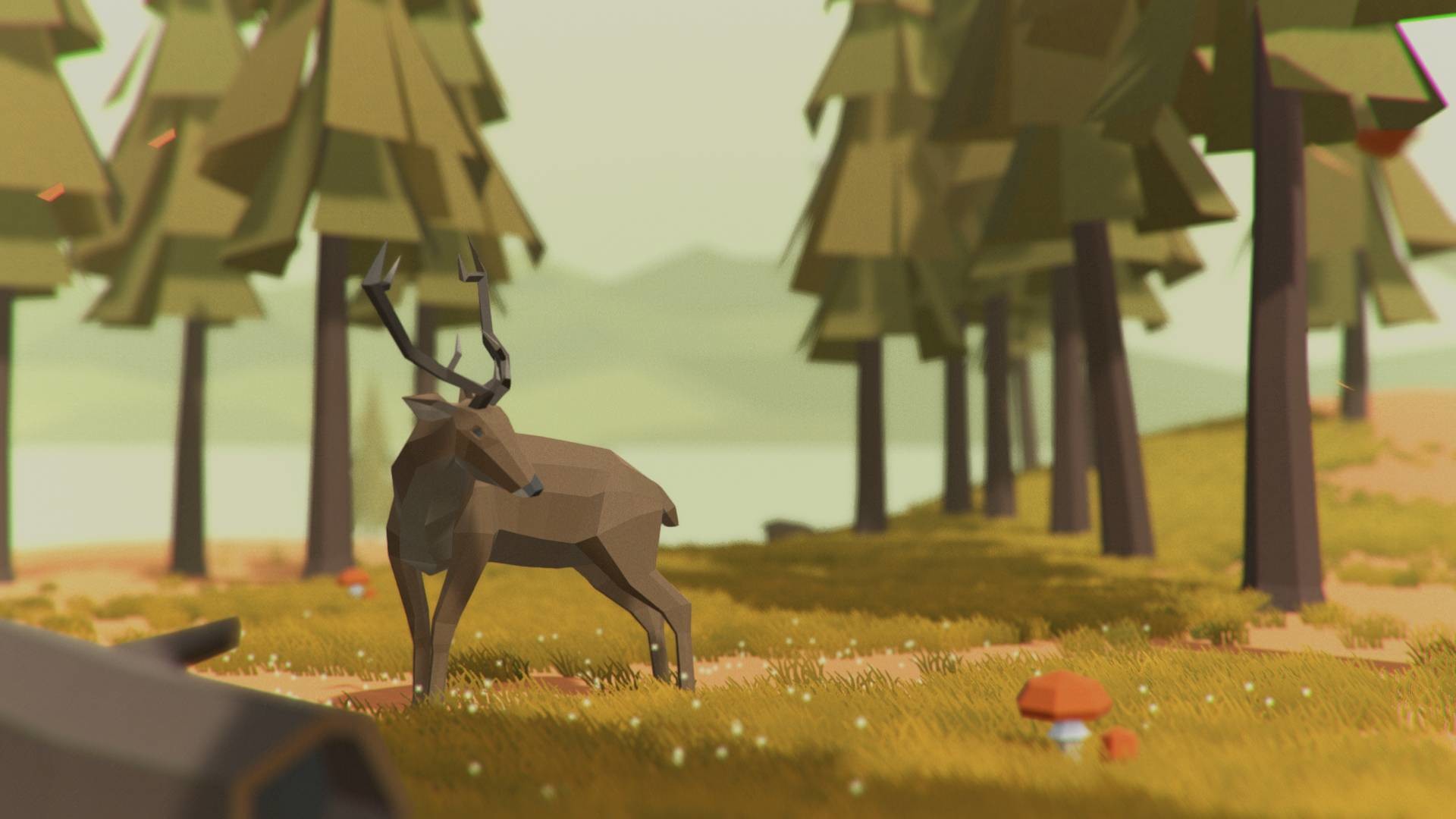
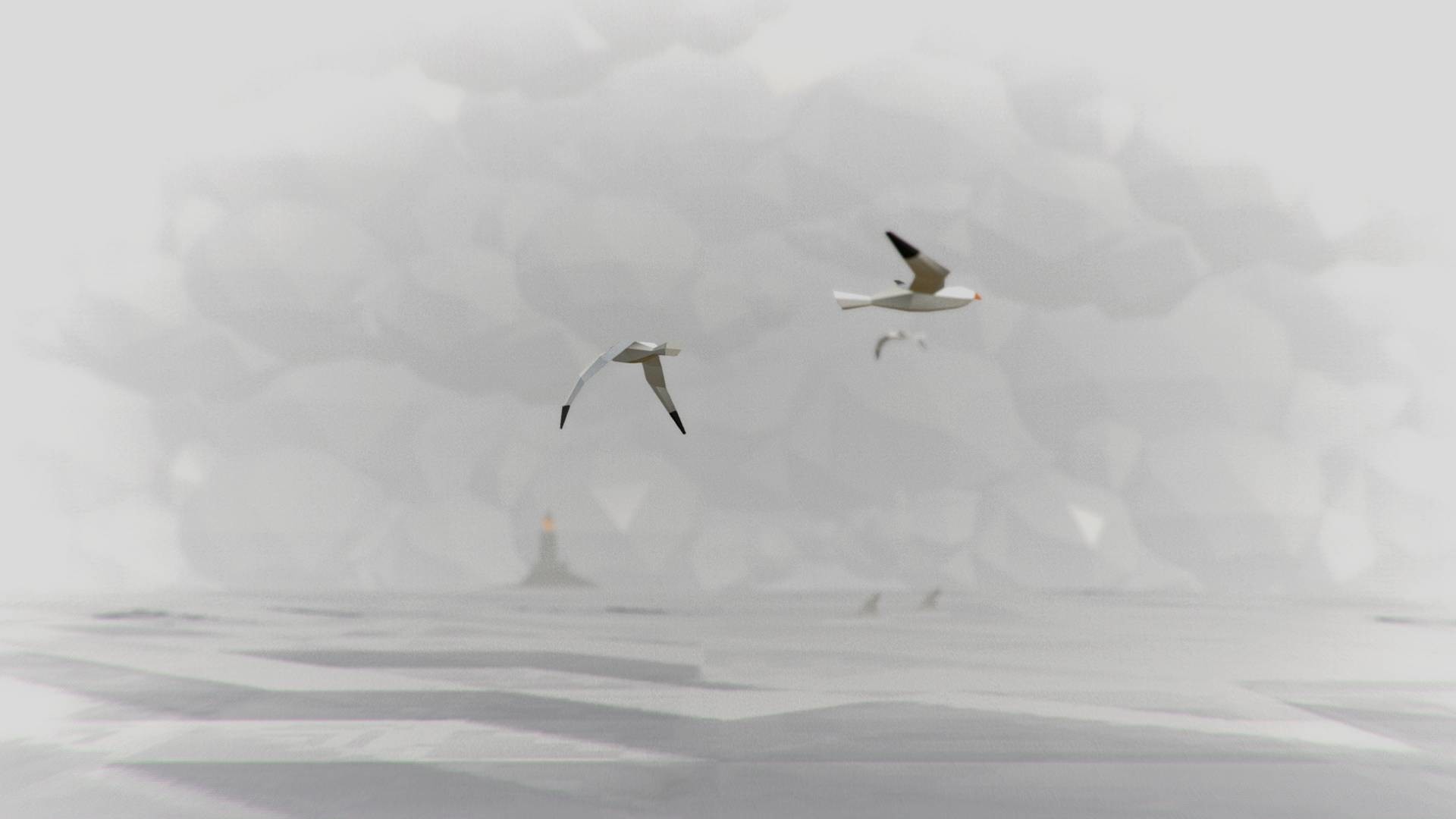
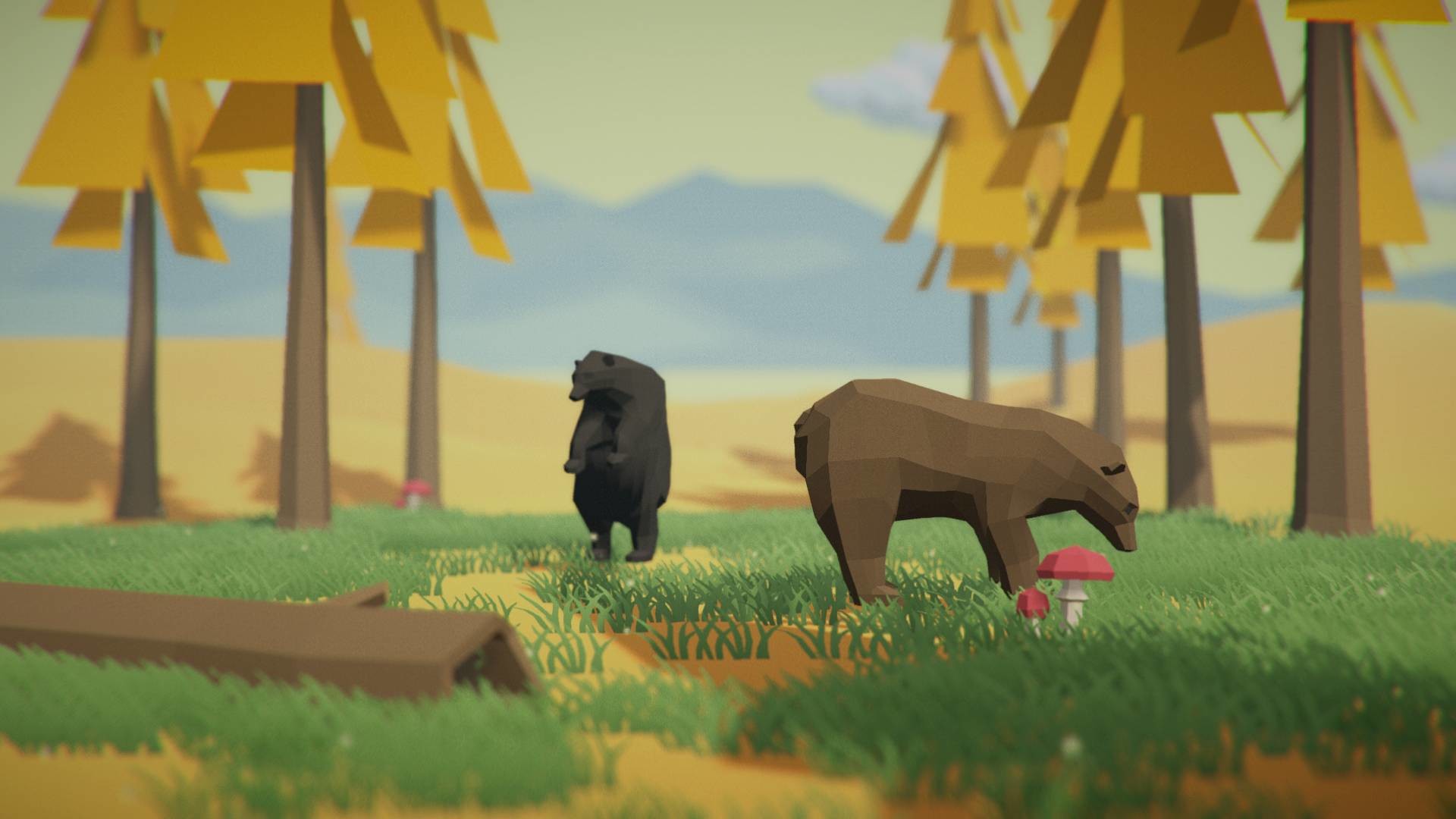
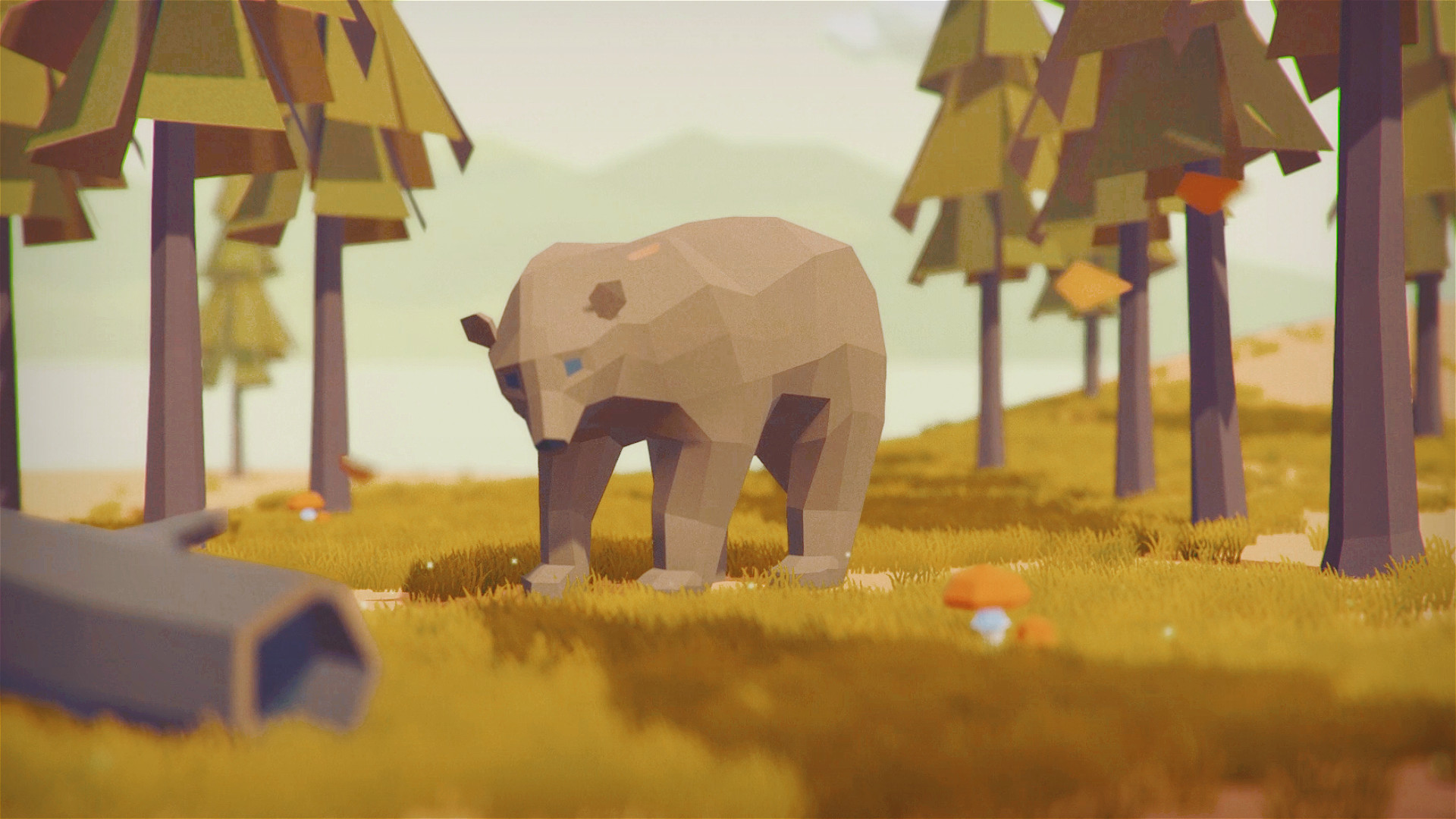
- Support Custom Theme,Provide multiple animals and backgrounds for you to choose, many editing options,colors, Intensity etc.
- Support Pause Mode - You can pause wallpaper when you need 100% power for your games.
- Optimization - reduced equipment requirements. Low CPU usage.
- Multi, wide, 4K screens support - You can choose one of the screens or extend the wallpaper to all screens. Works smooth at 4K.
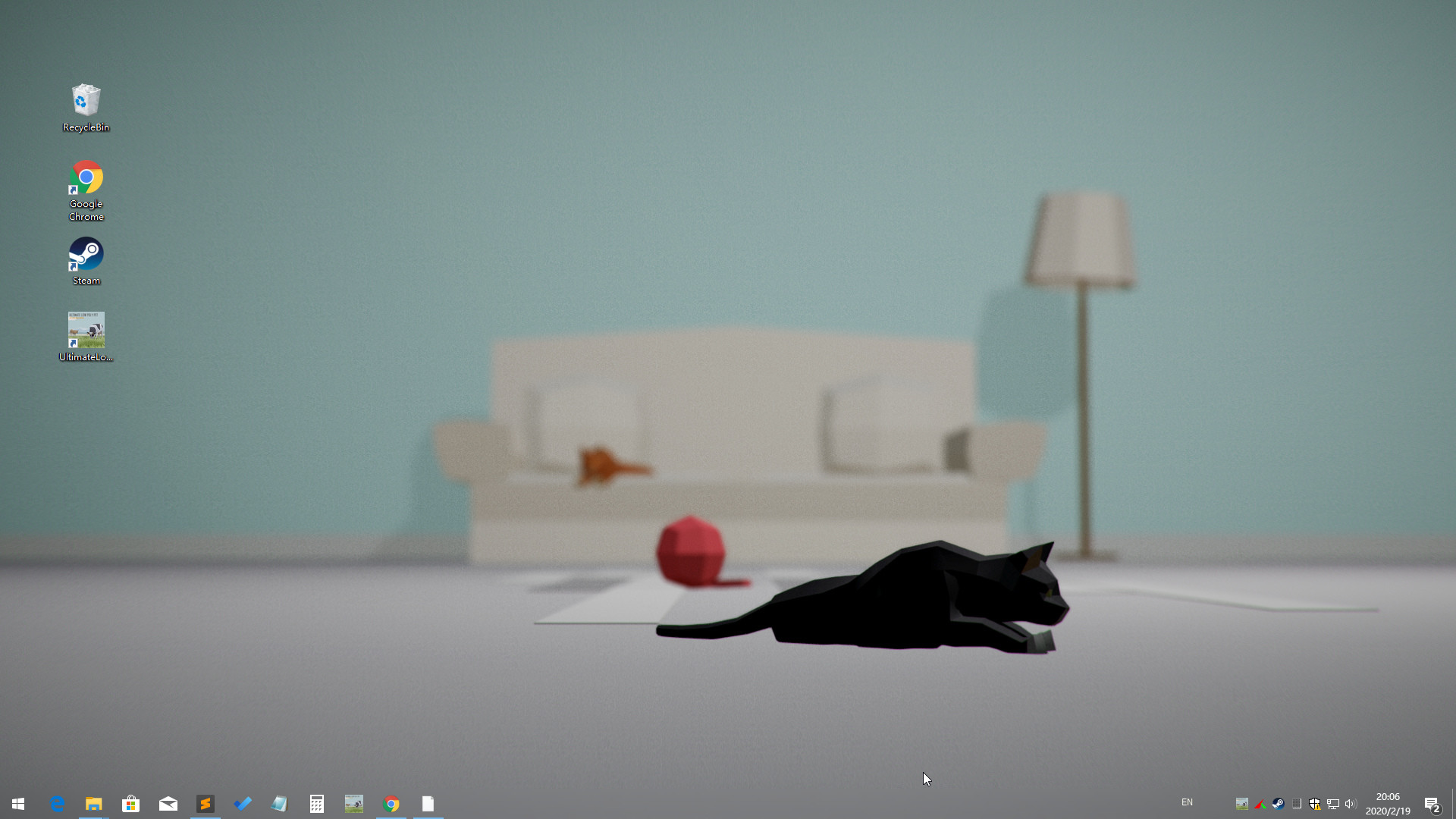
- Support Taskbar Aero Blur or fully transparent (for Win10) .
- Support Windows 7/8/8.1/10
FAQ
Q: Why can't I see the desktop icon?A: 1. Make sure your Windows had enabled Aero
2. Adjust Windows System "System Properties>>Performance Options>>Visual Effects" to "Adjust for best appearance"
3. Please add UltimateLowPolyPet .exe and CoreHost.exe in App folder Path to your AntiVirus Software's Trust-White-List and Restart computer
Q: How to turn the audio off? or How to Mute?
A: Right click the tray icon and select menu item "wallpaper setting" ,click right side the third button "options" and checked the "Mute" option.
Q: How to remove Steam Hook?
A: Right click the UltimateLowPolyPet tray icon and select the menu item "Preferences..." ,Uncheck the "Enable Steam Support", Restart UltimateLowPolyPet.
Q: Can I use UltimateLowPolyPet with WallpaperEngine at the same time?
A: NO. Live wallpaper software is exclusive. So if they are used at the same time, they will cover each other.
Q: How to Exit/Shutdown UltimateLowPolyPet ?
A:1. You can exit UltimateLowPolyPet from tray icon menu "Exit" (Screen Bottom-Right corner).
2. if can not found the tray icon, please open the system TaskMgr to kill the processes "UltimateLowPolyPet .exe"