
Steam DB Steam DB Inner Worlds


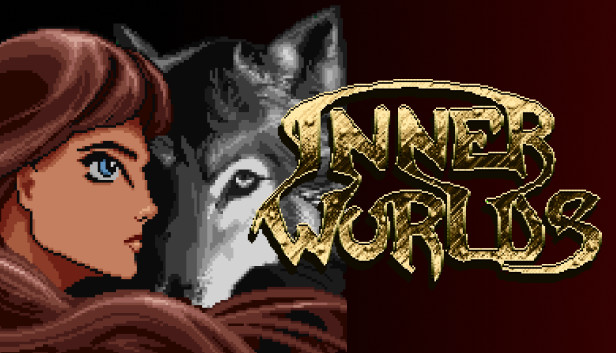

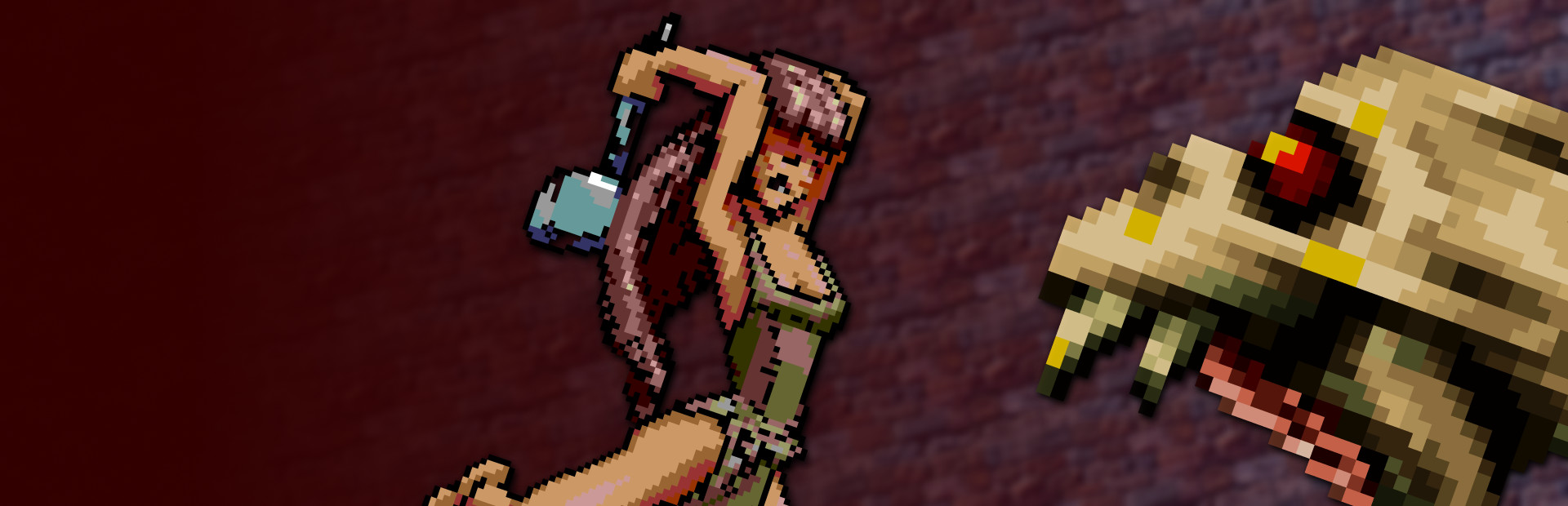


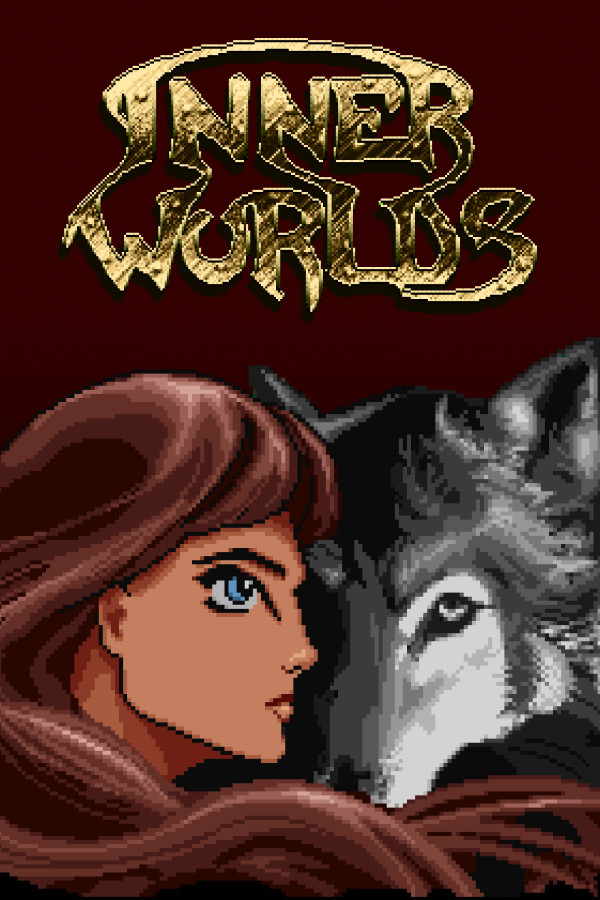
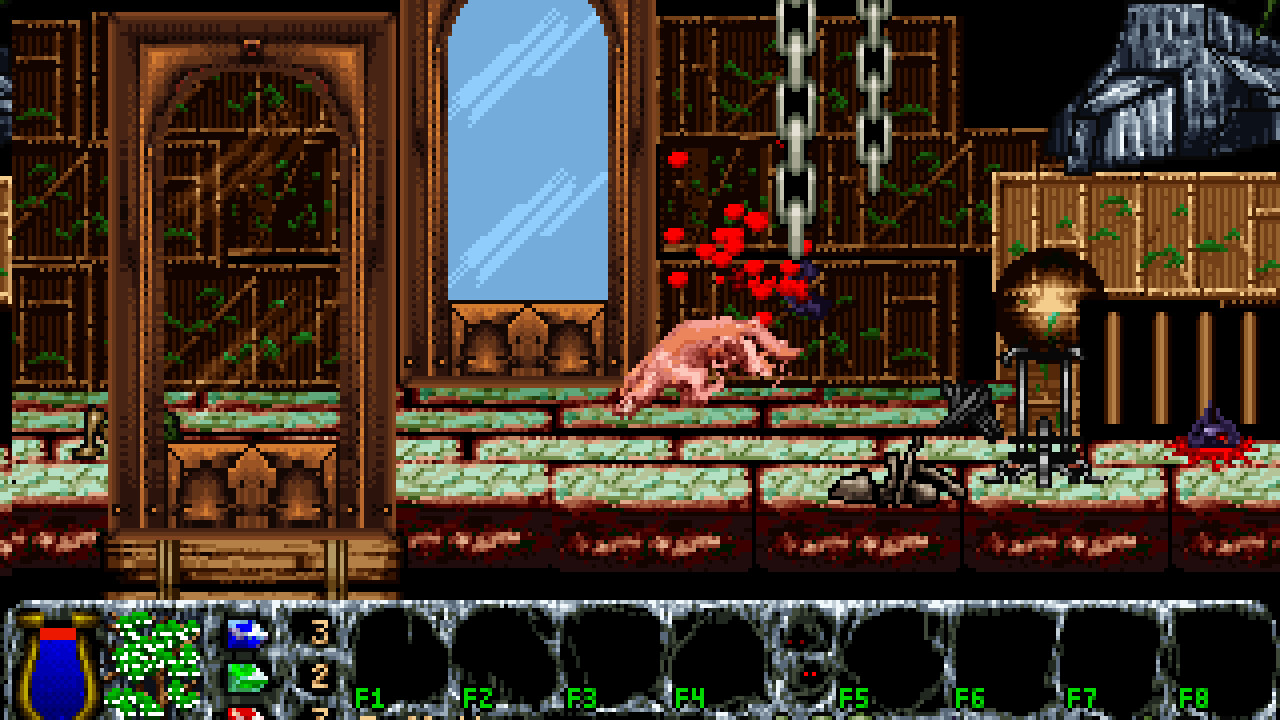
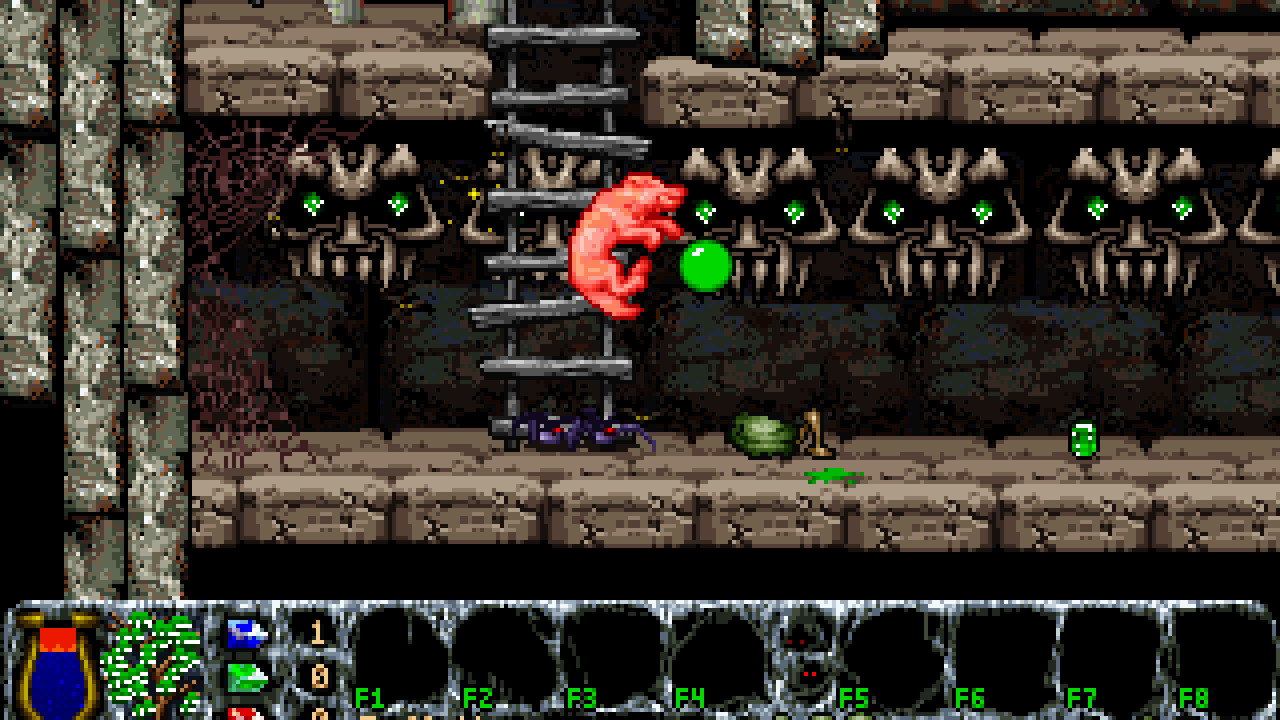
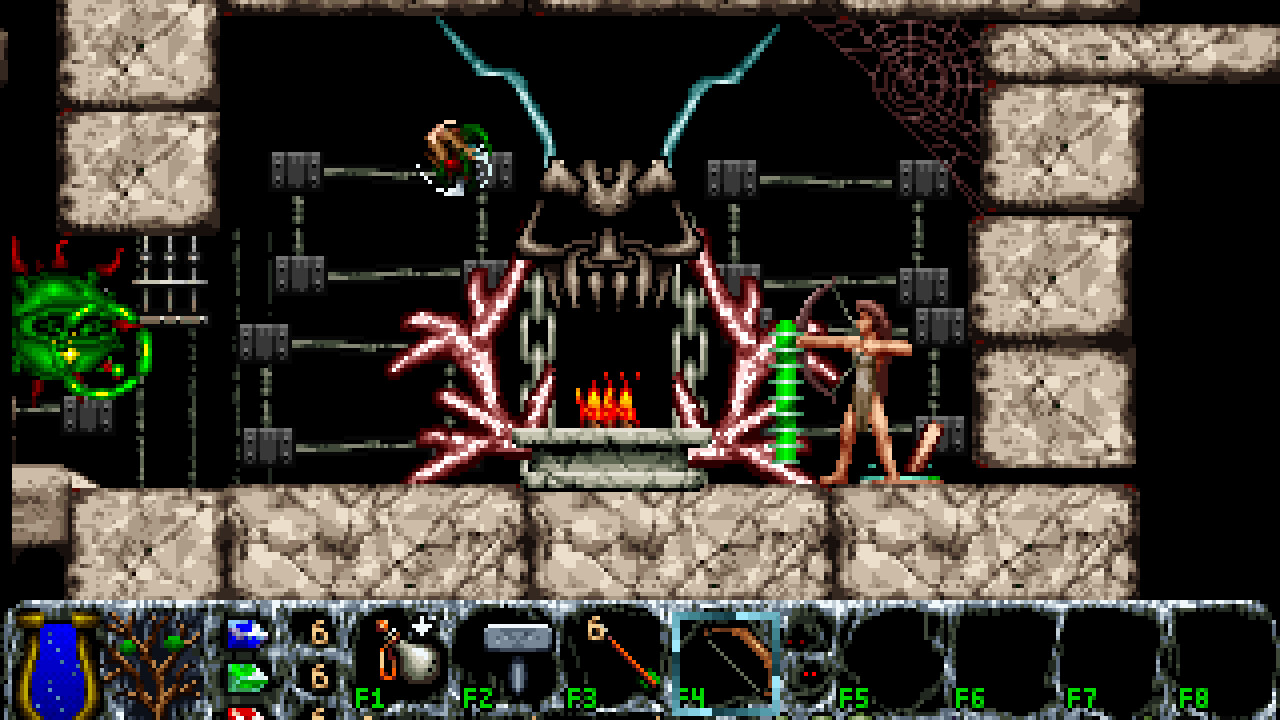
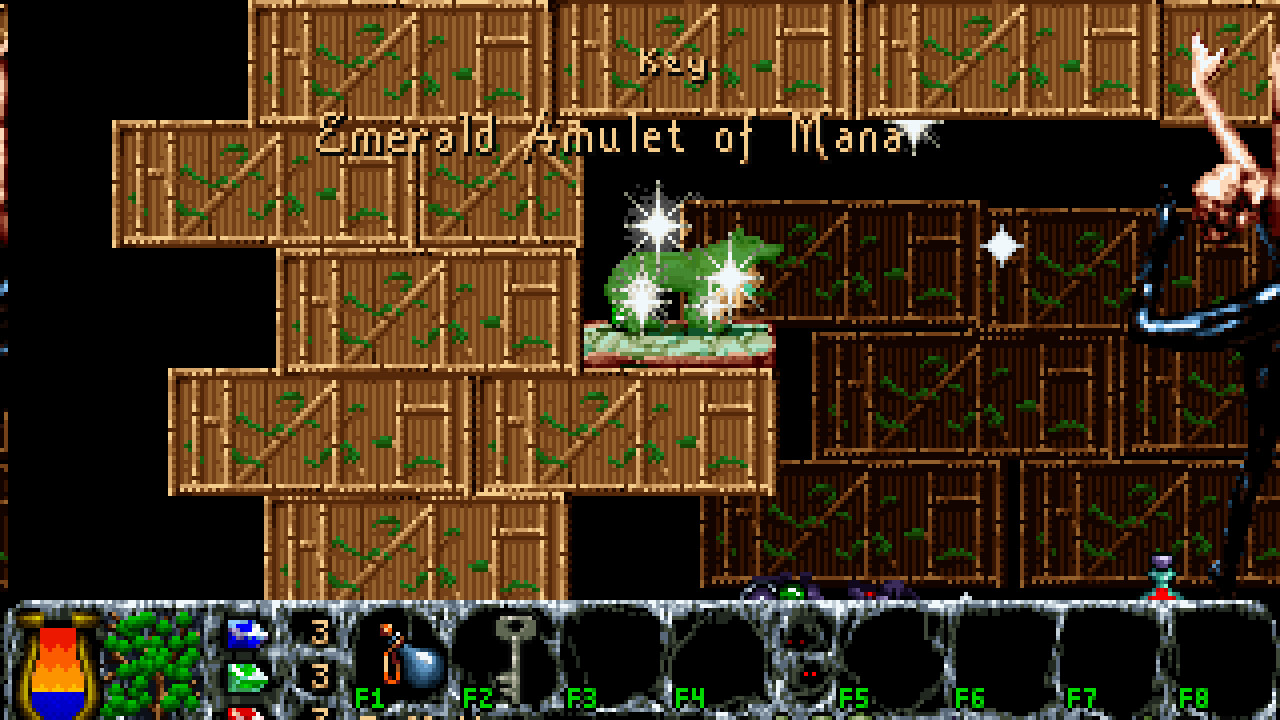
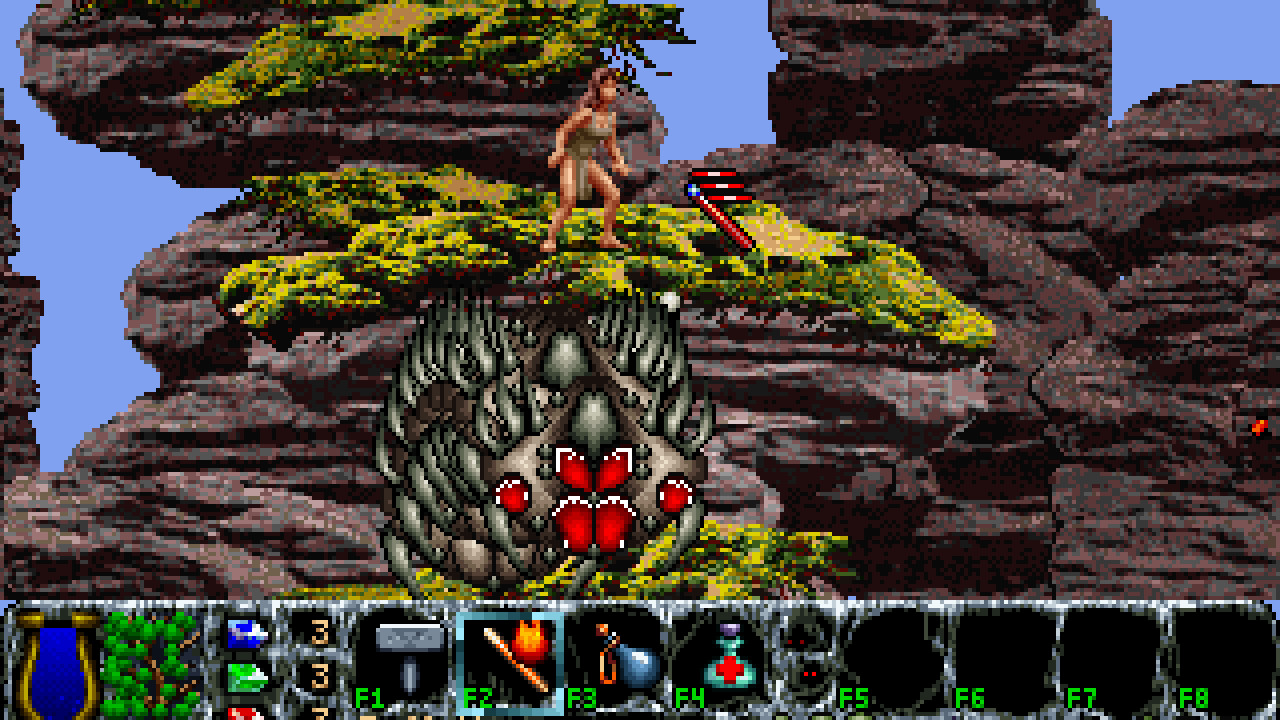
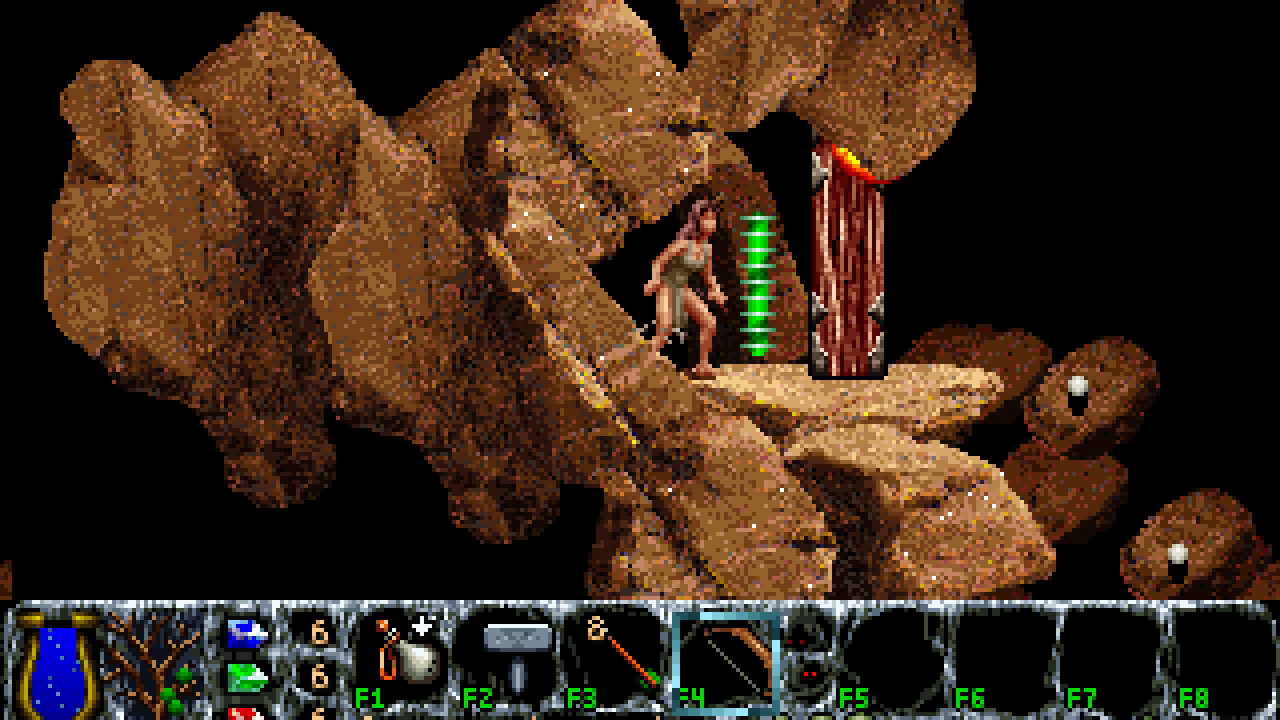

Inner Worlds is a side-scroll fantasy action adventure, in which you play the role of a strong and beautiful woman / she-wolf Nikita.
Nikita's quest is to track down the evil monster creation of a misguided genius which has plagued the world for generations.
Episode 1
"Wizard's World"
In Wizard's World, you play the role of the strong and beautiful woman
whose quest-name is Nikita. Nikita has the astonishing ability to turn
into a ferocious she-wolf! Nikita's quest is to track down The Gralob,
the evil creation of a misguided genius. The Gralob has plagued the world
for generations and it is Nikita's wolf-born destiny to free her people
from its evil clutches.
Episode 2
"World of Change"
After defeating the Gralob at Castle Drofanayrb, Nikita learns that the
Gralob was only one of two brutal minions of a still more terrible threat.
Although the land of her birth is safe for now from the Gralob's cruel
reign of terror, she returns to her homeland only to discover that her
true destiny still lies ahead. All new landscapes await her as she
undertakes a cross-country odyssey through a World of Change. New
scrolls, potions, weapons, monsters and adventures! Nine new levels!
Tons of new graphics, sounds and music!
Episode 3
"Heart of the World"
In the last episode of the Inner Worlds trilogy, Nikita finally learns her
true destiny and sets out on the final adventure which she will undertake
in this world. She must travel to a huge volcanic mountain inside which
lives the secret of Drofanayrb's horrible experiments. Will she reach the
Heart of the World? Will she be able to face what she finds there and do
what she must to banish the evil unleashed by the Wizard's unspeakable
tampering with nature? Nine totally new levels with even more new
weapons, monsters, treasures, stunning graphics, music and sound effects!
Keyboard Controls
-----------------
Following is a list of the primary keyboard controls used in the game:
* LEFT and RIGHT arrow keys make Nikita run.
* SHIFT makes Nikita jump.
* ALT makes Nikita transform from wolf to human form, or back again. Note
that this transformation will consume mana (represented by the tree in
the lower left corner of the status bar); you can't transform unless you
have enough mana.
* SPACE makes Nikita attack. While in human form, she can only attack
after finding a suitable weapon; while in wolf form, she can always
attack with her teeth.
* DOWN arrow key crouches if Nikita is on the floor, or climbs down if she
is on a ladder, pole, vine, etc. Also, you can use the DOWN arrow to
pick up weapons and treasures, or type T (for "take").
* UP arrow key gets up from a crouching position, climbs up, enters
doorways, or makes Nikita flip upwards while hanging from a handhold.
Also, if you hold the UP arrow when jumping, Nikita will flip into the
air, gaining a little additional height. Finally, if you hold the UP
arrow while attacking in wolf form, Nikita will go into a frenzy and
MAUL anything nearby. You can still use the left and right arrows to
move while mauling. As with transforming, mauling is a special magical
maneuver and requires mana; it continues to consume mana for as long as
you hold down the attack button to keep mauling.
* CTRL key activates levers, switches, and SAVE GAME signposts.
* TAB or "T" key picks up any object Nikita is currently positioned over.
* "U" or "G" key picks up and immediately use any object Nikita is over.
* "A" or "I" key accesses the inventory menu, allowing you to use, drop,
or throw items in Nikita's inventory.
* F1 through F8 activate the object in the corresponding slot of Nikita's
Inventory or Pack.
* 1 through 5 activate the magic spells Nikita can learn during the game,
which appear as small icons between the two snakes on the status bar.
* ESC and "P" (Pause) keys pause the game and enter the main menu.
* F10 displays the help file which also contains all of this information.
Health & Mana
-------------
In the status bar across the bottom of the display, you will see a large
golden jar containing a bubbling blue fluid. This fluid is the Seltzer of
Life and represents Nikita's health. When nikita is injured or hurt, the
fluid level goes down. If the jar becomes completely empty, Nikita dies
and you have to start over at the beginning of the level, or at the last
place you saved your game.
You will also see a tree in the status bar. This is the mana tree and
represents Nikita's mana level. Mana is used to transform from wolf to
human form and to invoke magic attack spells. The number of leaves on the
mana tree represents how much mana she has. As Nikita uses her mana, the
leaves fall from the tree and must be replenished by picking up gems or
potions or finding sanctuaries.
Spells
------
As Nikita progresses through the game and defeats enemies, she will learn
additional magical spells, which you can activate by pressing the 1
through 5 keys on the keyboard. As with transformation and mauling,
casting these spells requires mana; more powerful spells require more
mana. The first two spells, Stinger and Fireball, are available in the
SHAREWARE version of the game; however, the three most powerful spells,
Doball, Ghibli, and Lightning Bolt, are only available in the REGISTERED
game.
There are also various magical scrolls, potions, and wands scattered
throughout the levels of the game, which Nikita can pick up and use. Some
of these items correspond to the spells described above; in this case,
Nikita does not have to have learned the spell yet in order to use a
scroll or wand to cast it, and using a scroll or wand does not consume
mana since the mana comes "pre-packaged" in the magical item. There are
also various other powerful magical items that do not correspond to any of
the standard spells; you will learn about them as you encounter them.
Amulets
-------
There are three types of magical amulets which Nikita can collect during
her adventures. These amulets are very valuable and should always be
collected whenever possible. There is exactly one amulet on every level.
If you miss the amulet on a level, then that level will be marked in red
rather than in blue on the episode map, indicating that you may want to go
back and replay that level later to find the amulet.
Health amulets are blue. If Nikita has more health amulets, her blue
health level will go down more slowly when she is hurt or injured.
Mana amulets are green. If Nikita has more mana amulets, her mana level
will not go down as quickly as she uses mana.
Strength amulets are red. Nikita's strength is increased when she
collects more of them, making her attacks more powerful against enemies.
Inventory
---------
When Nikita picks up objects in the game, they are collected into her
Inventory or Pack. There are eight slots in Nikita's pack. Each slot may
be able to hold more than one of a given type of object.
Selecting "Inventory" from the main menu will display a new menu of the
objects in Nikita's pack if there are any. You can also access the
inventory menu directly with the "A" or "I" key.
If you select an item from the inventory, a new menu will appear asking
you what you would like to do with that object. You can either "use" the
object or remove it from the inventory by "dropping" or "tossing" it.
Since more than one of the same type of object can be stored in each
inventory slot, you are also given the option of taking the action on just
one of the objects or on all of the objects within the slot.
Function keys F1 thru F8 are shortcuts to using the items in Nikita's
pack. For example, pressing F1 will use one item from the first slot in
the inventory. To make it easier to know at a glance which slot
corresponds to which function key, there is a small empty space on the
status bar between the F4 and F5 slots, corresponding to the space between
the F4 and F5 keys on most keyboards.