


Turn on-screen English into your language, in place
Game Overlay Translator reads the text on your game screen and overlays the translation right on top of the original ? no window switching. It works fully offline, with unlimited translations and no subscription.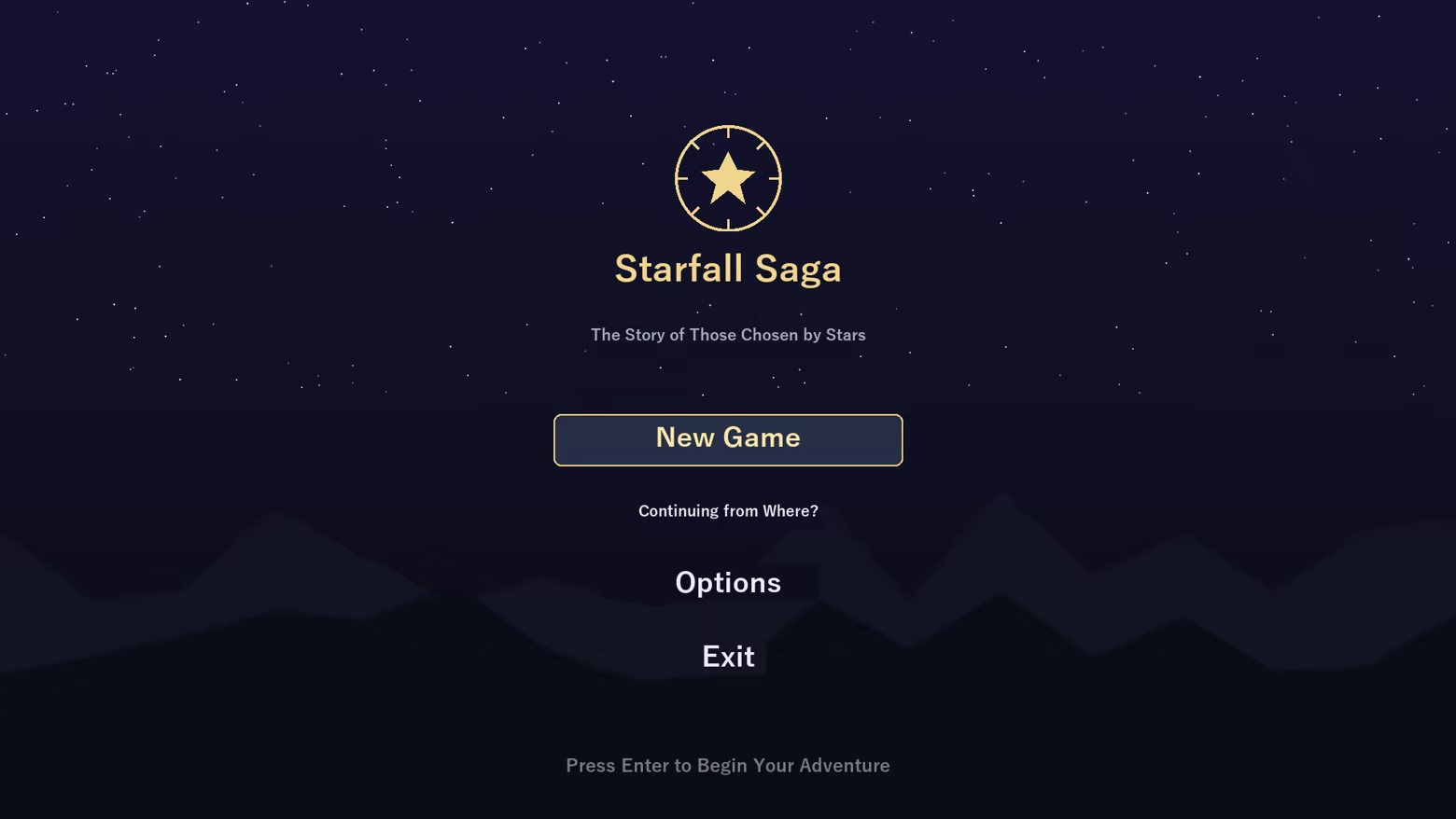
Great for
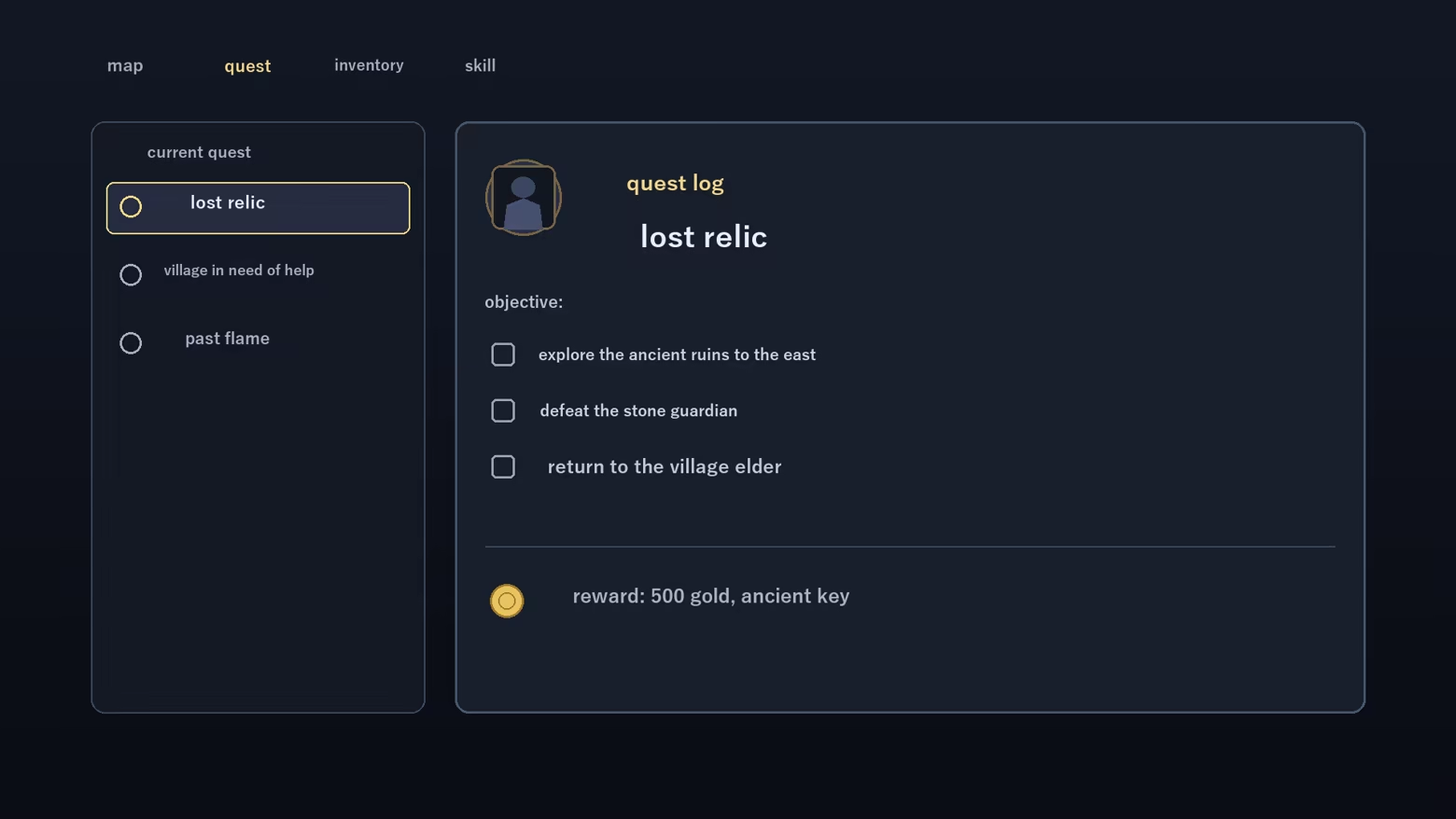
- Playing games with no localization ? understand menus, quests and item text as you go
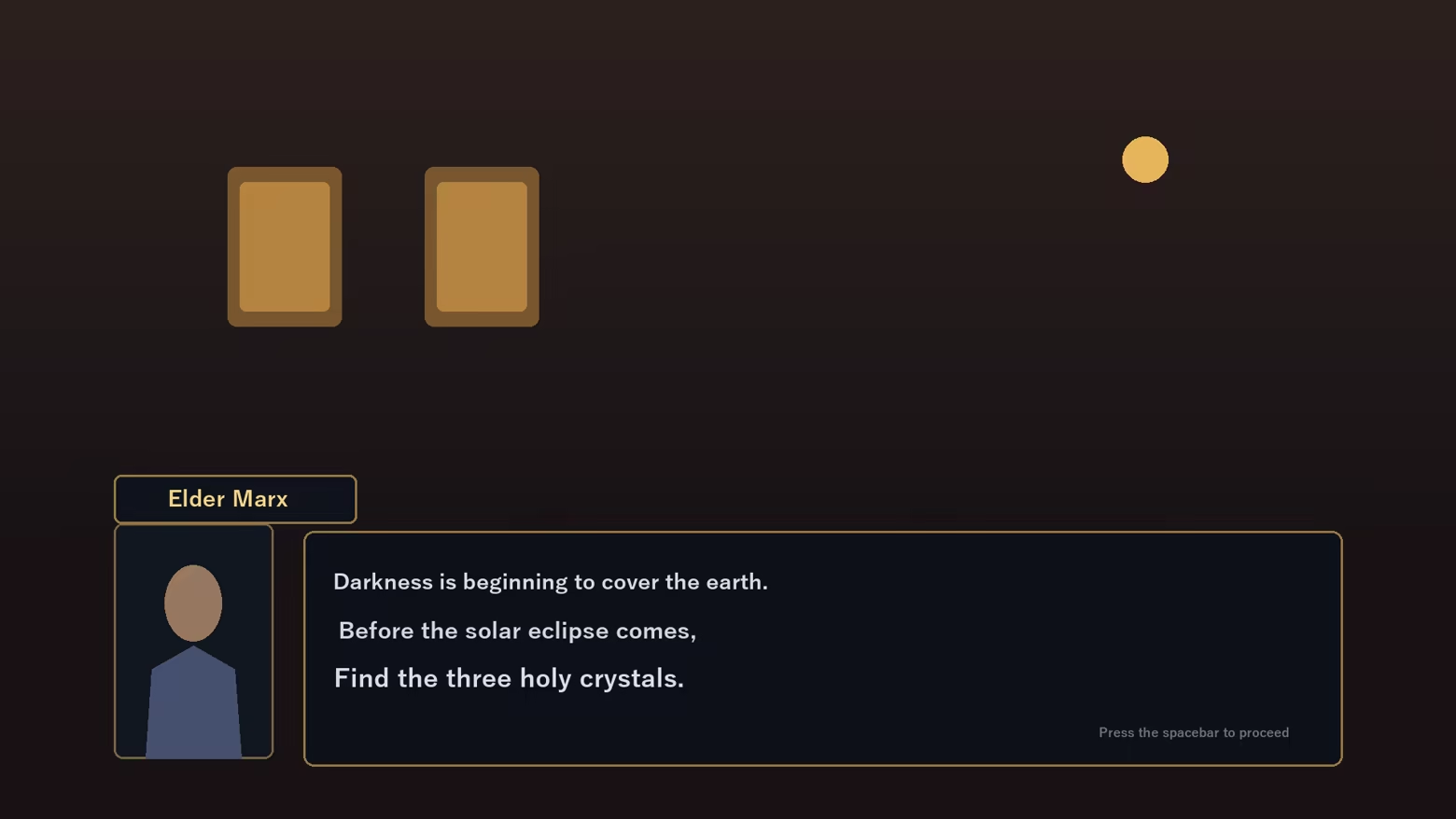
- Reading story and dialogue ? translate NPC lines on the spot
- Translating just one area ? drag to select a region; only that box is translated
- Doujin, indie and older PC games ? comfortable even without an official translation
Features
- Full-screen translate (one hotkey) and region translate (movable box)
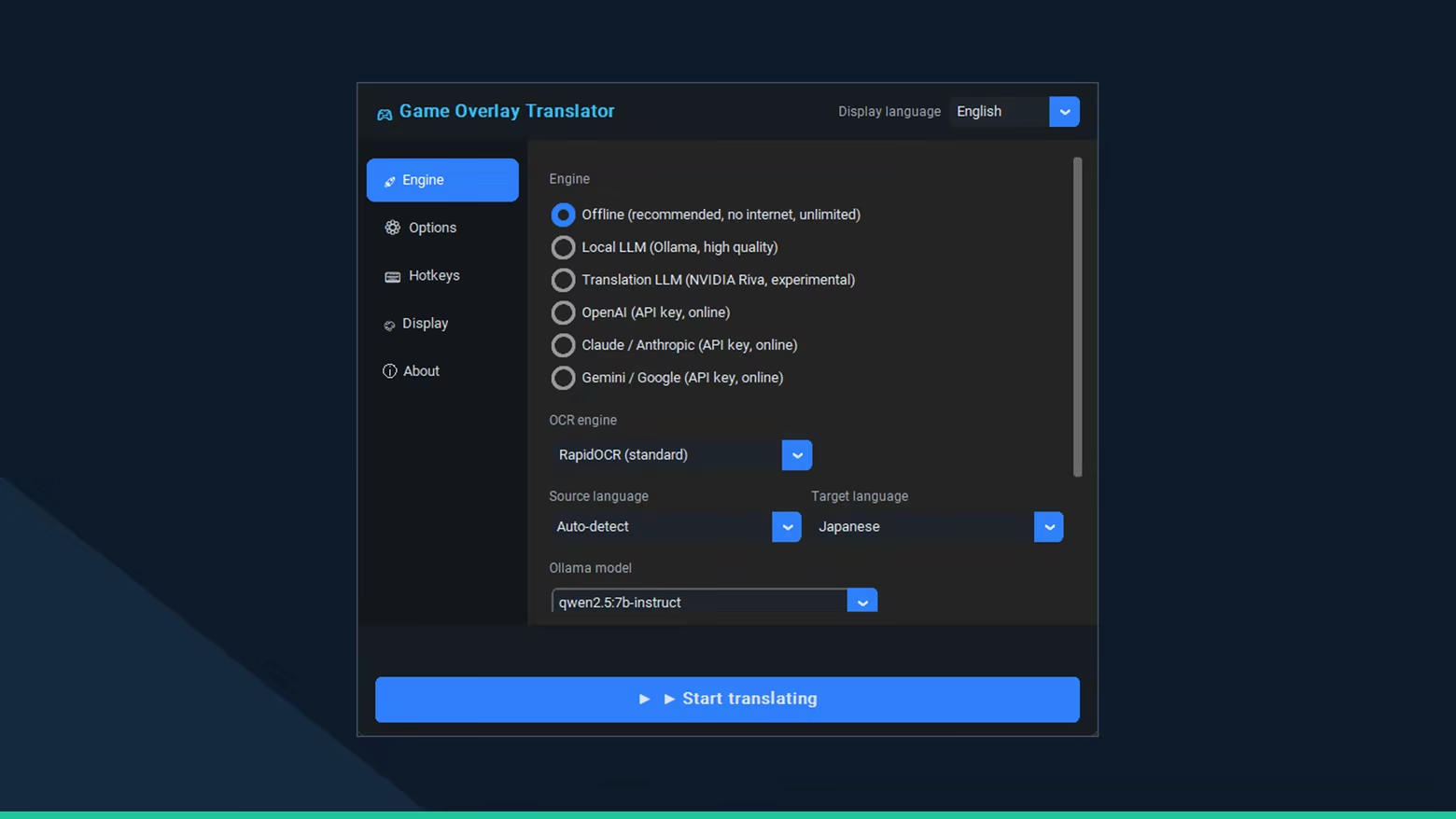
- Fully offline (recommended) ? no internet, unlimited, high-quality local model
- Optional local LLM (Ollama) for more context-aware results
- Optional cloud engines (BYOK) ? OpenAI / Claude / Gemini with your own API key
- In-place overlay ? original text blended out, translation drawn in the same spot
- Glossary to fix game-specific terms to the wording you want
- Display customization ? font size, color, background opacity, selection-box color
- Multilingual UI (JA / EN / KO / ZH)
A floating control bar
While translating, a small on-screen bar gives one-click access to full-screen / region translate, auto mode, history and settings.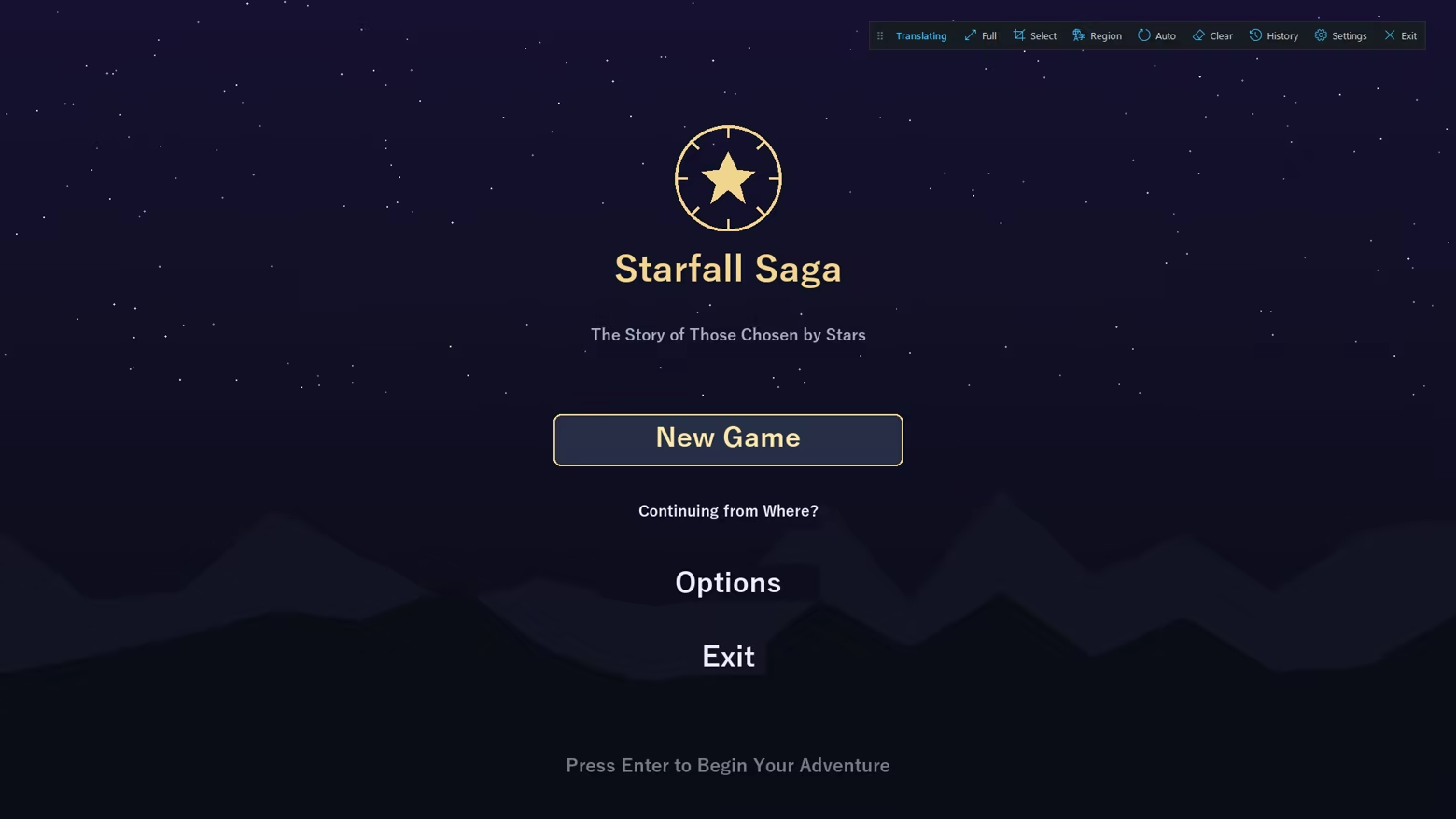
How it works
Screen capture, OCR, translation, then in-place overlay. Results are cached locally for instant re-display.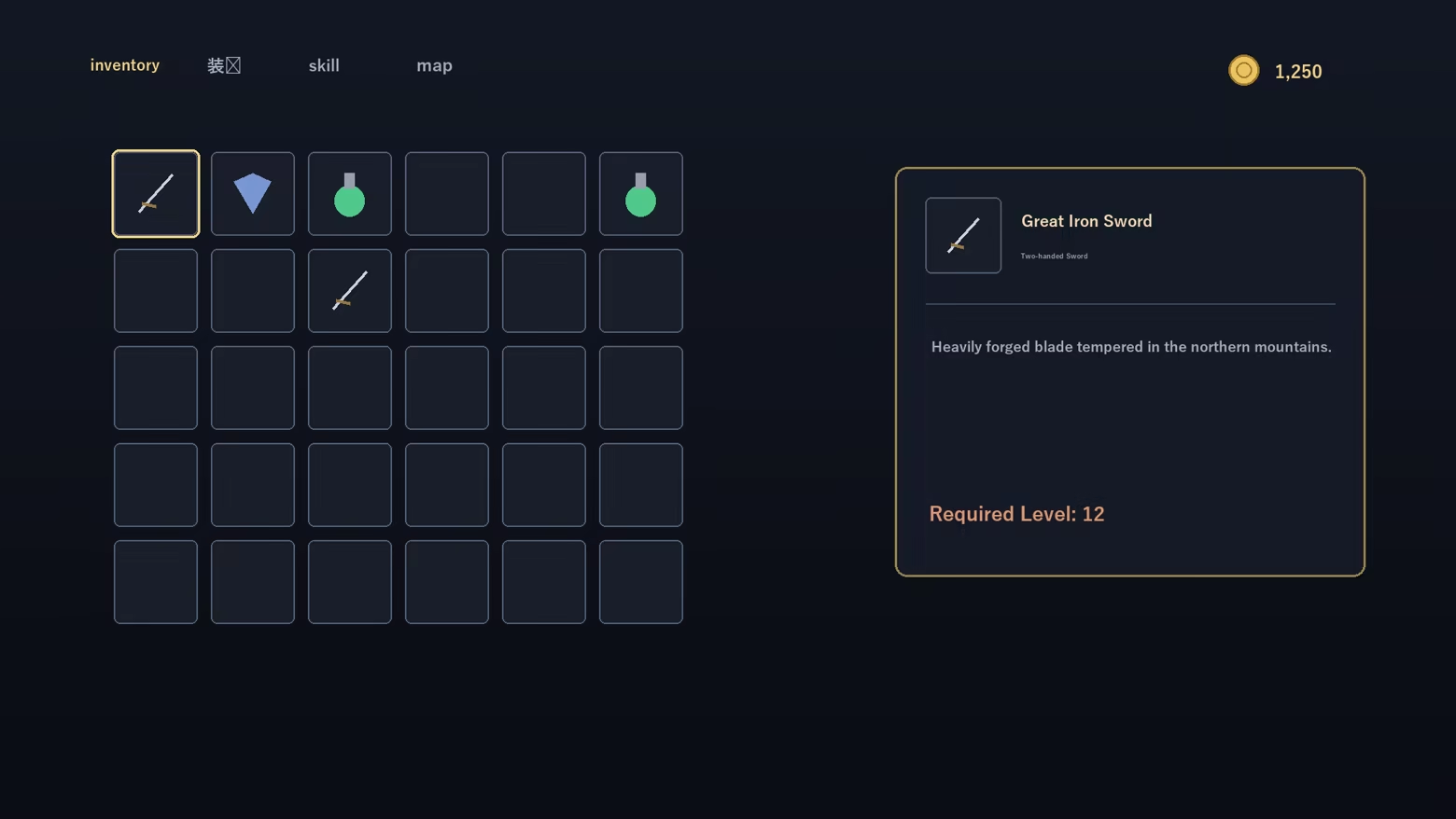
Important notes
- As an on-screen overlay, games with anti-cheat (EasyAntiCheat / BattlEye / VAC, etc.) may warn, kick, or penalize your account. Use with online/competitive games at your own risk and check each game's ToS.
- May not appear in exclusive-fullscreen games ? use borderless/windowed mode.
- Offline / local-LLM models download on first use (internet required), then run offline.
- Machine translation may not always be accurate.
- If you choose a cloud engine (optional), it needs your own API key, you are billed by that provider, and on-screen text is sent to their servers. The default offline engine sends nothing.