 [b]Controller setup reworked.[/b]
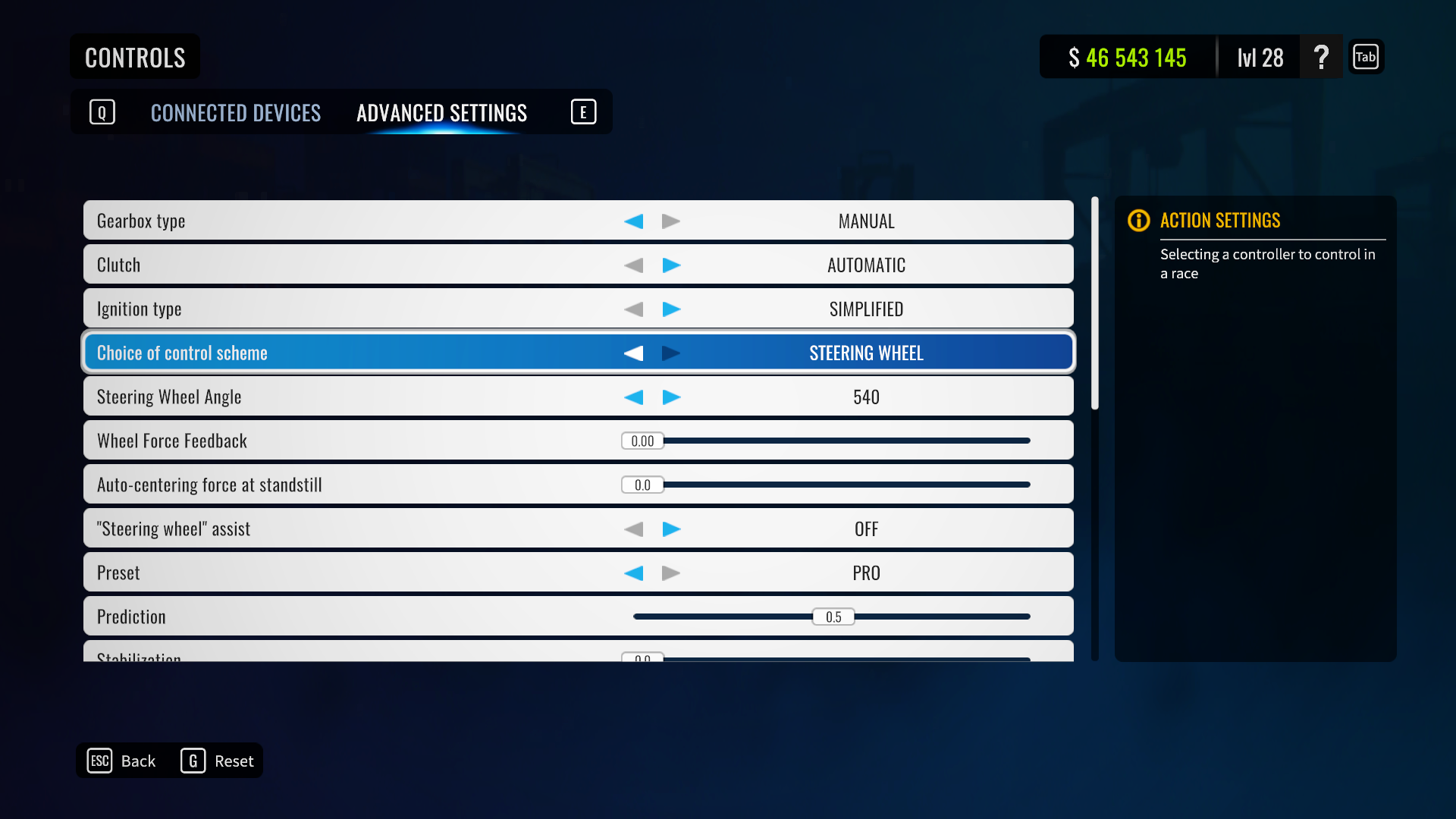
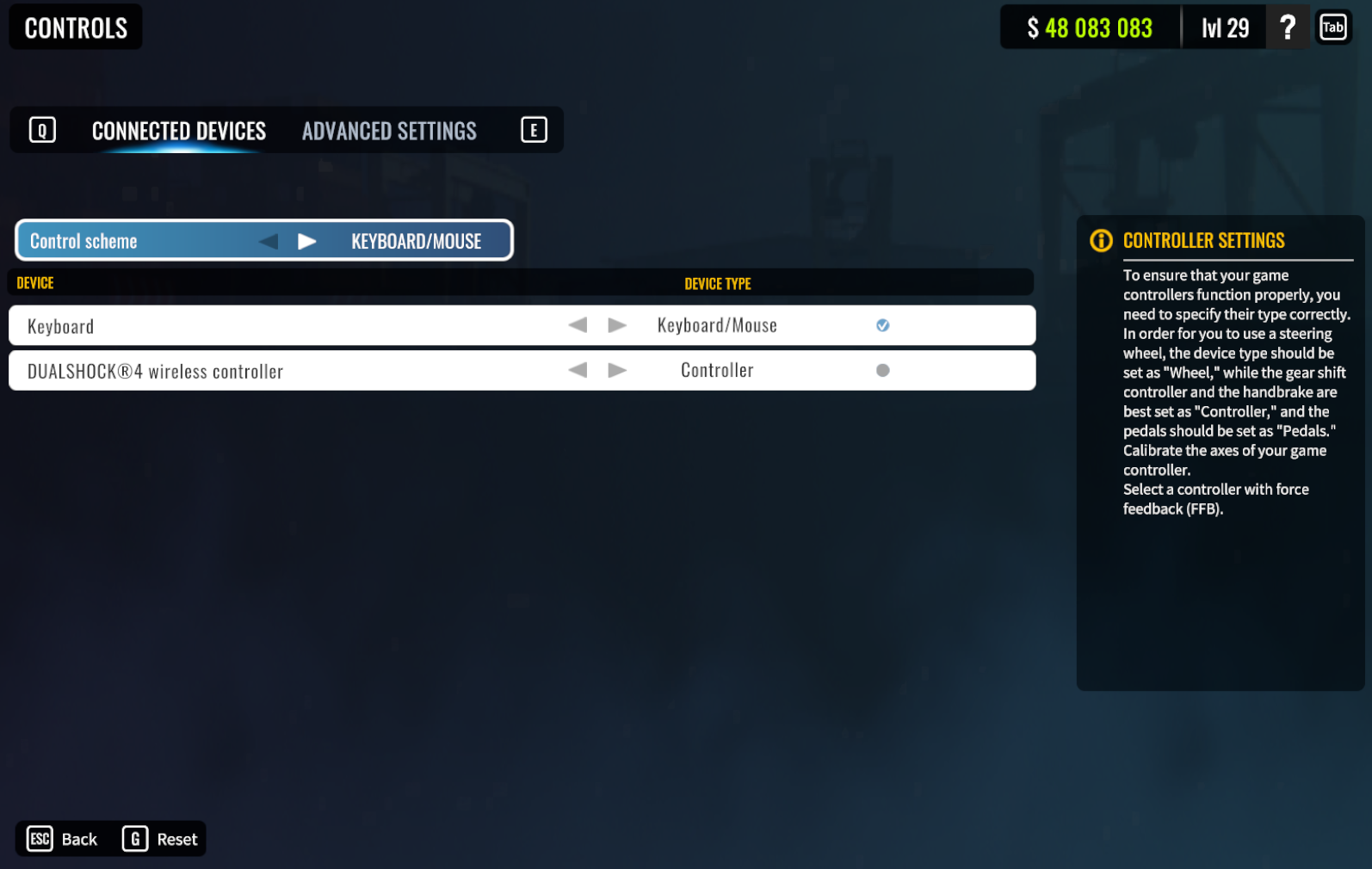
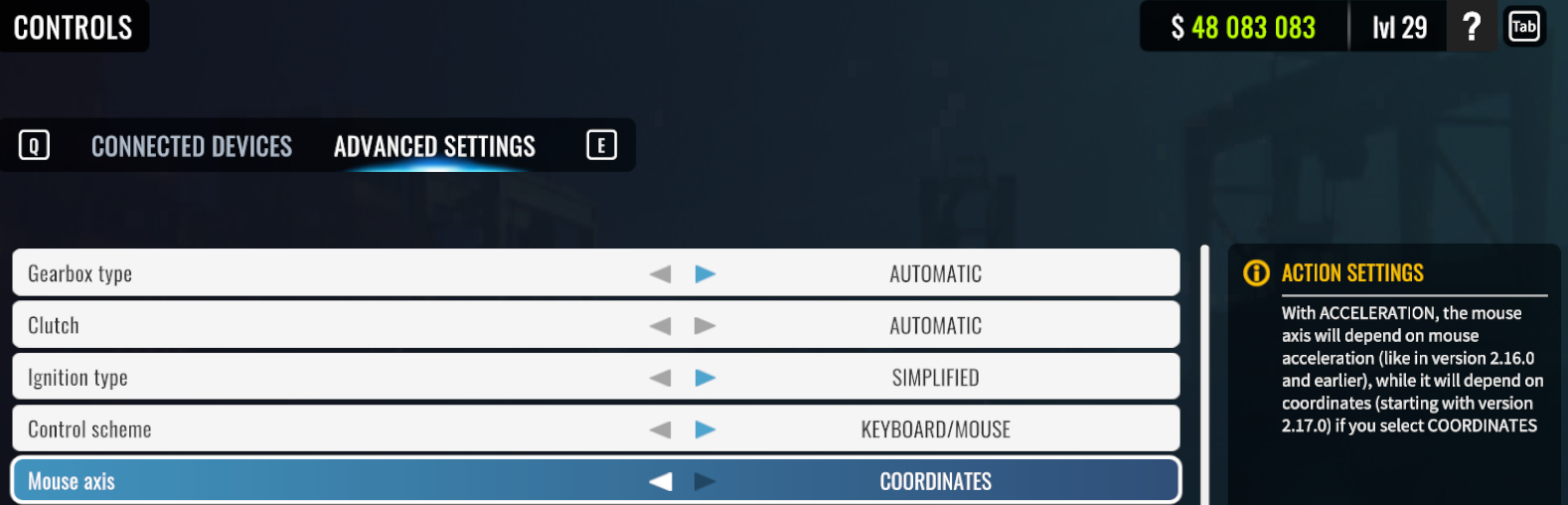
We’ve significantly reworked controller settings and now CarX Drift Racing Online supports a great number of wheels, shifters and other controllers. Moza, Simcube, Simagic and many other controllers are now supported by the game. All you have to do - is to open game settings, go to controls - advanced settings and set up your controller scheme.
After that you’ll have to choose type of your controllers in the game settings - controls - devices and choose device to make feedback active (FFB or controller’s vibration) and set up your buttons.
[b]Controller setup reworked.[/b]
We’ve significantly reworked controller settings and now CarX Drift Racing Online supports a great number of wheels, shifters and other controllers. Moza, Simcube, Simagic and many other controllers are now supported by the game. All you have to do - is to open game settings, go to controls - advanced settings and set up your controller scheme.
After that you’ll have to choose type of your controllers in the game settings - controls - devices and choose device to make feedback active (FFB or controller’s vibration) and set up your buttons.
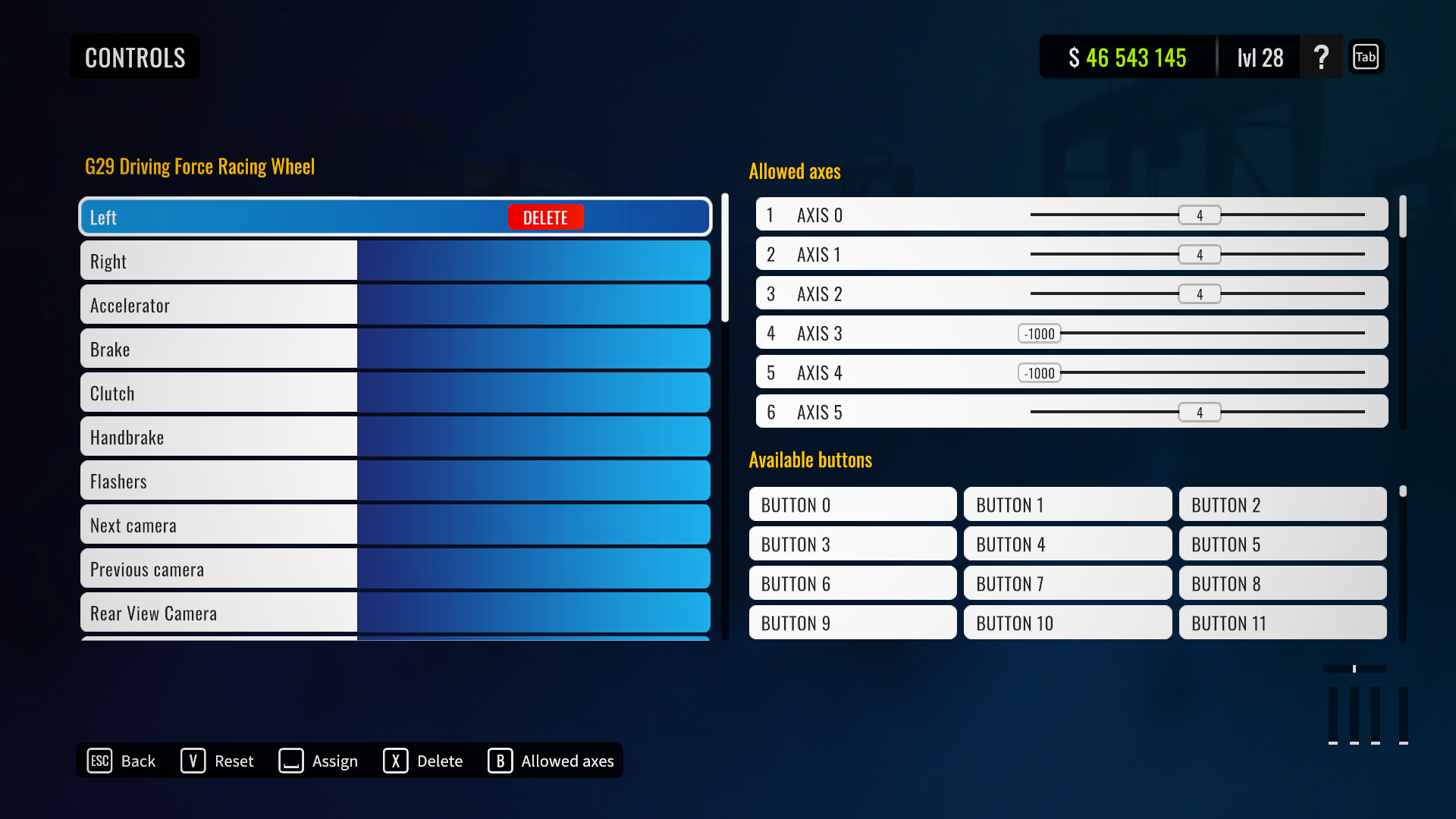
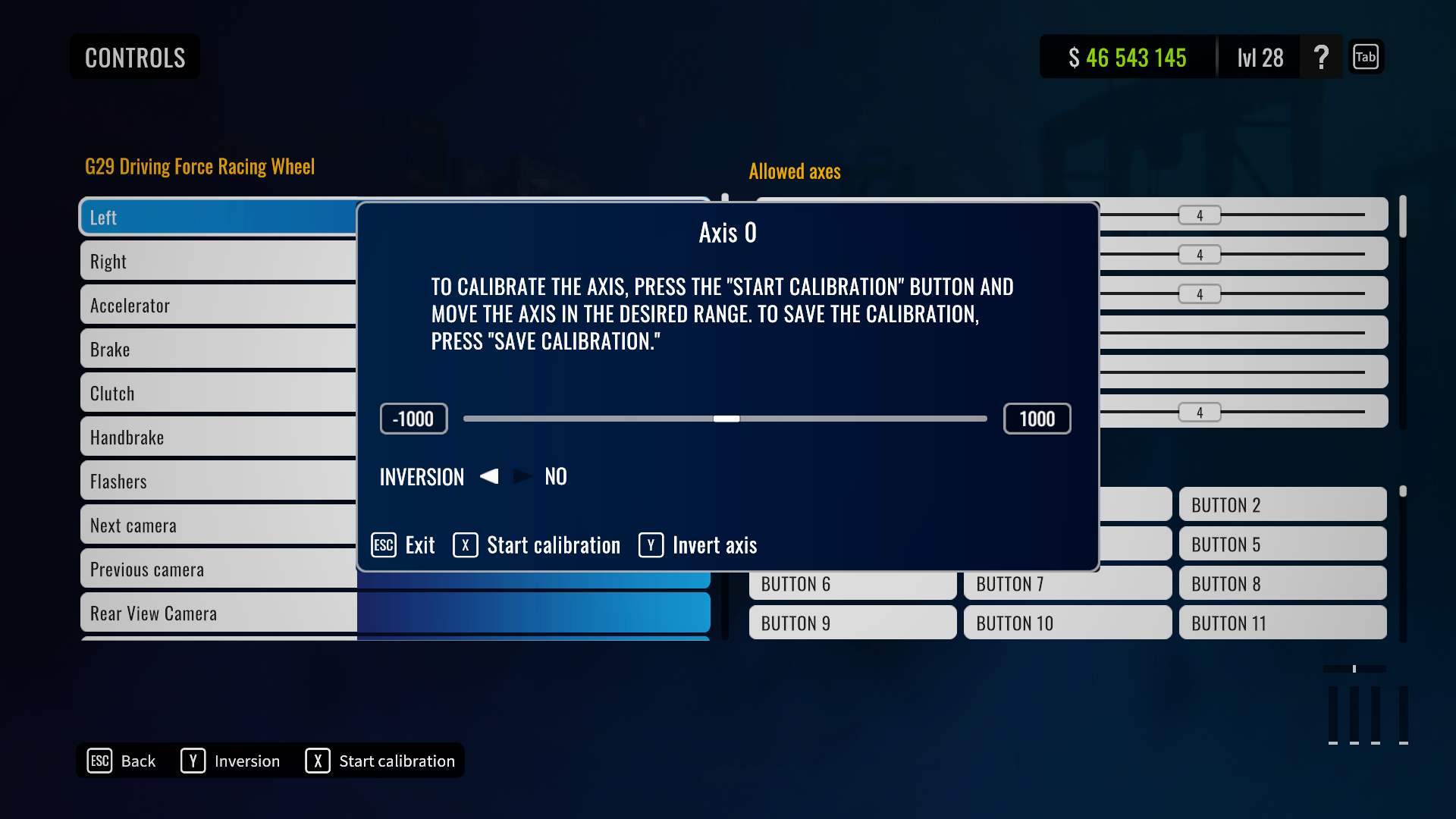
 [b]Binding’s tab reworked.[/b]
 [b]Added option to use mouse wheel for gear change. [/b]
 [b]New XDS configurations.[/b]
New XDS configurations for Atron and L.A Block were added.
[b]New XDS configurations.[/b]
New XDS configurations for Atron and L.A Block were added.
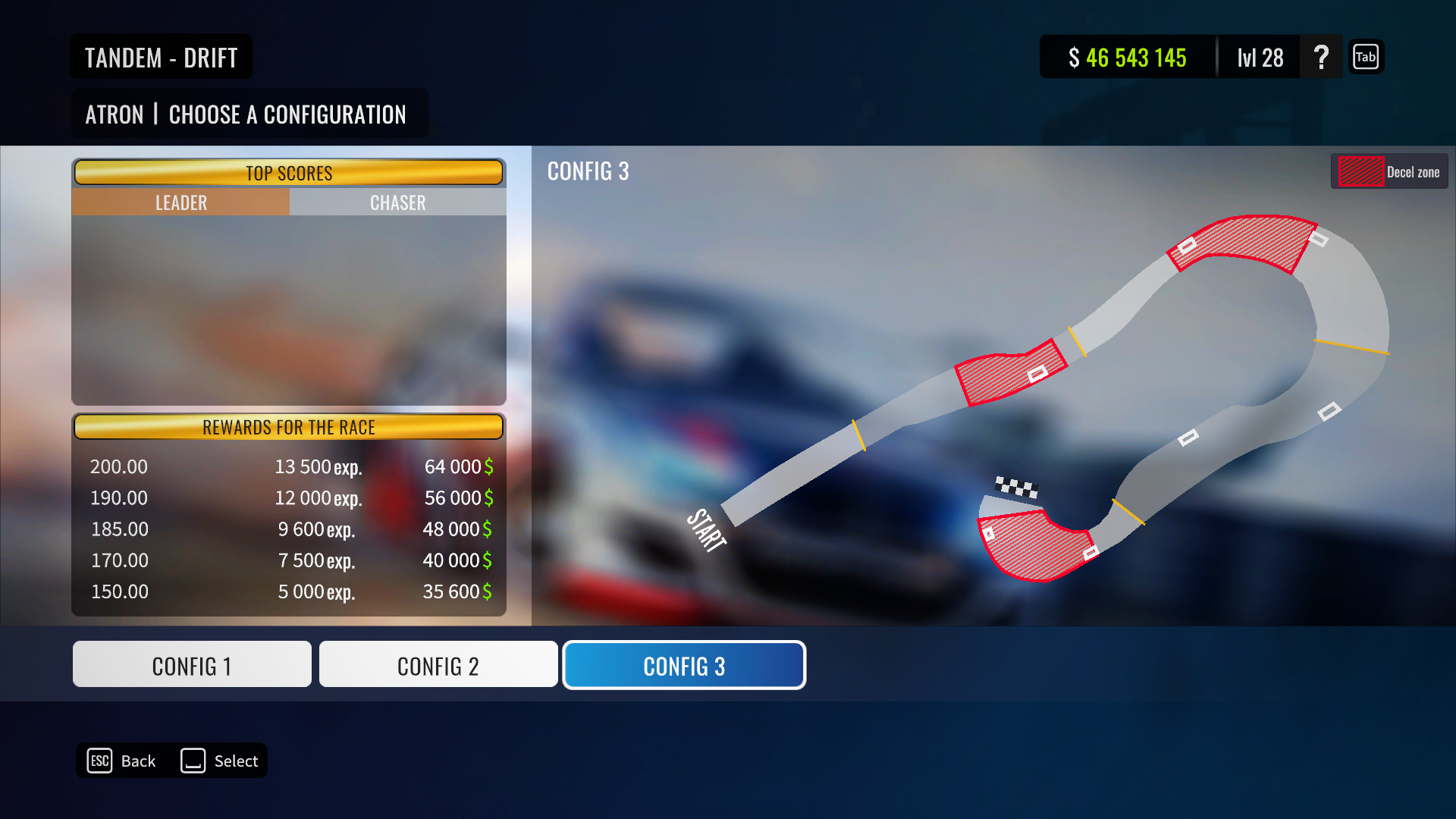
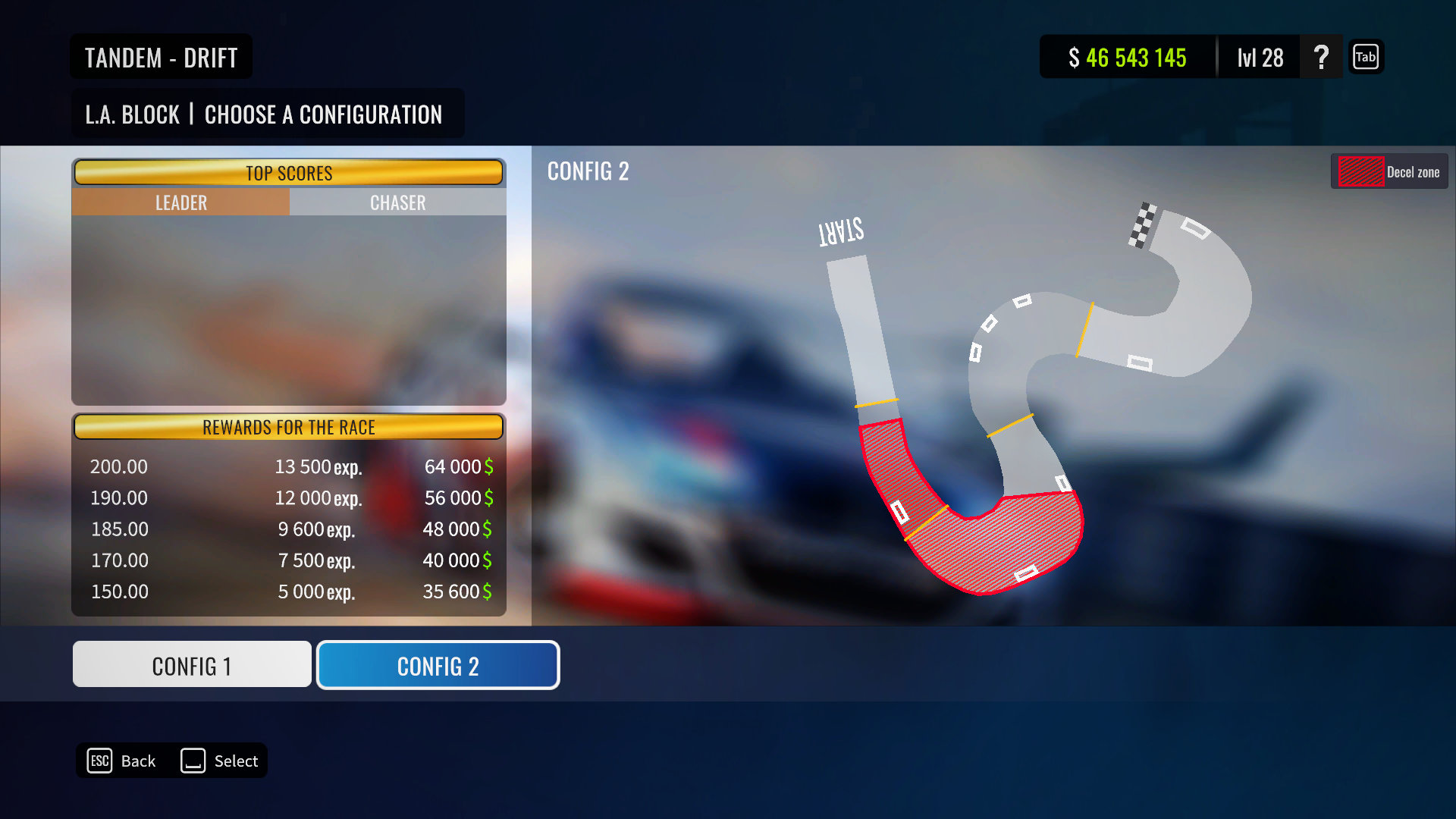 [b]XDS deceleration zones. [/b]
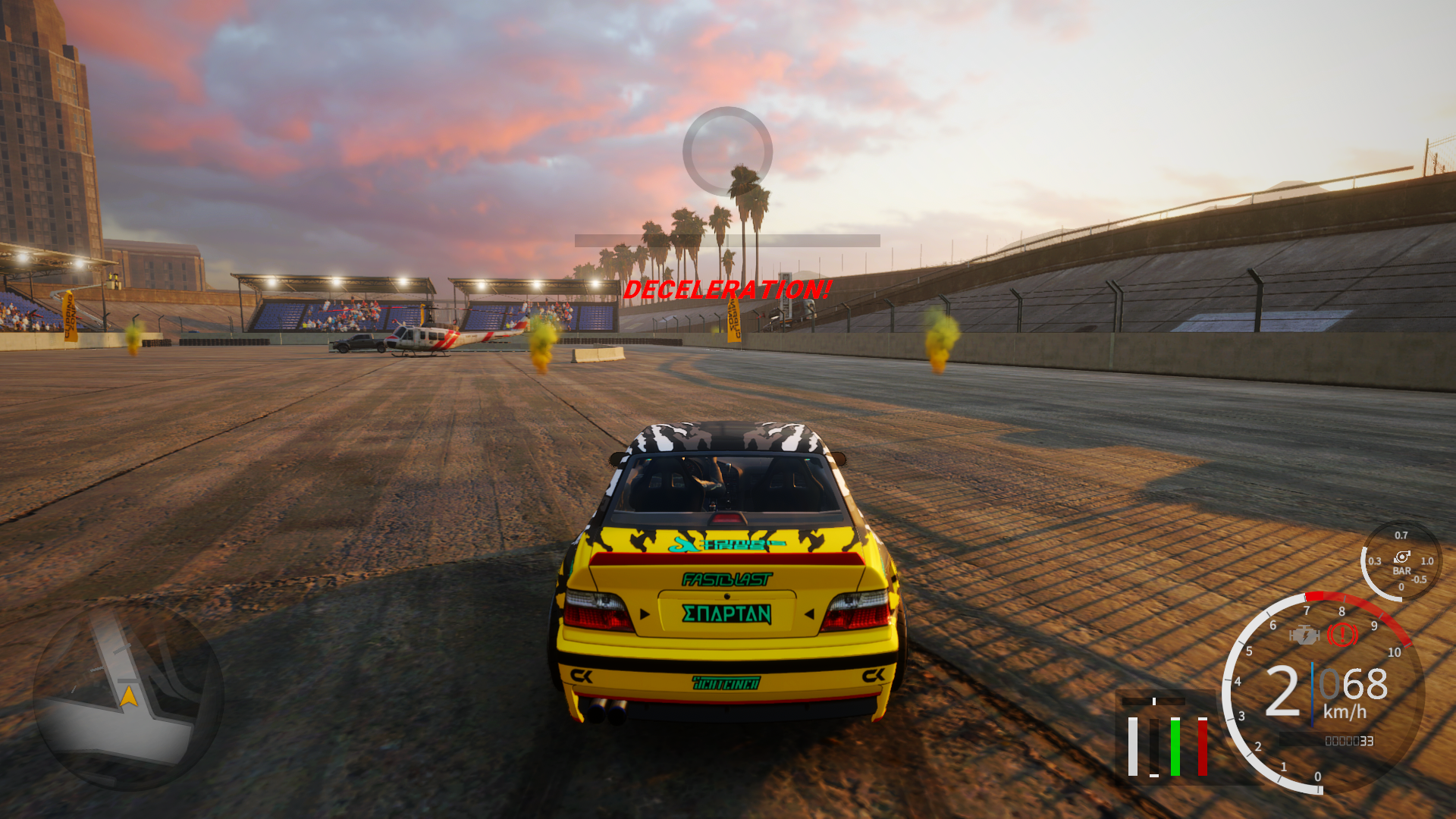
We’ve added control over leader’s run speed on the following XDS configurations - ST.PETERSBURG 2, ATRON 3, SAN PALEZZO 1, L.A.BLOCK 2. In case, leader’s car will be too slow outside those zones (or even, too slow inside them) - leader will get relevant message. In case such slowdown will lead to crash - that’s going to be a leader’s fault.
[b]XDS deceleration zones. [/b]
We’ve added control over leader’s run speed on the following XDS configurations - ST.PETERSBURG 2, ATRON 3, SAN PALEZZO 1, L.A.BLOCK 2. In case, leader’s car will be too slow outside those zones (or even, too slow inside them) - leader will get relevant message. In case such slowdown will lead to crash - that’s going to be a leader’s fault.
 [b]New cars. [/b]
New cars were added:
[b]New cars. [/b]
New cars were added:
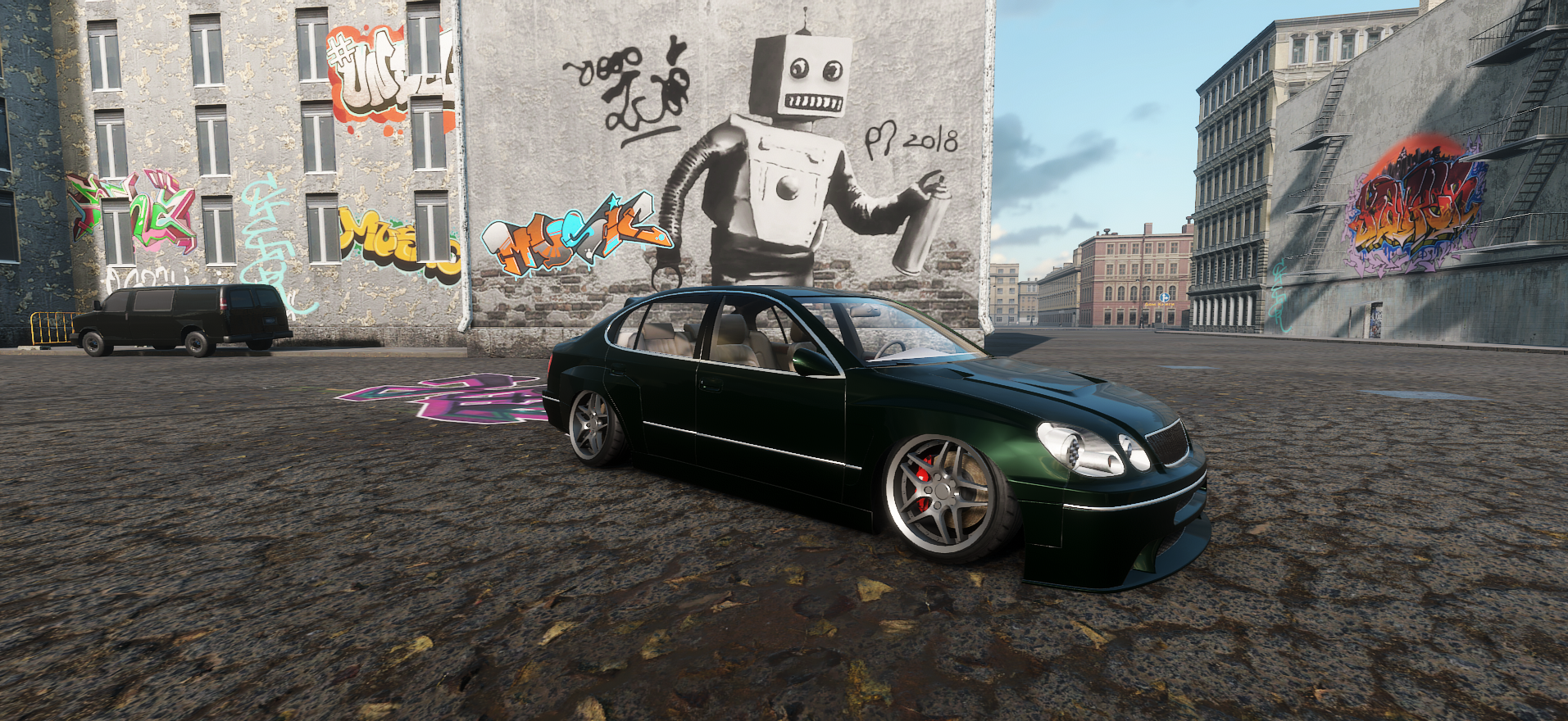 Kizoku
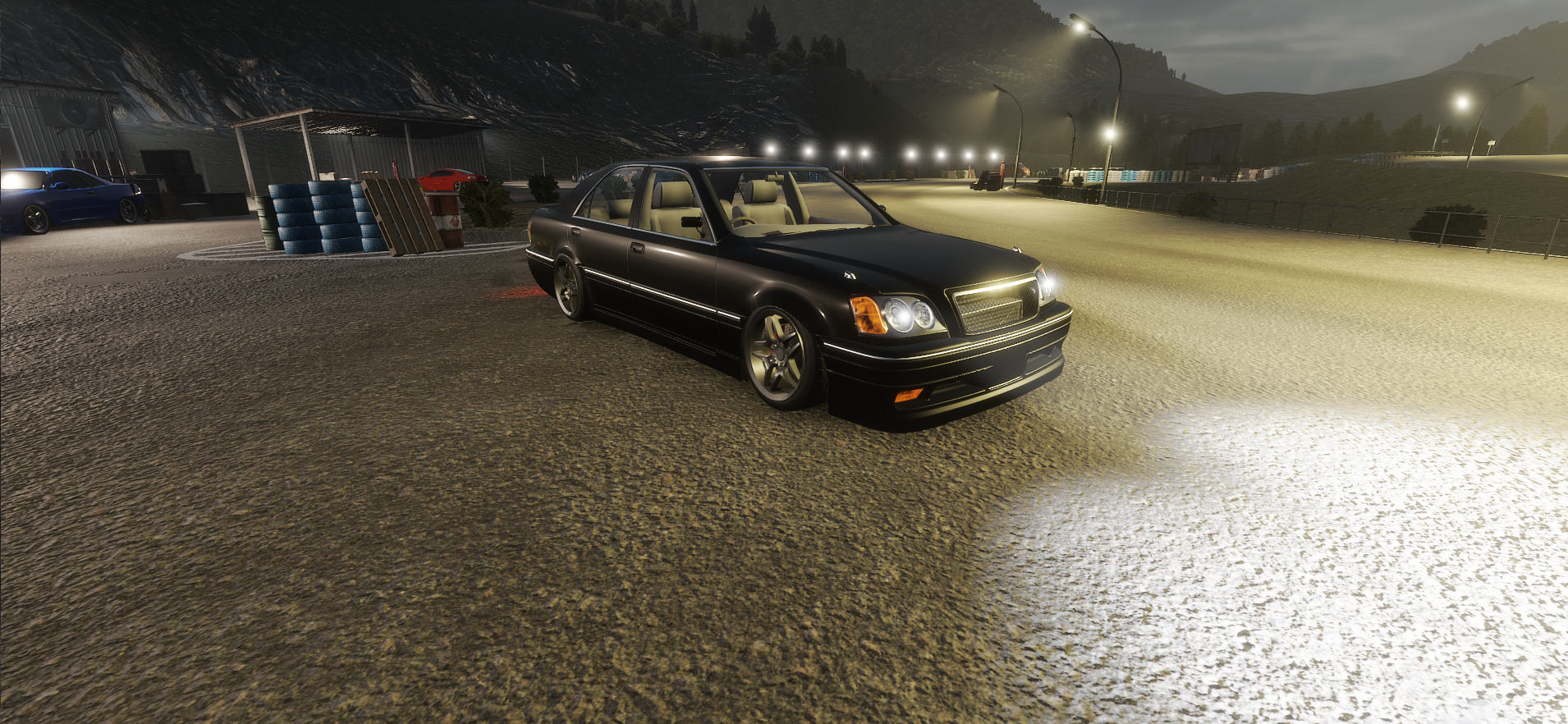 Yakuza
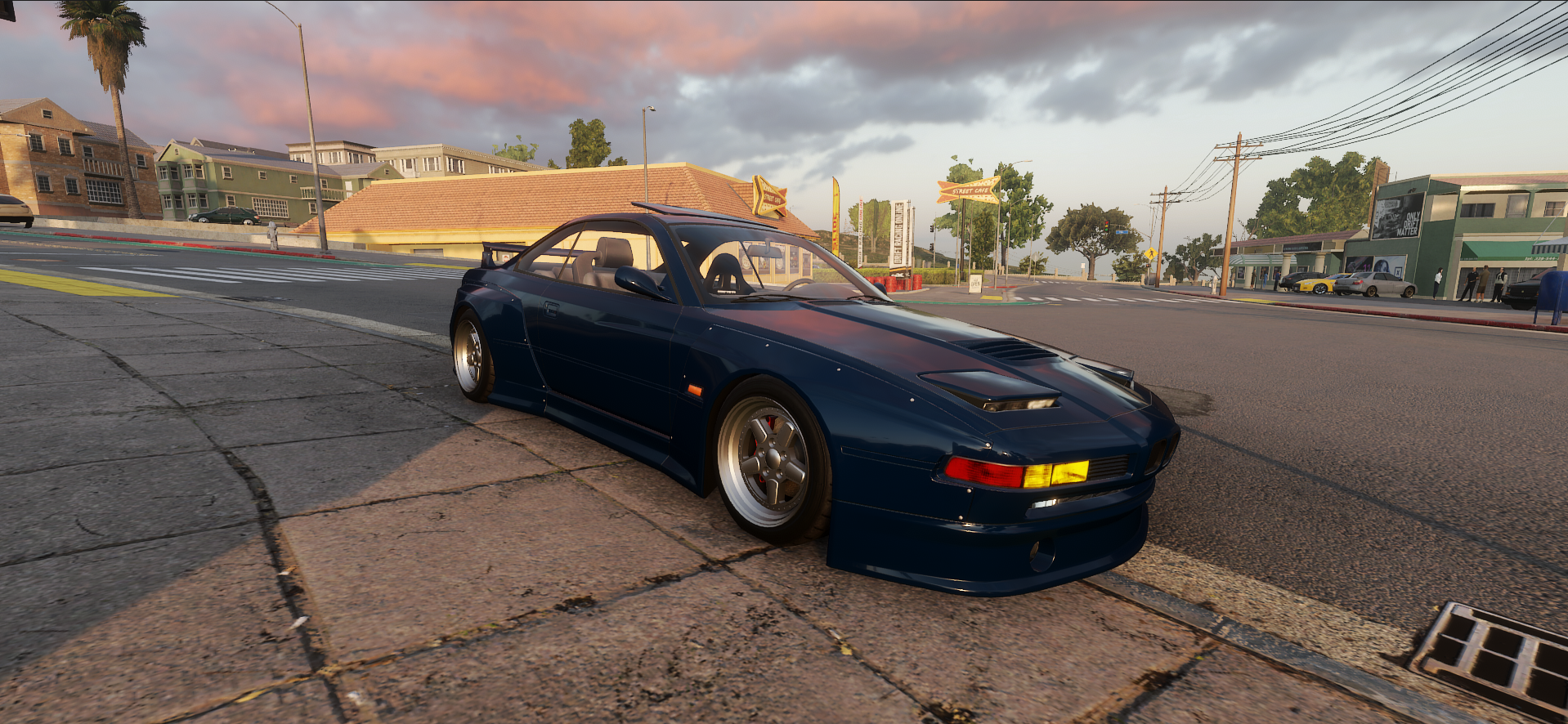 Bimmy P31
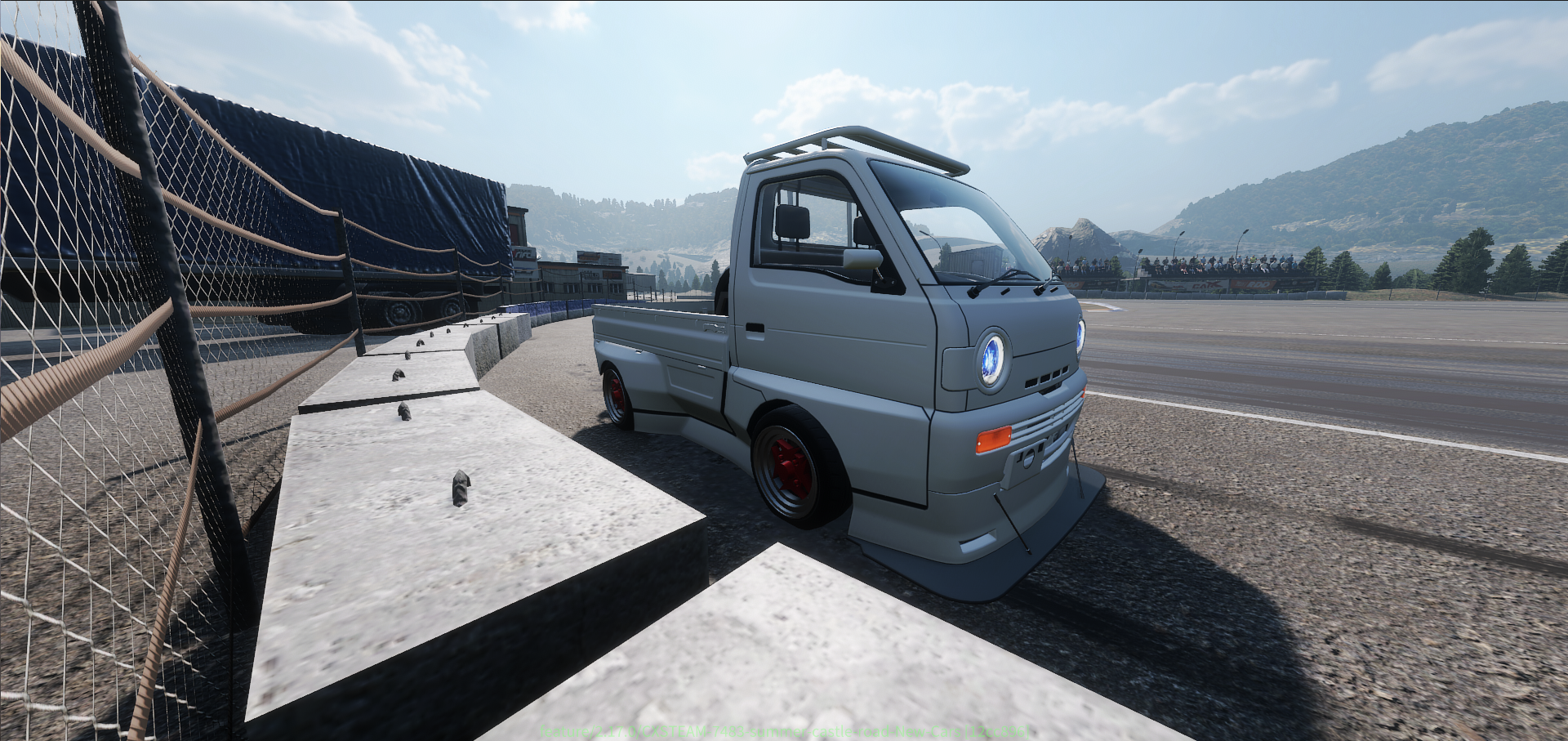 Kei Truck
[b]New DLC "Young Timers" added[/b]:
Kei Truck
[b]New DLC "Young Timers" added[/b]:
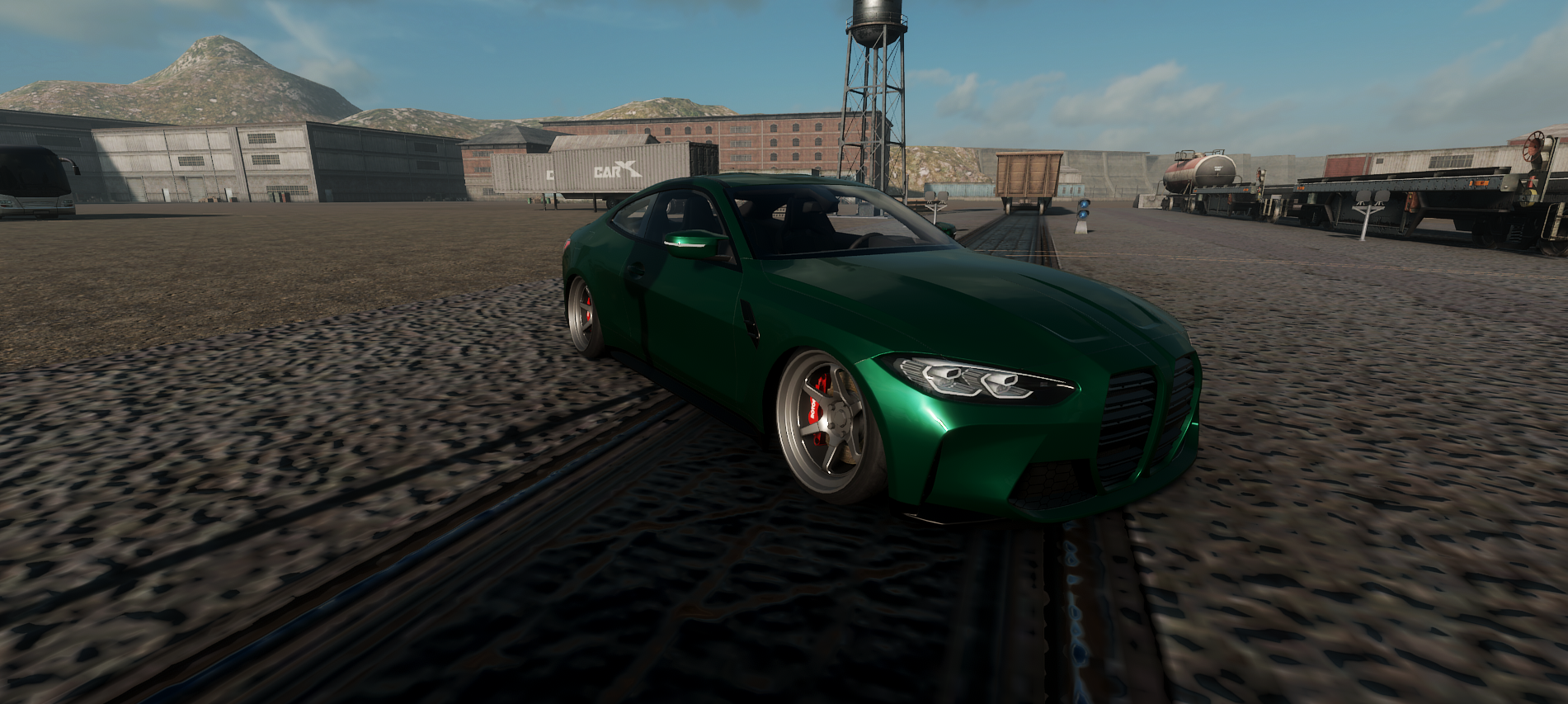 Loki 4GT
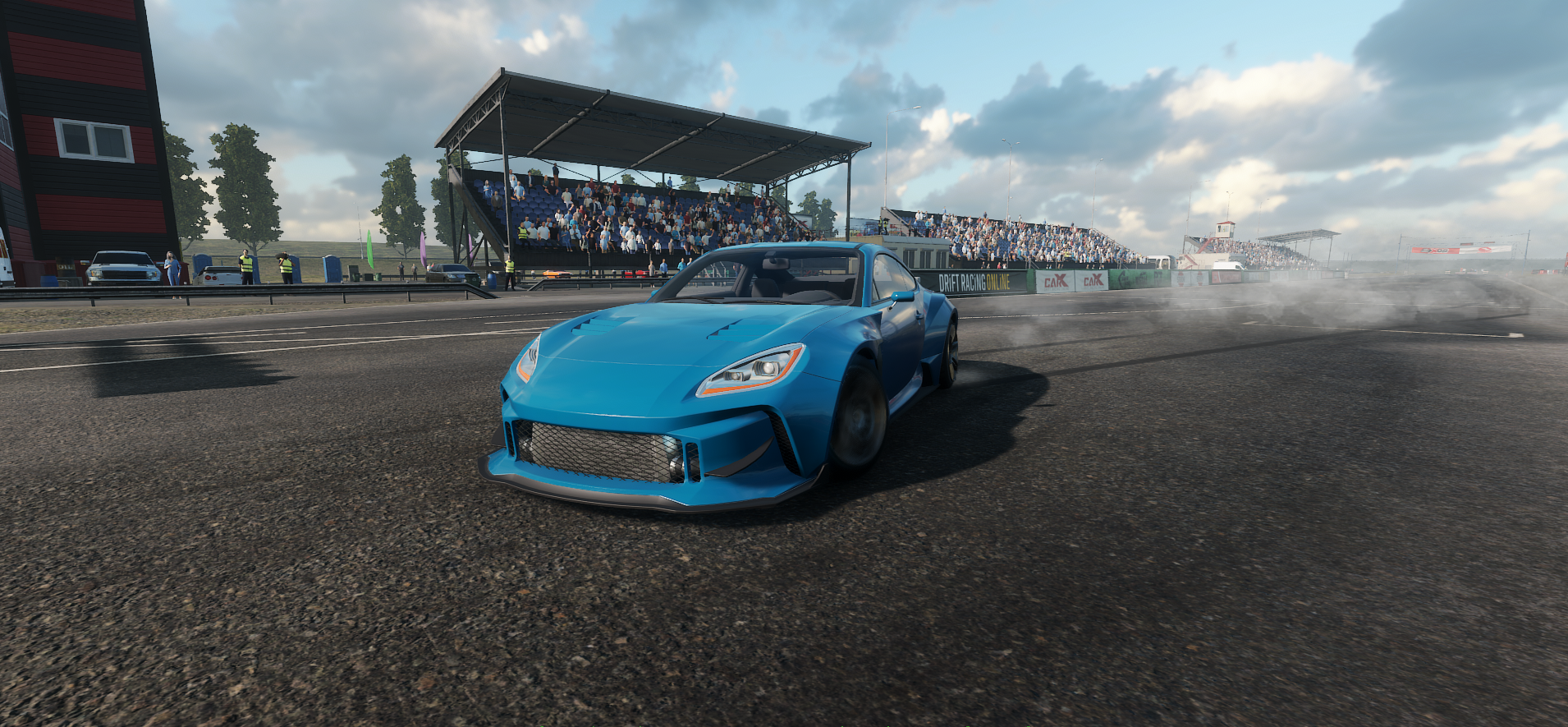 Asura GXR
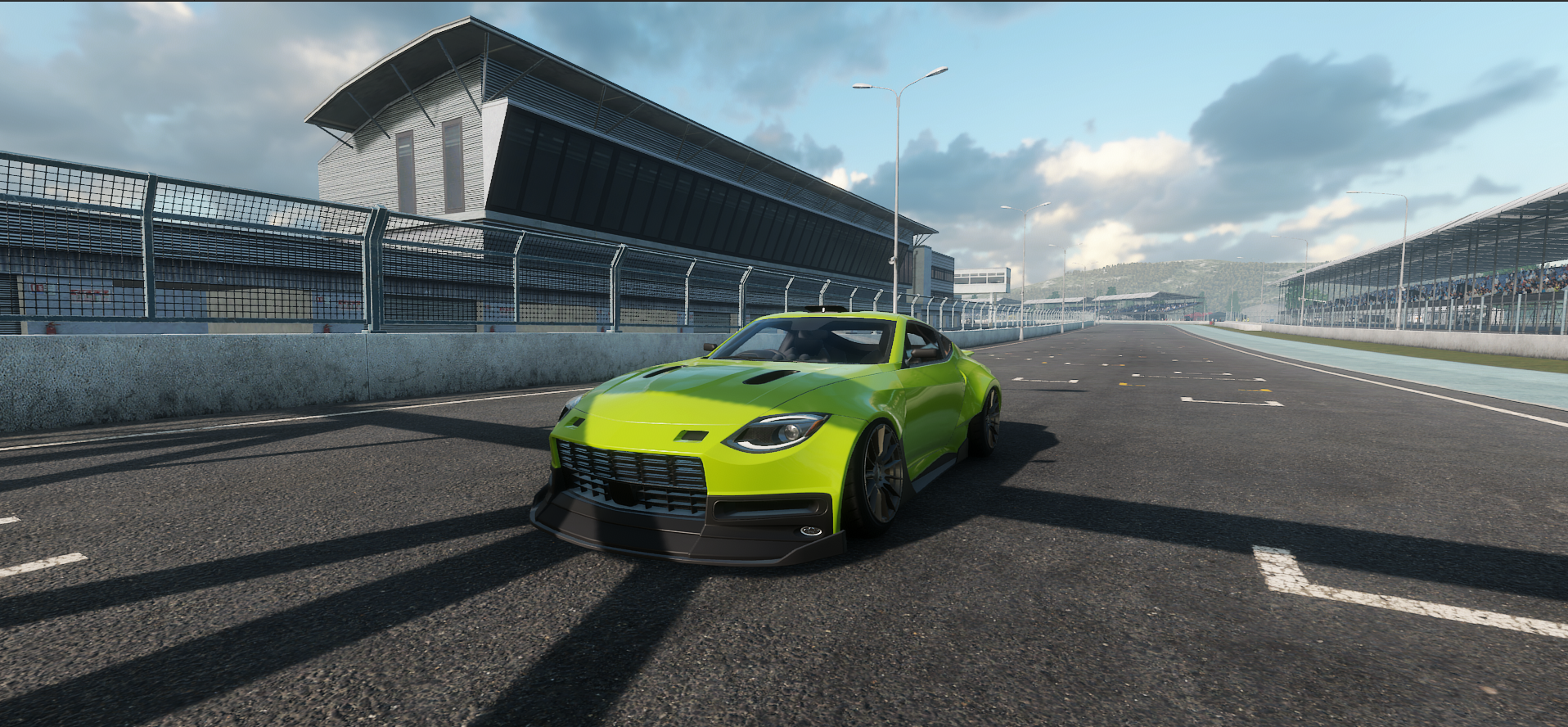 Zismo Z4
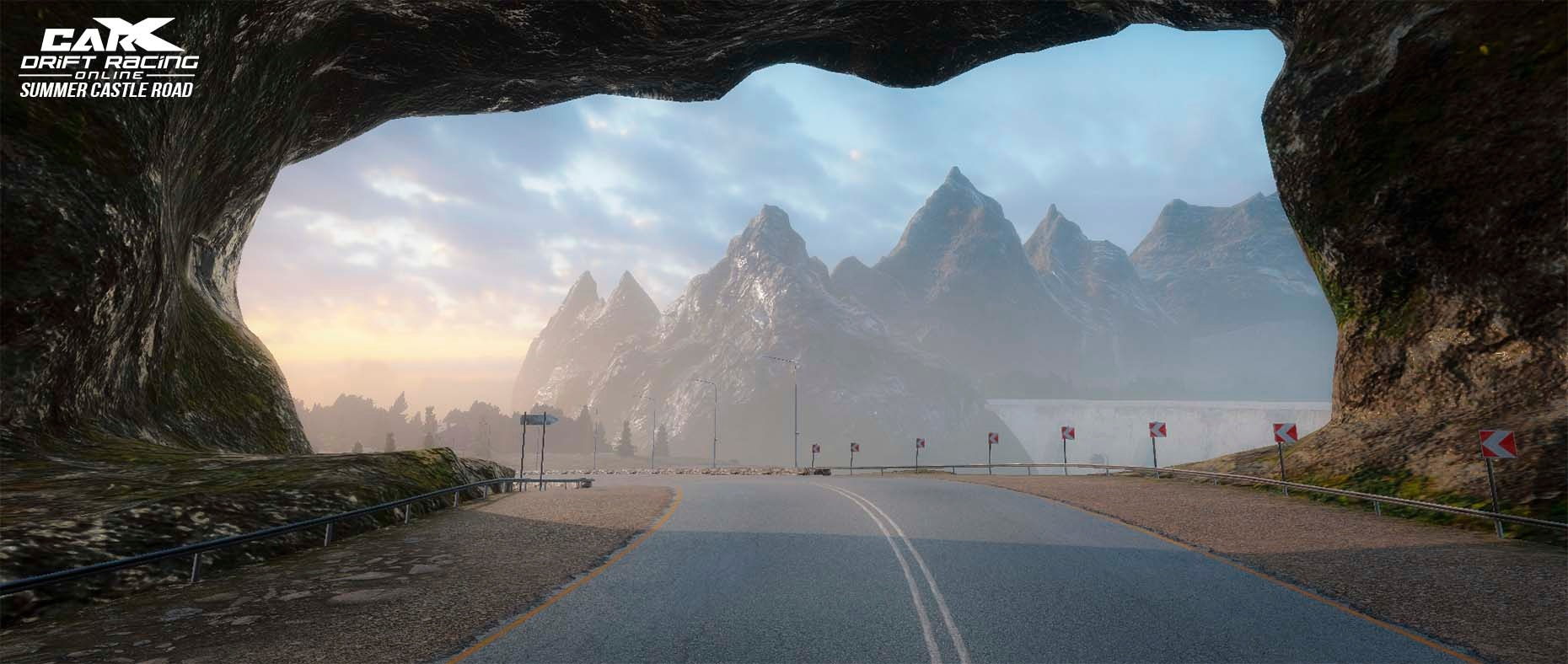
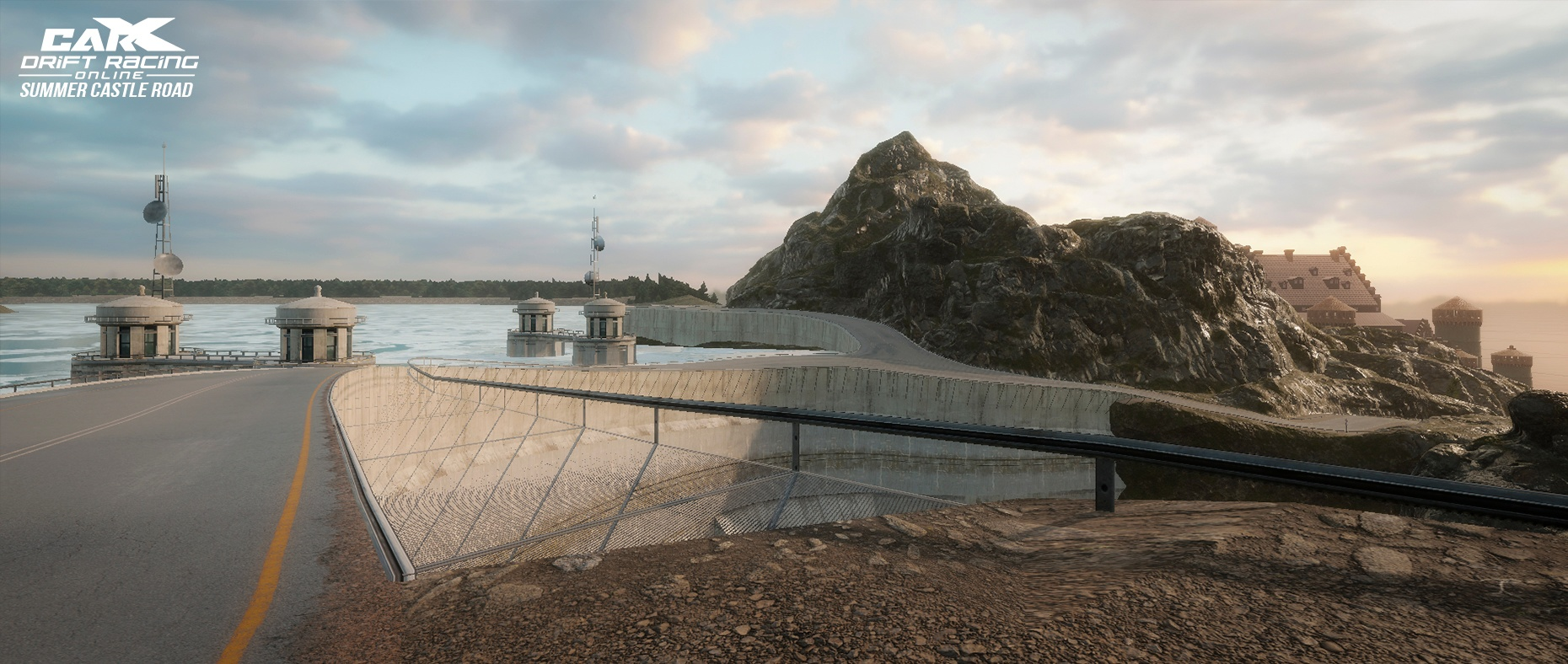
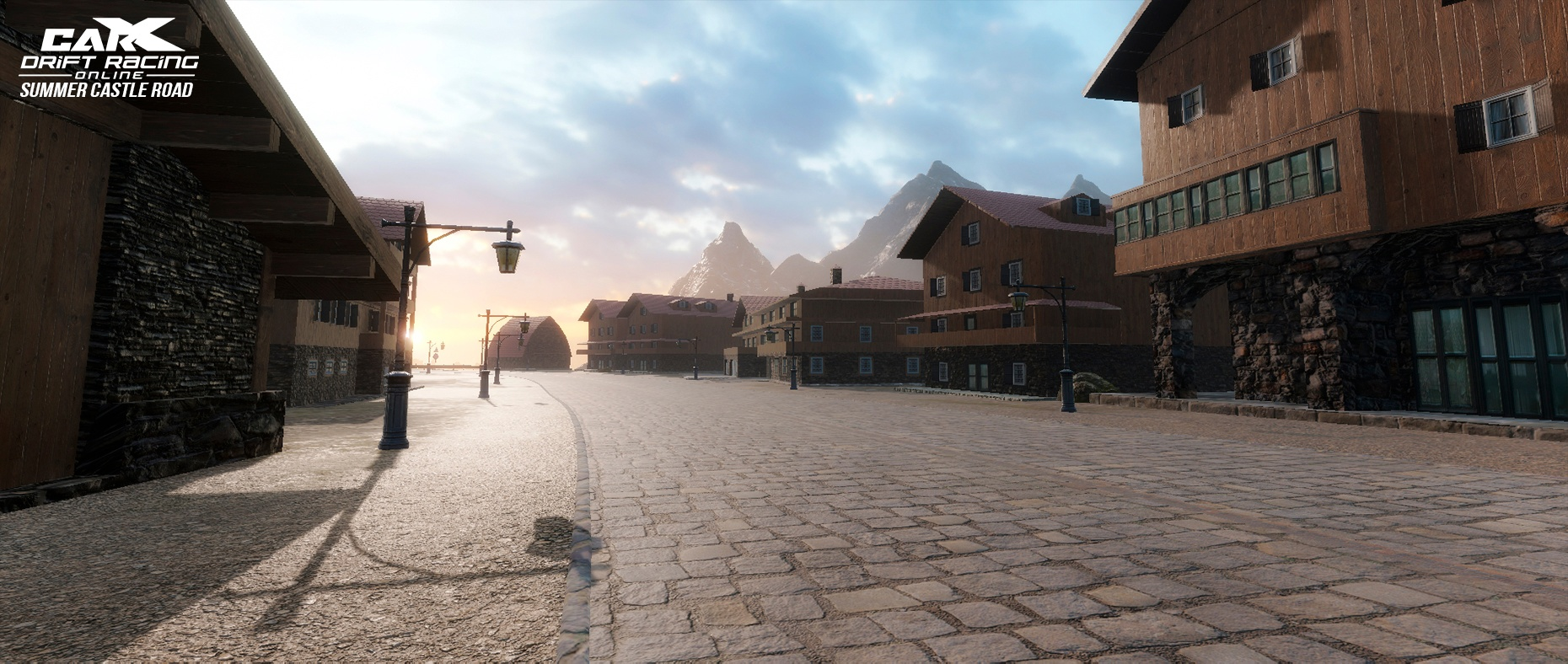
[b]Location reworked: Castle Road Summer.[/b]
Zismo Z4
[b]Location reworked: Castle Road Summer.[/b]
 [b]Crash sensitivity.[/b]
Sensitivity has been tweaked for XDS modes, increased for collision with location with objects and decreased for car's collisions.
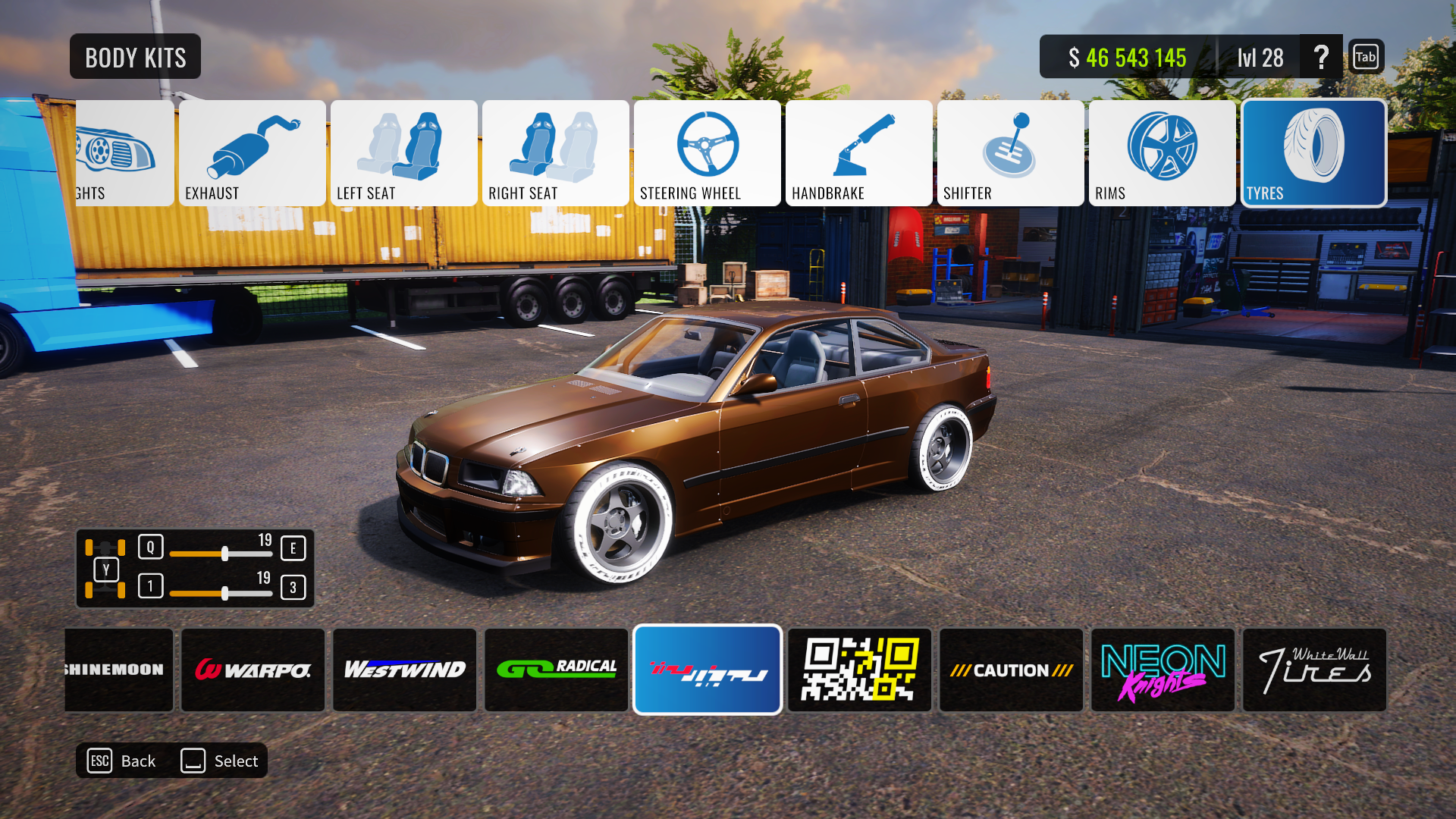
[b]Stickers.[/b]
New tire stickers are coming with this update, with some new sticker-packs
[b]Crash sensitivity.[/b]
Sensitivity has been tweaked for XDS modes, increased for collision with location with objects and decreased for car's collisions.
[b]Stickers.[/b]
New tire stickers are coming with this update, with some new sticker-packs
 [b]More. [/b]
Rims sorting by category updated;
Garage camera settings;
Bug Fixes;
Have fun!
[b]More. [/b]
Rims sorting by category updated;
Garage camera settings;
Bug Fixes;
Have fun!