[b]ONE FOR OUR VIRTUAL PHOTOGRAPHERS! LOOKING AT THE TOOLS AVAILABLE IN-GAME, WHICH DO YOU FIND MOST USEFUL FOR CAPTURING THE SHOT YOU'RE AFTER?[/b]
Check out some of our favourite responses below. A huge thank you to everyone who got involved in our February Porters Supporting Porters blog! Stay tuned for more info on how you can get involved in the next one. [i]The tools I find most useful in DEATH STRANDING's photo mode are the image rotation tool, which allows me to take different angles, adjusting filters, and focusing shots.[/i] - GioWayne86 [i]The most important for me are image rotations and the black / white filter for dramatic shots specially in the high snow area. [/i] - simymonna [i]For me, it’s all about the customisation. Being able to adjust BB and Sam depending on the moment just opens up so many creative options. It honestly makes this photo mode feel really unique.[/i] - coalabr14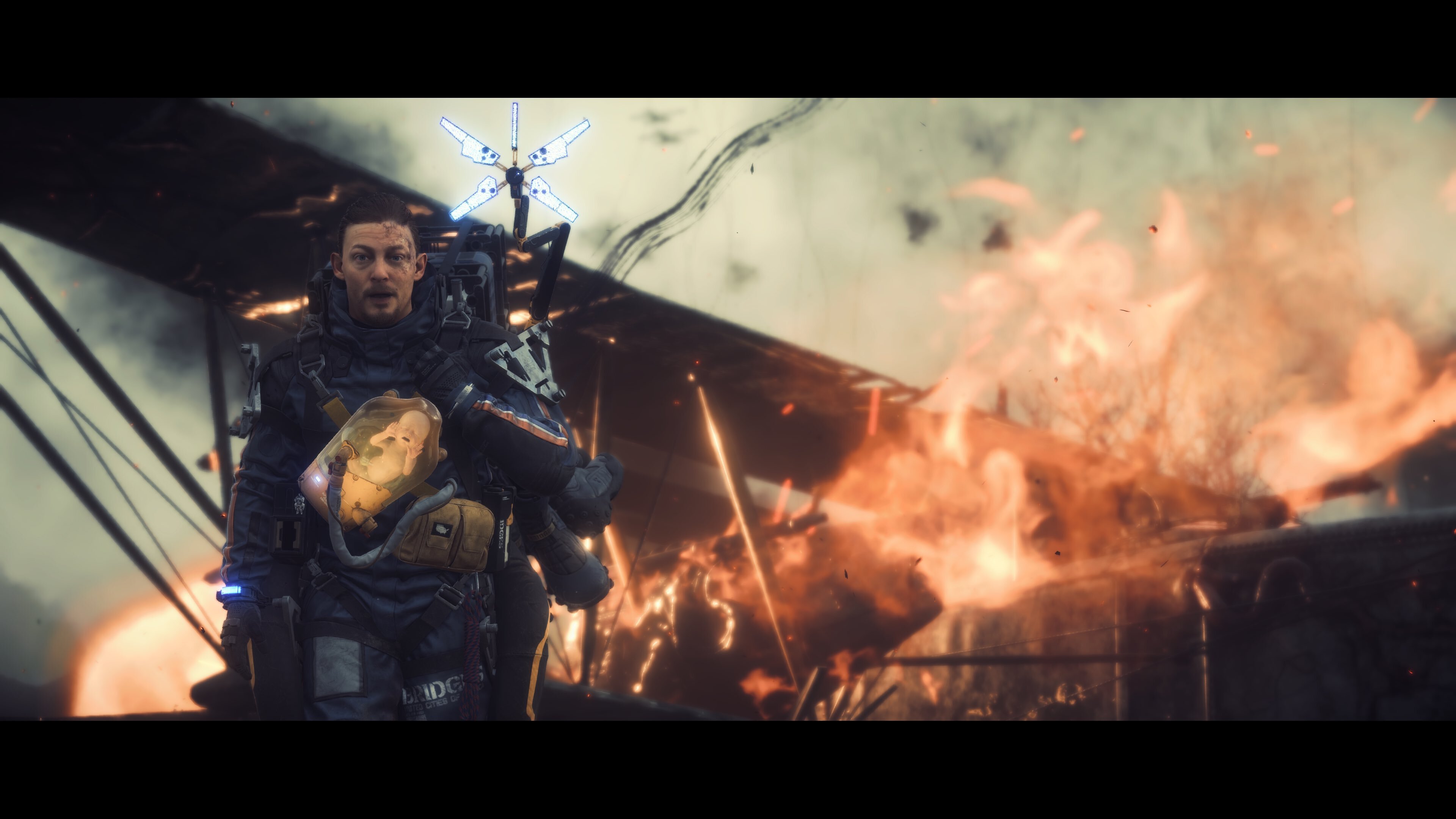 Photo credit - coalabr14
[i]I find the character posing/positioning and body tilt rotational tools are a game changer. When you find the perfect view with the perfect lighting, being able to finely tune your pose and body tilt position can turn a good shot into a great photo.[/i] - RayReynoldsNMS
[i]The filters are always good to nail the atmosphere with a perfect shot.[/i] - ModestGardevoir.
[i]Focal point aperture. I love using it![/i] - TR0YBAKER
[i]I really enjoy using filters and different frames. I like to focus on the background scene, so I try to take advantage of distance, or rotation if I want it to be a specific type of post [/i] - HariMeritre
[i]For me it's the Depth of Field! The AUTO-FOCUS for portraits instantly gives a clean, crisp facial image.. and that's even before you play around with the saturation and filters. The same applies whenever you use DoF manually for an environment shot - making the distance look miles away completely changes an image with just a few simple clicks.[/i] - Lisa_West_Pix
Photo credit - coalabr14
[i]I find the character posing/positioning and body tilt rotational tools are a game changer. When you find the perfect view with the perfect lighting, being able to finely tune your pose and body tilt position can turn a good shot into a great photo.[/i] - RayReynoldsNMS
[i]The filters are always good to nail the atmosphere with a perfect shot.[/i] - ModestGardevoir.
[i]Focal point aperture. I love using it![/i] - TR0YBAKER
[i]I really enjoy using filters and different frames. I like to focus on the background scene, so I try to take advantage of distance, or rotation if I want it to be a specific type of post [/i] - HariMeritre
[i]For me it's the Depth of Field! The AUTO-FOCUS for portraits instantly gives a clean, crisp facial image.. and that's even before you play around with the saturation and filters. The same applies whenever you use DoF manually for an environment shot - making the distance look miles away completely changes an image with just a few simple clicks.[/i] - Lisa_West_Pix
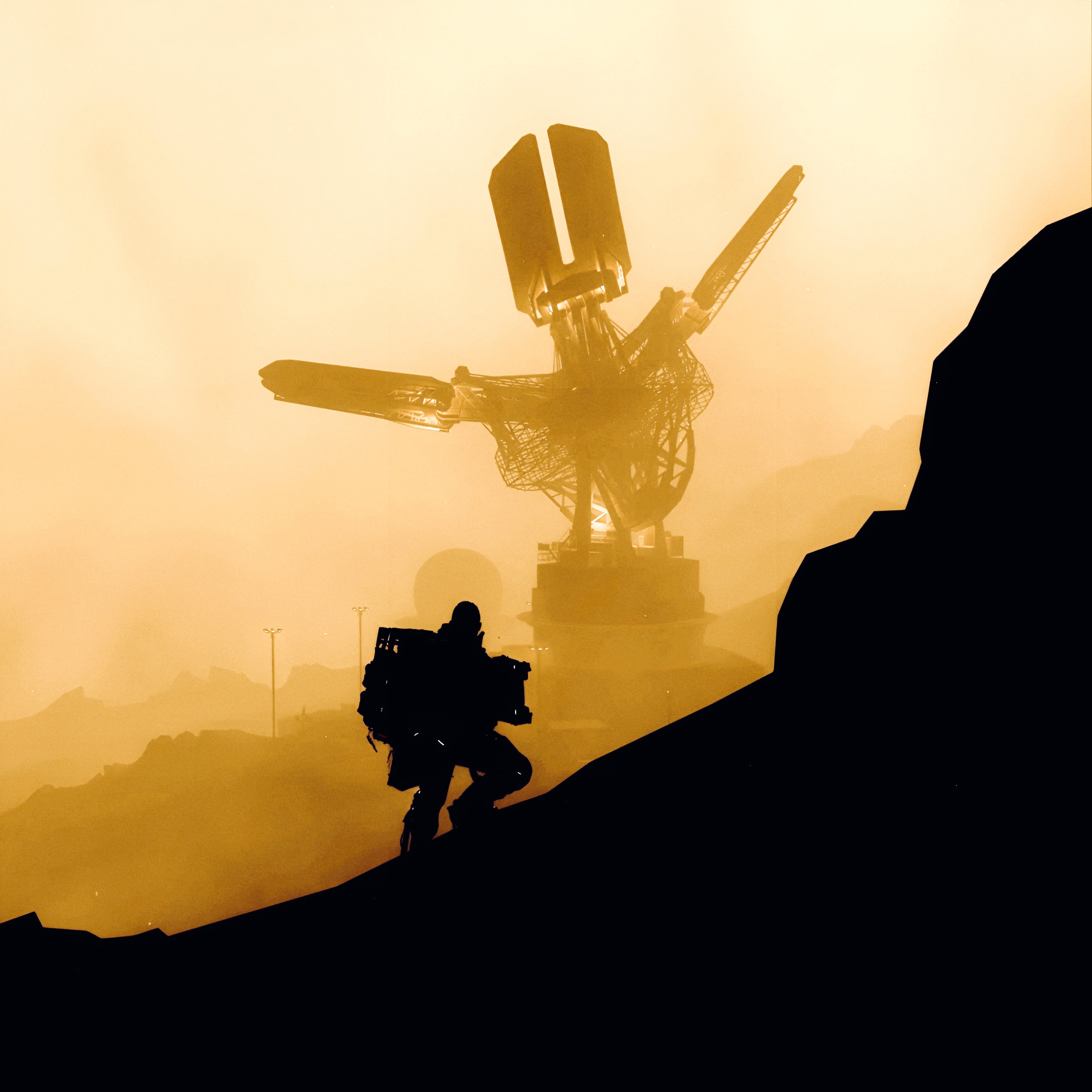 Photo credit - Lisa_West_Pix
[i]DEATH STRANDING has a versatile viewing angle/distance/pitch-roll-yaw setting for camera view, which other games either don't have, or have it very limited. You can zoom all the way in and count Sam's eyelashes or zoom all the way out and capture the scenery. Being able to change Sam's pose, head/torso rotation and even hide him from the scene is also really useful option.[/i] - N1kBr0
[i]Definitely the Depth of Field. Superb for not only adding depth (surprising, isn't it? haha) to your picture, but also for setting the accents. Just use it once and you'll understand how different the same scene can look![/i] - phanodemus
[i]Wear silly glasses and hats and take many moody pictures in photo mode![/i] - sam-traeger-bruecken
[i]Most useful features:
Focal length
Change depth of field
Light (intensity, Hue, Saturation, Spread, Softness
Aperture
Exposure
Contrast
Lens distortions
Sam’s Pose
Sam’s Expression
Sam’s Eyeline
Towards camera tilt and movement
Show BB pod
Lou’s pose, expression, light
Logo
Show UI
Show Signs
Show Odradek Scan
Most useful function is being able to control exposure and contrast to bring out important detail without losing subject features so you can be precise with your adjustments to get the ideal finish. [/i]- DS_repatriART
[i]The ability to choose where Sam looks. I find the shots you can get by combining facial expressions and eye direction incredible.[/i] - ChiguireFeo
Photo credit - Lisa_West_Pix
[i]DEATH STRANDING has a versatile viewing angle/distance/pitch-roll-yaw setting for camera view, which other games either don't have, or have it very limited. You can zoom all the way in and count Sam's eyelashes or zoom all the way out and capture the scenery. Being able to change Sam's pose, head/torso rotation and even hide him from the scene is also really useful option.[/i] - N1kBr0
[i]Definitely the Depth of Field. Superb for not only adding depth (surprising, isn't it? haha) to your picture, but also for setting the accents. Just use it once and you'll understand how different the same scene can look![/i] - phanodemus
[i]Wear silly glasses and hats and take many moody pictures in photo mode![/i] - sam-traeger-bruecken
[i]Most useful features:
Focal length
Change depth of field
Light (intensity, Hue, Saturation, Spread, Softness
Aperture
Exposure
Contrast
Lens distortions
Sam’s Pose
Sam’s Expression
Sam’s Eyeline
Towards camera tilt and movement
Show BB pod
Lou’s pose, expression, light
Logo
Show UI
Show Signs
Show Odradek Scan
Most useful function is being able to control exposure and contrast to bring out important detail without losing subject features so you can be precise with your adjustments to get the ideal finish. [/i]- DS_repatriART
[i]The ability to choose where Sam looks. I find the shots you can get by combining facial expressions and eye direction incredible.[/i] - ChiguireFeo
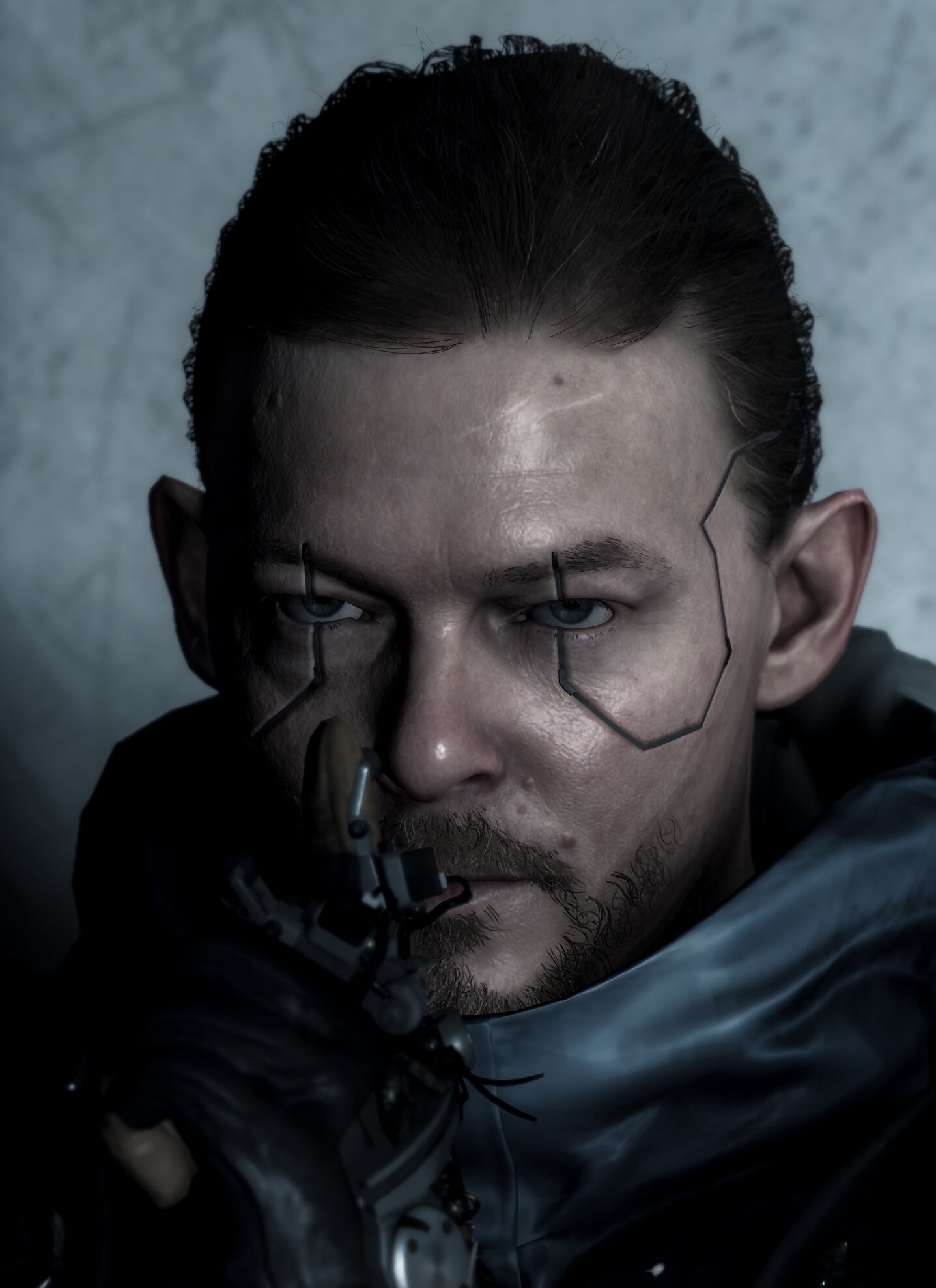 Photo credit - ChiguireFeo
[b]JOIN THE COMMUNITY AND GET INVOLVED[/b]
[img src="https://clan.akamai.steamstatic.com/images/41741388/d6bcc6a1626bec8ab9c8a7f4f6c3de5fa2d3472f.png"][/img]
https://store.steampowered.com/app/1850570/DEATH_STRANDING_DIRECTORS_CUT/