Alpha Version Access
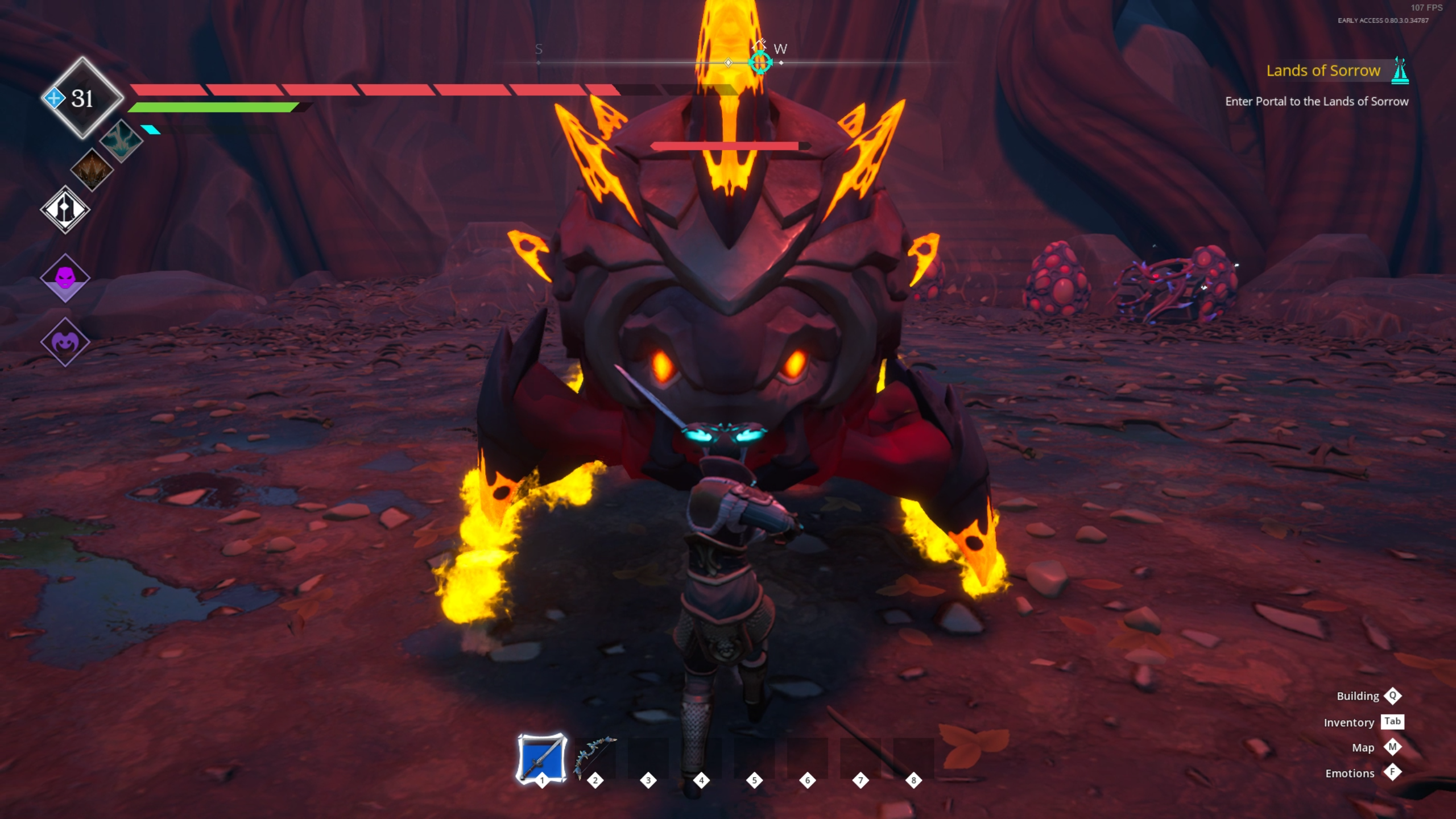
First and foremost, we want to show our current progress to those who are concerned about the future of the Frozen Flame. In the alpha version, you can explore the foundation of the new biome.- New portal and biome (no quests or activities yet)
- New monsters
- New armor
- Updated combat system
- Reworked ability tree
- Flying adjustments
How to switch to the Alpha branch
To switch into the Alpha branch you need to open game properties in steam: Proceed to the “Betas” tab and select “alpha” in the drop down menu: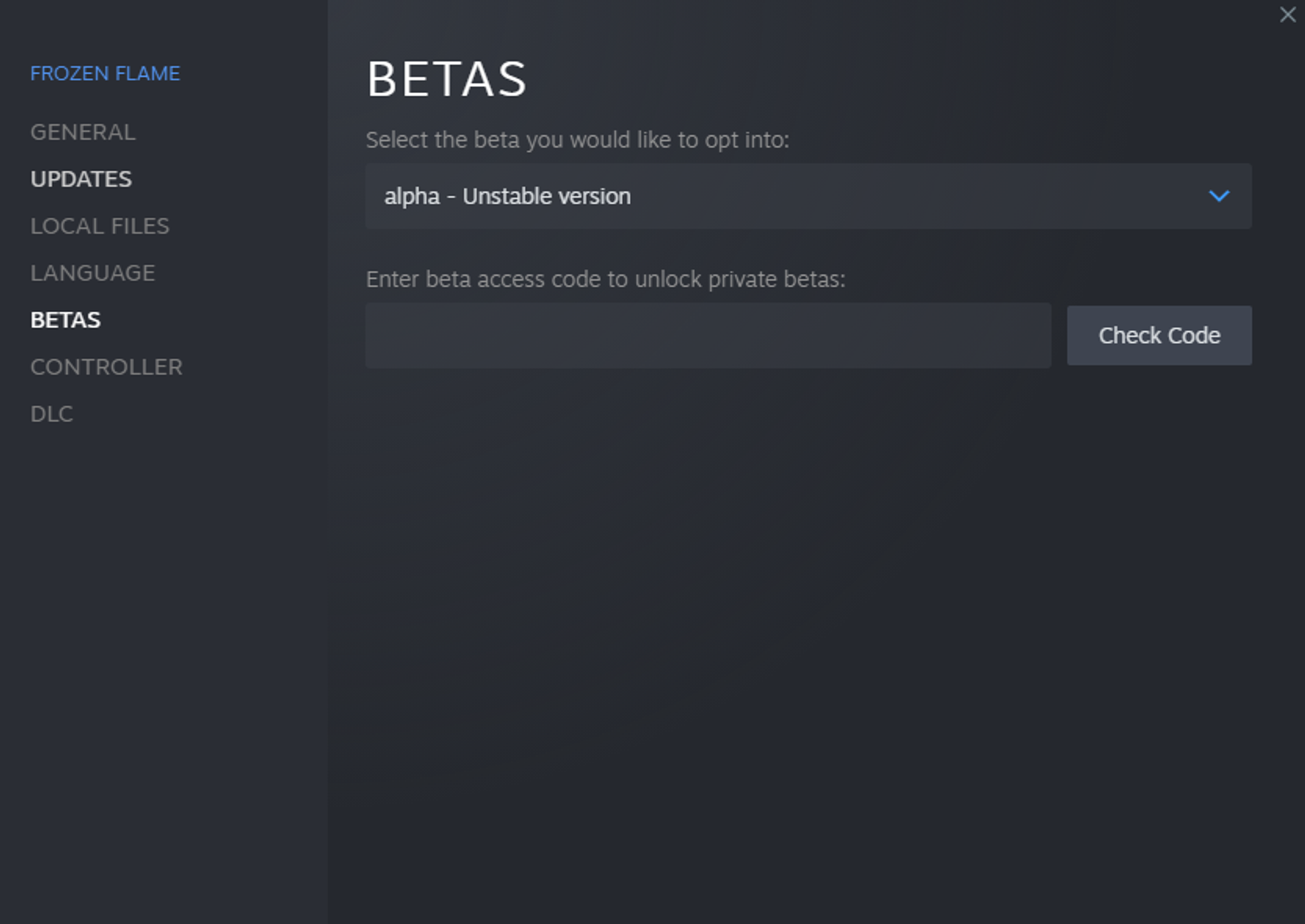 To switch back - select [b]“None”[/b].
[b]IMPORTANT:[/b] Backup your game save before testing, as many aspects will change in the final version.
To switch back - select [b]“None”[/b].
[b]IMPORTANT:[/b] Backup your game save before testing, as many aspects will change in the final version.
How to backup files
To make backups you should navigate to your save files location. The path should look like this: [b]C:\Users\%USERPROFILE%\AppData\Local\FrozenFlame\Saved\SaveGames[/b] Copy the “SaveGame00” - “SaveGame04” folders to a different location. If something unfortunate happens to the files during your Alpha experience, you can place the copies back and overwrite the broken saves.Price Reduction
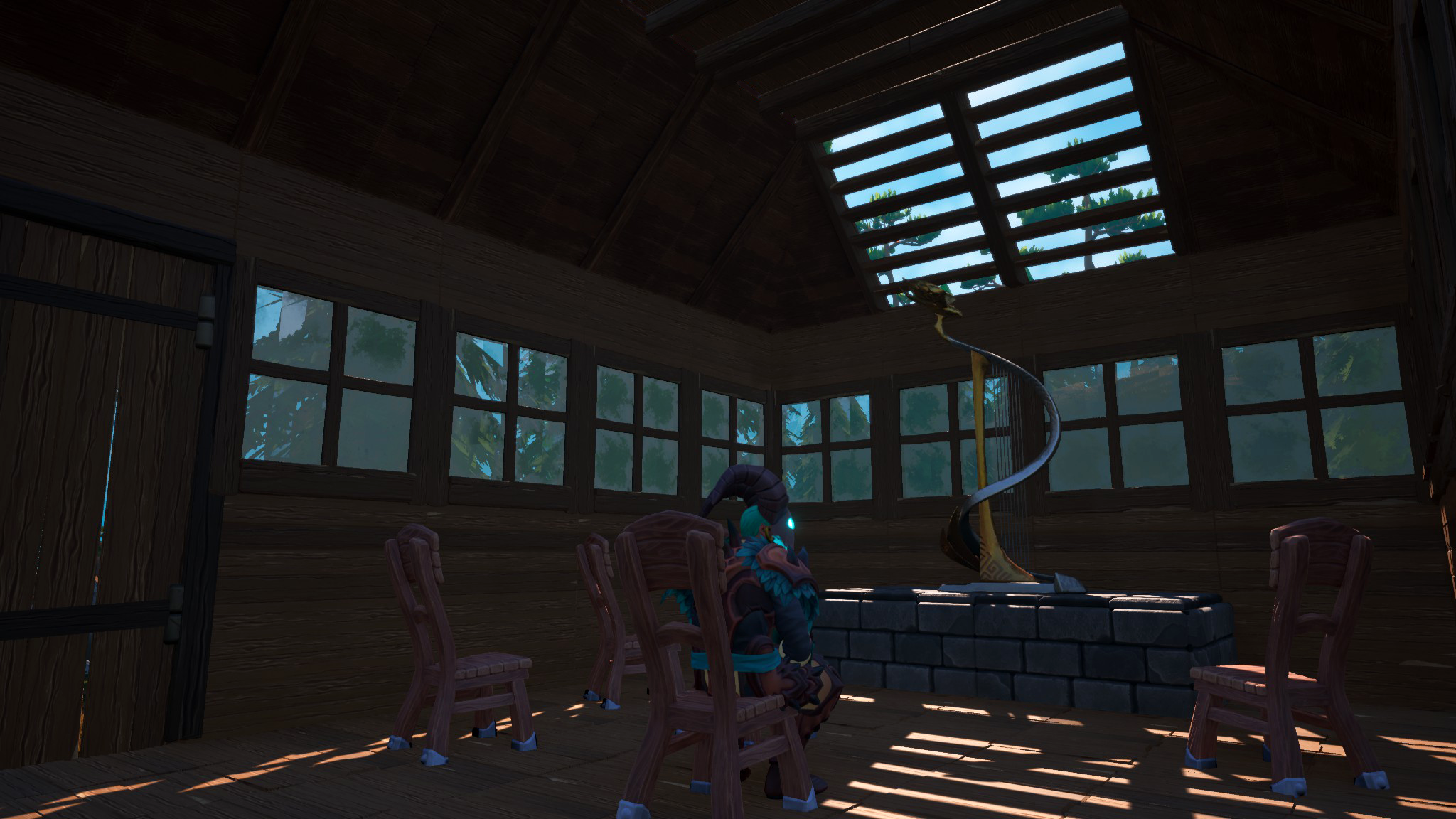
Due to numerous requests, we have decided to reduce the game's price soon to make it more accessible. All previous purchasers will receive a [url=https://store.steampowered.com/app/2221340/Frozen_Flame__Primal_Pack/]Primal pack[/url] (will be sold separately) and the [url=https://store.steampowered.com/app/2221310/Frozen_Flame__Golden_Harp/]Golden Harp[/url] pack (not for sale) as a token of our appreciation for your patience and support.