How to link your account and claim Twitch Drops
To claim your items, first link your HAWKED account with your Twitch account:- Log in [url=https://playhawked.com/en/twitchdrops]here[/url] (using your Steam, MGLauncher, or PlayStation account).
- Make sure to log in with your correct account depending on the platform you use. If you register a new account, rewards will automatically be assigned to that account.
- Select ‘Link with Twitch’, and make sure you confirm the connection.
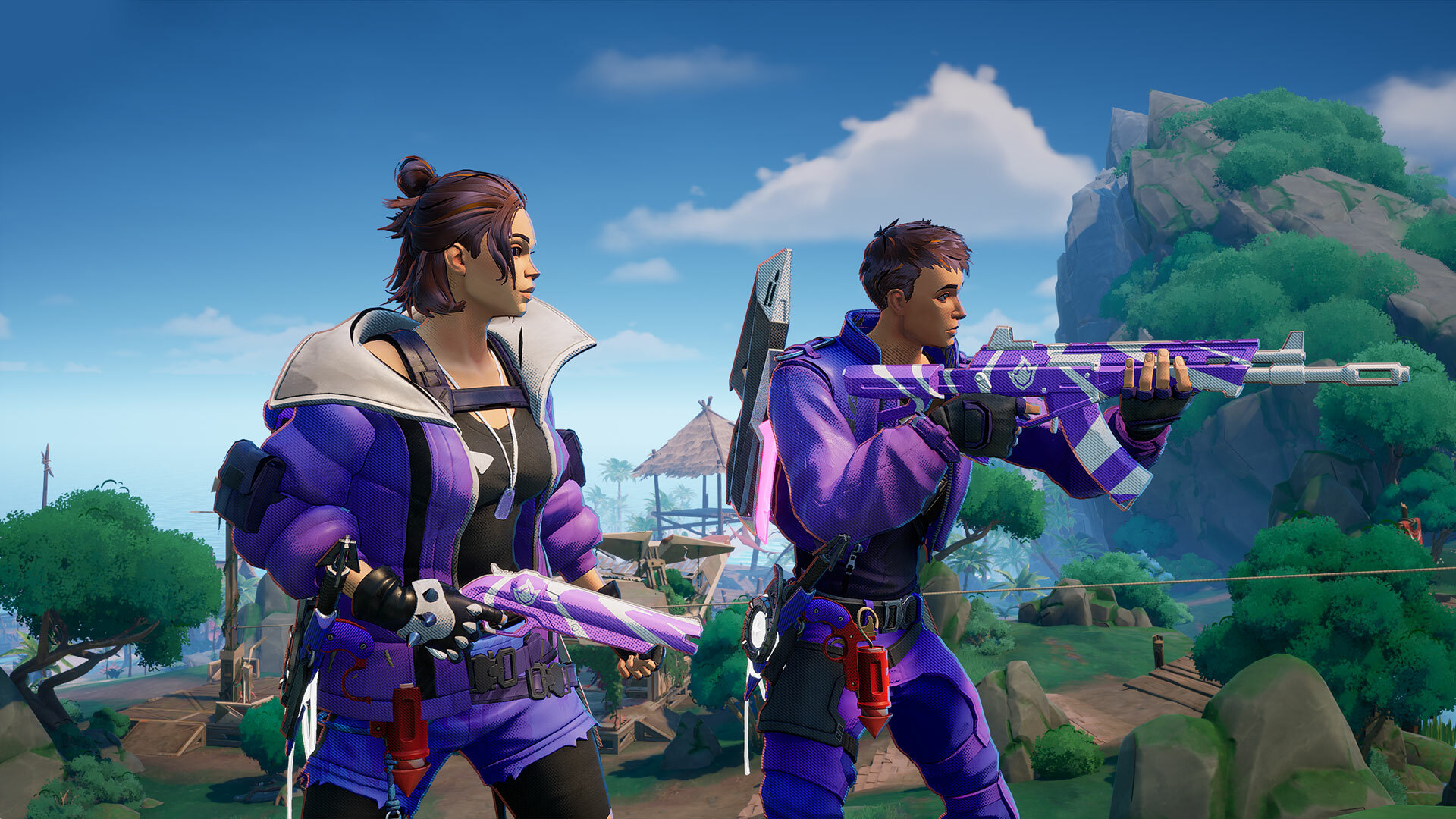 When you’ve racked up enough viewing time, claim your loot from your [url=https://www.twitch.tv/drops/inventory]Twitch Drops Inventory[/url] to receive it in-game. Any Twitch Drops earned will be available throughout the Crossplay Open Beta and into the full release of HAWKED.
Don’t forget to follow or subscribe to the streamers you enjoy!
When you’ve racked up enough viewing time, claim your loot from your [url=https://www.twitch.tv/drops/inventory]Twitch Drops Inventory[/url] to receive it in-game. Any Twitch Drops earned will be available throughout the Crossplay Open Beta and into the full release of HAWKED.
Don’t forget to follow or subscribe to the streamers you enjoy!