Rewards:
Emblem 1: Emblem 2:
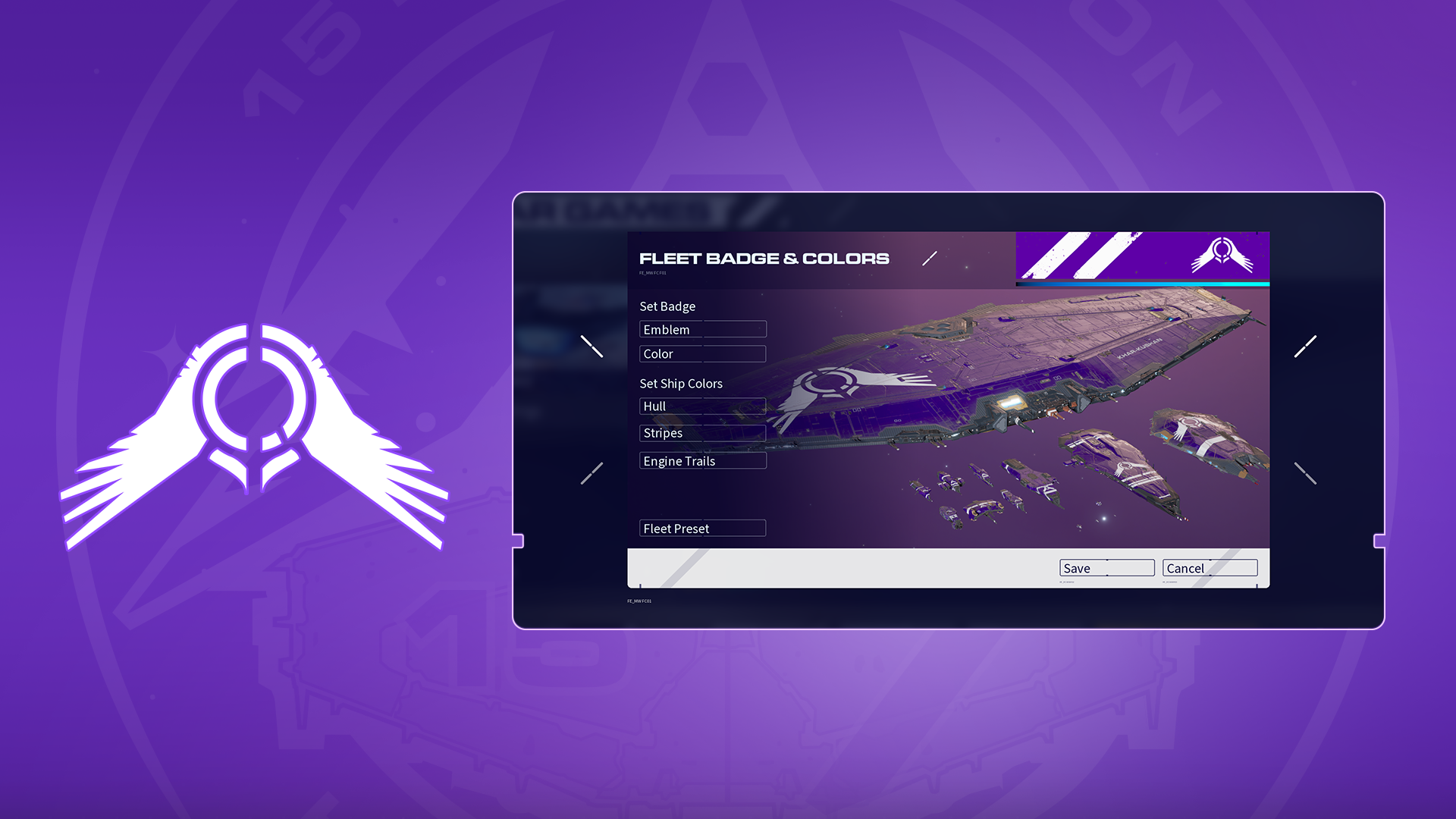 Redeem these two emblems by watching [url=https://www.twitch.tv/directory/category/homeworld-3]Twitch Streams[/url] during the first two weeks of [i]Homeworld 3[/i]’s launch! You will only have to redeem once to receive both emblems!
[b]Start Time:[/b] May 10 at 6:00 pm UTC (2:00 pm ET, 11:00 am PT)
[b]End Time:[/b] May 20 6:00 pm UTC (2:00 pm ET, 11:00 am PT).
[b]How to Get Them:[/b] Watch [b]1[/b] hour (60 minutes) of [url=https://www.twitch.tv/directory/category/homeworld-3][i]Homeworld 3[/i] streams on Twitch[/url] while this Twitch Drop is active on any channel to earn these two Emblems that can be used to customize your ships in Multiplayer games!
Once you’ve redeemed your Emblems from Twitch, they’ll be delivered via [url=https://shift.gearboxsoftware.com/home]SHiFT[/url] right into your game!
Redeem these two emblems by watching [url=https://www.twitch.tv/directory/category/homeworld-3]Twitch Streams[/url] during the first two weeks of [i]Homeworld 3[/i]’s launch! You will only have to redeem once to receive both emblems!
[b]Start Time:[/b] May 10 at 6:00 pm UTC (2:00 pm ET, 11:00 am PT)
[b]End Time:[/b] May 20 6:00 pm UTC (2:00 pm ET, 11:00 am PT).
[b]How to Get Them:[/b] Watch [b]1[/b] hour (60 minutes) of [url=https://www.twitch.tv/directory/category/homeworld-3][i]Homeworld 3[/i] streams on Twitch[/url] while this Twitch Drop is active on any channel to earn these two Emblems that can be used to customize your ships in Multiplayer games!
Once you’ve redeemed your Emblems from Twitch, they’ll be delivered via [url=https://shift.gearboxsoftware.com/home]SHiFT[/url] right into your game!
Eligibility
In order to get these emblems you must link your Twitch and SHiFT accounts on the [url=https://shift.gearboxsoftware.com/home]SHiFT website[/url]. When you've signed into SHiFT.gearbox.com, select "Gaming Platforms" to view your connections and link your Twitch account.Applying Customizations in Homeworld 3
Customizations are visible in the Multiplayer game modes War Games and Skirmish. Here, you can switch out banners, emblems and set the colors of your emblem, hull, stripes, and ship trails. To apply customizations, you must first create or join a Multiplayer lobby.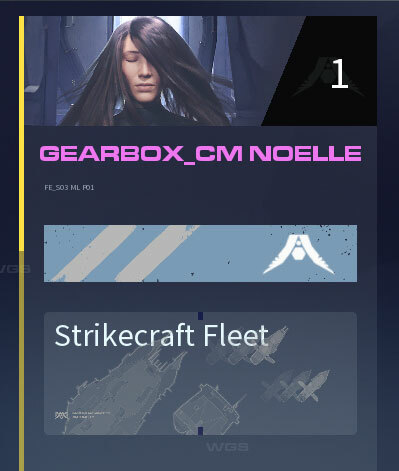 Here, you will see your selected Banner, your display name with your game edition color, Fleet Customization, and Fleet Composition.
Banner Customization
You can change your selected banner image by clicking your banner on the top right of the screen and selecting “Customize Profile” on the popup.Display Name Color
Your display name is automatically set with the game edition that you own. Fig Backers are Purple, Fleet Command Editions are Gold, and other editions appear white. To disable the purple or gold display colors, you will have to disable the DLC in the platform’s game properties for that edition. If you still want to utilize customizations from the Fig Backers Edition, like emblems or profile icons, just customize your ship before disabling the DLC. You'll keep your customization.Ship Customizations
The banner under your display name will customize your fleet’s appearance. Select that to open a pop up where you can switch out emblems and colors. This is where emblems from Twitch Drops and SHiFT code rewards will appear. You can also use Fleet Presets to mimic different factions from the campaign. The ships on this screen will adapt to your updates. Make sure to save your changes to use your customizations in multiplayer!