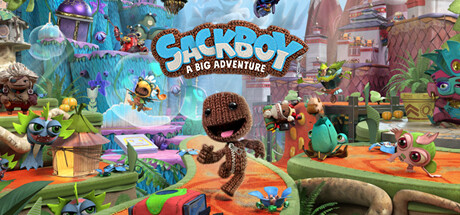
- Added in Support for DLSS3 and Shader Execution Reordering for NVIDIA 40 Series Graphics Cards
- Fixed Sackboy Rolling Animation Getting Stuck in Certain Places
- Fixed Sackboy Getting Stuck in the Travel Pod if a Secondary Player Leaves the Game
- Fixed UI Pop-ups Showing Up When in the Loading Screen
- Enabled by Default
- On the desktop, pressed the Windows Key or go to Start.
- Type 'Graphics settings'.
- Select the Graphics setting option when it pops up.
- Toggle "Hardware-accelerated GPU scheduling" to "On".
- Restart your PC to enable changes.