 [b]Public Multiplayer[/b]
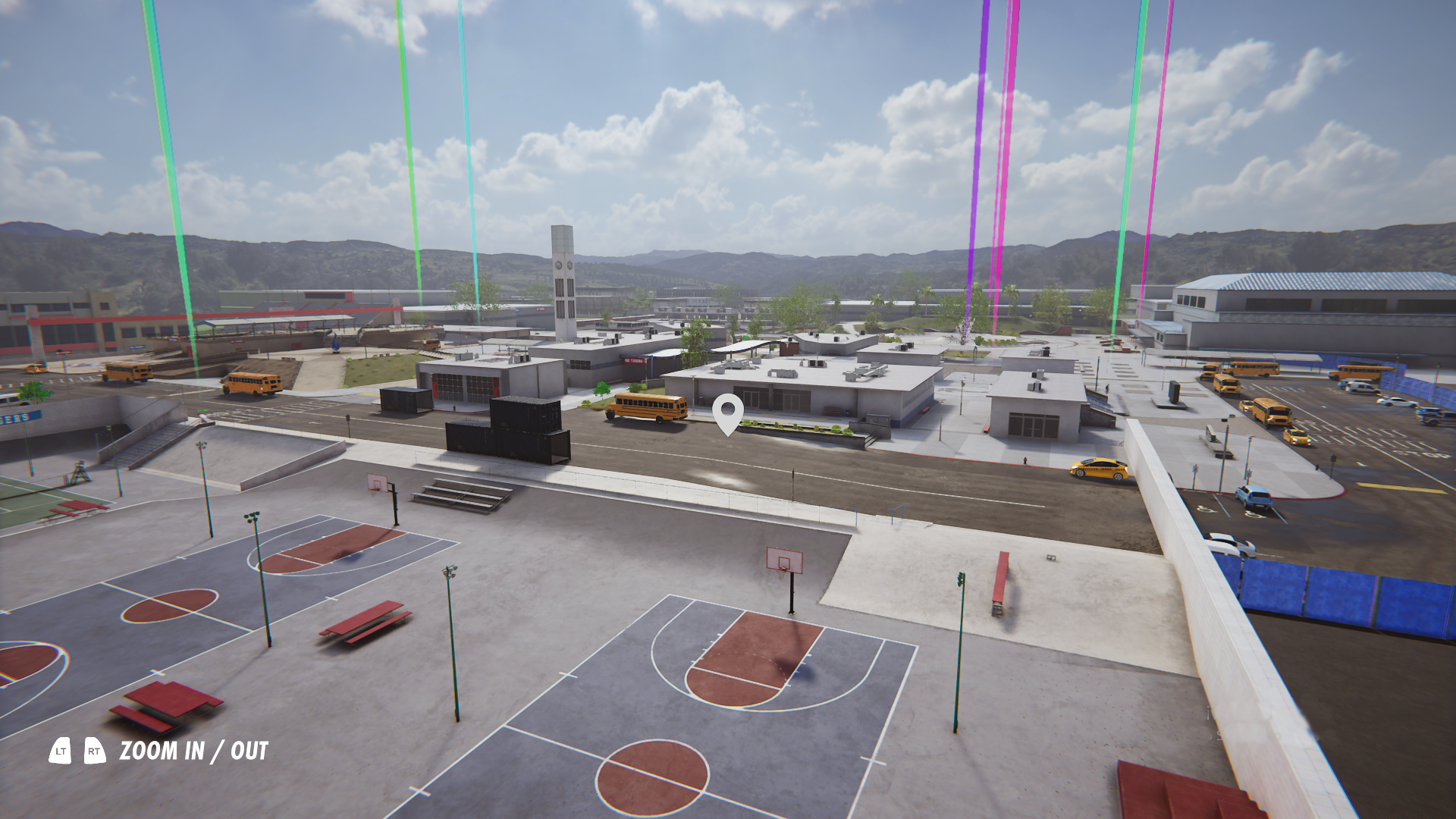
Often you will be playing in a public game and want to play on a different map. The current experience forces you to join, leave, join, leave and hope that you load into a new map, also triggering repeated notifications on other players screens.
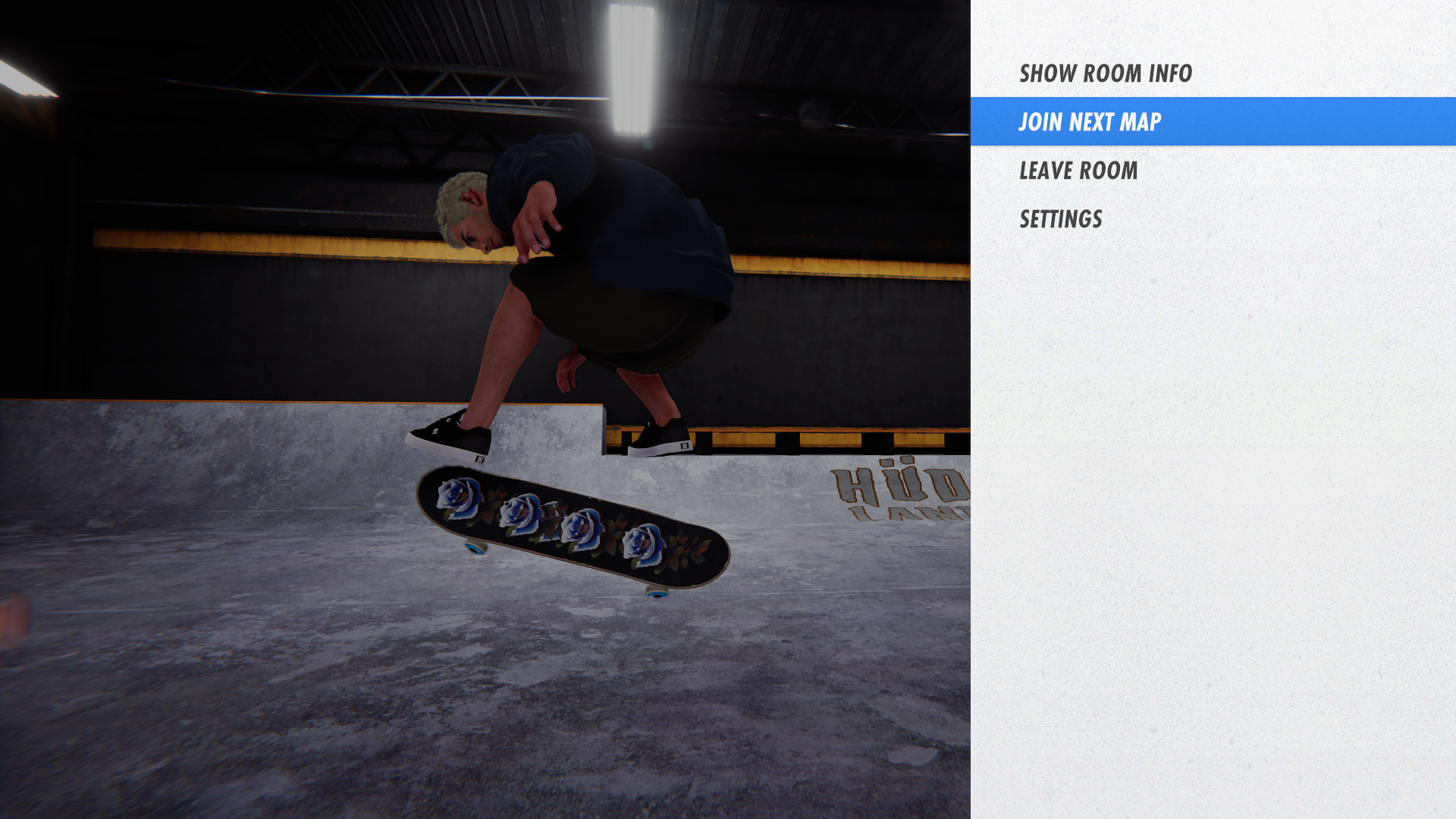
With the new system you can now push yourself straight to the next available room with the ‘Join Next Map' option, removing the problem of joining/rejoining in the hope of finding a new map. Map variation has been prioritized. If a room is full, the next room created will be different to the first one. In the current state of the game, this should produce more variation in which maps are up and running.
There is now also ability for you to invite a friend to join public rooms in addition to private rooms via the ‘Join specific room’ option. Like going to a skate park or spot in real life it’s a great way to hang out with your friend while also skating with a full room of other skaters.
[b]Public Multiplayer[/b]
Often you will be playing in a public game and want to play on a different map. The current experience forces you to join, leave, join, leave and hope that you load into a new map, also triggering repeated notifications on other players screens.
With the new system you can now push yourself straight to the next available room with the ‘Join Next Map' option, removing the problem of joining/rejoining in the hope of finding a new map. Map variation has been prioritized. If a room is full, the next room created will be different to the first one. In the current state of the game, this should produce more variation in which maps are up and running.
There is now also ability for you to invite a friend to join public rooms in addition to private rooms via the ‘Join specific room’ option. Like going to a skate park or spot in real life it’s a great way to hang out with your friend while also skating with a full room of other skaters.
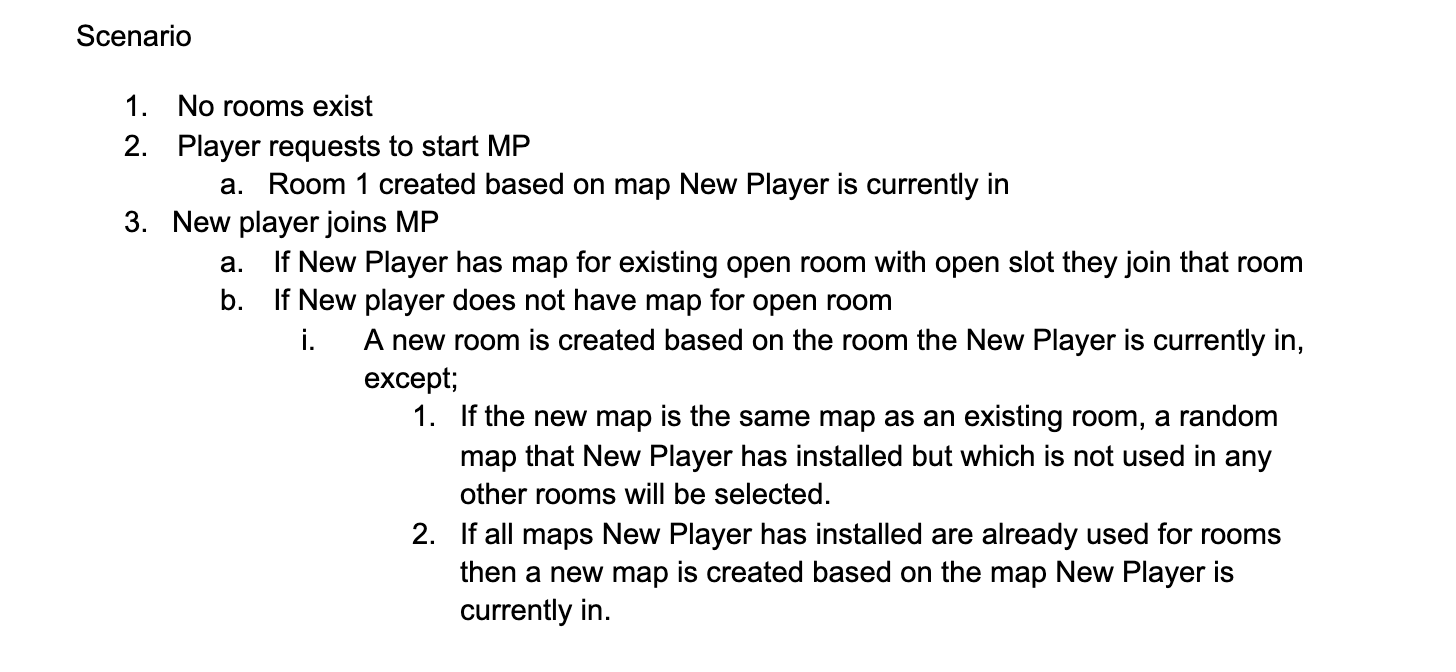
 Some insights into the new room logic (It’s a little complex, but perhaps interesting to see how the flow works..)
 [b]Exiting the game[/b]
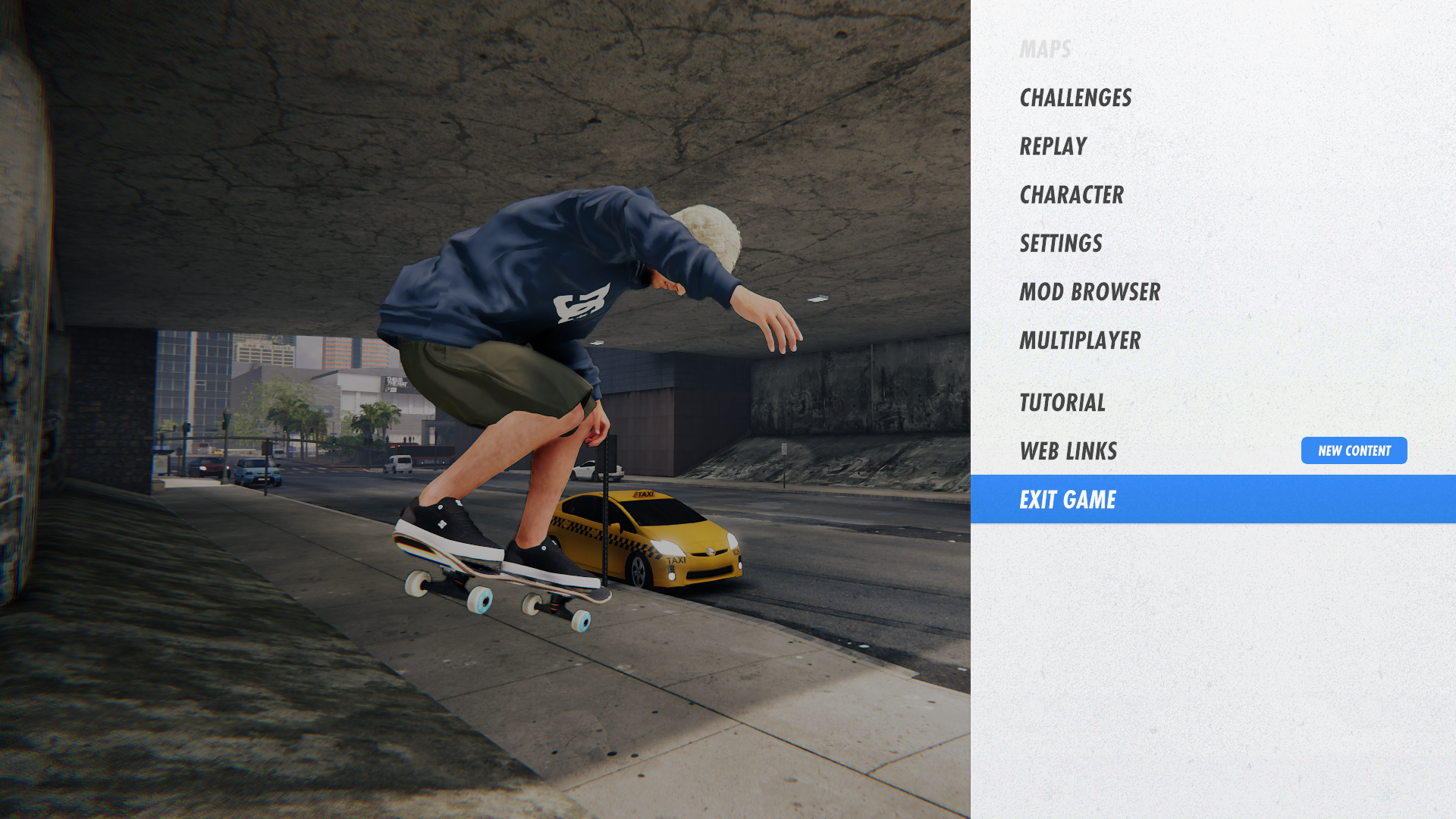
We realize the escape button has worked until now in an unusual way, closing the game immediately when pushed. Pushing escape on the keyboard now takes you to the menu system and there is an added ‘Exit Game’ option to choose within this menu. A tiny QOL change to mention here, but we realize this has been frustrating enough for some players that a mod with 12k downloads was even created to amend it (shout out to [url=https://mod.io/members/m4cs]M4cs[/url] and [url=https://mod.io/members/trizlybear]TrizlyBear[/url]). This change brings SXL in line with almost every other game ever made!!
[b]Exiting the game[/b]
We realize the escape button has worked until now in an unusual way, closing the game immediately when pushed. Pushing escape on the keyboard now takes you to the menu system and there is an added ‘Exit Game’ option to choose within this menu. A tiny QOL change to mention here, but we realize this has been frustrating enough for some players that a mod with 12k downloads was even created to amend it (shout out to [url=https://mod.io/members/m4cs]M4cs[/url] and [url=https://mod.io/members/trizlybear]TrizlyBear[/url]). This change brings SXL in line with almost every other game ever made!!
 [b]Bug fixes[/b]
- Significant across the board performance Improvements
- Replay jitter fixed
- Replay clip cutting bug fixed
- Other players no longer disappear when leaving a room whilst filming / watching a replay
- Other players are now hidden (if not in liveView) when joining a room whilst filming / watching a replay
- Infinite loading for Replay, Maps and Character Menus fixed
 Thank you so much for your valuable feedback and suggestions on the Multiplayer Free Skate Open Beta. Please keep it coming!
[b]To open the beta, follow these steps:
Right click ‘Skater XL’ and open Properties
Select the ‘beta - Open Beta’ branch.
Steam should start downloading this version of the game. Once it has finished, you will be able to try the update. The game name in your library should now show “Skater XL [beta]”.
[/b]
[b]If you’d like to switch back to the regular commercial release branch of the game in future simply come back to this screen and select “NONE - opt out of all betas” in the drop down.[/b]
Thank you so much for your valuable feedback and suggestions on the Multiplayer Free Skate Open Beta. Please keep it coming!
[b]To open the beta, follow these steps:
Right click ‘Skater XL’ and open Properties
Select the ‘beta - Open Beta’ branch.
Steam should start downloading this version of the game. Once it has finished, you will be able to try the update. The game name in your library should now show “Skater XL [beta]”.
[/b]
[b]If you’d like to switch back to the regular commercial release branch of the game in future simply come back to this screen and select “NONE - opt out of all betas” in the drop down.[/b]