Crouching Hitbox Issues
As many of you already know, there is an issue with the players hitboxes when crouching that can make it very difficult to hit the crouching players head. The issue is that the hitbox for the head is sticking outside of the bounding box, which means your hits will not register on that part of the hitbox that is outside of the bounding box. We attempted to fix this in several ways, but these adjustments caused the side effect of getting stuck in objects when crouch jumping. So unfortunately we had to revert those changes, and we will look into how we can properly fix the crouching hitboxes in the future. There is another fix we did for this that we will be including in the update, and that was moving the origin of the crouching animation backwards. This makes it so that the front of the head hitbox fits a little better into the bounding box. A side effect of this change is that now there is part of the leg hitboxes sticking out the back of the bounding box, which of course means you won't be able to hit those parts of a crouching Zombie. We thought this was a good compromise in order to be able to hit the head hitbox easier, though. [url=https://clan.akamai.steamstatic.com/images/562405/c04b4100163b639626a2723b9c82de1e7a87acce.jpg]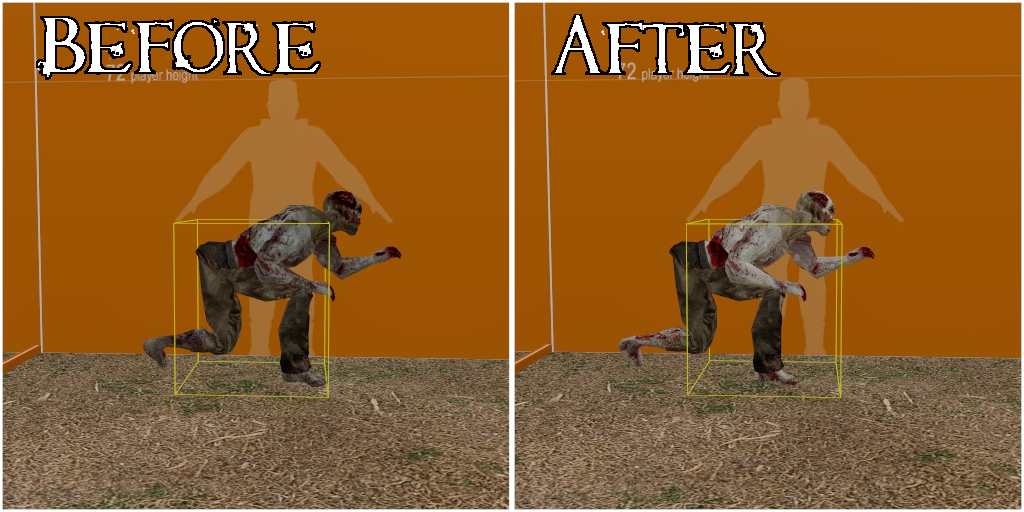 [/url]
[i]The yellow line is the bounding box for the player, the parts of the hitboxes outside of the bounding box cannot be hit.[/i]
[/url]
[i]The yellow line is the bounding box for the player, the parts of the hitboxes outside of the bounding box cannot be hit.[/i]
Crouch Spamming In Mid-air
Due to some code left out in the code rewrite for v3.1, players have been able to abuse a function of crouch jumping to make themselves harder to hit while in the air. Players were able to instantly crouch and uncrouch while mid-air, which would shift their position back and forth as quickly as they could press and unpress the button. We've fixed this by reimplementing a feature of crouch jumping that was used previously in the game. Now whenever you crouch in the air you will stay crouched until you hit the ground. This does not apply to swimming in water because it could prevent a player from being able to get out of a swimmable area that required them to be standing.Animation Updates
There has been updates to some weapon and character animations that will require your workshop addons to be updated in order to be compatible with the adjustments. If you're using workshop addons and you notice issues - you'll want to comment on the page of the workshop item to inform the creator of the problem, and then disable the addon (if it causes you major problems). To disable an addon go to your main menu and open [i]Extra -> Add-Ons[/i]. There you will see a full list of all the workshop addons you are subscribed to. Find the addon that is causing you problems and uncheck the box for it beside the word "Mounted". (Your game may require a restart after this in order to unmount certain files.)Weapon Adjustments
Shotguns had their spread slightly increased, they now shoot 8 pellets (instead of 7) that deal 13 damage each (instead of 14), and all of their damage modifiers have been slightly reduced. Many animations for the shotguns have been adjusted to better balance them too. Pistols had their vertical recoil (the upward separation of the bullet origin from the crosshair) reduced by 35%. The Winchester and Magnum both had a fix implemented to prevent exploiting quickswitching in a way that gave them an advantage. You'll no longer be able to quickly bypass Magnum recoil by quickswitching, or skip a duration of the reloading animation for the Winchester by quickswitching. The Magnum had its firerate very slightly decreased (fires faster), its viewpunch increased, there's more spread to the bullets in the later recoil stages, the vertical recoil (upward separation of the bullet origin from the crosshair) has been reduced, and the recoil decay has been adjusted (to ensure that you will go through all 6 recoil stages).Crash Fixes
This patch includes a couple fixes for crashes that have been discovered recently;- A crash that was commonly occurring on a version of church_skittles due to damage filters. Thanks to Moonwalker for showing us how this crash happened, so that we were able to discover the cause.
- A crash that was frequently occurring on zpo_athenaeum (and some other community levels) with the error "CUtlLinkedList overflow! (exhausted index range)". We're still not sure what exactly is causing this issue, but it has been changed to a warning instead of a crash. Thanks to everyone who played this level and brought the crash to our attention.
Level Updates
Many levels have received various fixes for the issues they have. Some common fixes this patch were; adjusting the amount of supplies in levels, and fixing the infinite stamina glitch caused by item_deliver. We recognize that there's still a lot of problems left to fix, though. So there will be more level updates to come in the future. As always, make sure to give us your feedback about what sort of things need fixed or changed! Let's talk about some of the more substantial changes that levels have received, and show you some previews.Objective Item Changes (currently experimental)
We're beginning adjustments to help prevent griefing with objective items (item_deliver). These adjustments will only apply to Harvest at first, but we'll expand it to all levels that require it in the future if we determine that this change is working out well. What this change will do is allow all Survivors to take an item_deliver required for level progression, such as the fuse or the keys on Harvest. That way progression through the level cannot be prevented by one player, whether that be intentional or not. There is a limit to how many of these items can be in the world (not counting those in players inventories), so these cannot be exploited to spawn so many that it would cause a server crash.Harvest
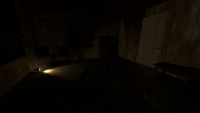
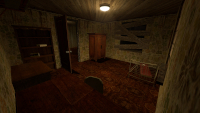
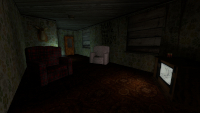
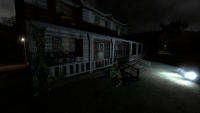
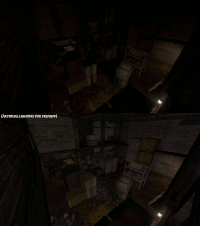
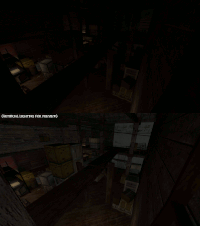
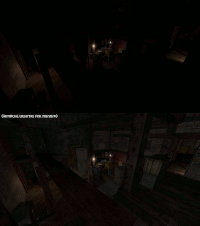
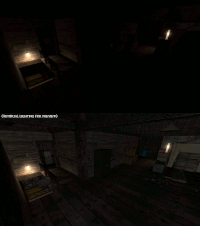
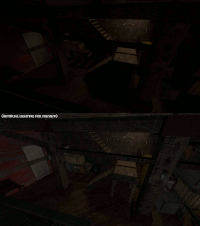
The bridge inside of the Barn has been re-added, and the staircase to the second floor has been adjusted. Both of those things were done in order to make the Barn more difficult for the Survivors to defend. Because the staircase seemed to be a very powerful bottleneck for the Survivors, and Zombies could have trouble getting past the barricades that were being made there. The fuse and the truck both utilize a capture point now. After you bring the fuse to the I.E.D., you must stand beside the I.E.D. until the fuse is planted. When the truck comes, you must secure the truck by standing in the back before you can escape. These adjustments were made because Survivors would often complete these objectives quickly before the Zombies even had a chance to get there. There has also been other improvements to help the Zombies out:- The breakable objects in the level such as the boards on the windows and doors of the house will now glow in Zombie vision.
- Spawn management has been adjusted to keep Zombies close to the objectives, like making sure Zombies spawn by the road when the truck has stopped.
- The doors into the Barn can now be broken by the Zombies after the military has been radioed.
- There's a Zombie only ladder up onto the porch roof using the vines on the pole near the front door of the House.
 [/url][url=https://clan.akamai.steamstatic.com/images/562405/1b901242ac3b01f52f01de47ac2a342c2beb6c67.jpg]
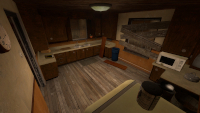 [/url][url=https://clan.akamai.steamstatic.com/images/562405/58f316b2b605d1e77825454d4eb641e304a24e54.jpg]
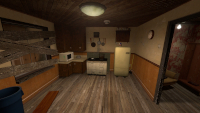 [/url][url=https://clan.akamai.steamstatic.com/images/562405/48a6e6945ef6ac6c3229f69a7380b39ba8cc9832.jpg]
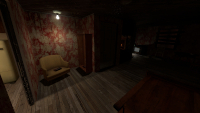 [/url][url=https://clan.akamai.steamstatic.com/images/562405/f25296a588a454434af0375a4f253fa36214e649.jpg]
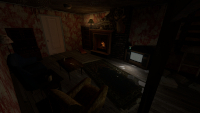 [/url][url=https://clan.akamai.steamstatic.com/images/562405/145604f09271d92dbe14b87192b1666fa2982e8d.jpg]
 [/url][url=https://clan.akamai.steamstatic.com/images/562405/33a4e78544c2b5b2a2b5e770e769c3458f123938.jpg]
 [/url][url=https://clan.akamai.steamstatic.com/images/562405/cee3d96c9d6c7b267694b5869f472a7e02df6e9a.jpg]
 [/url][url=https://clan.akamai.steamstatic.com/images/562405/10884c056201e3422f12309766befa9fe19771a6.jpg]
 [/url][url=https://clan.akamai.steamstatic.com/images/562405/16a8f597b16ab3339bd3bd28f8320e20654f93a7.gif]
 [/url][url=https://clan.akamai.steamstatic.com/images/562405/6a69df5845840ec7fe82304a4abafb2260647b27.gif]
 [/url][url=https://clan.akamai.steamstatic.com/images/562405/0cd0c737d287d75d21265bbf6f2653ddec9e29fd.gif]
 [/url][url=https://clan.akamai.steamstatic.com/images/562405/a7f8d4a18f0c9b6126e141fa68359df0959b0dcd.gif]
 [/url][url=https://clan.akamai.steamstatic.com/images/562405/6759bbd3997f9fa239cbf77d419cd8a544ca9075.gif]
 [/url]
Town
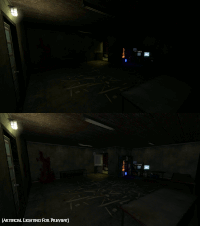
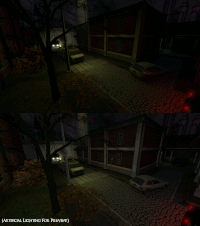
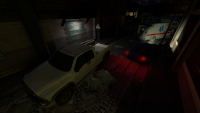
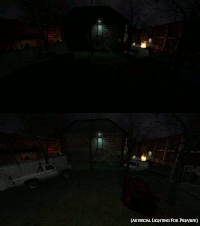
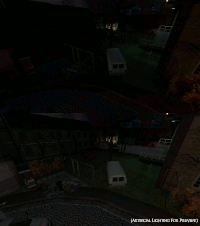
The back alley industrial area is no longer closed off during low player count. The second floor room in that back alley that could be accessed via the ladder is now the Zombie spawn instead of the room above it, and Survivors can no longer access that area. Part of the fence in the Playground is now broken. A couple of vehicles were added in the Playground to provide more cover for Zombies as well. [i](Click the thumbnails to enlarge the image.)[/i] [url=https://clan.akamai.steamstatic.com/images/562405/39c3cab8a4b5508a2f8eb7c023bb5dfc009ba0aa.gif]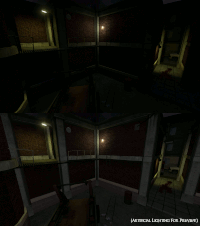 [/url][url=https://clan.akamai.steamstatic.com/images/562405/5e19e19a4b84a2324e700544b00072a730ea2815.gif]
 [/url][url=https://clan.akamai.steamstatic.com/images/562405/09c5595585d001e3fdc32167ea275655422fe76c.gif]
 [/url][url=https://clan.akamai.steamstatic.com/images/562405/ec46ce3e822bb2f3982b39302911d673556005cb.jpg]
 [/url][url=https://clan.akamai.steamstatic.com/images/562405/fe9b9bc491351862751933f25e0744e7932ab8fc.gif]
 [/url][url=https://clan.akamai.steamstatic.com/images/562405/1f10f78f28154d1383d87b29cb75805035ea1f00.gif]
 [/url]
Shreddingfield
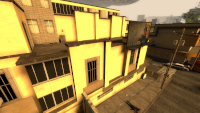
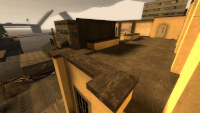
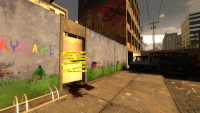
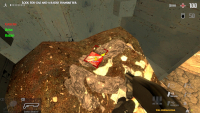
The Zombie spawns are managed better to keep Zombies spawning close to the active objectives. For instance, Zombies will no longer spawn by the Police Station when the objective is at the Parking Lot. There is also a new Zombie spawn on the rooftop beside the Garage that will activate once Survivors get the cart close to the Garage, and will be the only active Zombie spawn point once the Garage is opened. The gas syphoning objective now uses a capture point that Survivors have to stand inside of in order to syphon the gas. This is to keep Survivors closer to the spawn point and make it more dangerous to syphon the gas. Because Survivors were able to start the gas syphoning and then get far away where they were safer. There's also more beacons and red outlines to help inform players of their objectives. As well as a list showing what items have been found (for the gas can, hose, and radio). [i](Click the thumbnails to enlarge the image.)[/i] [url=https://clan.akamai.steamstatic.com/images/562405/14f5fa319451c07379cfc17cbfdfe8231c121626.jpg]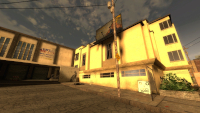 [/url][url=https://clan.akamai.steamstatic.com/images/562405/be43b23d88678eefb8b83e45cc59fff6acee2447.jpg]
 [/url][url=https://clan.akamai.steamstatic.com/images/562405/c5c441c692ba4a7337943dd075ba84a4f06b4968.jpg]
 [/url][url=https://clan.akamai.steamstatic.com/images/562405/1ea9d977c7e4aa2317208e126bda63adfd75c362.jpg]
 [/url][url=https://clan.akamai.steamstatic.com/images/562405/c3fbec44fd5b37a6d102f2ab4c30822a566da026.jpg]
 [/url][url=https://clan.akamai.steamstatic.com/images/562405/bd21b0691f2a679caa7c08251f6315a94b3fdde6.jpg]
 [/url]
Text Chat Filter
You'll now be able to filter (censor) words in the text chat utilizing Steam's chat filtering. This setting will be very useful for content creators to help keep their content clean of profanity and slurs according to their preference, but normal players will also find this useful. You can toggle this setting in [i]Options/Settings -> Zombie Panic! Options -> Miscellaneous (tab)[/i], with the setting called "Filter text chat (using Steam)". This setting will be off by default. You're also able to customize your chat filter in your Account Preferences. You can access these settings by opening the Steam Application and clicking on your username in the top right of the window (1), then clicking on Store preferences (2) and scrolling down to Chat Filtering under the Community Content Preferences section. [url=https://clan.akamai.steamstatic.com/images/562405/ceece7da7917194ad517e010969f012934cc9906.jpg]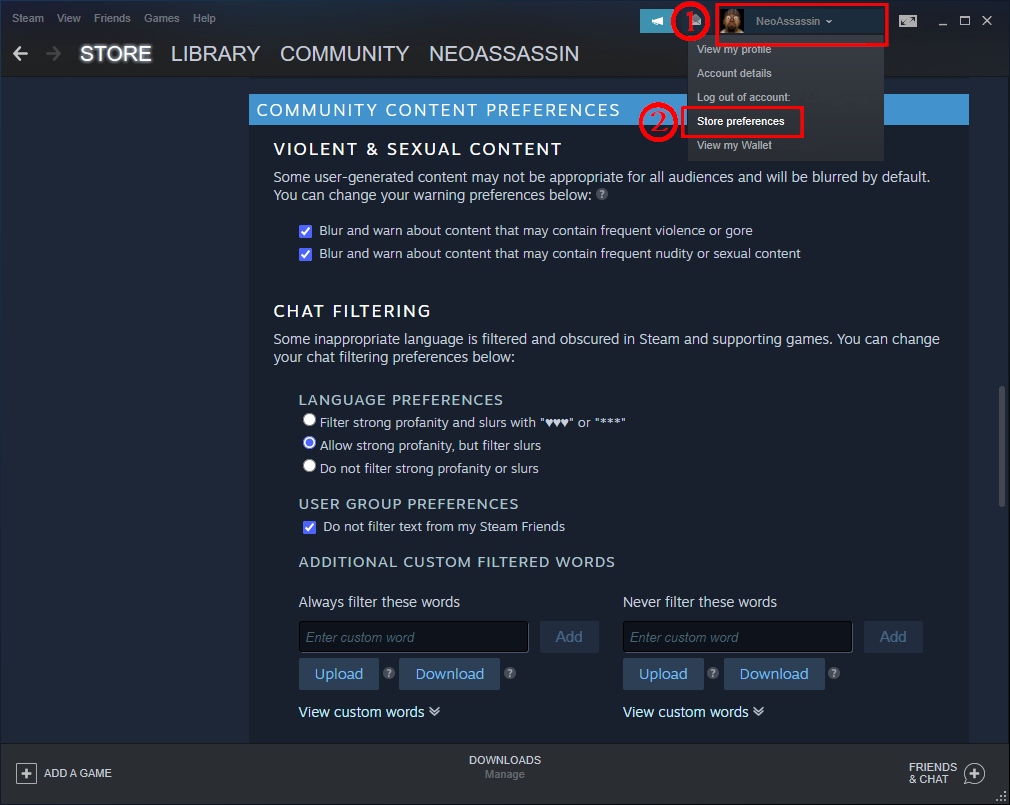 [/url]