Some users had expressed a desire to have Energy Batteries turn on automatically and remain on even when their excess power is no longer needed. Now, you can achieve that result using the new interface; just set the check boxes to the opposite of the settings shown above.
These settings are global and always apply to all Energy Batteries.
The button has also changed from opening the Powers & Policies pane to directly toggling the battery state.
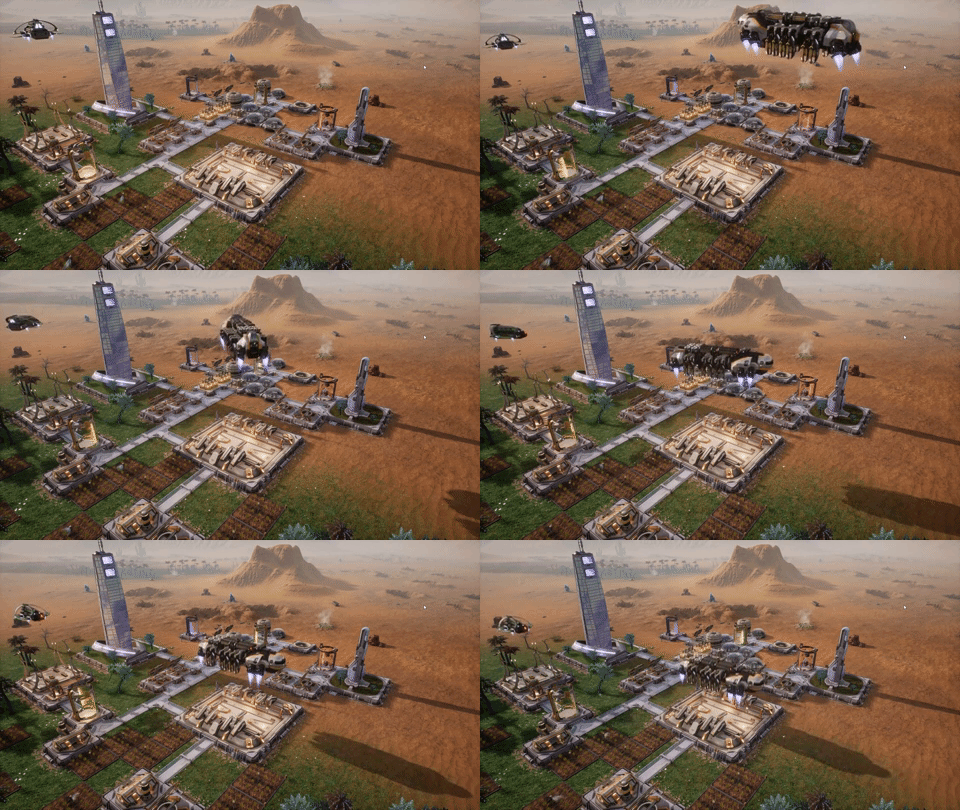
We've also checked in some fixes for a few issues with Ark Ships building installations.
Some users had expressed a desire to have Energy Batteries turn on automatically and remain on even when their excess power is no longer needed. Now, you can achieve that result using the new interface; just set the check boxes to the opposite of the settings shown above.
These settings are global and always apply to all Energy Batteries.
The button has also changed from opening the Powers & Policies pane to directly toggling the battery state.
We've also checked in some fixes for a few issues with Ark Ships building installations.
[b]Changelist[/b]
- The button on the Energy Battery selection panel is now "Toggle Active" instead of "Open Powers & Policies"
- The Energy Battery selection panel now has an option "Batteries turn on automatically" -- turning this on will automatically turn on Battery Mode in the event of a power deficit in the primary power zone
- The Energy Battery selection panel now has an option "Batteries turn off when not needed"; turning this off will allow Battery Mode to remain on even when the excess power is no longer needed
- When loading a saved game, any "orphaned" installations on the expedition screen will be assigned an Ark ship to build them (or removed if you have no Ark ships)
- Fixed bug with unfinished Missile Launcher installations sometimes being able to fire missiles at approaching threats
- Fixed bug with ark ships not being able to build when they reached an installation IF their queue was screwed up
- The "Remove" button that appears when selecting unfinished installations is now ALWAYS visible and selectable on the POI panel even if no Ark Bay is currently selected