- Compose your screenshot using the in-game photo mode, making sure to meet the competition theme requirements mentioned above.
- Take the photo and position the Forza Horizon 5 watermark in any corner.
- Save the photo.
- Go to your Photo Gallery within the Creative Hub menu and load the photo.
- Hide the UI and press the Steam screenshot key (default F12).
- Upload the screenshot to the Forza Horizon 5 Steam Community Hub.
- Finally, drop a link to your screenshot in this forum thread: [url=https://steamcommunity.com/app/1551360/eventcomments/597407469759851819/]https://steamcommunity.com/app/1551360/eventcomments/597407469759851819/[/url]
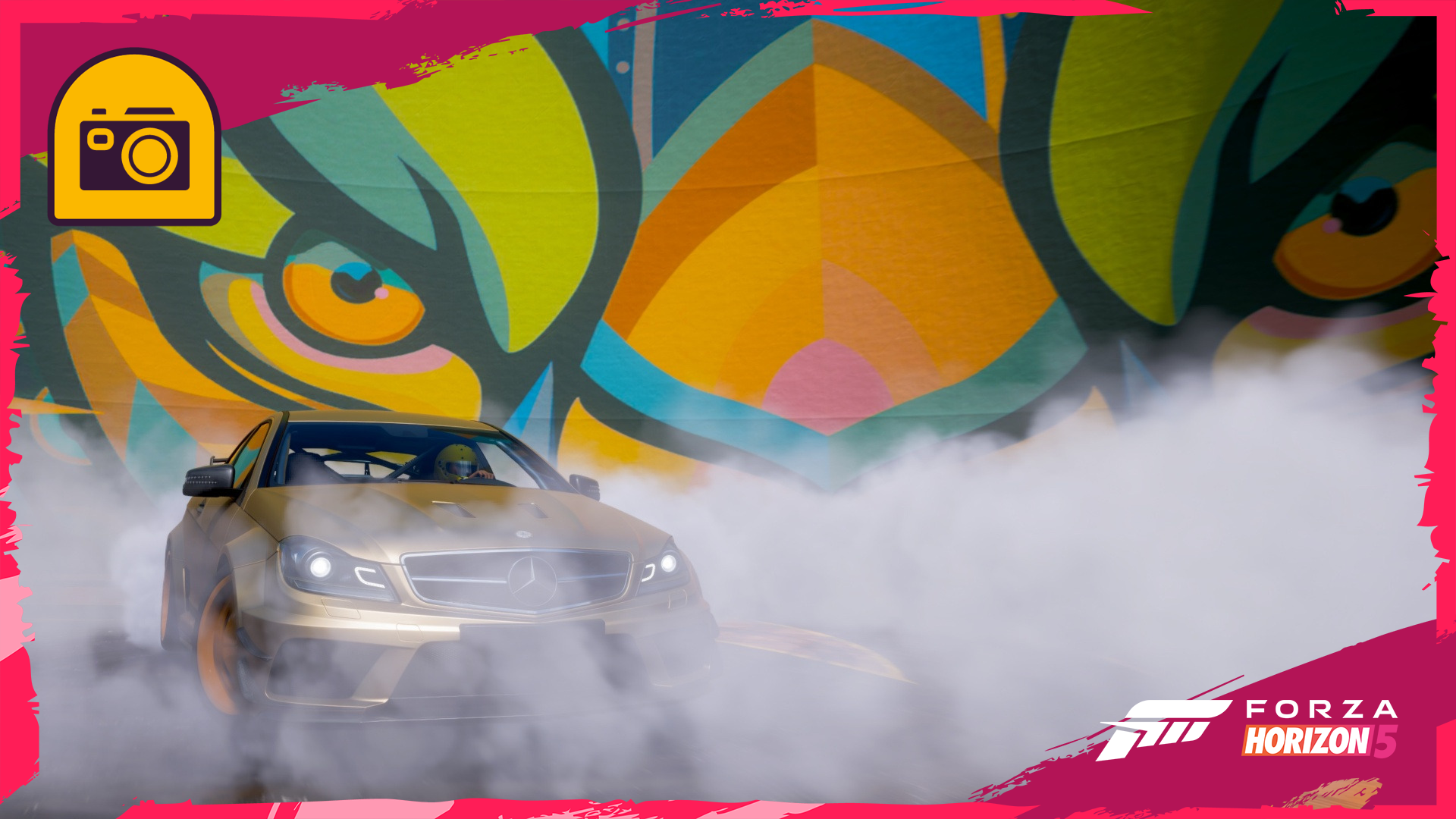 [i]*(Barn Find, Accolade, or DLC cars cannot be chosen).[/i]