
- Added UI tooltips regarding keymappings
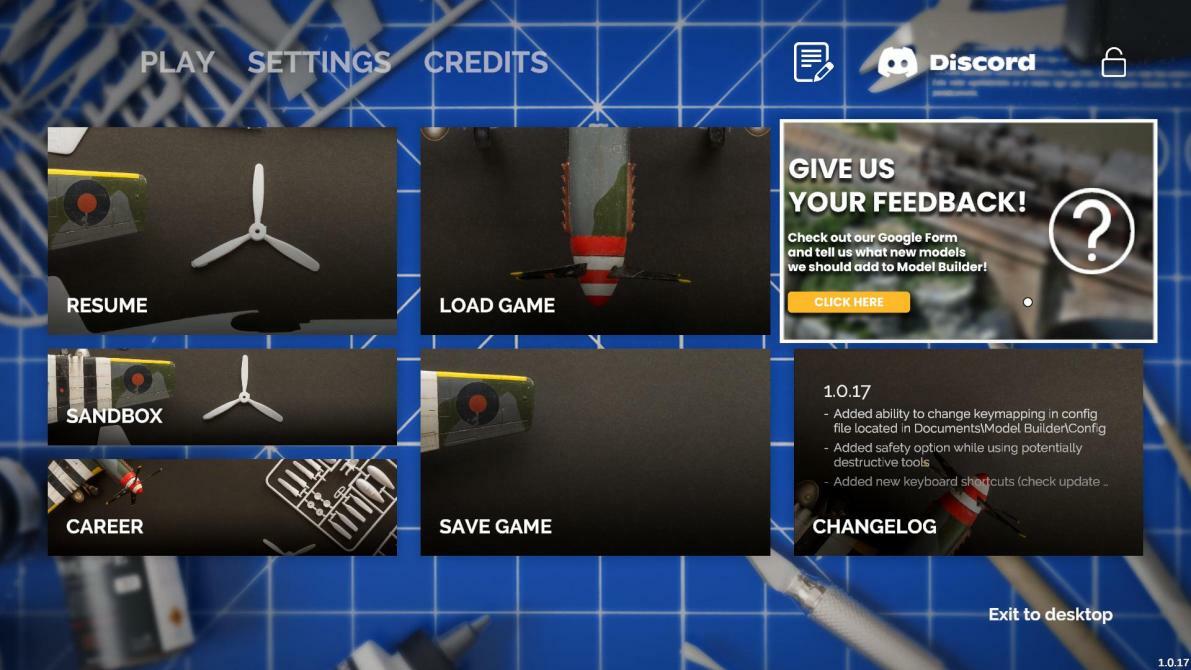
- Added ability to [b]change key mapping[/b] in config file located in [b][i]Documents\ModelBuilder\Config[/i][/b],
- Added main menu panel regarding [b]feedback survey[/b],
-
[b]ADDED NEW KEY BINDINGS:[/b]
[olist] - To change [b][i]"Size"[/i][/b] of a tool, use [b]Shift+Scroll[/b]
- To change [b][i]"Strength"[/i][/b] of a tool, use [b]Ctrl+Scroll[/b]
- To change [b][i]"Rotation"[/i][/b] of a model, use [b]Z+Scroll[/b]
- To change [b][i]"Opacity"[/i][/b] of a tool, use [b]X+Scroll[/b]
- Toggle [b][i]"Shared Color"[/i][/b] using [b]Alt+C[/b]
- Toggle [b][i]"Tool Mode"[/i][/b] using [b]V[/b]
- Toggle [b][i]"Mask Tool Mode"[/i][/b] using [b]Alt+V[/b]
- Toggle [b][i]"Autohide"[/i][/b] using [b]~ (tilde key)[/b]
- Choose [b][i]Paint color[/i][/b] in the [i][b]Pattern Tool[/b][/i] using [b]Alt+Z[/b]
- Open [b][i]Selector[/i][/b] in tools like [b][i]Base Coat, Pattern Tool, Decal Tool, Sponge, Shape Tool, Effects Tool, Brushtip[/i][/b] using [b]Alt+X [/b] [/olist] To change [b][i]"Tool-Specific parameters"[/i] use C+Scroll:[/b] [olist]
- [b][i]pressure in the airbrush tool[/i][/b]
- [b][i]scale in the Effects tool[/i][/b] [/olist] To toggle [b][i]"Tools-Specific parameters"[/i] use C key:[/b] [olist]
- [i][b]Craft Knife[/b] and an [b]auto-cut feature[/b],
- [b]Spruce cutters [/b]and a [b]part/spruce option[/b],
- [b]Assembly tool[/b] and a [b]ghosts option[/b],
- [b]Decals[/b] and a [b]wrap/flat option[/b],
- [b]Mask Tool[/b] - [b]wrap/flat parameter[/b][/i]
[/olist]
[b]PERFORMANCE[/b]
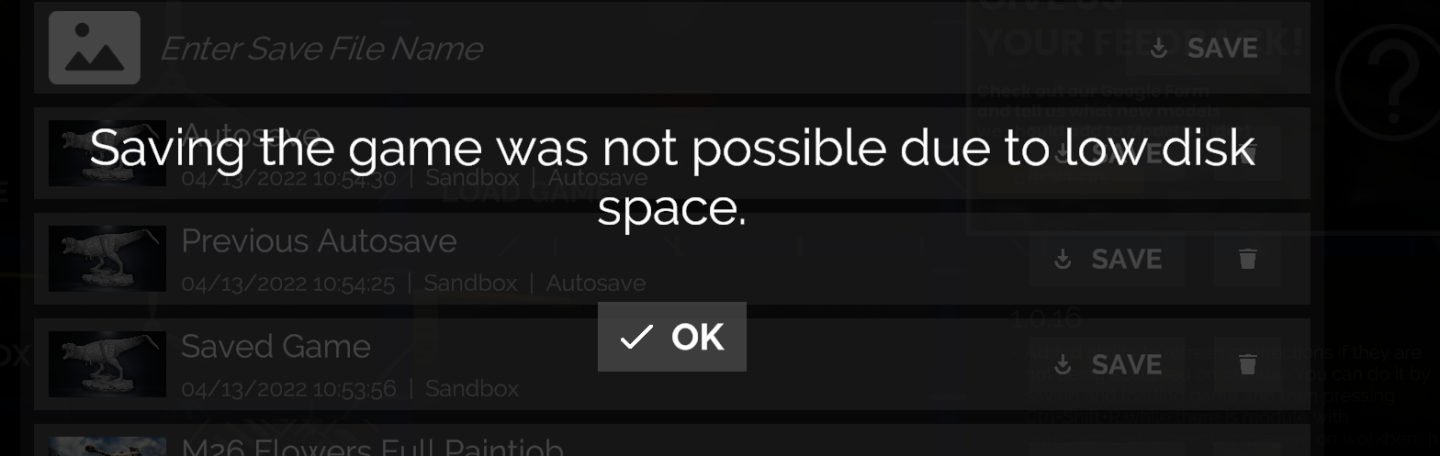
- If there is not enough disk space for saving a game, information about it will be displayed,
[b]GAMEPLAY[/b]
- [b]Improved Warcrawler position[/b] on evaluation screen during Joy hints at problems quest,
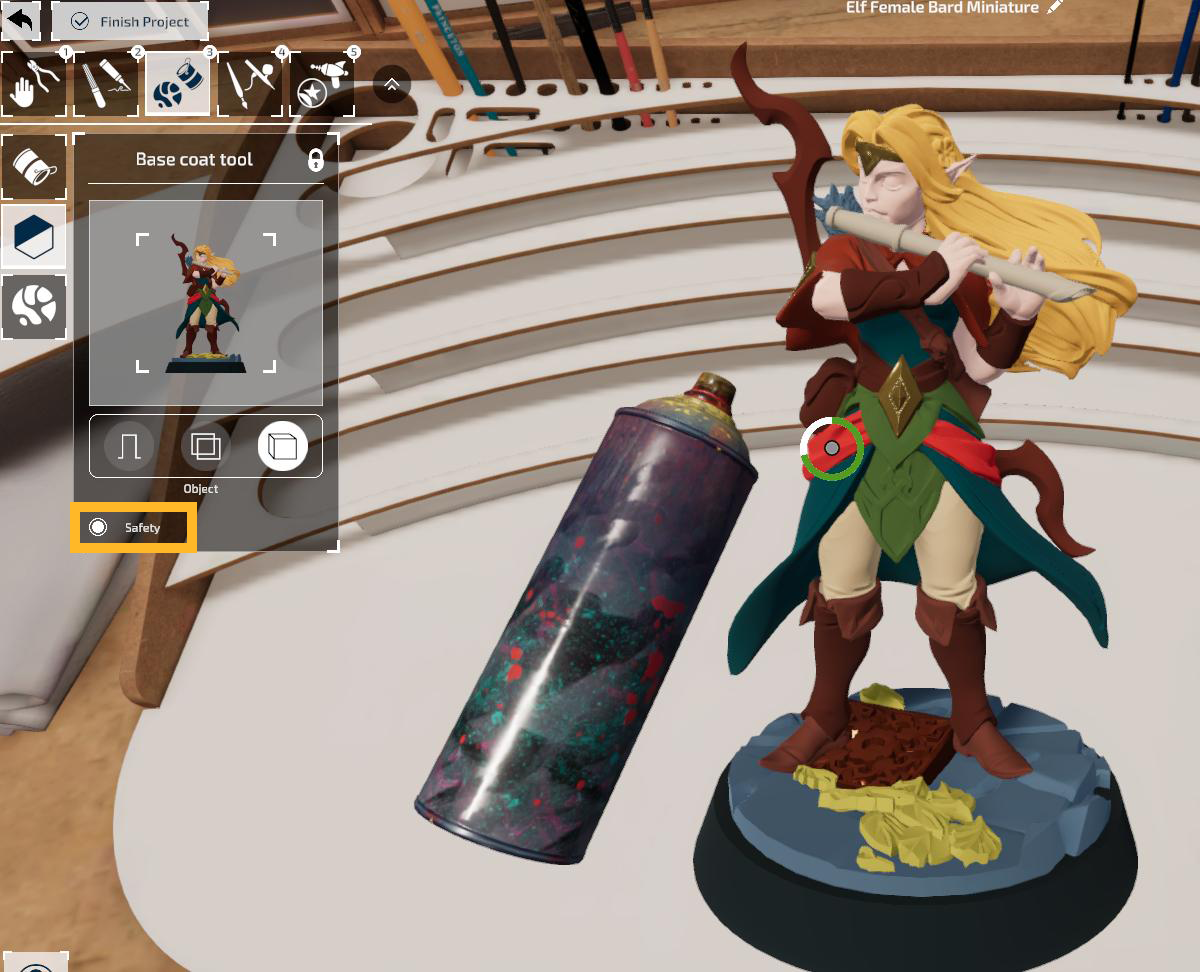
- Added [b]safety option[/b] while using [b]potentially destructive tools[/b],
[b]BUG FIXES[/b]
- [b]Glass elements on models no longer disappear[/b] after zooming out,
- The [b]abandon project button can't be pressed during the kit opening animation[/b],
- The [b]abandon project button no longer disappears after saving and loading the game[/b] with the model kit in progress,
- [b]Spamming ESC key[/b] after finishing a project [b]no longer causes various problems[/b],
- [b]Fixed issue related to "Paint it Black" particular page[/b] in manuals.
News Liste Model Builder

Release:08.02.2022
Genre:
Simulation
Entwickler:keine Infos
Vertrieb:keine Infos
Engine:keine Infos
Kopierschutz:keine Infos
Franchise:keine Infos
Einzelspieler
Mehrspieler
Koop
Aktuelle Steam NewsNeue Steam News in der ePrison Datenbank