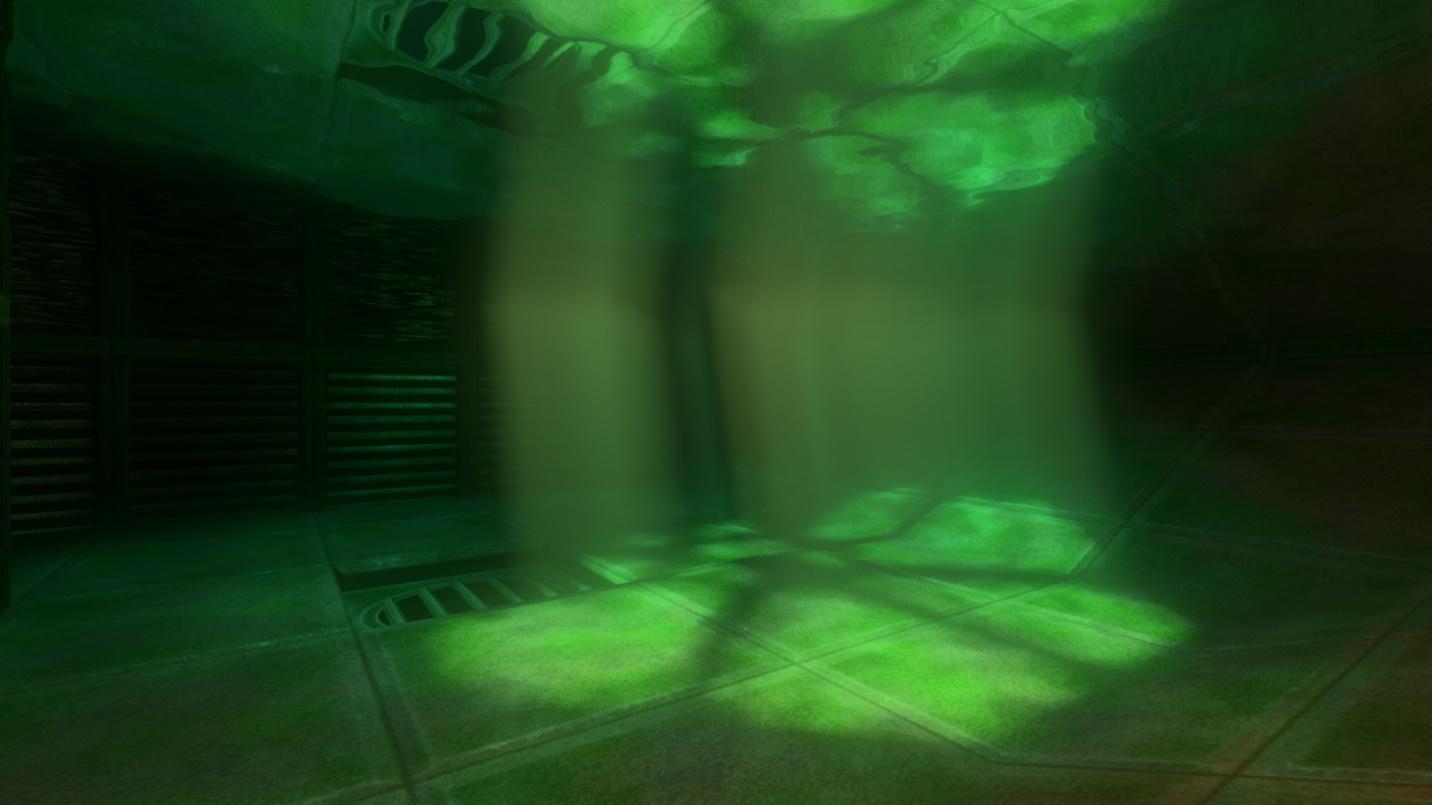
 Water has improved, too, with the rendering of underwater god rays, and the display of god rays in reflections and refractions, which can improve the realism and illumination of surrounding detail.
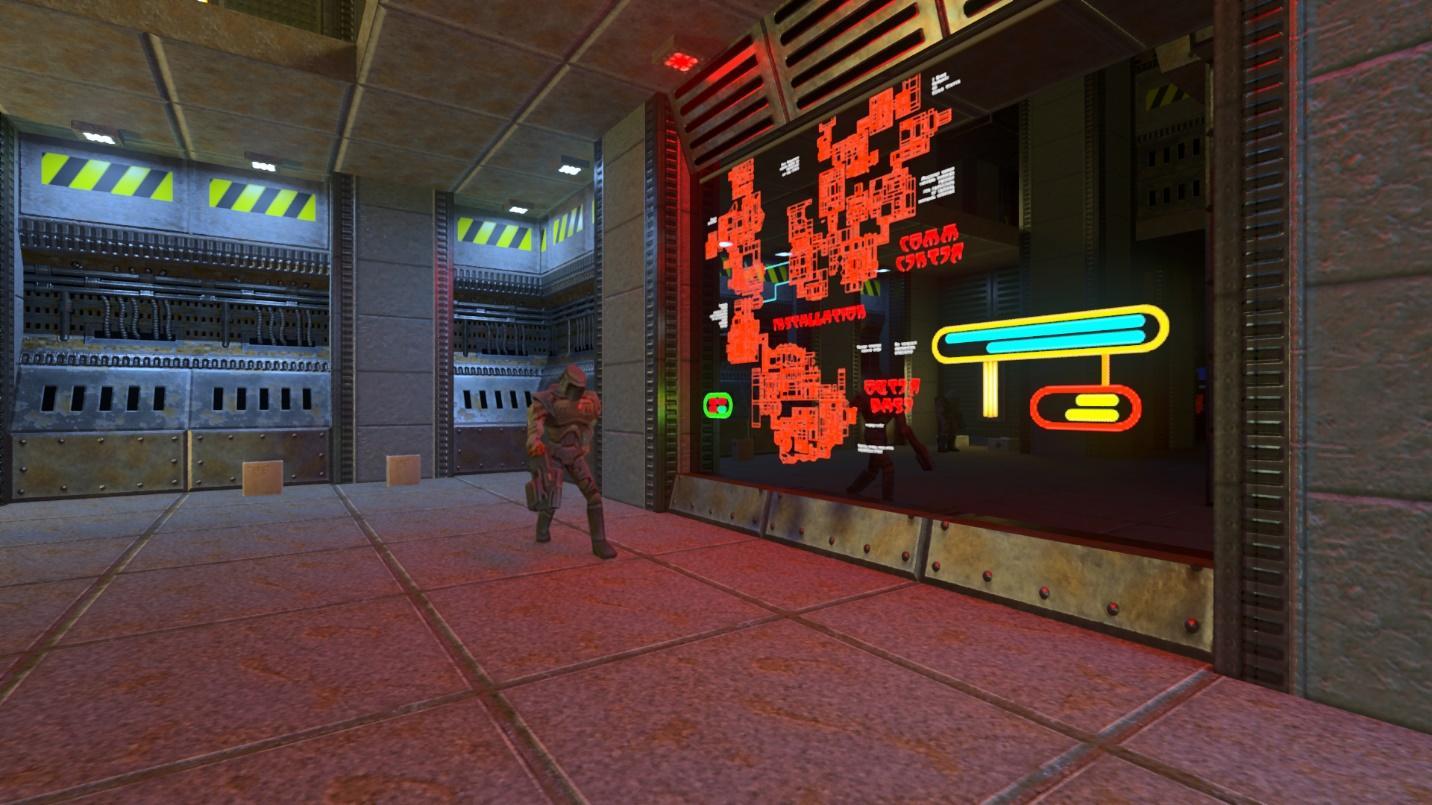
 Real-time ray-traced graphics can now be shown on security monitors and other displays, improving scene detail and immersion:
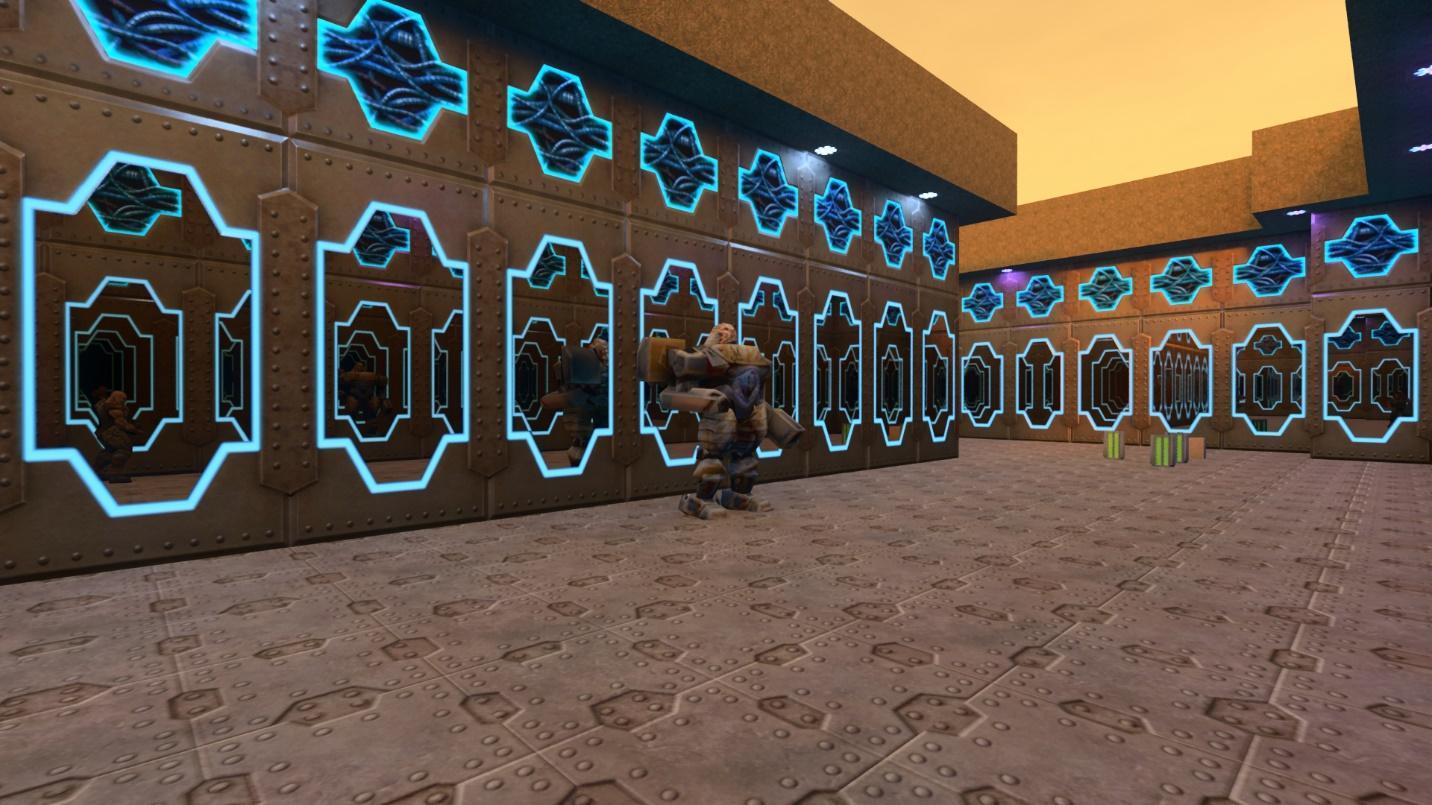
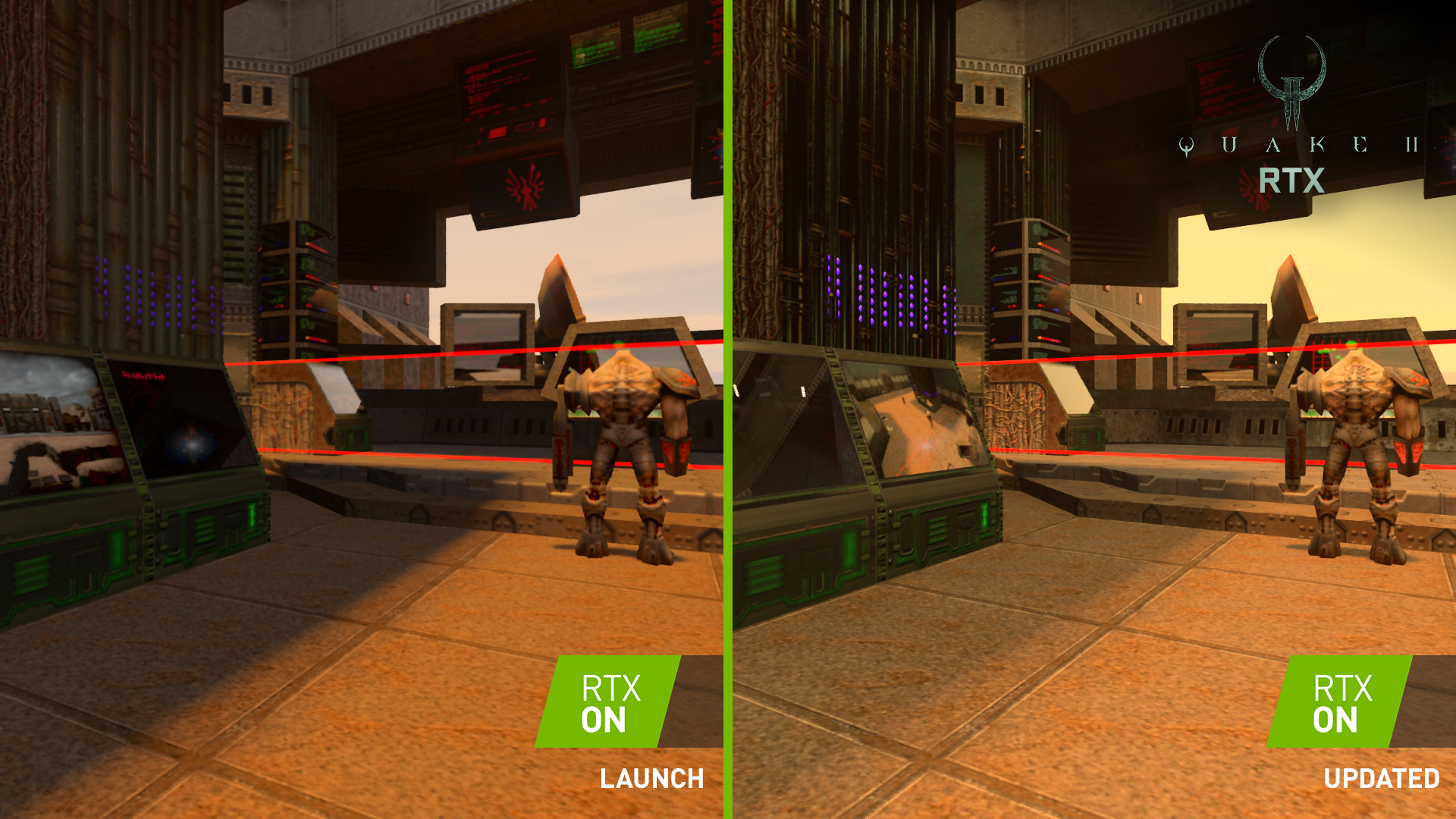 Recursive reflections (reflections reflected on other reflections) can now be rendered on select surfaces, creating a hall of mirrors effect:
 The rendering of glass has been improved, along with the rendering of reflections, refractions and god rays through the glass. And we’ve introduced a new optional setting that further improves the quality of glass rendering:
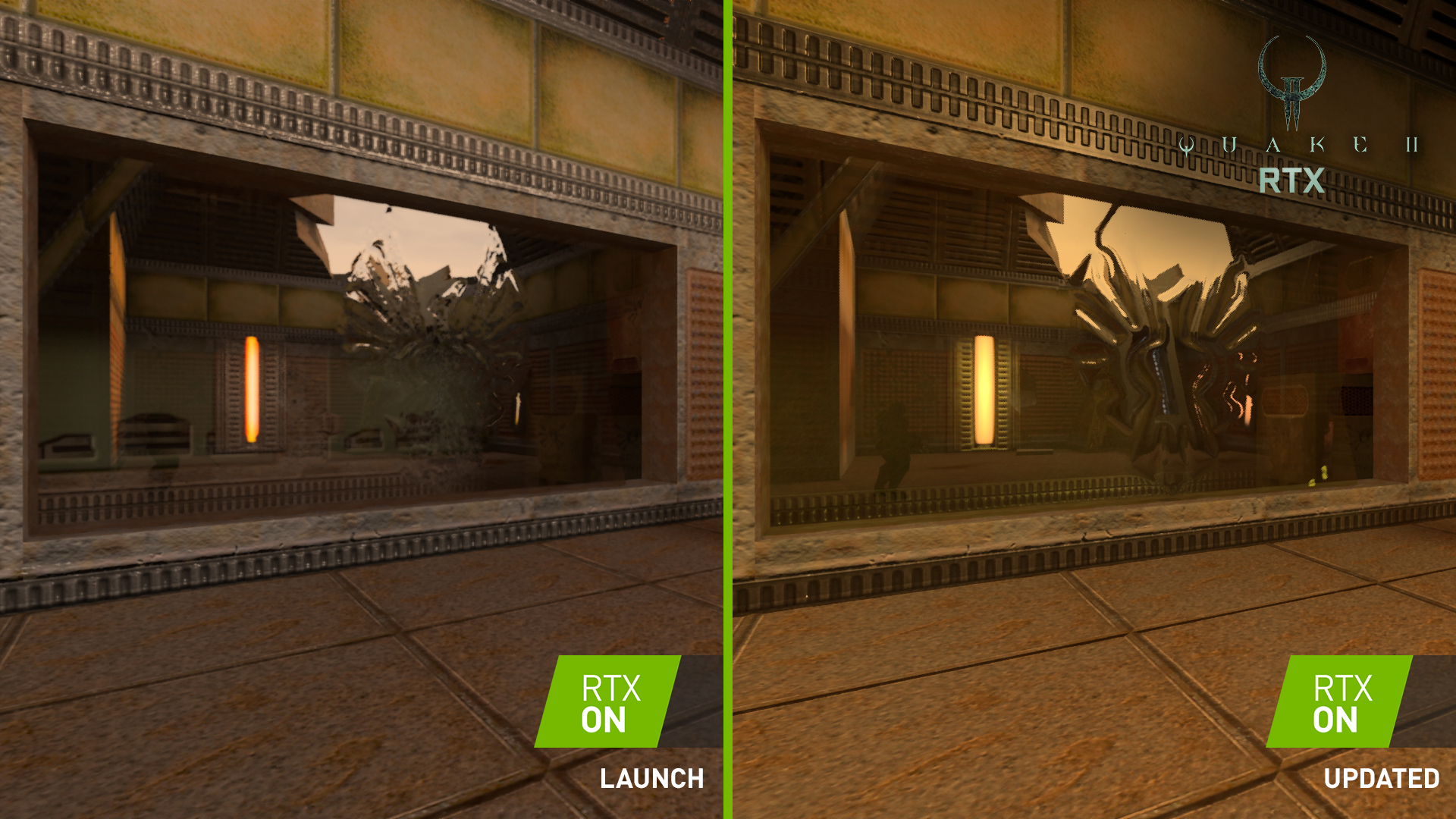 [i]Note: Thick Glass image captured in paused screenshot (reference) mode, to fully demonstrate the new option’s capabilities[/i]
Additionally, we’ve also made numerous changes and improvements to denoising and other rendering features, improving image quality in all levels, and greatly improving quality in certain scenes:
[i]Note: Thick Glass image captured in paused screenshot (reference) mode, to fully demonstrate the new option’s capabilities[/i]
Additionally, we’ve also made numerous changes and improvements to denoising and other rendering features, improving image quality in all levels, and greatly improving quality in certain scenes:
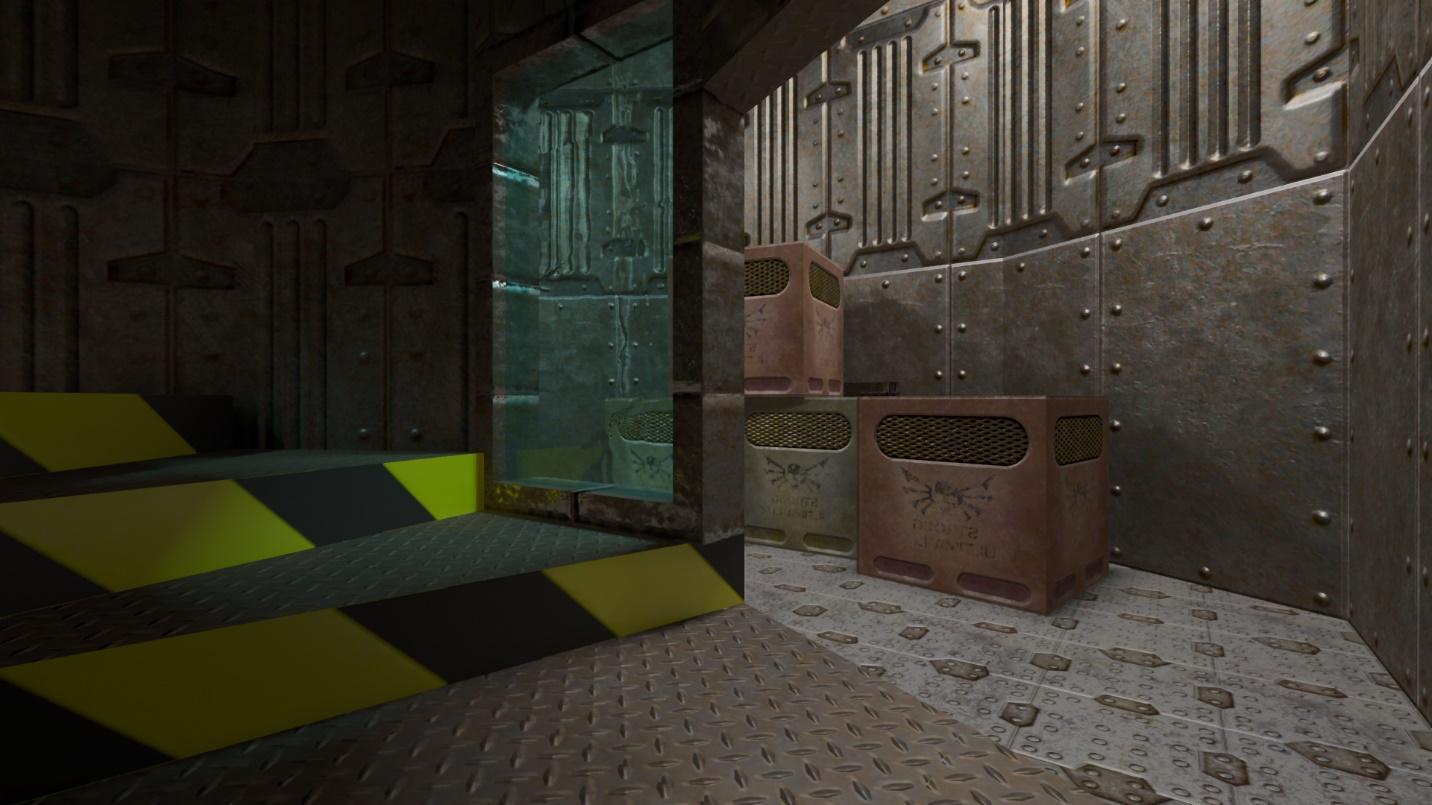 [i]Tinted glass now affects light passing through it, and together with the aforementioned improvements, this scene’s fidelity is greatly improved[/i]
And finally, we’ve introduced several new graphics options and toggles:
[i]Tinted glass now affects light passing through it, and together with the aforementioned improvements, this scene’s fidelity is greatly improved[/i]
And finally, we’ve introduced several new graphics options and toggles:
- [b]Resolution Scaling Options:[/b] previously, you could decrease the internal rendering resolution to improve performance, or crank up the resolution to increase image quality. Now, there are options to enable dynamic resolution scaling - when dynamic scale is activated, the game will try to keep the target frame rate by adjusting the scale between minimum and maximum. By default, the option will try to keep your gameplay at 60 FPS by scaling between 50% and 100% resolution scaling. If the game is faster than 60 FPS at 100%, it will not increase the scale further, so if you see you have a ton of extra performance, increase “Maximum Scale”
- [b]Reflection and Refraction Depth:[/b] configure the number of allowed reflection or refraction bounces, which most prominently affects the recursive reflections demonstrated earlier
- [b]Temporal Anti-Aliasing Toggle[/b]: enable or disable our post-process anti-aliasing
- [b]Security Cameras: [/b]enable security camera monitors to display real-time gameplay, as shown above
- [b]Thick Glass Refraction:[/b] experimental option that renders more physically accurate representations of thick glass, with internal reflection and refraction