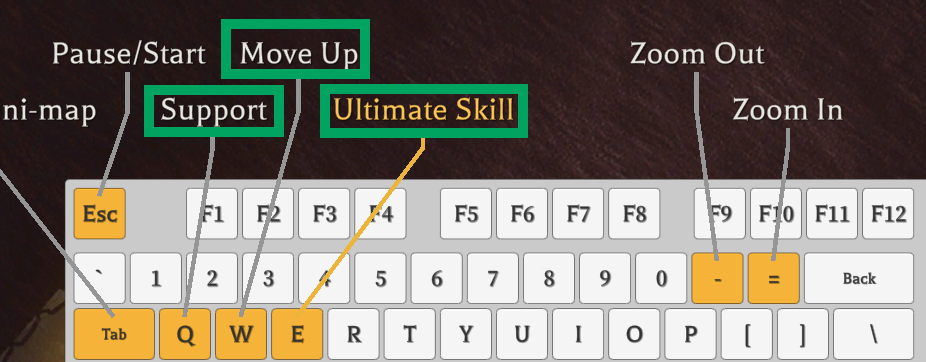
[*]Click on any action text:
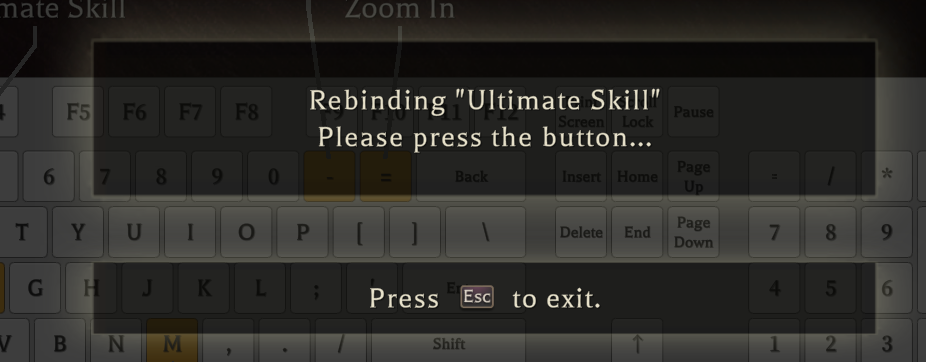
 [*]Press the key you want to bind:
 [/olist]
Method Two:
The controller can also be configured using the same method.
[olist]
[*]In the bottom right corner of the above interface, click on ListView:
[/olist]
Method Two:
The controller can also be configured using the same method.
[olist]
[*]In the bottom right corner of the above interface, click on ListView:
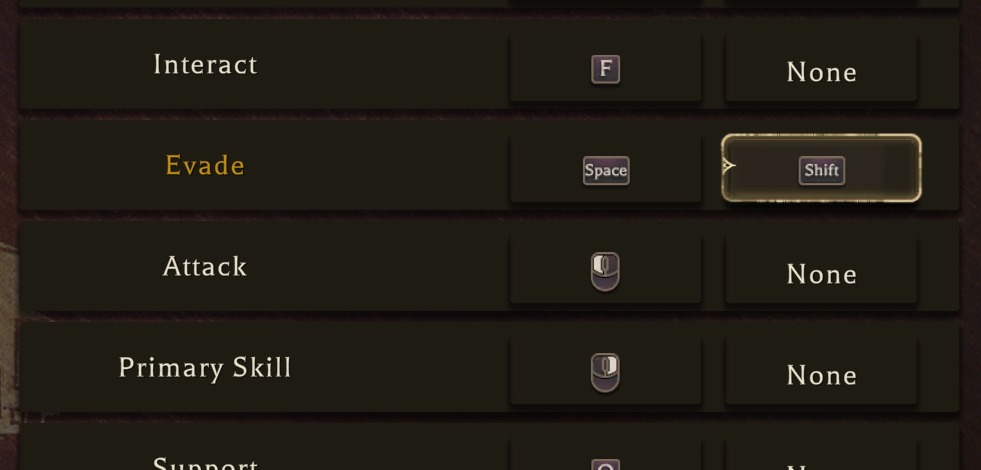
 [*]After switching to ListView, you can select an operation from the list to modify its settings, and configure a second key:
 [/olist]
The current interaction method is not very optimal, and we will improve it in future updates!
[/olist]
The current interaction method is not very optimal, and we will improve it in future updates!