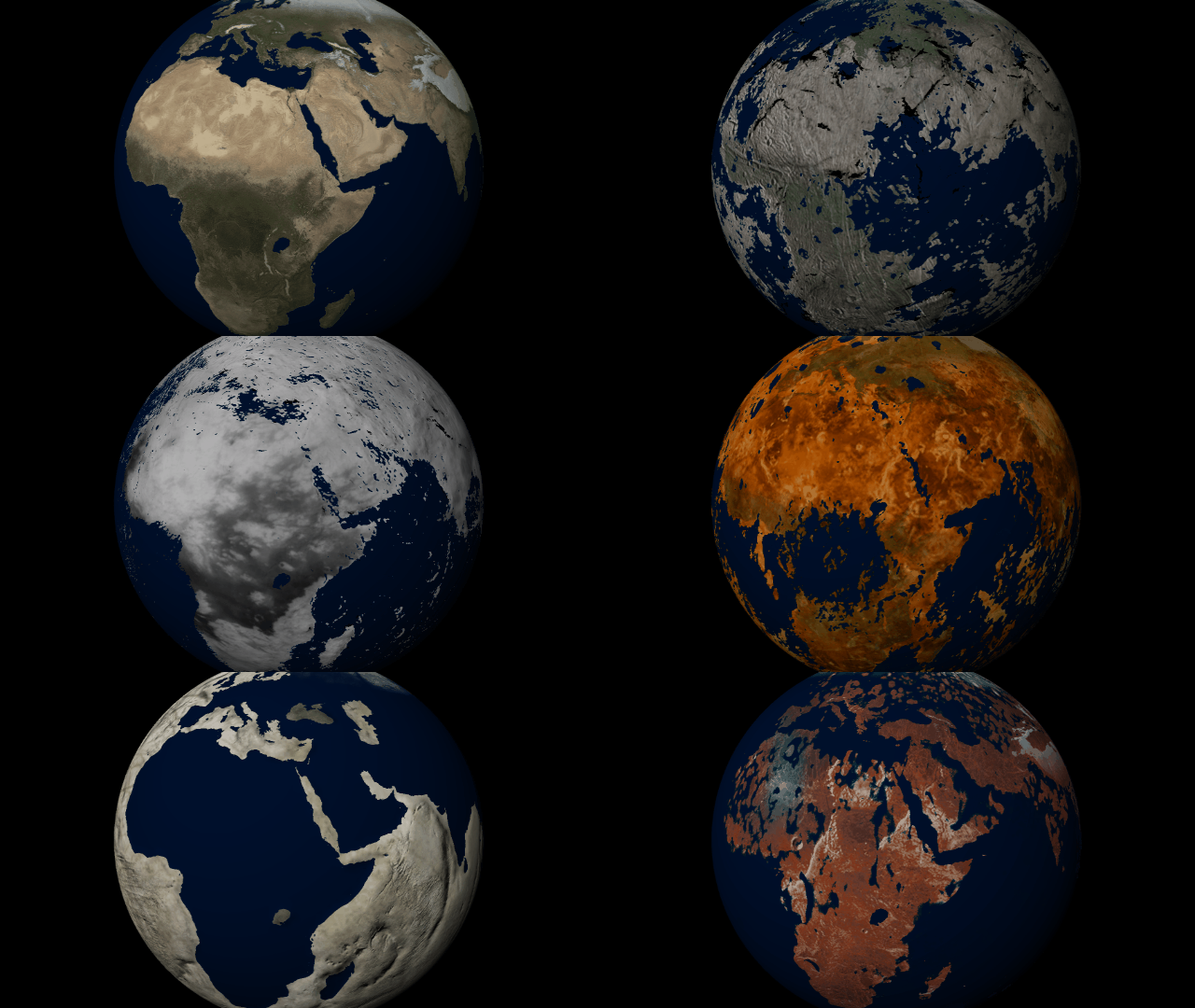
 Customize the look and topography of planets and moons with a library of realistic color and height maps. Turn Earth into Mars or mix-and-match maps to create your own worlds.
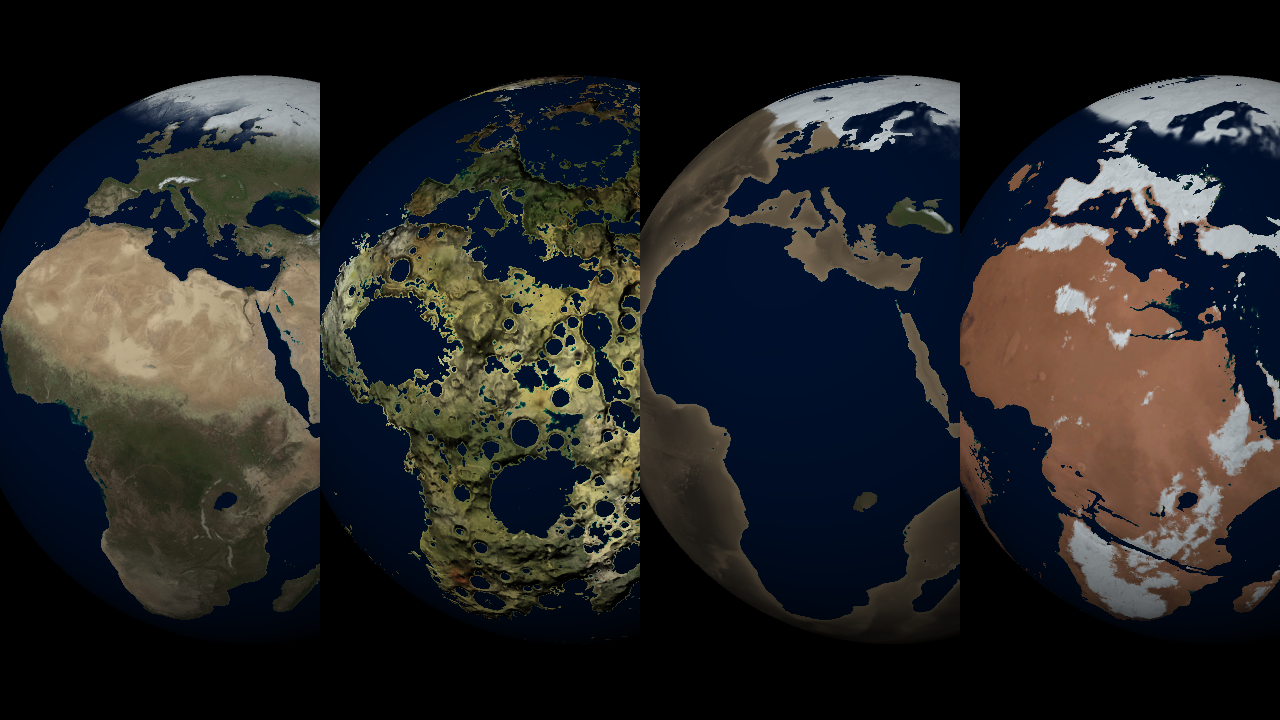
Elevation Maps
Blend, shift, and flip any two of the elevation maps in Universe Sandbox to create your own custom surface that governs water flow, temperature simulation, and more. Learn more [b]Guides > Tutorials > Creating Planets from Scratch [/b]& [b]Transforming Planets[/b]
Color Maps
Change the surface map of any planet to match other planet images included in Universe Sandbox.
Apparent Elevation Intensity
Change the apparent difference between high and low elevation, also called the normal map, under [b]Visuals > Elevation > Exaggerated Terrain[/b]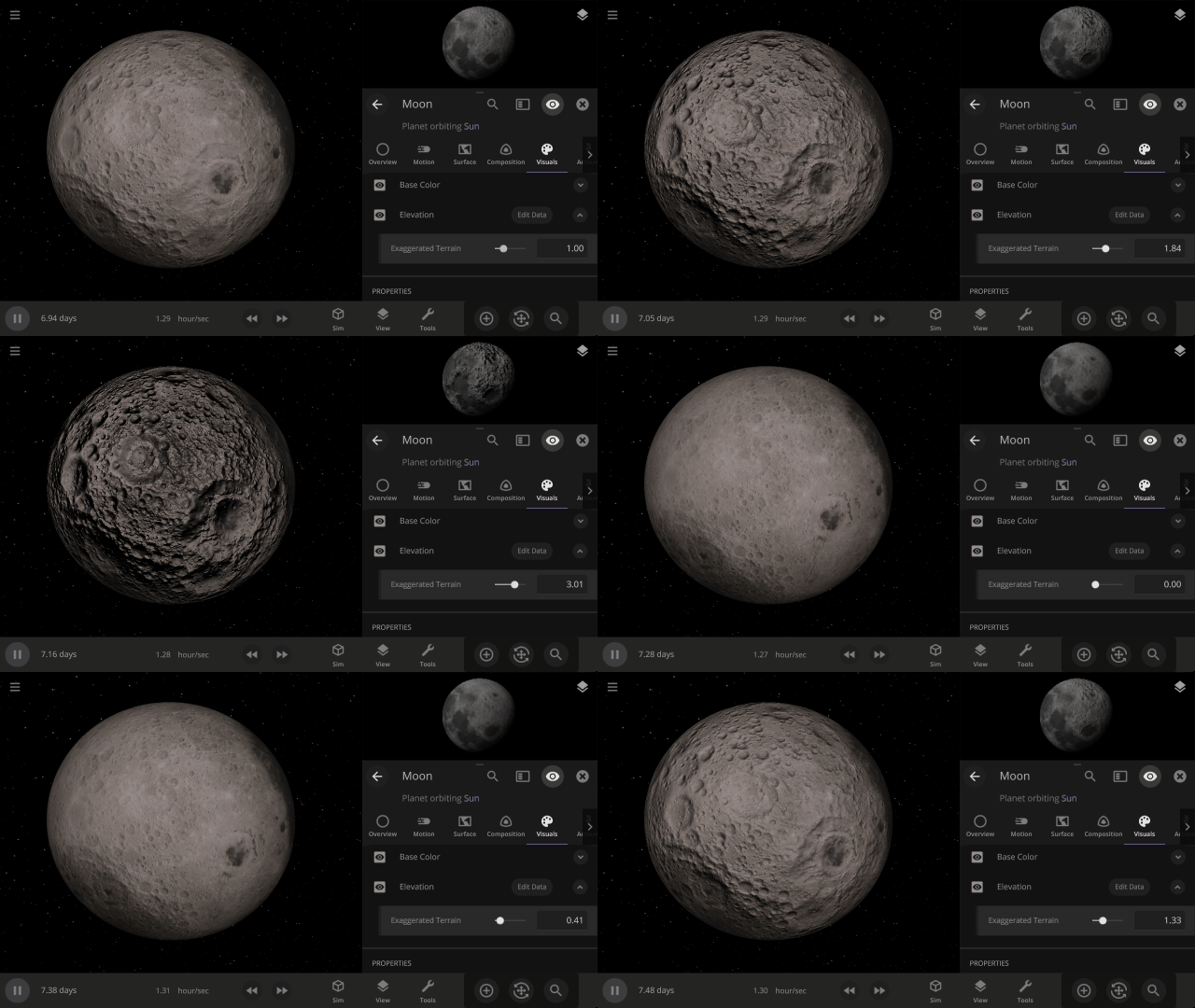
More Highlights
Invert a planet’s elevation with the push of a button under [b]Surface > Elevation > Elevation Map > Flip[/b]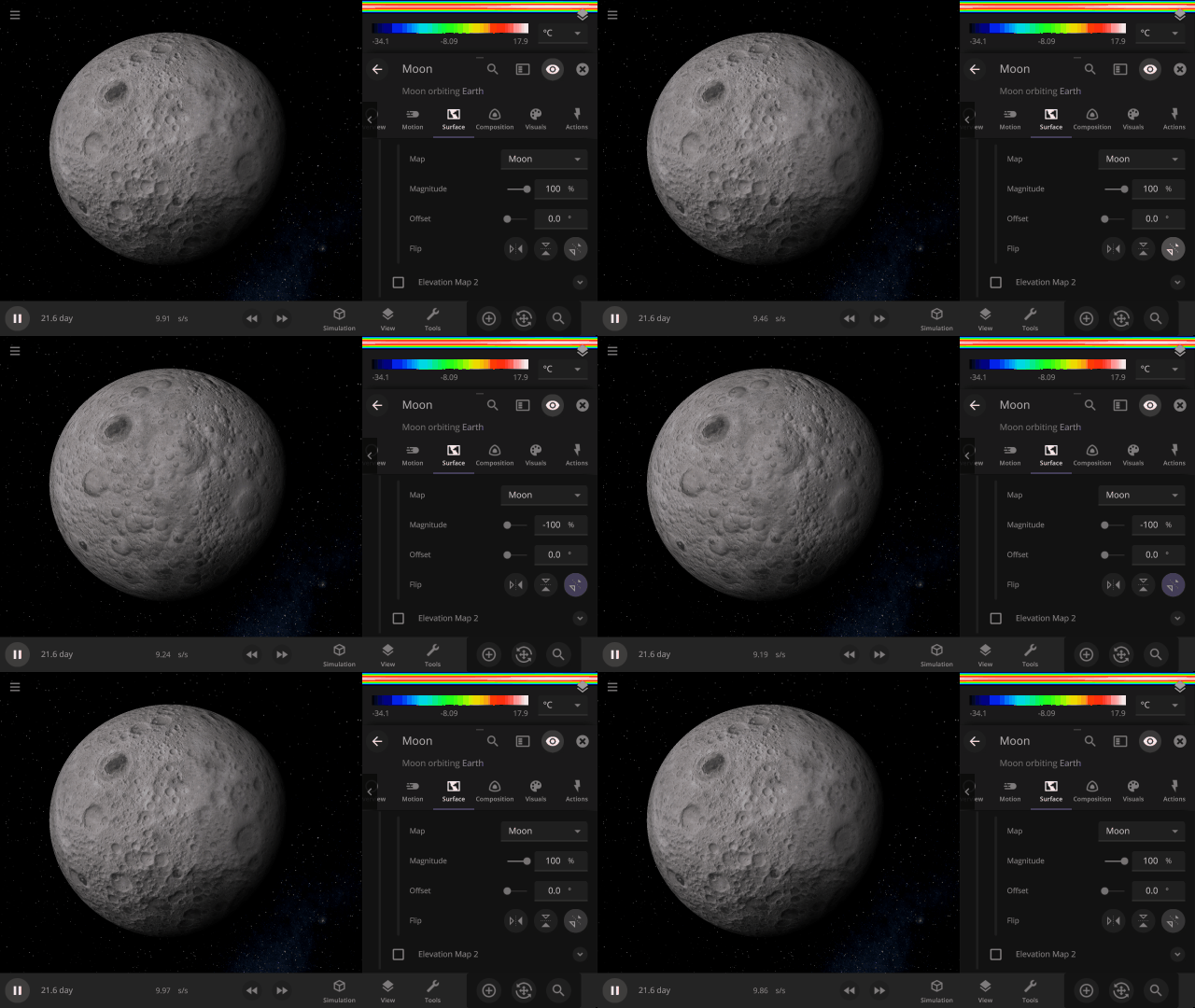 View a planet's simulated surface without high-resolution corrections under
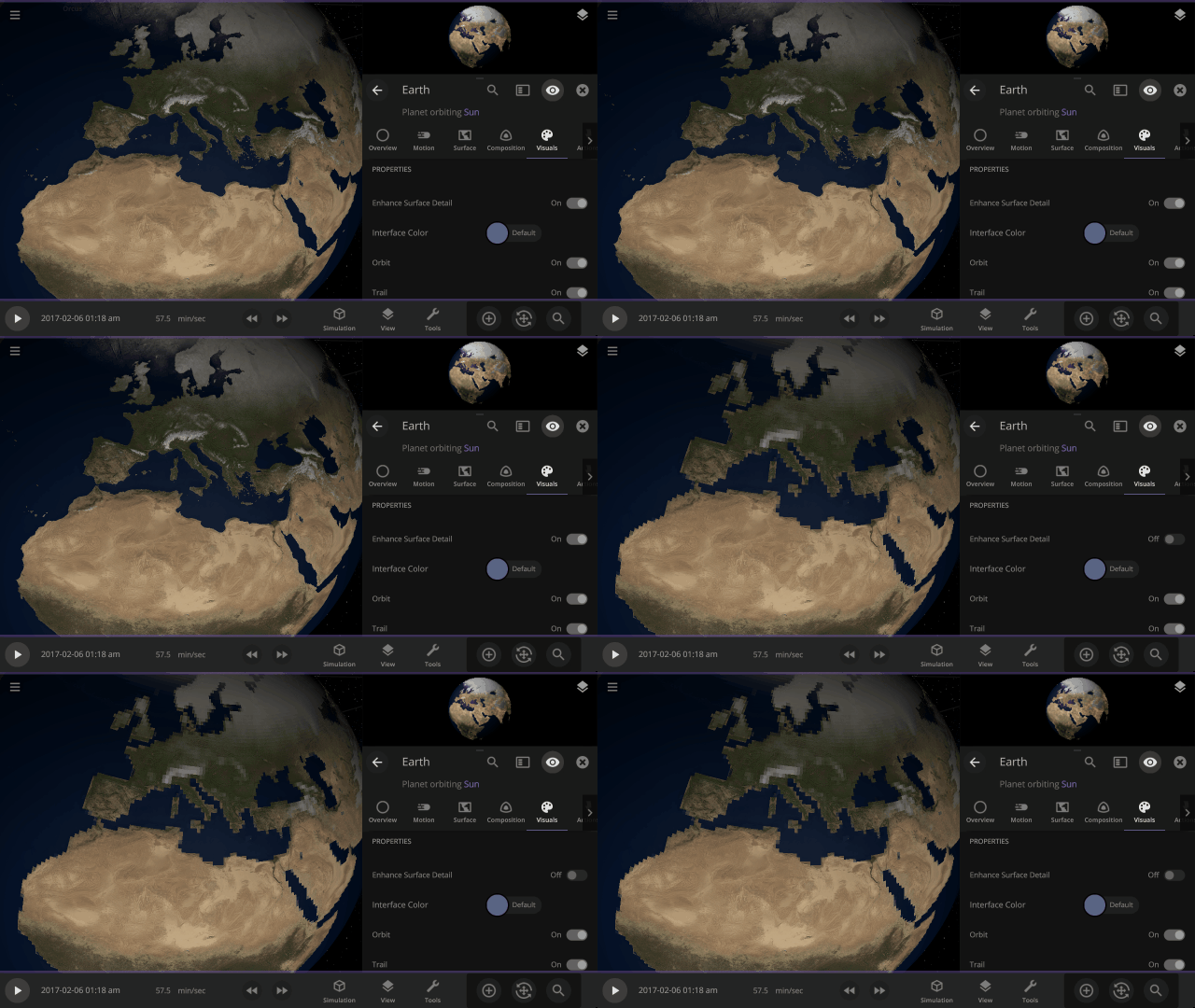
[b]Properties > Visuals > Enhance Surface Detail[/b]
Turning off the enhanced view shows the map resolution we use for simulating object surfaces, including water flow and snow.
View a planet's simulated surface without high-resolution corrections under
[b]Properties > Visuals > Enhance Surface Detail[/b]
Turning off the enhanced view shows the map resolution we use for simulating object surfaces, including water flow and snow.
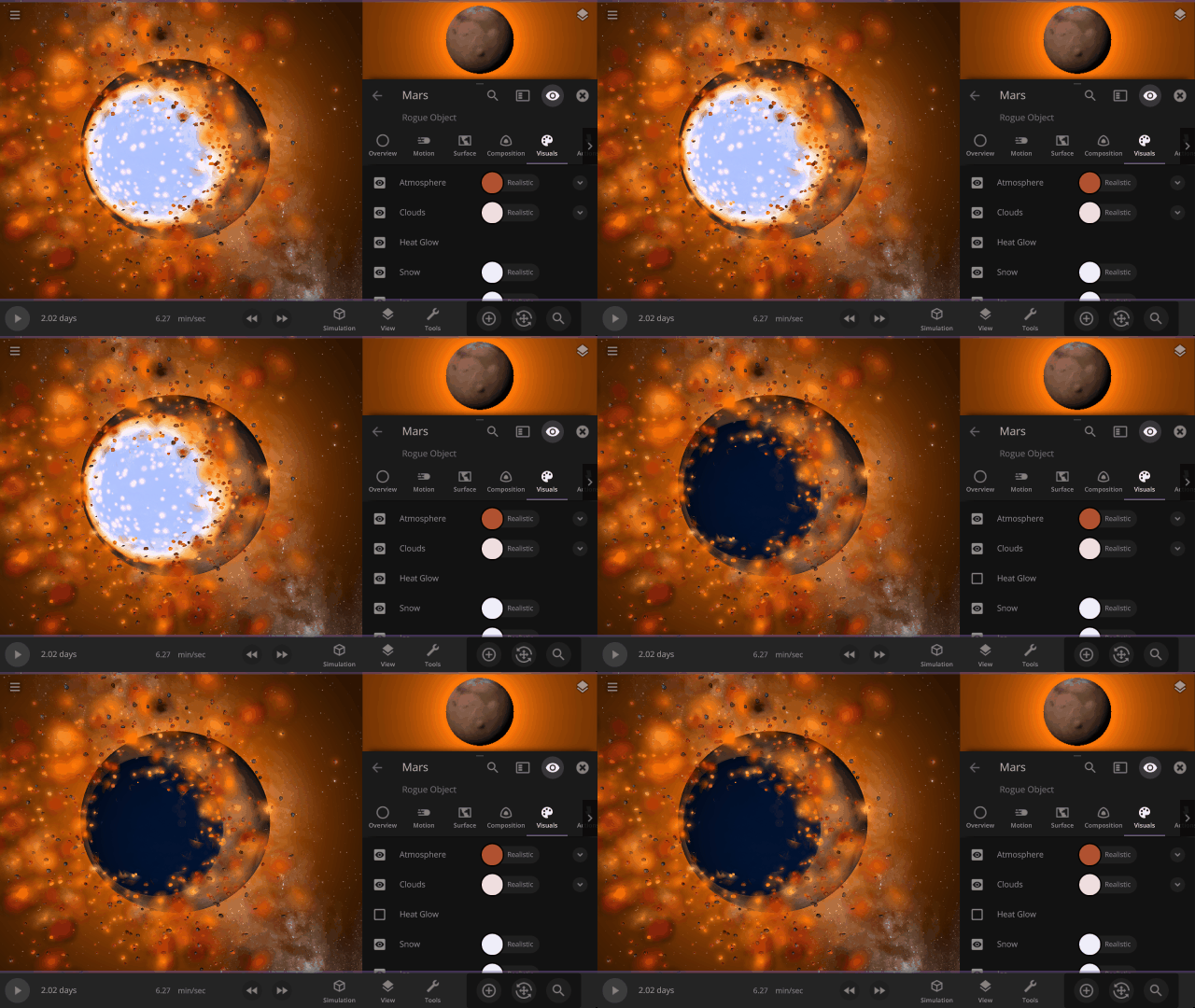
 Turn off the visual glow from high temperatures, also called blackbody radiation, under
[b]Properties > Visuals > Heat Glow[/b]
Turn off the visual glow from high temperatures, also called blackbody radiation, under
[b]Properties > Visuals > Heat Glow[/b]
 This update includes 9+ additions and 3+ fixes and improvements.
[url=https://universesandbox.com/whatsnew]Check out the full list of What's New in Update 32[/url]
Please report any issues on our [url=http://steamcommunity.com/app/230290/discussions/1/]Steam forum[/url], [url=https://discord.gg/us]on Discord[/url], or in-game via Home > Send Feedback.
This update includes 9+ additions and 3+ fixes and improvements.
[url=https://universesandbox.com/whatsnew]Check out the full list of What's New in Update 32[/url]
Please report any issues on our [url=http://steamcommunity.com/app/230290/discussions/1/]Steam forum[/url], [url=https://discord.gg/us]on Discord[/url], or in-game via Home > Send Feedback.