Thank You for an Amazing Launch!
We're absolutely thrilled about the successful release of [b]City Transport Simulator: Bus[/b] – our very first fully self-developed game. This was a huge step for us, and it means a lot to see how positively you've received the game. Whether it's on Steam, Discord, or social media: [b]your feedback[/b] has not only been incredibly plentiful, but also [b]super helpful[/b] – and that's exactly why we want to give you a [b]quick behind-the-scenes look[/b] at what we’re working on and what you can expect in the [b]next updates[/b].???? First Update: Save Files Fixed
Some of you experienced issues with your [b]previous save files[/b] at launch – especially Early Access players whose progress didn’t carry over correctly. This was due to changes in the save system we had to make when taking over publishing responsibilities, which caused a specific set of data to break. With [b]today’s hotfix[/b], this issue is resolved. The game will now [b]automatically recognize your correct save data[/b] – no manual action required.???? What’s Next? Our Immediate Goals
Of course, we're already working on the next steps – your feedback has made it very clear which areas need improvement. A key point is that [b]AI-controlled bus lines[/b] are currently missing for CTS: Tram owners. We're aiming to fix this with the next update. We've also been made aware of a [b]crash issue[/b] that can occur when using custom key bindings. A fix is already in the works. Until then, [b]resetting your key bindings in the control settings[/b] can help avoid crashes. We’re also developing a [b]Field of View (FOV) setting[/b], so you can adjust the in-cabin view – especially useful if you need a better look at your mirrors, for example. Another issue affects players who don’t own the Depot + South Line DLC: they're currently being [b]reset to Eglundsdorf station[/b] while driving trams. We’re already working on a solution for that as well.???? AI & Traffic Light Behavior
In parallel, we’re continuing to improve [b]traffic lights and right-of-way rules[/b], to make traffic flow more realistic and easier to understand. Optimization of signal cycles is ongoing, with the goal of speeding up traffic flow in a realistic way.???? Bus Controls
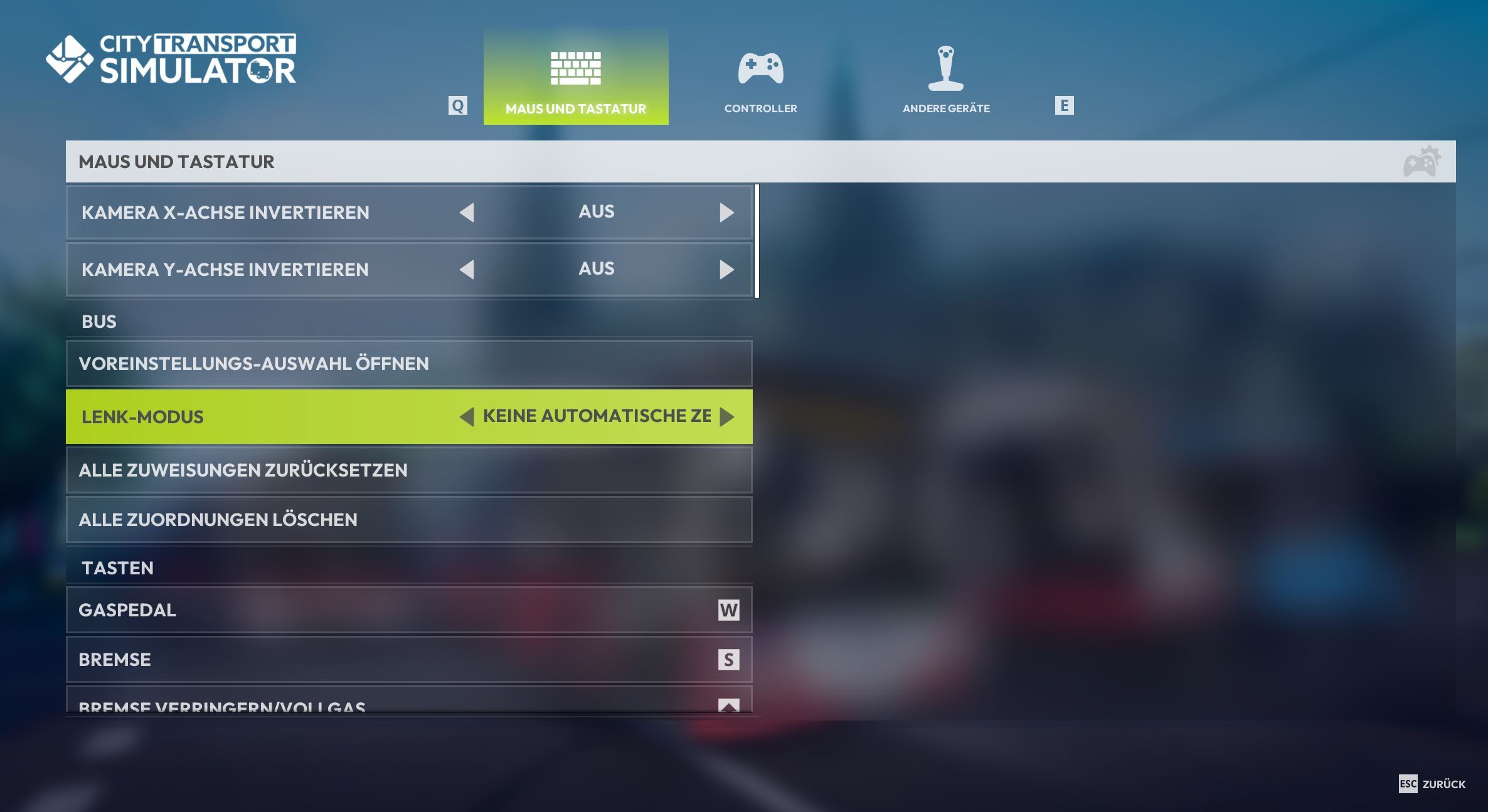
For those of you who prefer to play with a keyboard, we’ve included three different steering modes at launch:- The [b]realistic mode[/b] adjusts the steering speed based on how fast you're driving.
- The [b]continuous mode[/b] features consistent recentering – in the future, it will also be fully customizable.
- And if you want full control, you can [b]turn off auto-centering completely[/b] – ideal for smooth, manual steering.
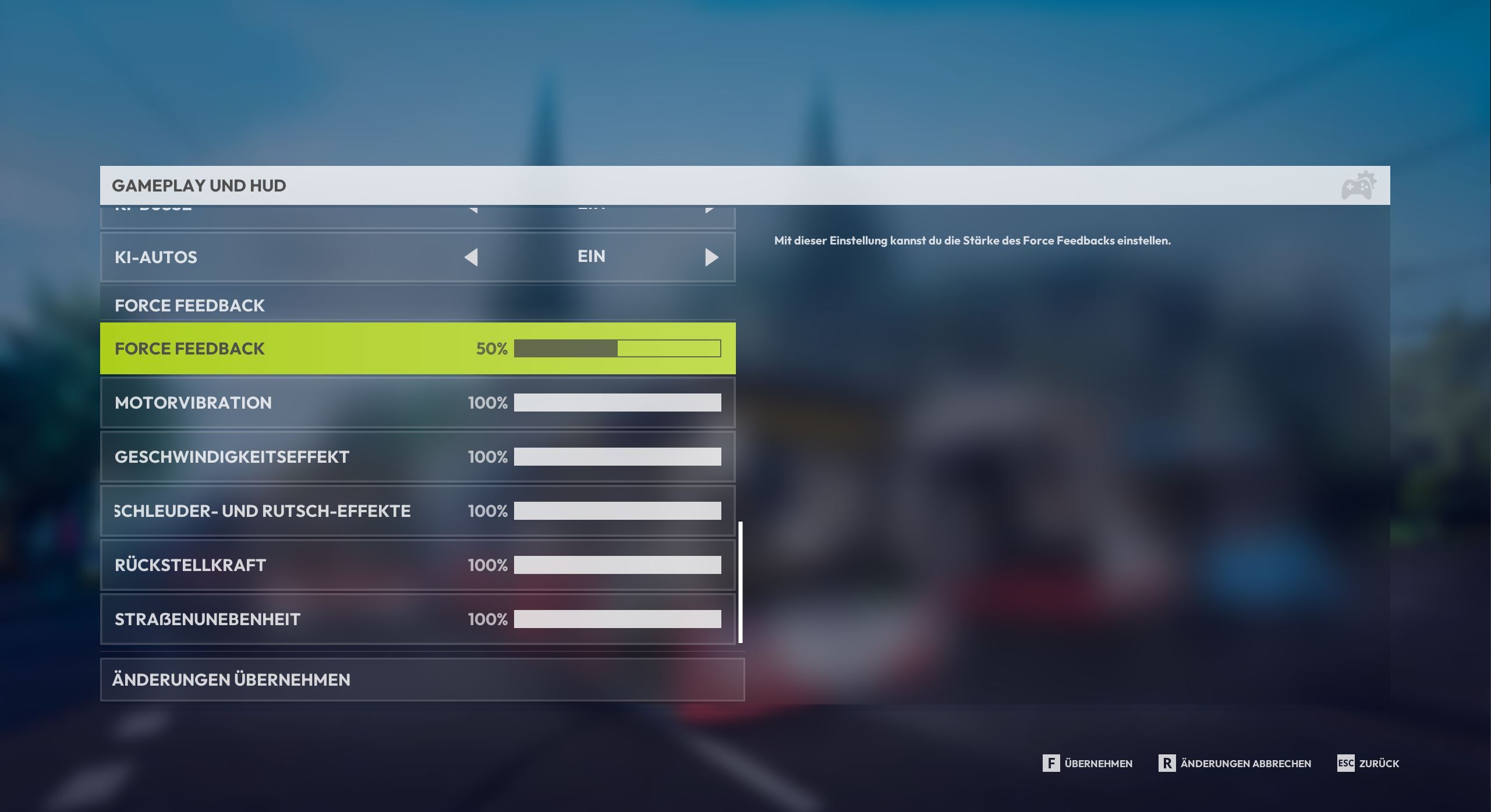
 You can also fine-tune [b]Force Feedback[/b] via the gameplay settings – just scroll down in the menu to adjust the values to your liking.
In upcoming updates, we’ll refine the [b]default settings for keyboard and controller users[/b] so that bus handling feels even more precise. We're also working on giving you more [b]customization options[/b] so you can truly tailor the driving experience to your style.
You can also fine-tune [b]Force Feedback[/b] via the gameplay settings – just scroll down in the menu to adjust the values to your liking.
In upcoming updates, we’ll refine the [b]default settings for keyboard and controller users[/b] so that bus handling feels even more precise. We're also working on giving you more [b]customization options[/b] so you can truly tailor the driving experience to your style.
 [b]Mouse control[/b] is also in development, and will soon offer an intuitive new way to drive.
Tips for Wheel Setup Issues
If you're currently having issues with your [b]steering wheel or pedals[/b], please double-check the [b]dead zones[/b] for all axes in the settings and adjust them as needed. If that doesn’t help, we recommend [b]calibrating each axis individually[/b] and trying again. We're continuing to work on improvements here – and we also plan to include more presets for various wheel models in future updates.???? 3D Model Improvements
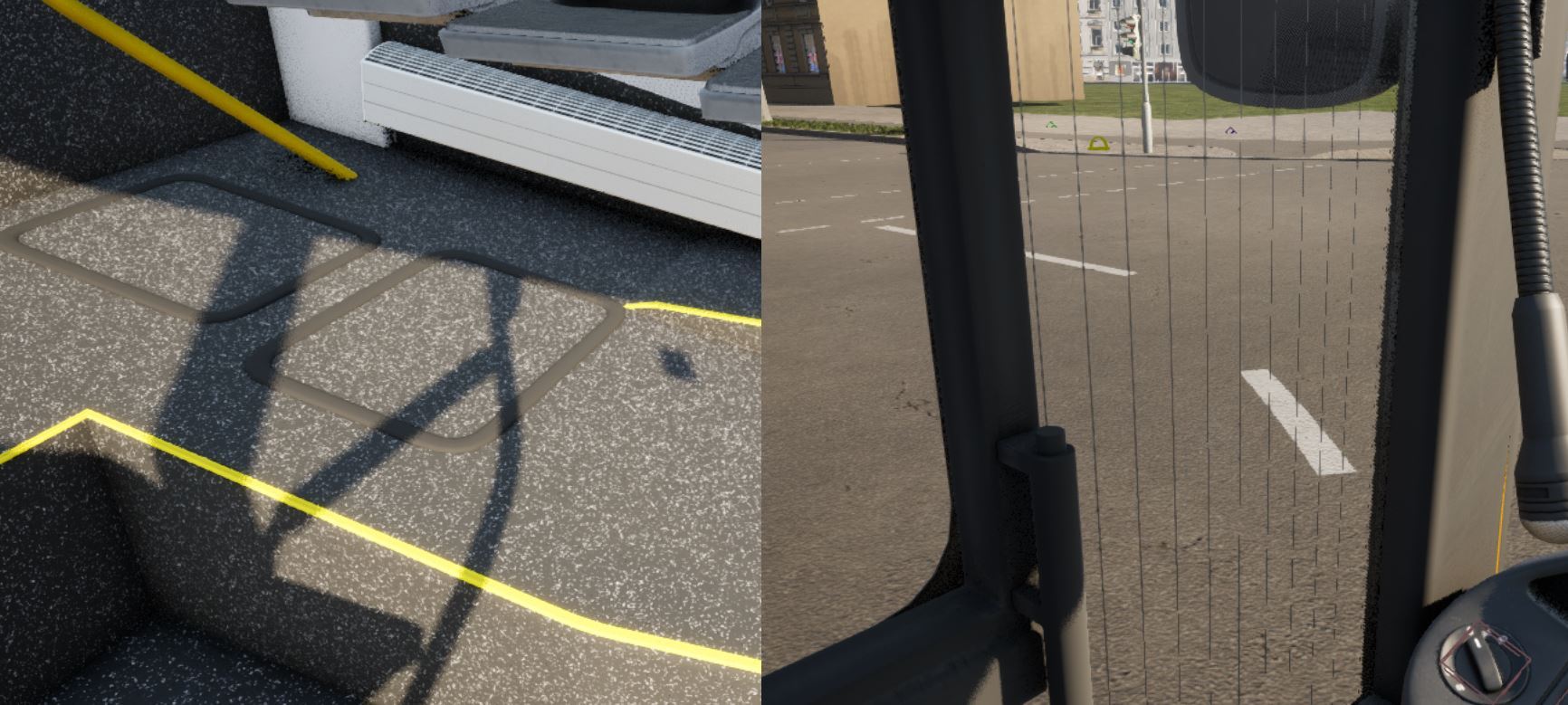
We’ve been closely following your feedback on the [b]MAN Lion’s City[/b] – and it’s been very helpful. In particular, your comments about [b]cockpit and passenger area details[/b] are guiding our current work. We're making targeted improvements to ensure the bus is even more accurate – visually and functionally.