City Transport Simulator – Update v1.4.0 is out now!
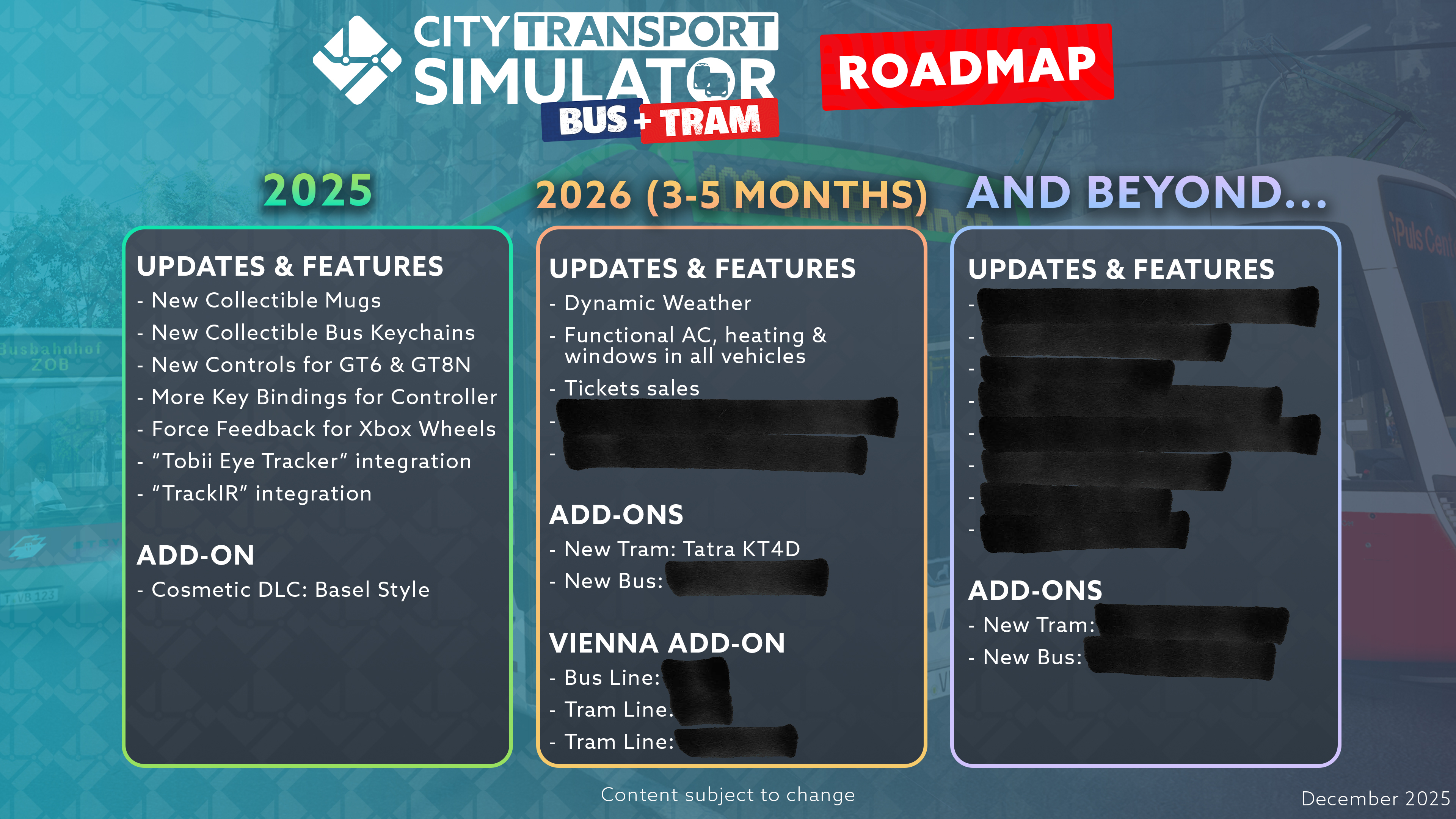
With update [b]v1.4.0[/b], we’re expanding [b]City Transport Simulator[/b] with Head & Eye Tracking, new collectibles, improved control options, extensive AI improvements, and a brand-new cosmetic DLC. This update focuses on [b]immersion, improvements, and driving feel[/b]—whether you’re playing with a controller, steering wheel, or eye tracking.
✨ New Add-on: Cosmetic DLC – Basel Style
With the new [b]Cosmetic DLC: Basel Style[/b], a clean and fresh look comes to your city— inspired by the cityscape of Basel.
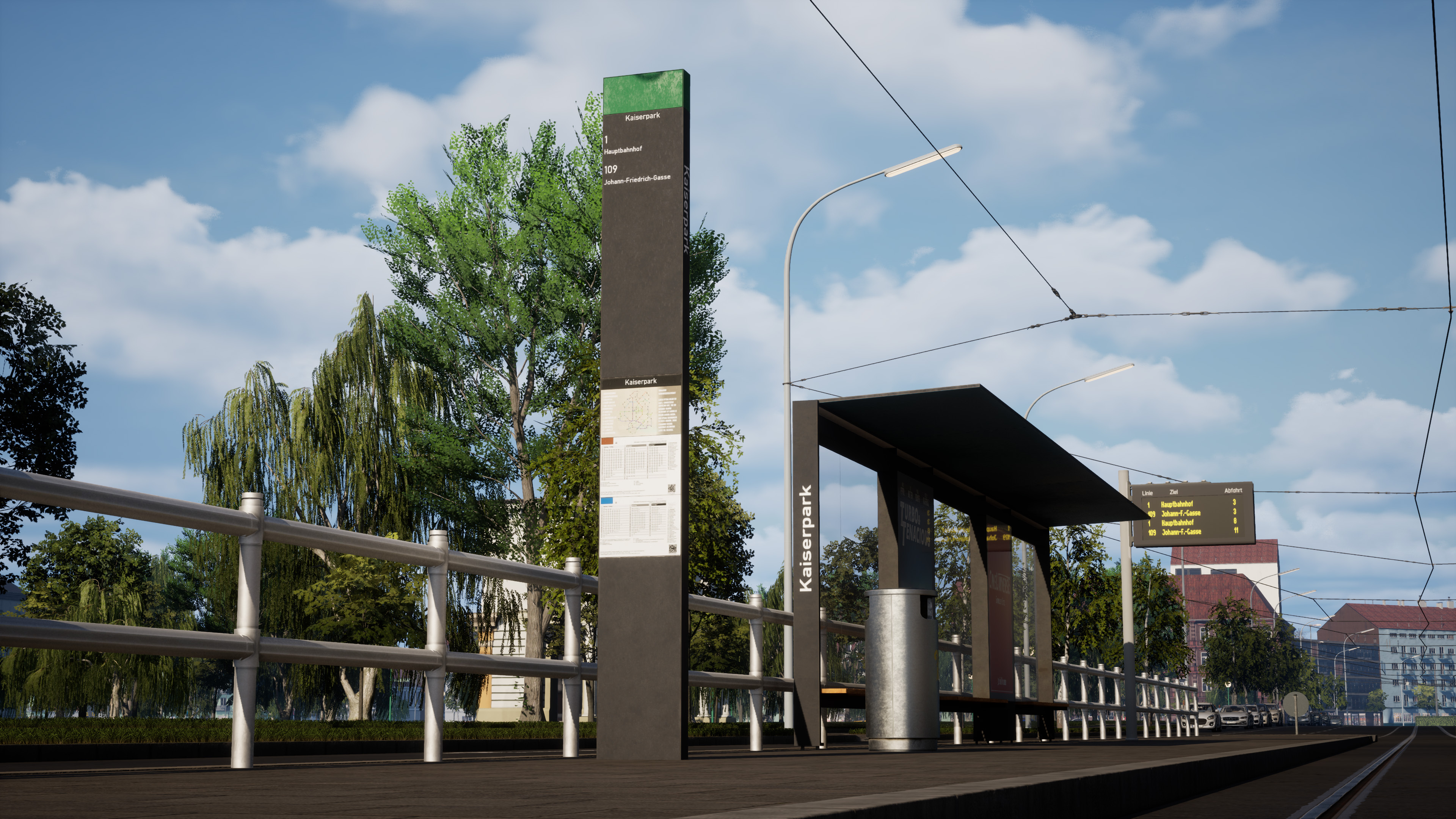 [b]Included content:[/b]
- Basel-inspired station styles
- Authentic station signs & shelters in various sizes
- Matching decorative elements
- Dynamic display of line and station names
- Classic green vehicle livery for [b]all vehicles[/b]
???? New Technology – Head & Eye Tracking
With v1.4.0, all vehicles now support [b]Head & Eye Tracking[/b] via [b]TrackIR[/b] and [b]Tobii Eye Tracker[/b]. Freely move your view around the cockpit and experience an even more immersive driving experience.
Want to see Head & Eye Tracking in action? Check out this video: https://www.youtube.com/watch?v=iOd02uX-Ae0&t=37s&pp=ygULZWluZmFjaG1vcnk%3D???? AI & Traffic – Noticeable Improvements in Everyday Gameplay
A key focus of update [b]v1.4.0[/b] was further improving our [b]AI and traffic systems[/b]. Based on your feedback, traffic lights now react faster to the player and switch to green earlier, reducing waiting times and making traffic flow feel more natural.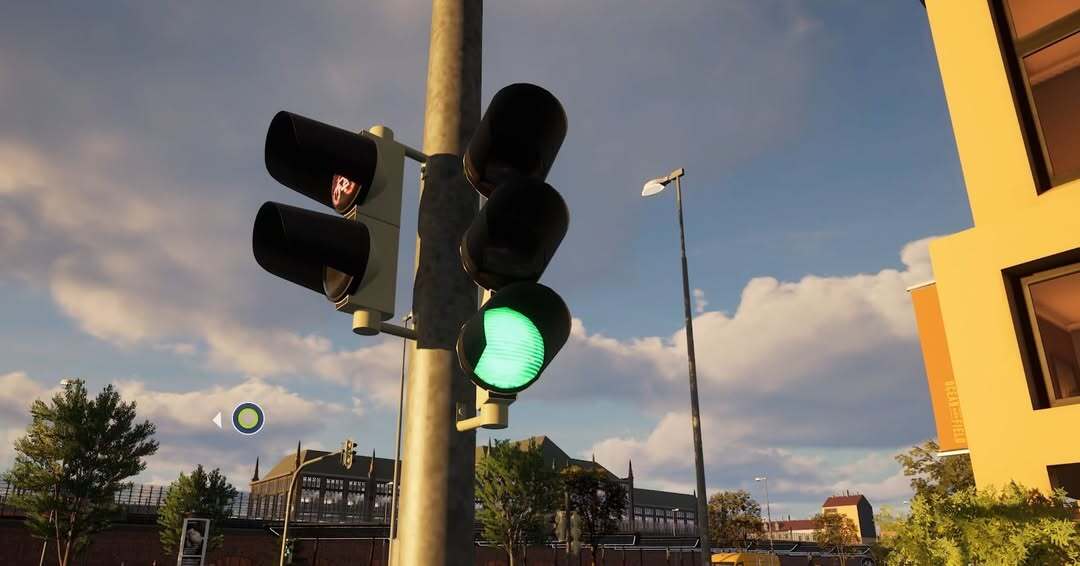 At the same time, [b]faulty AI behavior[/b] has been fixed: cars no longer stop at intersections without reason, buses now use their indicators correctly when departing and stopping, and AI vehicles reliably respect current and upcoming speed limits.
Overall, these changes result in a more believable traffic system and bring major improvements to your line operations.
At the same time, [b]faulty AI behavior[/b] has been fixed: cars no longer stop at intersections without reason, buses now use their indicators correctly when departing and stopping, and AI vehicles reliably respect current and upcoming speed limits.
Overall, these changes result in a more believable traffic system and bring major improvements to your line operations.
☕ The Mug Collection – Public Transport to Collect
With v1.4.0, we’re introducing a brand-new type of collectible: lovingly designed [b]mugs[/b]! Each mug focuses on public transport in a specific city and captures its characteristic fleet and style.
Look forward to designs from [b]Vienna, Berlin, Munich, Basel[/b], and of course [b]Tramau[/b]. Each mug is uniquely designed and comes with a short informational text about the history of public transport in that city.
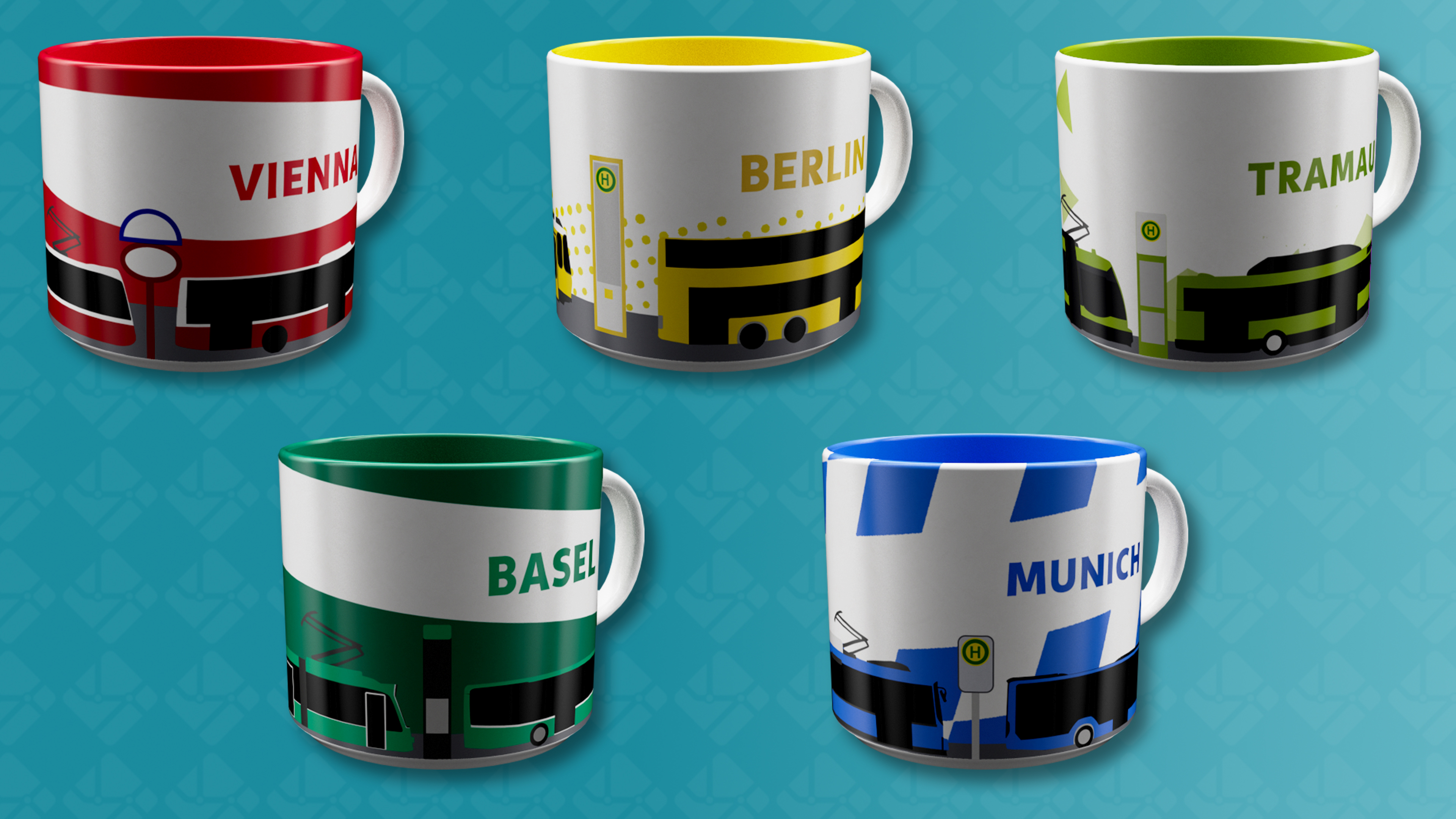
Just like previous collectibles, you can find the mugs at the familiar vending machines spread throughout the city—usually near bus stops, transport hubs, or other high-traffic areas.
???? New Bus Keychains
The popular [b]keychains[/b] are making a comeback—this time as [b]bus variants[/b]! After the great response to the tram keychains during Early Access, we’re expanding the collection with [b]six new bus keychains[/b].
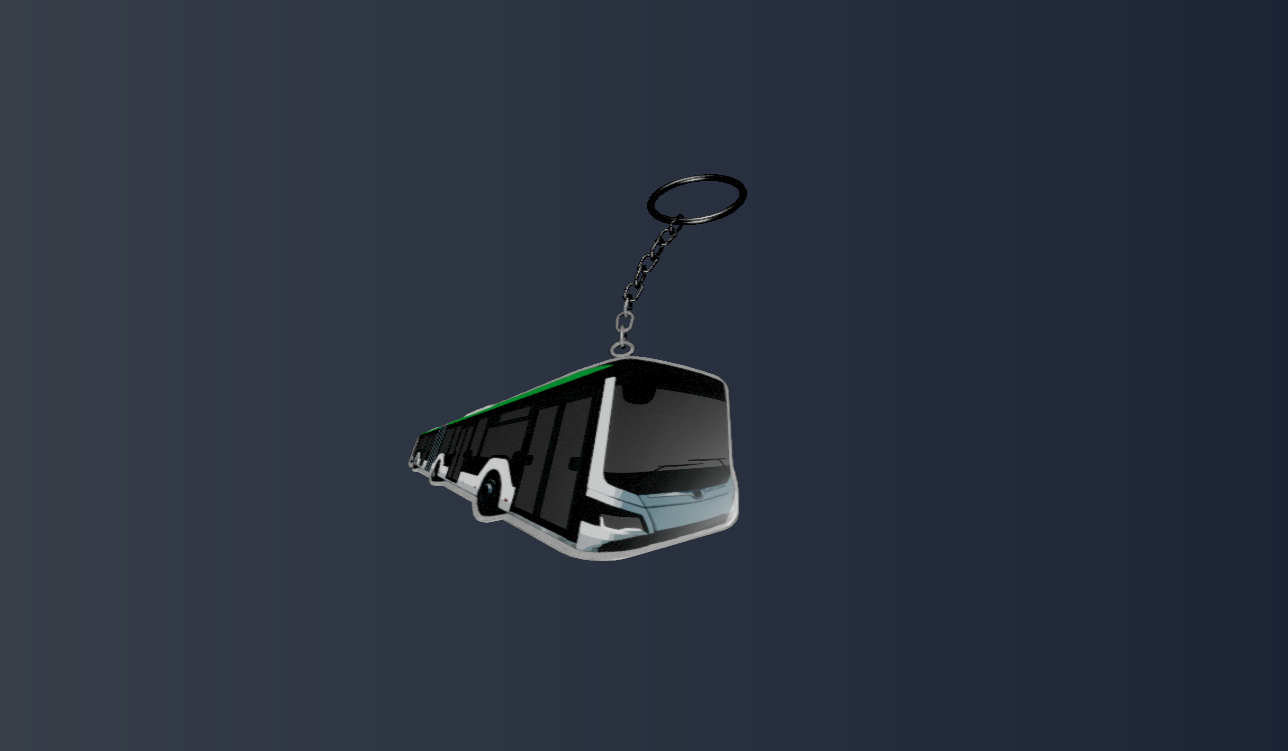
They are once again scattered all across Tramau, waiting to be discovered. And who knows—maybe they even hint at which bus model might be coming next to City Transport Simulator …
???? Controls & Driving Feel – More Control Than Ever
- ????️ [b]Crank Controller for Trams[/b] A completely new way to control trams with a controller. The crank controller allows for more precise acceleration and smoother driving—especially for fans of classic vehicles.
- ???? [b]Extended Controller Mapping[/b] Even more freely assignable controller functions, for example to bind the parking brake to a button of your choice.
- ⚙️ [b]Force Feedback for Xbox Steering Wheels[/b] Realistic force feedback is now available on Xbox as well and can be fine-tuned—just like on PC and PlayStation—using sliders in the gameplay settings.
⚠️ Notice for Logitech G920 users on PC
We’d like to inform you that some players experienced crashes when using a [b]Logitech G920[/b] with City Transport Simulator on PC. After extensive testing, we were able to confirm that the issue was not caused by the game itself, but by a specific version of [b]Logitech G Hub[/b].
The affected version was [b]G Hub 2025.9.807502[/b], which prevented City Transport Simulator from launching correctly when a G920 was connected. We have been in contact with Logitech regarding this issue.
[b]Good news:[/b] Logitech has since released an update for G Hub that fixes this crash in City Transport Simulator as well as in other games. Please update G Hub to the latest version or download it directly from Logitech’s official website:
https://support.logi.com/hc/en-us/articles/360025298133-Logitech-G-HUB???? New Languages: Portuguese & Brazilian Portuguese
City Transport Simulator now supports [b]Portuguese[/b] and [b]Brazilian Portuguese[/b]! This localization was made possible thanks to the great work of [b]Marcos Drummond[/b], who fully translated and adapted the game. The new languages are now available on [b]Steam and Xbox[/b], opening City Transport Simulator to a much wider audience. Support for [b]PlayStation[/b] will follow soon. Make sure to check out Marcos’ YouTube channel and show him some support: https://www.youtube.com/@MarcosDrummond/featuredUpdate v1.4.0 – Full Changelog Overview
???? New Features
- Head & Eye Tracking (TrackIR & Tobii)
- Additional controller key bindings
- Force Feedback for Xbox steering wheels
- New Languages: Portuguese & Brazilian Portuguese
- Thrustmaster steering wheels now supported on PlayStation
- 11 new collectibles (5 mugs & 6 bus keychains)
- Alternative setpoint input for joysticks/gamepads (Direct & Up/Down mode, optionally only for vehicles with manual driving levers – GT6 & GT8N)
????️ UI & Menu
- Orange warning triangle shown when two lines may conflict on the same platform
- Additional information for locked vehicles and liveries in the vehicle selection menu
- Bus line icon font size reduced for three-digit line numbers
- Settings no longer scroll incorrectly when clicking near the edge
- Repeated clicks on “Start Session” no longer cause a black screen
???? AI & Traffic
- Traffic lights switch to green earlier for the player
- AI cars no longer stop incorrectly at intersections
- Improved NPC pathfinding (no more spinning in circles)
- Navigation no longer routes into incorrect bus bays
- AI buses now use indicators correctly when stopping and departing
- AI buses now correctly respect current and upcoming speed limits
- Bus tutorial works correctly again
- E1 tram no longer accelerates uncontrollably without reason
???? Vehicles & Physics
- Retarder sound added for Lion’s City and New Lion’s City
- The selected avatar now always appears in the vehicle
- Optimized steering centering softness for force feedback wheels
- More reliable start and stop behavior for AI buses
???? Graphics & Environment
- Missing building section at the university has been added
- Speed limit signs now appear in higher resolution on Xbox Series S
- Adjusted platform usage for standard lines to reduce traffic jams
Join the discussion on the [url=https://steamcommunity.com/app/2604480/discussions/]Steam forums[/url], hop into our [url=https://discord.gg/viewapp-community-1053340211016372285]Discord[/url], and follow us on [url=https://www.youtube.com/@viewapp]YouTube[/url], [url=https://www.instagram.com/citytransportsim/]Instagram[/url], [url=https://www.tiktok.com/@viewapp]TikTok[/url], and [url=https://www.facebook.com/citytransportsim]Facebook[/url].
https://store.steampowered.com/app/2604480/City_Transport_Simulator/