[b]ALPHA TEST, BETA TEST AND EXPERIMENTAL BRANCH USERS. CHANGE TO STABLE.[/b]
[b]The Christmas Campaign is live and updated in this build. Thankyou to all of the Christmas builders![/b]
Microsoft OneDrive continues to be a royal pain. If you are experiencing issues like crashes or strange behaviours in game then please use the support system or go to the help channel in the discord or give me (Sean) a DM on there and I'll try to help! There is a workaround to bypass your Documents shell path if need be until we have a way to move the profile to avoid this in the future. Many people assume they don't have it when infact windows updates have stealth installed it and it has indeed hijacked a shell path. The issue is that it places file locks which prevents the game from being to access files it needs resulting in all manner of problems. Moving on!Unity6
Under the hood we are on now on Unity 6, this did result in some changes to certain text colours and fonts. We've changed a few that were reported but the rest we are ok with. The change to Unity 6 may allow us in the future to move over to the Universal Render Pipeline but that's a different story for another time.Camera Update
Rambot
So Rambot is now something that is an optional spawn (unless the scenario or instance is designed to have it spawn automatically. You can spawn Rambot by pressing Shift + G by default. It's best to do this on a focused vehicle.World Editors
There are new options for spawning on spawn points and for the instance itself. You'll want to select "Player AND avatar" on any spawn points so that both the camera and the avatar can spawn there.Heart Stones
Heart stone energy now governs Rambot's weapons. Being on a friendly vehicle will preserve the energy state but a heart stone is needed to recharge. Depending on the game mode Rambot can still die if energy is 0.Focusing
To select a vehicle to focus on, we look at it and left click on it. This then focuses the vehicle and uses a default orbit camera that is placed above the skin of the vehicle (if no other camera has been set.) The little green marker here is our camera position. To unfocus the vehicle just left click anywhere off of it.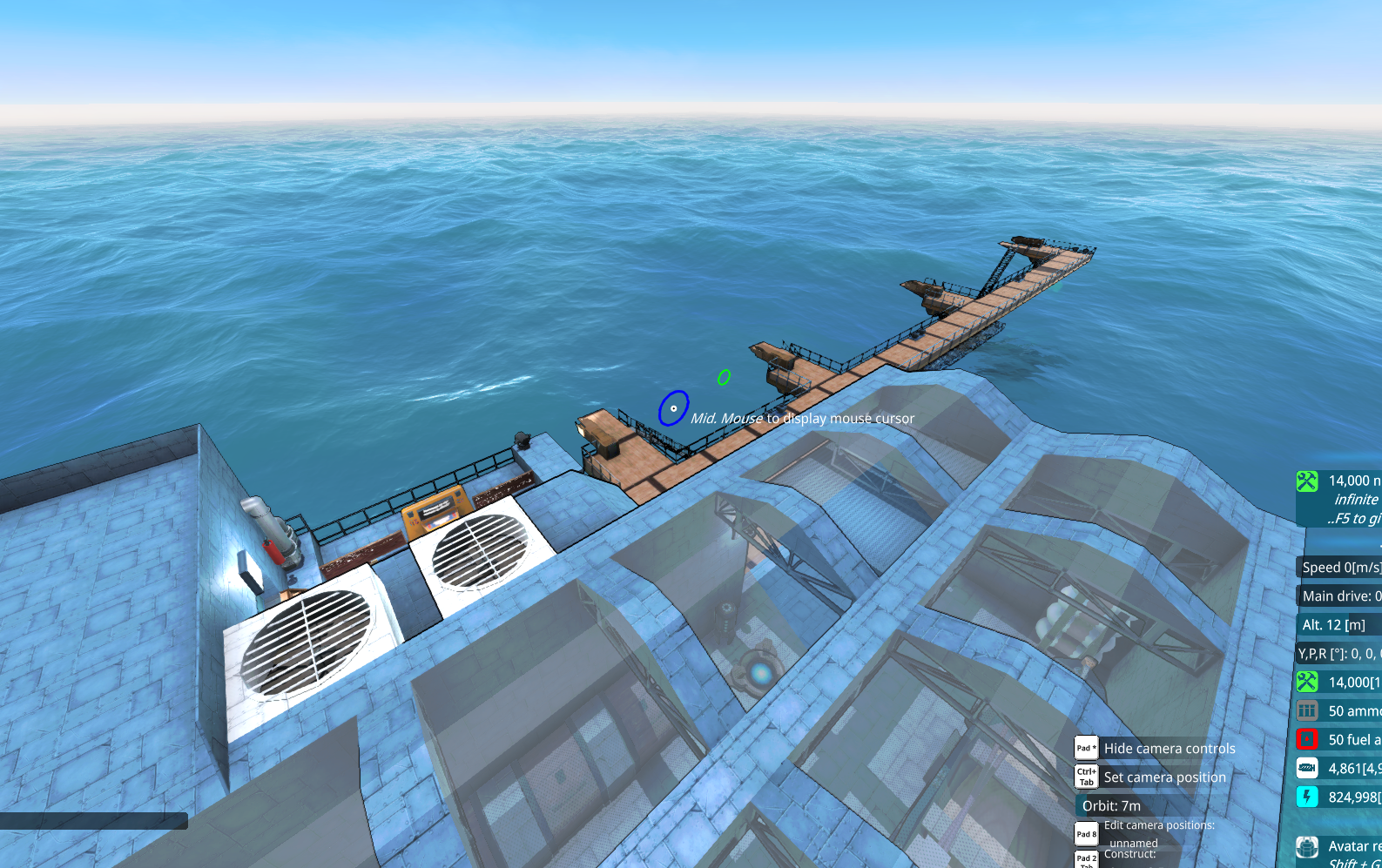 You can also use these buttons or their keybinds to traverse and focus on other vehicles or cameras.
Pressing Tab will cycle through any configured cameras.
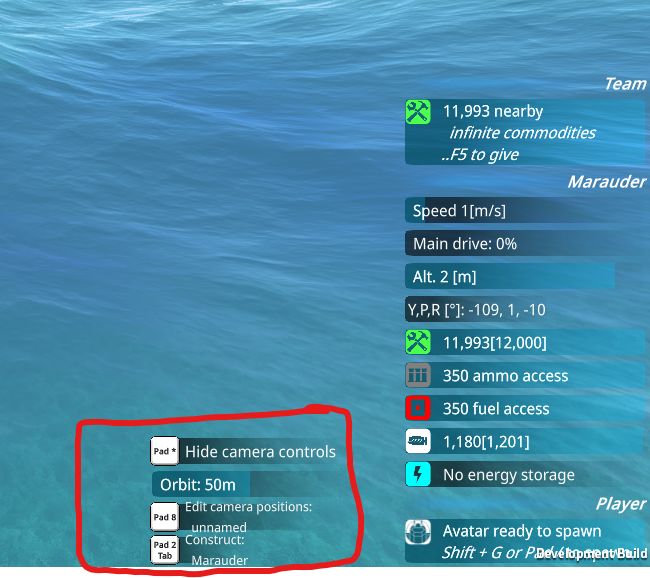
Camera positions can be edited using these buttons (yes they are buttons) in middle mouse mode or you can set the position of your current camera using Ctrl + Tab by default at the position you are at.
Binoculars are now built in to the camera. Just use the mouse wheel to zoom in and out.
You can also use these buttons or their keybinds to traverse and focus on other vehicles or cameras.
Pressing Tab will cycle through any configured cameras.
Camera positions can be edited using these buttons (yes they are buttons) in middle mouse mode or you can set the position of your current camera using Ctrl + Tab by default at the position you are at.
Binoculars are now built in to the camera. Just use the mouse wheel to zoom in and out.
Driving
Once focused we can take control of a vehicle if a vehicle controller exists on it by pressing Left Ctrl by default. [b](Note all keybinds are editable in the options)
[/b] When we are in control a green vignette appears.[b]Again the opacity of this is configurable in the options.[/b]
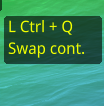
[b]Please note the default vehicle control keys have changed to something people are more familiar with in other games. W,A,S,D.[/b]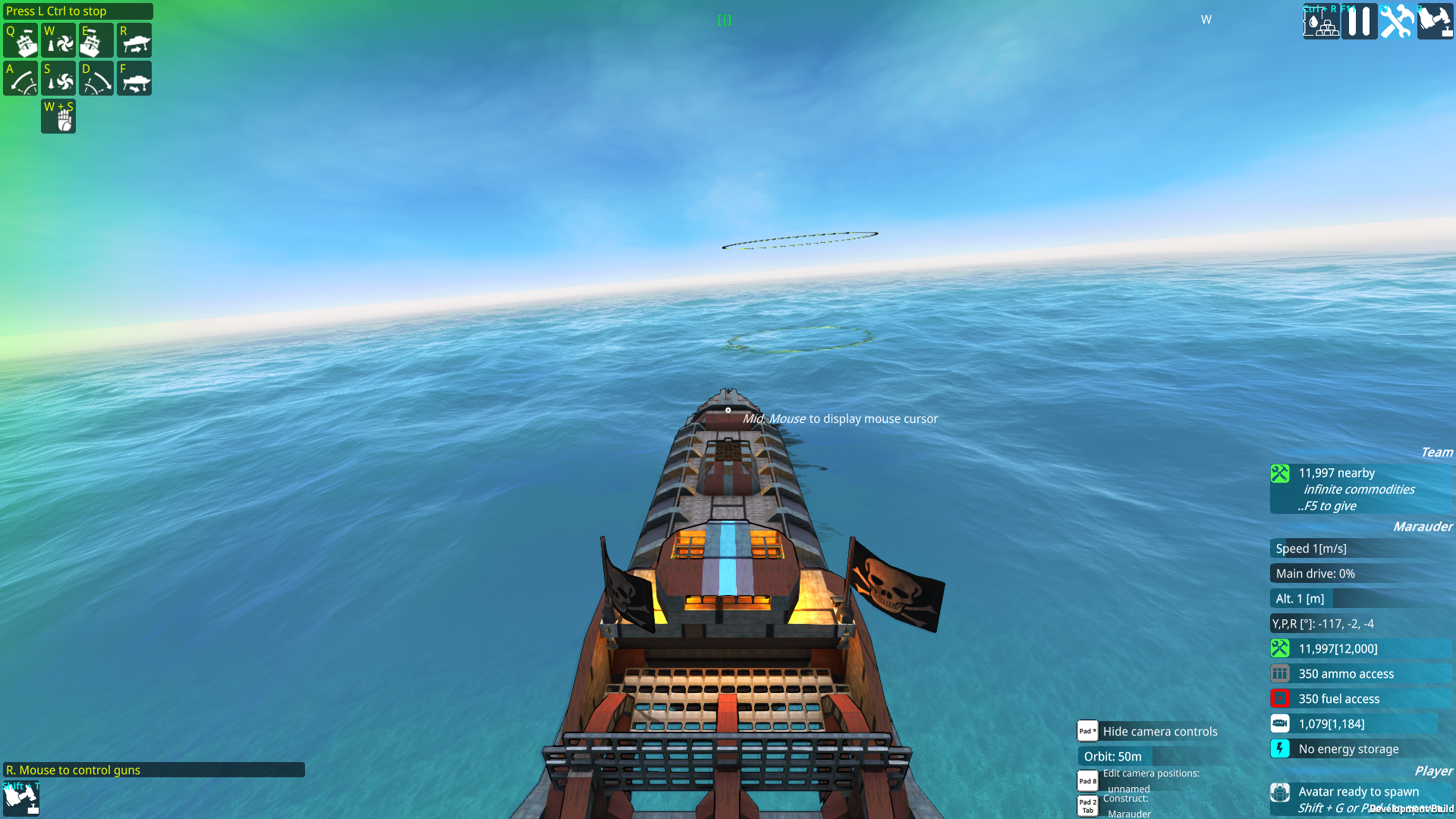 If you have multiple controllers use this to swap to the one you want to use while driving.
Weapons
If we right click we can control weapons. Control of weapons is indicated by a red vignette. Please note you can also click on the weapon groups now on their icons and there are more of them. Enemy information is now displayed when you place the mouse over them. [b]The location and size of this can be configured in the Misc section of the options.[/b] You can focus on an enemy and order an attack by left clicking on it. To unfocus just left click anywhere off it.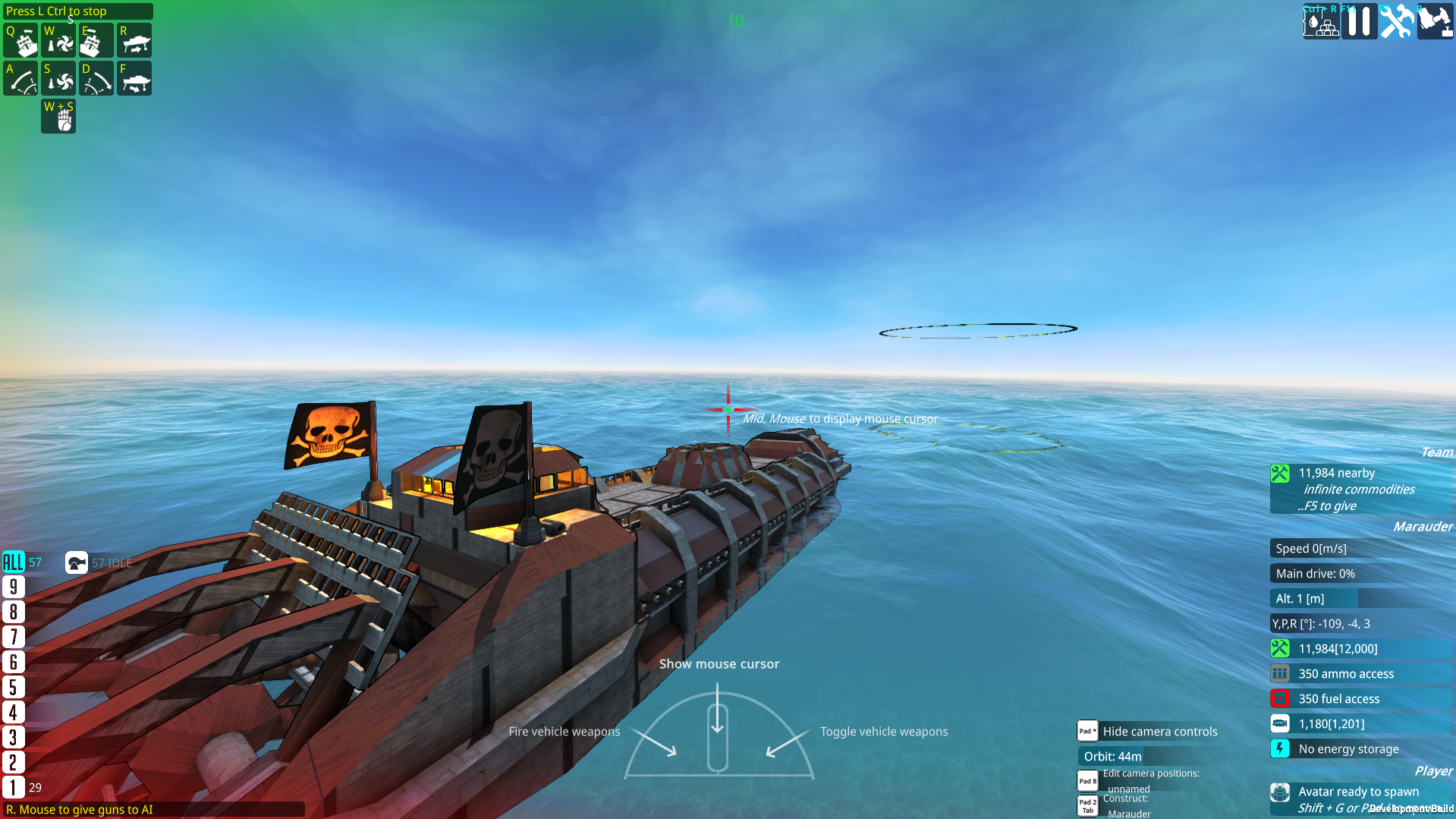
Tools Mode
Pressing [b]Shift + T[/b] by default will enter tools mode. Here you can access tools such as the spray can for working with free cam instead of being tied to Rambot.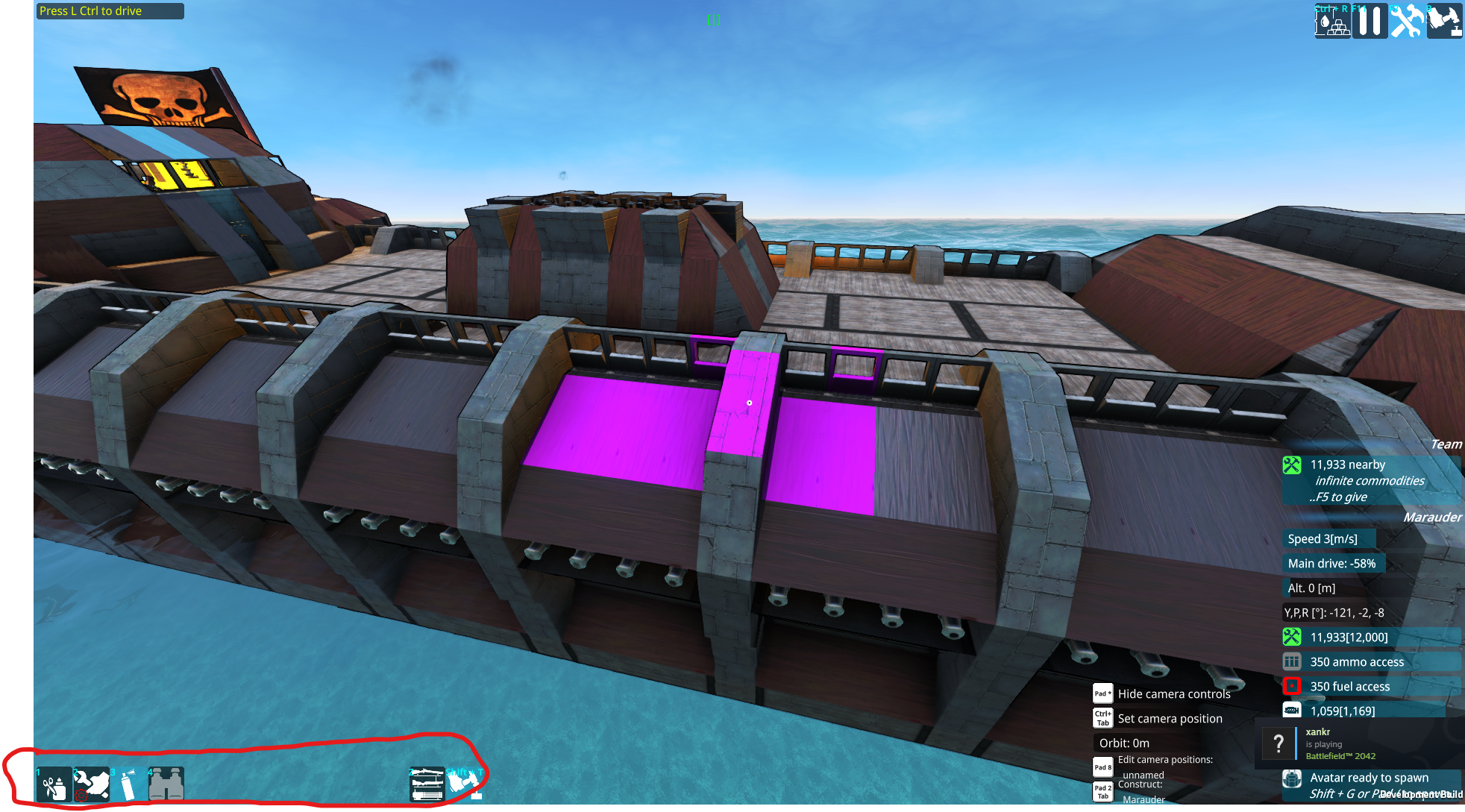
Advanced Camera Placement and Editing
In camera edit mode you can add more advanced options to the camera. Add new camera positions, stabilise its pitch,yaw and roll, keep it above water and so on. By manipularing these you can create unique viewpoints that mirror other games. Like creating an arcade plane viewpoint or a boat view akin to world of warships.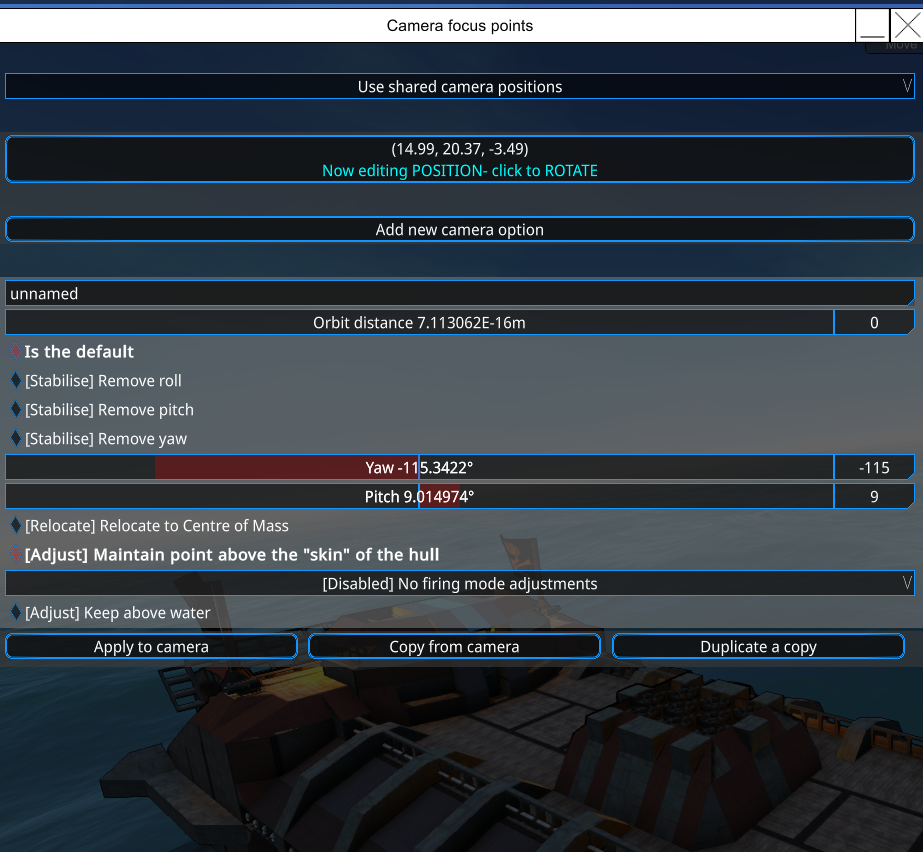 Feedback can be provided in the discord. (Link is on the launcher.) Please make sure you aren't making duplicates by using the search function before you post.