Key Features
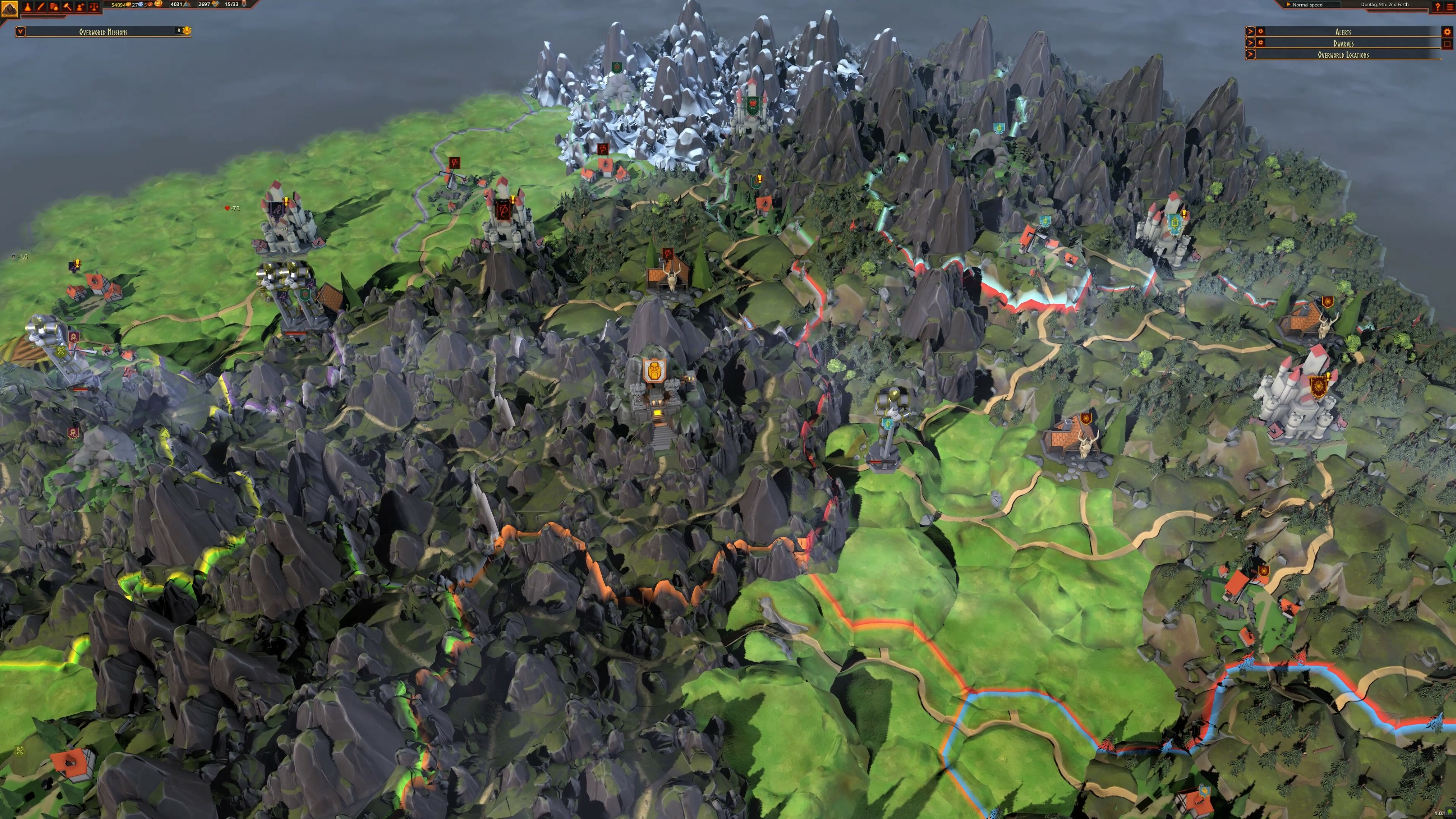
- [b]Build the greatest Dwarf colony in history:[/b] Use each Dwarf’s skills to create a sprawling mining colony in your mountain.
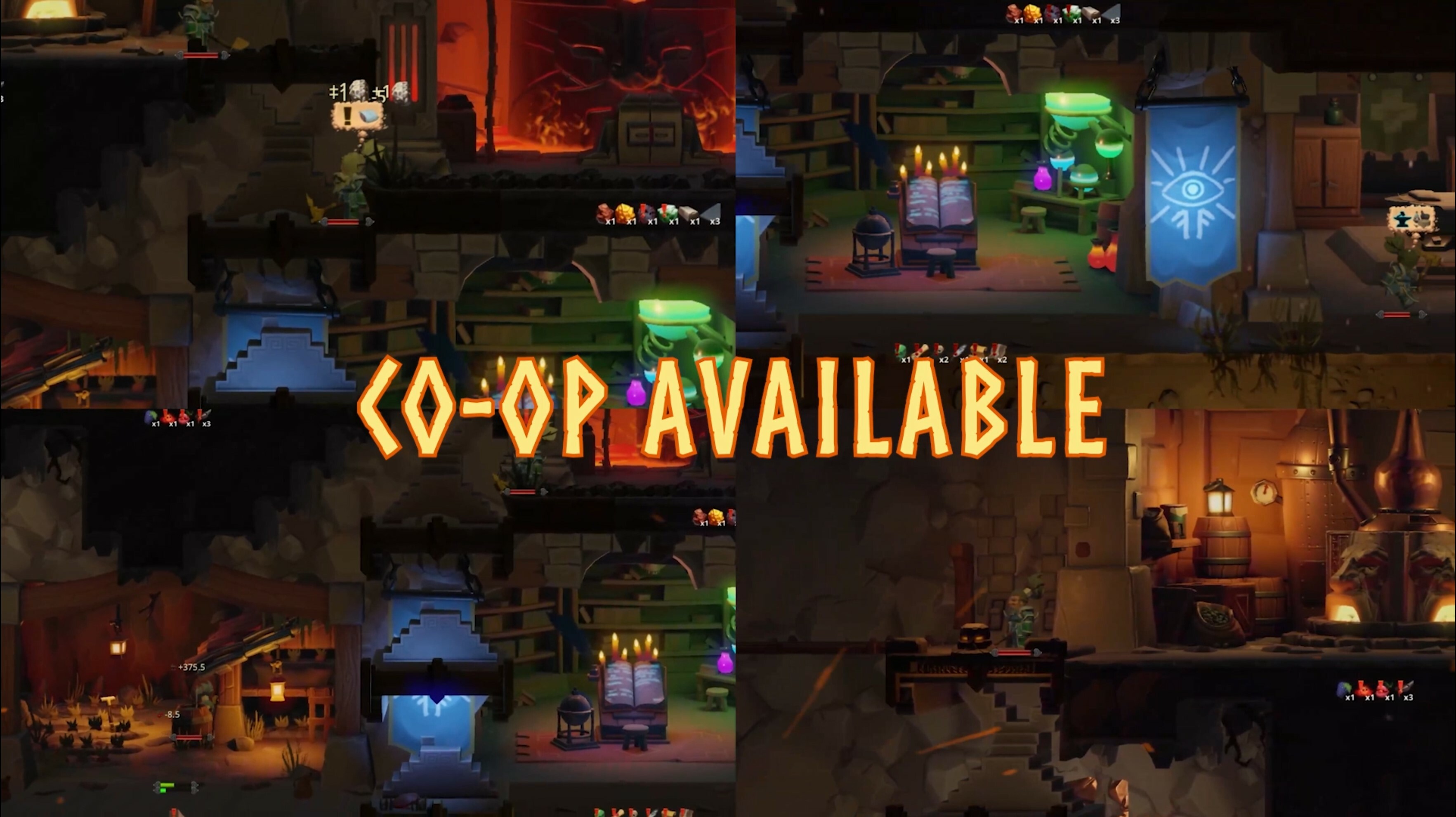
- [b]Play together:[/b]Grab your friends and dig deep to find untold riches...
- [b]Farming and fishing:[/b] They say an army marches on its stomach and an army of hungry Dwarves is not something you want to see… keep them fed!
- [b]Unique Dwarves:[/b] Each Dwarf has their own unique skills and personality that can help (or hinder) your efforts.
 Pick up Hammerting now for 33% off: https://bit.ly/30pf7fg
Not only that, but we also have a whopping great patch for you! check out the patch notes:
Pick up Hammerting now for 33% off: https://bit.ly/30pf7fg
Not only that, but we also have a whopping great patch for you! check out the patch notes:
Release Update - Version 1.0.12.0
Features:
⦿ [b]Multiplayer Co-op Mode![/b]- A co-op mode can now be played.
- Multiplayer should work across all different stores where Hammerting can be bought seamlessly.
- There's now a new button in the start menu, called 'Multiplayer'.
- If you go there, you'll be able to name and create a lobby. Be sure to name it something unique.
- Let your friends and enemies know the lobby name, and they'll be able to join you as you delve deeper into the caverns.
- You'll all control the dwarves at the same time, and the dwarves will decide which ethereal being (player) they will choose to follow for the time being.
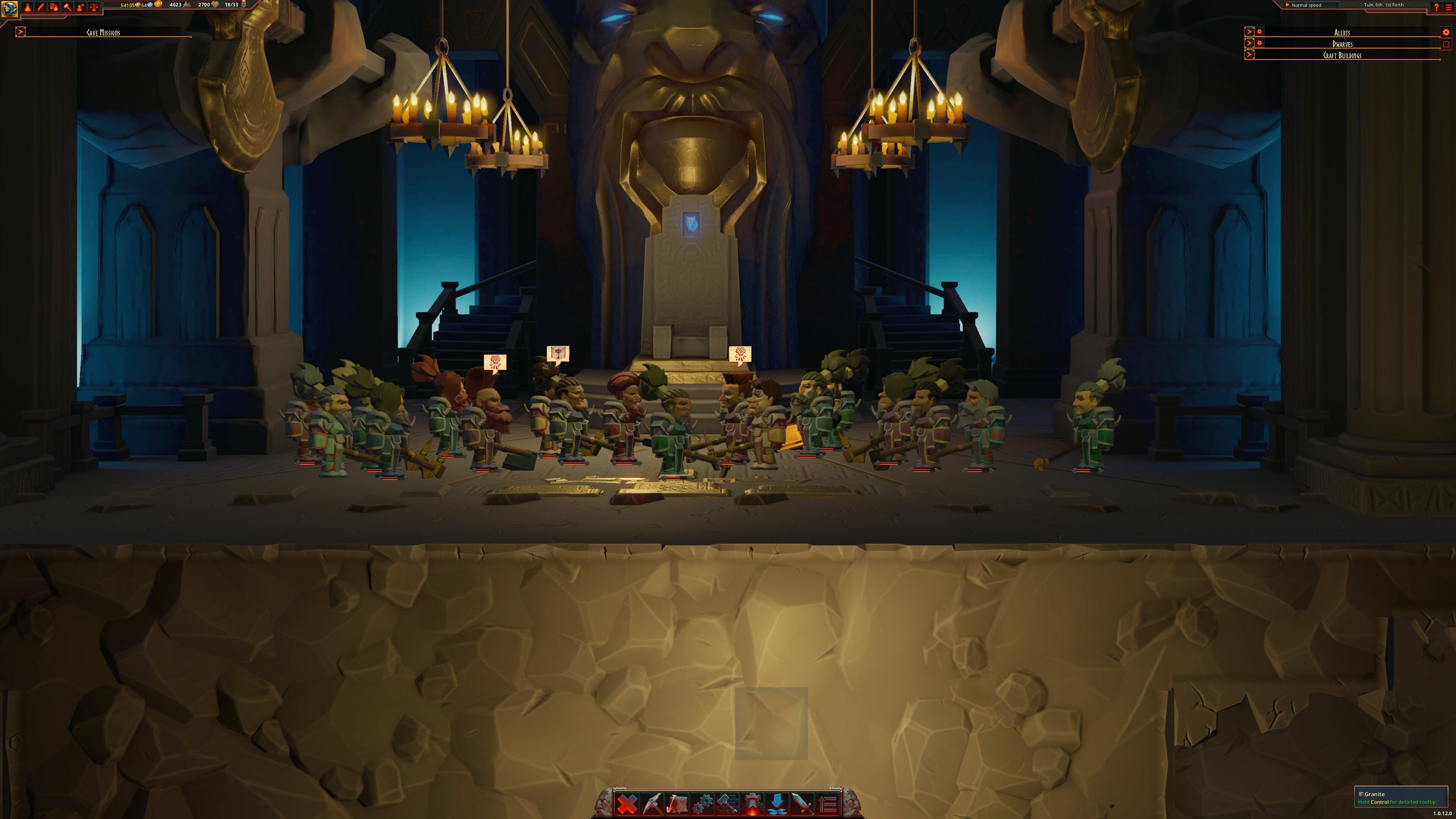
- Hammertings can now be held in the Great Hall!
- Holding a Hammerting will grant bonuses to the Mountain Home.
- When holding a Hammerting, all dwarves will meet in the Great Hall to discuss the matter.
- Hammertings can only be held once every two in-game hours.
- Factions on the Overworld will now declare war against each other!
- When at war, the factions will send armies toward their enemies if they have high enough Manpower and Might.
- When two armies meet, they will engage in combat until one of them is victorious!
- When an army reaches an enemy location, that location defends itself against the attacker, but its Fortification will take damage.
- If a location reaches 0 Fortification, it will fall and the items it holds will be destroyed.
- A location will prioritize re-building its Fortification over producing new goods to sell.
- When armies have torn down all Fortifications, they will march toward the enemy capital.
- Dwarves can help factions and locations by selling them goods, for example: [list]
- Things that restore building health will increase Fortification.
- Weapons and Armor increases Might.
- Items restoring hunger and morale will increase Manpower.
- When your relation level with another faction reaches the Esteemed level, you will unlock the Dwarven Subversion mission, in that Faction's capital. Completing this mission will make the faction a permanent ally.
- There is now a victory condition called World Conquest. This is achieved by having your Overworld allies control all overworld locations. Completing this mission will win the game.
- Dwarfs will now show thought bubbles over their heads whenever they start a new task showing what they are going to do.
- This can be disabled in the options menu.
- The following crops can now be planted: Sulphur Sprouts, Citadel Mushroom, Sugar Beets, Rime Beets, Grapes, Tomb Lilac, Hops, and Troll Tails.
- Added Troll Cloth, Dwarven Licorice, and Mountain Barley.
- A lot of recipes for fish-based dishes has been added
- Two new wall materials have been added: Ornamental and Runic
- Book of Tings, or Dwarfelopedia as we devs lovingly call it, has been updated with new text and images.
- Increased size of Main Menu and Dwarfelopedia buttons on the top bar.
- The window now changes size after changing the game's resolution.
- Topics are now categorized
- Added Help buttons to various interfaces. These open the corresponding entry in the Dwarfelopedia.
Performance:
⦿ Significant speedup when dwarves and creatures look for enemies.Tweaks:
⦿ [b]AI[/b]- Adjusted Dwelling spots.
- Adjusted Tavern conversation spots.
- Dwarfs will no longer engage in combat or listen to attack orders if their health is so low that they will retreat once they're close to the enemy.
- Dwarves that have picked something up for hauling will never engage in conversation until the haul job is complete.
- Dwarves that want to talk will prefer going to a nearby Tavern if possible.
- Dwarves who finish a job will now consider going to eat/sleep etc. a bit more before starting the next job.
- Dwarves who have the Militia profession set to Unallowed will not engage in combat.
- Dwarves will no longer replace minecarts at hauling jobs.
- Dwarves will now drop off cliff edges if they get stuck. Wooooooo!
- Enabling a job type for a dwarf now immediately recalculates job assignments.
- Haul jobs that have been started are now less likely to get unassigned.
- Haulers will now clean their inventory before and after a haul job. This prevents items from previous haul jobs to be spread around the base.
- Added a glow to input buttons in the Crafting UI to draw attention to them.
- Added a popup warning when applying settings in the options menu.
- Added better tooltips to buy/sell-offers.
- Added double-click support for Assign Dwarf in the Dwelling UI.
- Added dwelling upgrade icons, cloth and fiber icons and overworld location icons.
- Added missing tooltips and finishing touches to the Job Broker UI.
- Added storage filters for Seeds, Fish, and Fibers.
- Clicking a build menu that is already opened will now close the menu instead of reopening it.
- Greyed out allowed icons in auto equip menu if auto-equip is not set to custom.
- Knowledges now consistently show Mountain Lore cost first, then Trade Lore cost.
- Log book now has pages.
- Notifications have been changed to show a generic title, to avoid text overflow issues.
- Reworked Dwelling UI.
- Talents are now highlighted if the match one of the dwarf's Favorited profession.
- Tweaked the Ledger filter dropdown menu so it scales after screen height.
- Dwelling upgrades now have a graphical representation
- Slightly reduced enemy armor
Bug fixes:
⦿ [b]AI[/b]- Dwarves will now fall after dying, instead of becoming stranded in the air.
- Farmers are now responsible for Harvest interactions. Explorers got better things to do!
- Fixed a bug making mano a mano conversations longer than intended.
- Fixed a bug with storages that had Take From Overworld but not Take From Inventories causing dwarfs to juggle items indefinitely.
- Fixed several issues with digging that caused dig dwarves to pause dig jobs after each tile.
- Hauled items now count towards the global inventory. This fixes an issue where dwarfs would get stuck switching between different haul jobs.
- Refill Statusbar-desire now only uses the high-rank utility action for the health bar.
- Continue button no longer enabled on Game Over screen.
- Dwelling upgrade orders can no longer be set to Maintain mode.
- Fix for Brazilizan-Portugese localization.
- Fixed a bug where the auto-equip button couldn't be toggled.
- Fixed a bug where the dark background would persist after saving a game manually (for real this time)..
- Fixed biome region record on load, so it now shows in tooltips.
- Fixed modifier tooltips in the Job Broker UI.
- Job broker now shows tooltip for favorite profession and favorite profession tooltip now correctly states that it does have some effect on job assignment.
- Player can no longer press the delete button while no save is selected in the load game menu.
- Sacks should now properly show their rarity in text.
- Available recruits are now kept when saving and loading the game.
- Drain Sink and Drills can now be deactivated.
- Drills no longer work if they have 0 health.
- Hauling from the Overworld to the mountain home chest is now a normal-priority job instead of a low-priority job, as originally intended.