Your Steam may need booping
Steam sometimes caches old controller layouts, and you may need to restart it and/or reapply the official layout. Otherwise it might end up being an odd crossbreed of our new one and something from the before times.Control hints
If you'd like to see the control hints/tutorial again, make sure to click Settings -> Game -> Control Hints -> Reset.What's there
- All the menus and UIs can now be navigated using controllers: DPad/Left Joystick, A/B, L1/R1.
- The same is also true for the keyboard: Arrow keys, Enter/Esc, PgDown/PgUp.
- There's now two action sets in Steam Input: one for gameplay, and one for the menu.
- Action sets expose a whole bunch of extra controls useful for custom layouts.
- Tutorials/input hints in the game show controller glyphs.
- The game will dynamically detect any connected controllers, and seamlessly read input from all of them and/or keyboard + mouse.
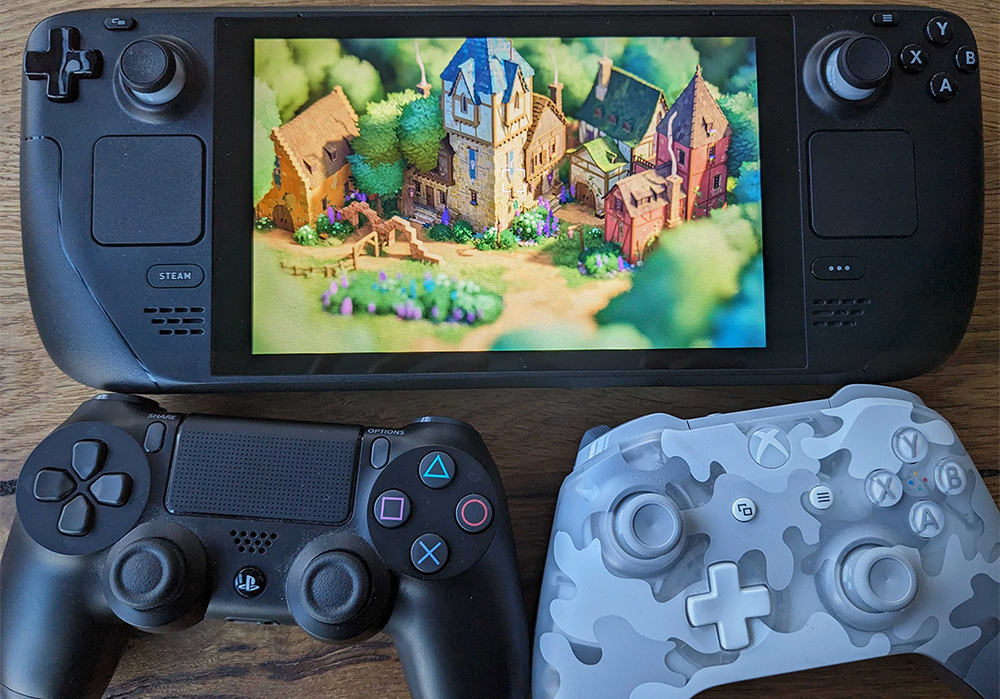
- On Steam Deck, the folder icon in photo mode now shows an info screen for where to find screenshots in SteamOS's menus.
- There's now a "Controller Bindings" button in the Controls menu (only shows if you have a controller connected).
- Ditto for key bindings; they have been moved to their own sub-screen.
- You can now draw walls & fences by clicking and moving [i]the camera[/i] instead of the cursor.
What's not there yet
There's a few things that we'll address in future patches:- There's a bunch of new strings that we haven't yet localized to other languages.
- If you change the toolbar alignment in settings, you'll need to restart the game, or controller mapping will be all borked.
- Our graphics driver warning/information screen doesn't support controllers yet.