Entropy : Zero 2 Version 1.5.5
 [b][i]Overwatch is requesting all units refresh and resolve. Update is live. Acceptance is mandatory.[/i][/b]
Version 1.5.5 is going live on the default branch of Entropy : Zero 2 today. This version will include Linux support, Steam Input and the new Gamepad UI. You can find the full changelog below.
If you encounter any issues with version 1.5.5 that were not present previously, please let us know on the Steam forums! For other issues, you can find our troubleshooting guide here:
https://steamcommunity.com/sharedfiles/filedetails/?id=2857173498
[b][i]Overwatch is requesting all units refresh and resolve. Update is live. Acceptance is mandatory.[/i][/b]
Version 1.5.5 is going live on the default branch of Entropy : Zero 2 today. This version will include Linux support, Steam Input and the new Gamepad UI. You can find the full changelog below.
If you encounter any issues with version 1.5.5 that were not present previously, please let us know on the Steam forums! For other issues, you can find our troubleshooting guide here:
https://steamcommunity.com/sharedfiles/filedetails/?id=2857173498
Changelog
1.4
- EZ2 runs natively on Linux
- Steam Input is used for controller support
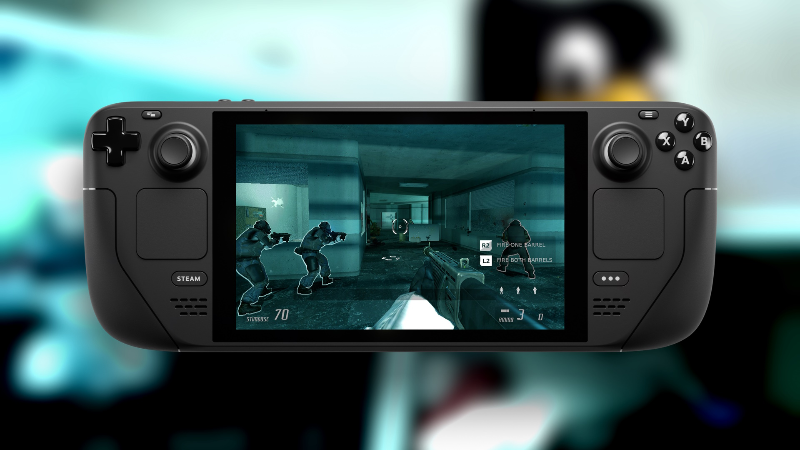
- EZ2 runs on Steam Deck
1.5
- EZ2 uses new Gamepad UI
- Glownome's chest projectiles now properly appear as blue
Gamepad UI
Release 1.5 adds a new menu interface called [b]Gamepad UI[/b]. This is the same UI which was added to Half-Life 2 and Portal to support the Steam Deck. Its source code was [url=https://github.com/Joshua-Ashton/HL2-GamepadUI]published on GitHub[/url], so we've decided to integrate it into Entropy : Zero 2 alongside the other Steam Deck-related changes added in release-1.4.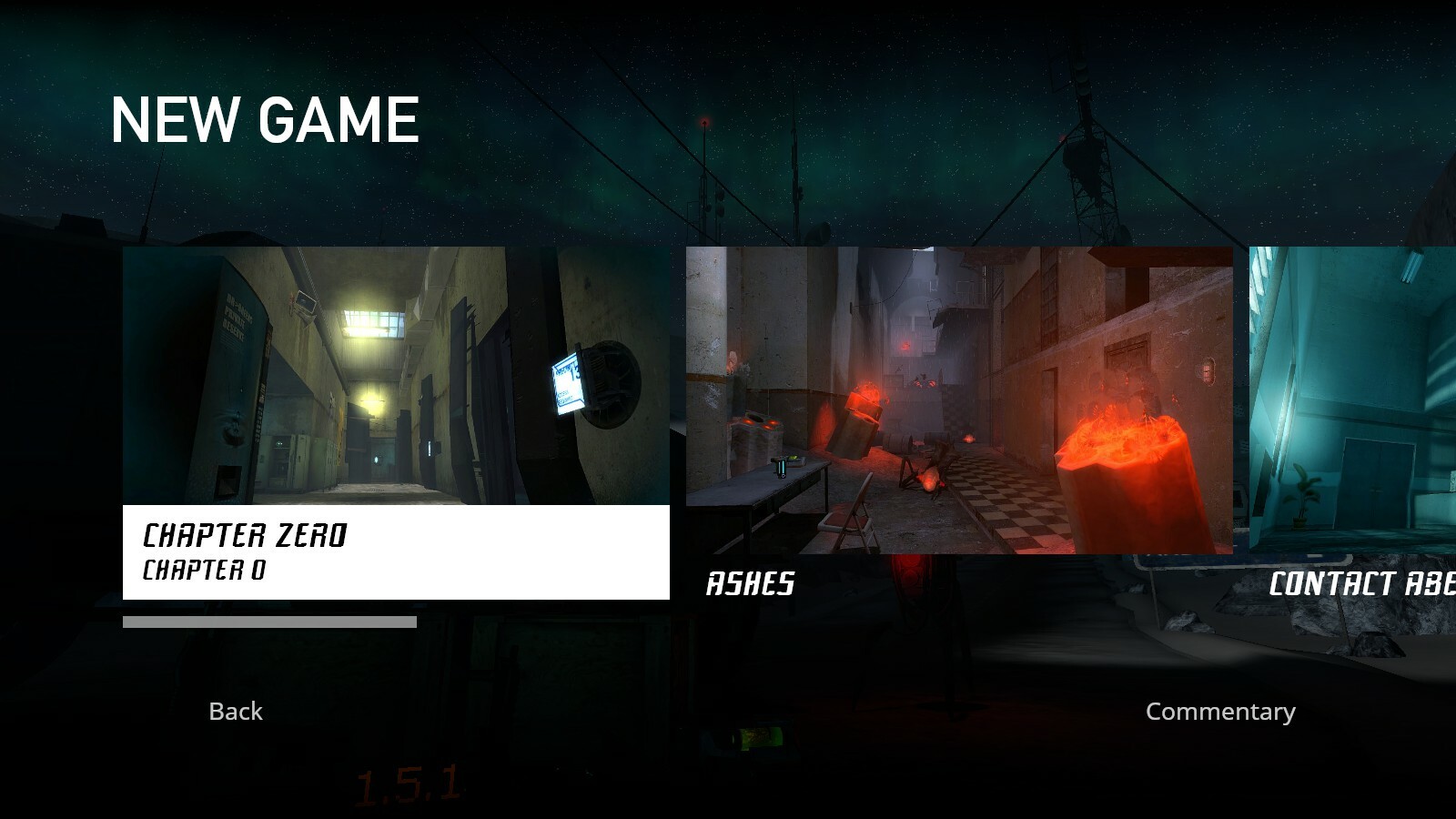
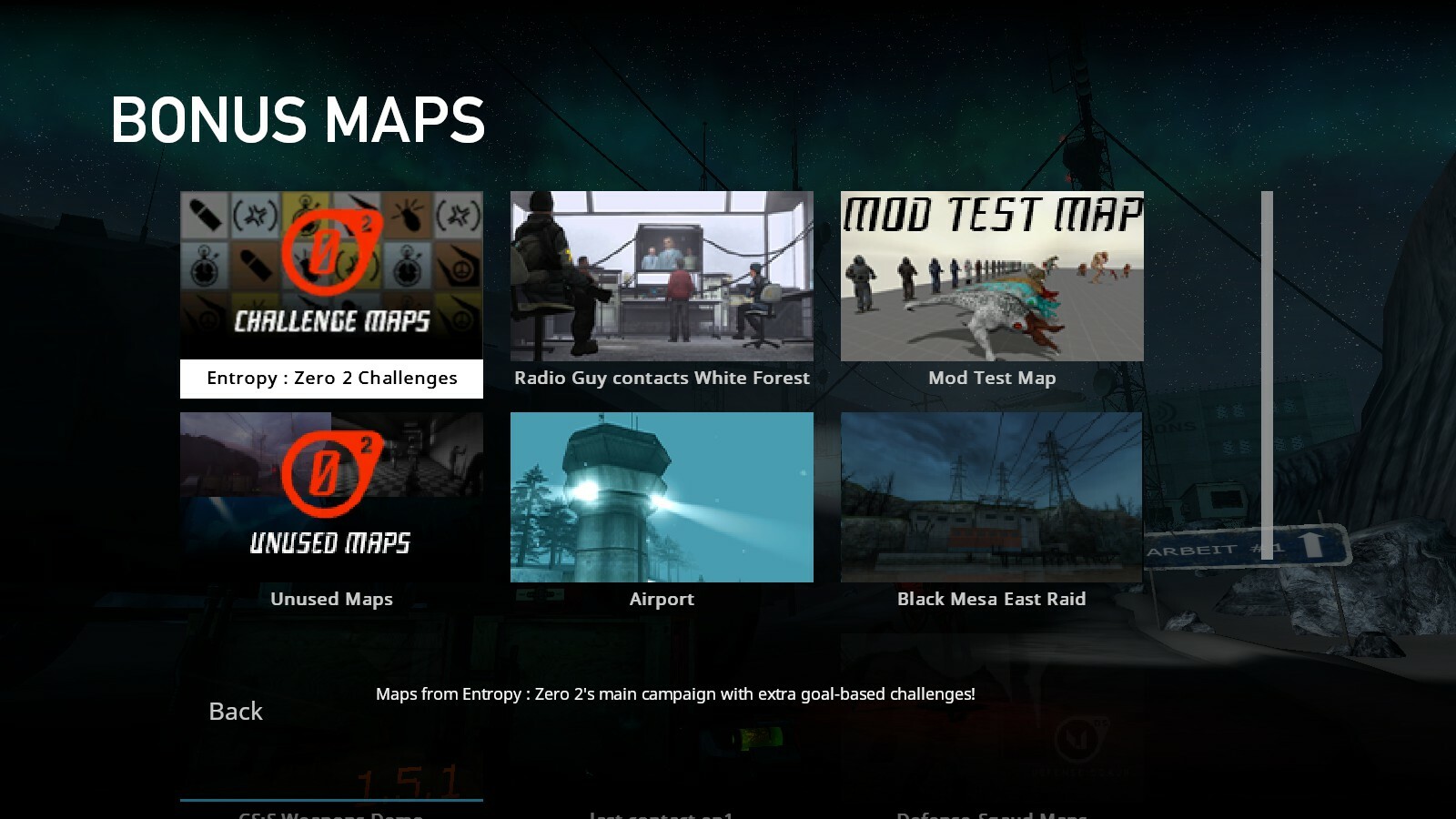 Gamepad UI was mostly designed to be used for the Steam Deck alone, but since it has several major advantages over the default UI, we adjusted it so that it can be the universal menu replacement for all users.
Troubleshooting
When loading your saves, you may see a warning which looks like this: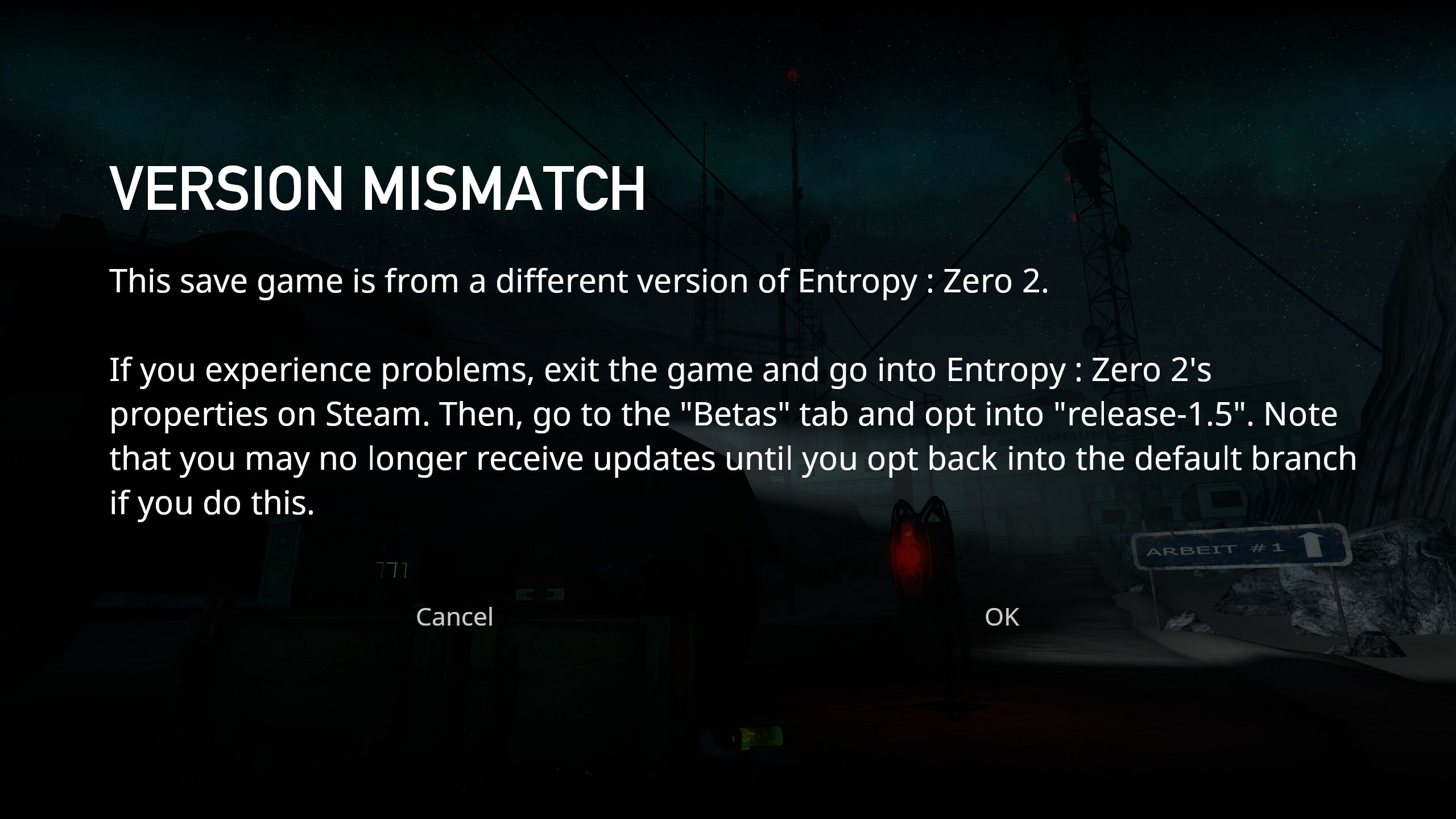 This is only a warning, it does not necessarily mean there is any problem with your save file. Since version information is only saved in Release 1.5 onwards, all previous saves will give this warning.
Press "Ok" to load the game normally. You should be able to continue your game. If you run into any issues, please consult the troubleshooting guide.
This is only a warning, it does not necessarily mean there is any problem with your save file. Since version information is only saved in Release 1.5 onwards, all previous saves will give this warning.
Press "Ok" to load the game normally. You should be able to continue your game. If you run into any issues, please consult the troubleshooting guide.
How to disable Gamepad UI
If you need to use the default menu again, you can currently do so by going into the game's properties and typing "-nogamepadui" in the game's launch options.How to play E:Z2 with a controller using Steam Input
 If you have a Steam-compatible controller plugged into your PC, you should be able to launch Entropy : Zero 2, navigate the menu, and play the game natively.
Note that the Options menu may require you to use your controller's right stick and right trigger (depending on your controller and config) to simulate mouse input.
You also cannot skip the intro videos with a controller.
If you have a Steam-compatible controller plugged into your PC, you should be able to launch Entropy : Zero 2, navigate the menu, and play the game natively.
Note that the Options menu may require you to use your controller's right stick and right trigger (depending on your controller and config) to simulate mouse input.
You also cannot skip the intro videos with a controller.
Troubleshooting
For any issues you encounter, make sure you're using the correct controller configuration. You can find your controller configuration properties in the Steam Overlay, or through a distinctive gamepad button when you have the game selected in your Steam library. If this does not resolve your issue, please let us know.How to play E:Z2 with a Steam Deck/on Linux
 If you are using a Steam Deck/Linux machine, you should be able to launch Entropy : Zero 2 with the Steam Linux Runtime by default. Make sure Steam isn't configured to launch the game with a specific compatibility tool (e.g. Proton).