How to access it?
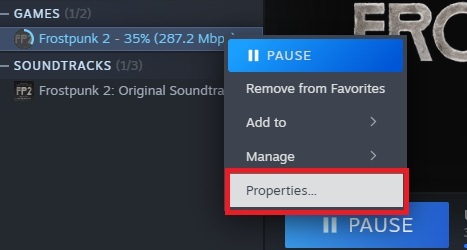
[b]- Right-click on Frostpunk 2 in your Steam Library and select Properties.[/b]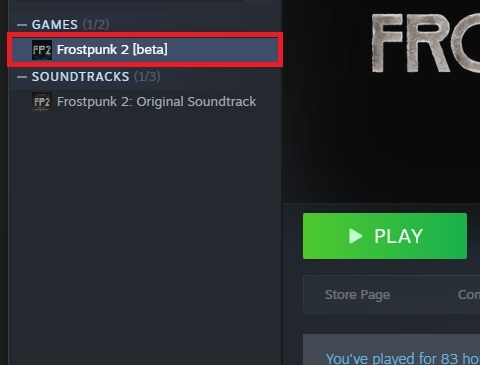
 [b]- Go to the Betas tab.
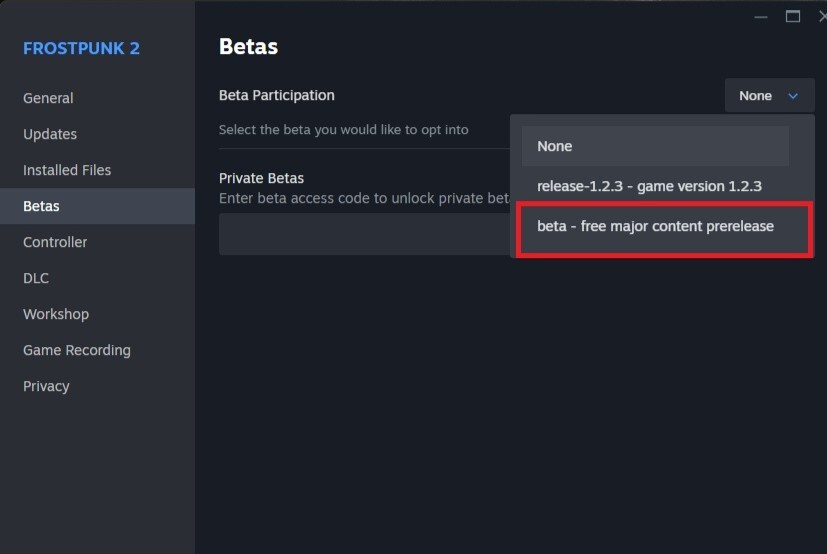
- In the dropdown menu, select "beta - free major content prerelease" to opt into the beta.[/b]
[b]- Go to the Betas tab.
- In the dropdown menu, select "beta - free major content prerelease" to opt into the beta.[/b]
 [b]- Close the Properties window.
- The game should now appear as Frostpunk 2 [beta] in your library, and you’ll be able to play it.[/b]
[b]- Close the Properties window.
- The game should now appear as Frostpunk 2 [beta] in your library, and you’ll be able to play it.[/b]
Glimpse from the future
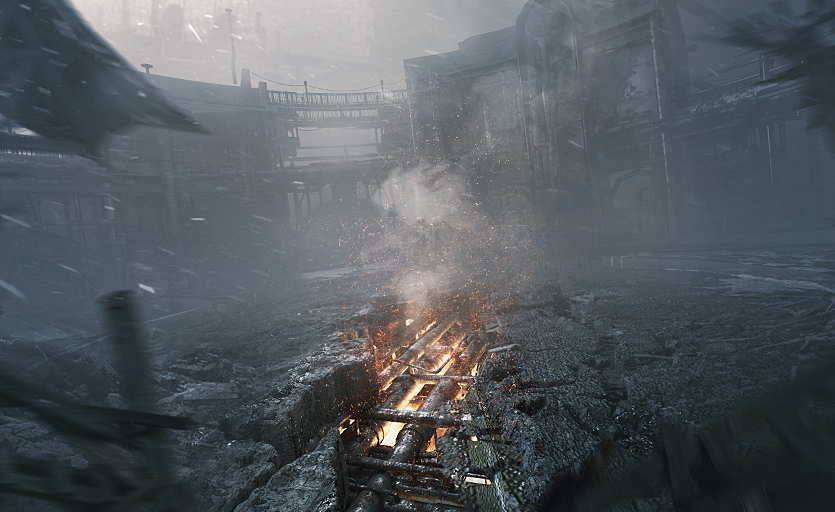
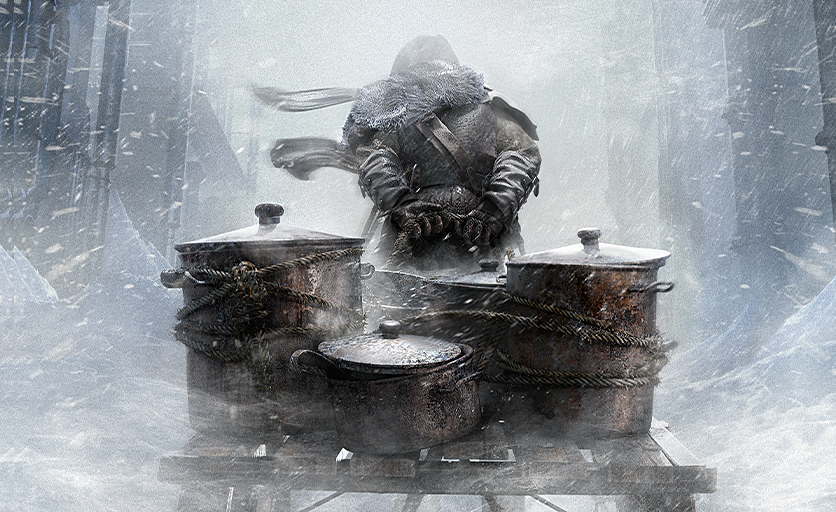
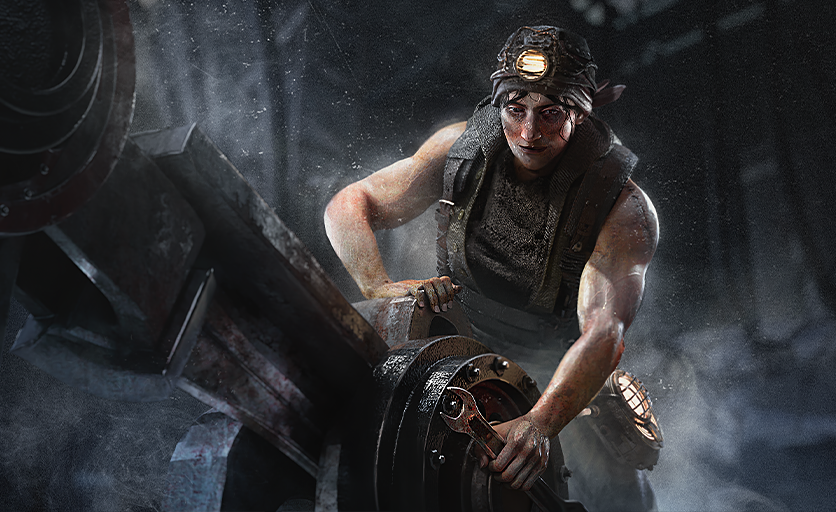
Exclusively we would like to share something special with you. Below you can find some of the[b] arts from the upcoming update[/b]: