Greetings, Adventurers!
Celebrate the release of native controller support with 30% off the Xbox Gold Shadow controller through Amazon. Use Coupon Code [b]SEASON5[/b] at checkout to [url=https://www.amazon.com/dp/B0CFRLJPC3?ref_=cm_sw_r_cp_ud_ct_NSDHMF5HR805ZS9PY4MR&th=1]claim your discount[/url]. This limited-time offer will run until 9AM PT on April 9 or while supplies last. Note that the promo code can only be used once per player. Learn more about the promotion details [url=https://www.amazon.com/dp/B0CFRLJPC3?ref_=ags_nw_us_em_dm_all_banner]here[/url].
Greetings, Adventurers!
Celebrate the release of native controller support with 30% off the Xbox Gold Shadow controller through Amazon. Use Coupon Code [b]SEASON5[/b] at checkout to [url=https://www.amazon.com/dp/B0CFRLJPC3?ref_=cm_sw_r_cp_ud_ct_NSDHMF5HR805ZS9PY4MR&th=1]claim your discount[/url]. This limited-time offer will run until 9AM PT on April 9 or while supplies last. Note that the promo code can only be used once per player. Learn more about the promotion details [url=https://www.amazon.com/dp/B0CFRLJPC3?ref_=ags_nw_us_em_dm_all_banner]here[/url].
NATIVE CONTROLLER SUPPORT
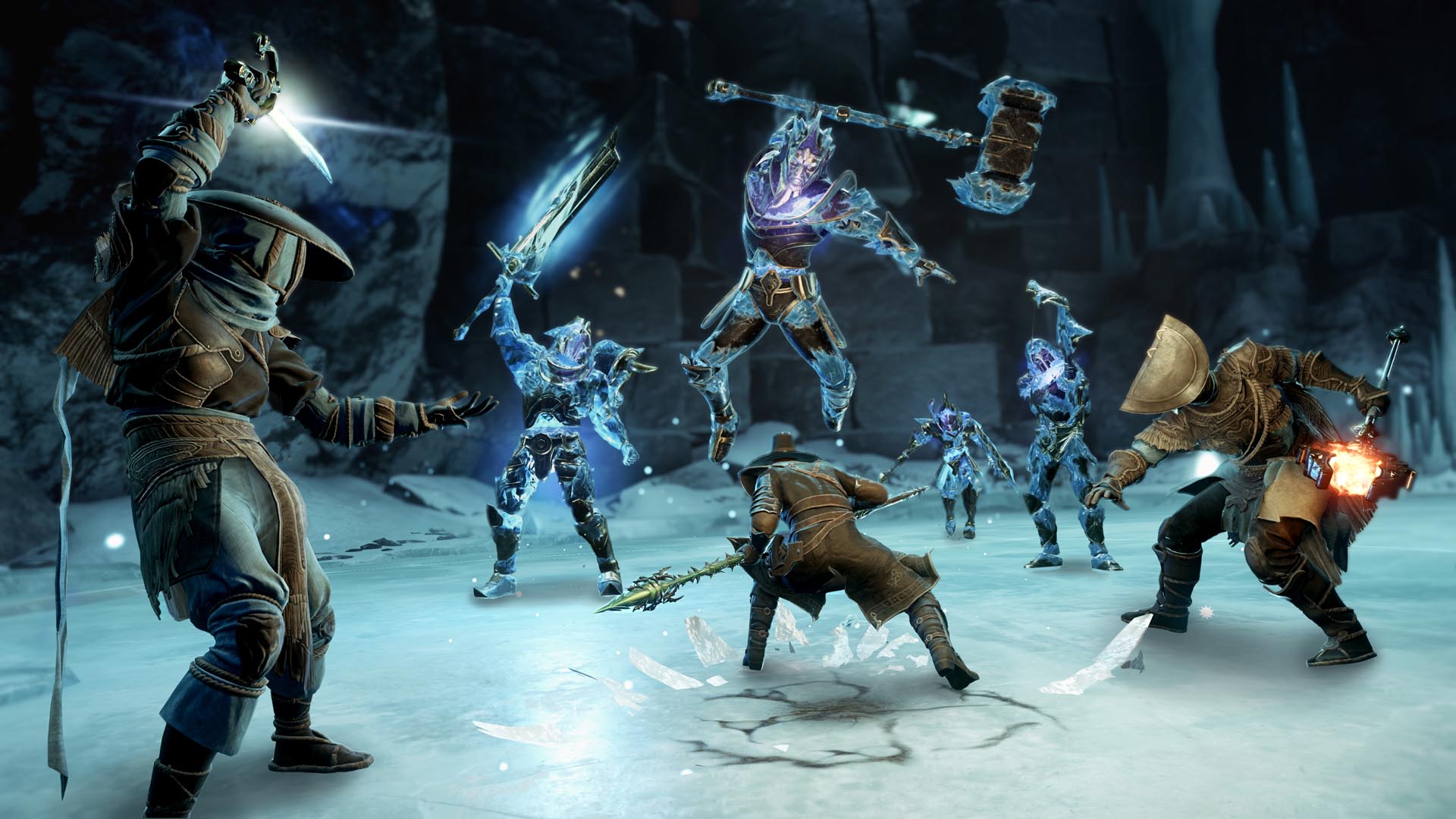 Here’s how native controller support will enhance your experience in Aeternum. At launch, you can choose from two pre-set controller layouts. As part of optimizing New World for controller play, we've introduced the following new features and settings.
Aim Assist
Here’s how native controller support will enhance your experience in Aeternum. At launch, you can choose from two pre-set controller layouts. As part of optimizing New World for controller play, we've introduced the following new features and settings.
Aim Assist
- Assists with aiming ranged attacks.
- Available only on a controller and exclusively against AI enemies (PvP aim assist will be reevaluated for future seasons).
- Reduces reticle speed when hovering over a valid target.
- Available only on a controller.
- Enables you to lock the camera onto an AI enemy (PvP target lock will be reevaluated for future seasons).
- Supported by both controller (move the right stick to switch between multiple targets) and Mouse and Keyboard (Middle Mouse Button and Mouse Wheel Up/Down) input methods.
- Allows running in all directions, including towards the camera.
- Holding Block/Aim will revert to normal strafe navigation.
- Activating Target Lock will strafe around the locked target.
- Defaulted to "on" only while using a controller input device.
- In addition, backwards movement has been sped up in normal strafe navigation.
- When off, allows melee attacks and blocking in the direction of your input/character facing instead of camera facing.
- Defaults to "off" only with while using a Mouse and Keyboard input devices.
- New radial menu for quick access to commonly used functions like emotes, commands, and camping.
- New Shift modifiers for quick access to all combat abilities.
- UI Help Bars and shortcut buttons provide an improved user experience while navigating the UI with a controller.