 Hello, survivors!
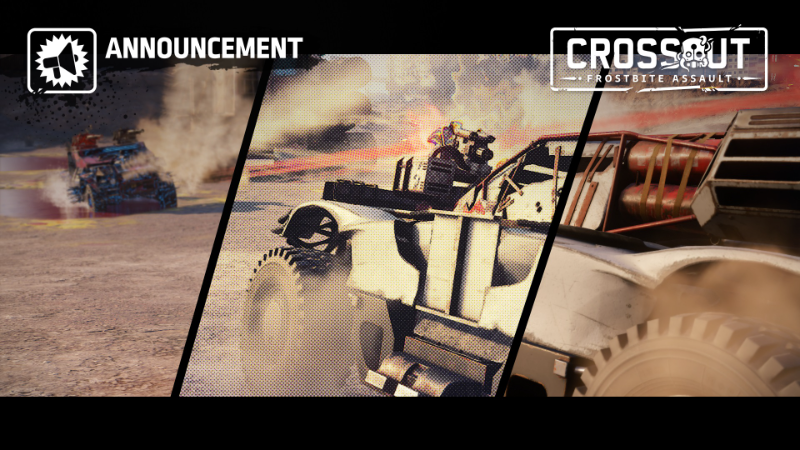
We have some great news. With the latest update, Crossout now supports Nvidia Ansel. Thanks to this, the game now has a full-fledged photo mode! It will allow you to easily make professional in-game screenshots of the beautiful views of the Wasteland.
[b][i]The Nvidia Ansel technology is available only with Nvidia GPUs series from GTX 800 and higher.[/i][/b]
Hello, survivors!
We have some great news. With the latest update, Crossout now supports Nvidia Ansel. Thanks to this, the game now has a full-fledged photo mode! It will allow you to easily make professional in-game screenshots of the beautiful views of the Wasteland.
[b][i]The Nvidia Ansel technology is available only with Nvidia GPUs series from GTX 800 and higher.[/i][/b]
What can you do with the new photo mode
- Capture high-definition in-game shots
- Capture HDR images
- Display a grid of thirds for convenient frame composition
- Control a free camera and adjust the view angle and FoV
- Apply more than 20 filters. From black and white and night vision to adjusting depth of field, contrast, brightness and many other settings
How to use
- To use Nvidia Ansel you need to install GeForce Experience. Then make sure that the “Ansel” section in the general settings of GeForce Experience says “Ready”.
- And that’s it! Now you can just launch Crossout and press Alt + F2 (by default), and the photo mode interface will open.
- [url=https://twitter.com/crossout_en]Twitter[/url]
- [url=https://www.reddit.com/r/Crossout]Reddit[/url]
- [url=https://www.youtube.com/channel/UCzyC4di_FkW6aRCRxjL1KYQ]Youtube[/url]
- [url=https://www.facebook.com/CROSSOUTgame]Facebook[/url]
- [url=https://discord.gg/crossout]Discord[/url]