PlayStation Website
[url=https://warrobotsfrontiers.com/playtest][b] [/b][/url]
[olist][*]Go to the [url=https://store.playstation.com/?smcid=pdc:us-en:web-pdc-support-store-redeem-ps-store-voucher-code:textblock-playstation-store]PlayStation Store[/url] and select your profile at the top of the screen.[/*][*]Select [b]Redeem Code[/b] from the drop-down menu.[/*][*]Carefully enter the 12-digit code and select [b]Continue[/b].
The credit or content is now applied to your account.[/*][/olist]
Having trouble? Check out the video guide [url=https://youtu.be/rvmT2B4AWVo?t=71]here[/url].
[/b][/url]
[olist][*]Go to the [url=https://store.playstation.com/?smcid=pdc:us-en:web-pdc-support-store-redeem-ps-store-voucher-code:textblock-playstation-store]PlayStation Store[/url] and select your profile at the top of the screen.[/*][*]Select [b]Redeem Code[/b] from the drop-down menu.[/*][*]Carefully enter the 12-digit code and select [b]Continue[/b].
The credit or content is now applied to your account.[/*][/olist]
Having trouble? Check out the video guide [url=https://youtu.be/rvmT2B4AWVo?t=71]here[/url].
PlayStation App
[url=https://warrobotsfrontiers.com/playtest][b][/b][/url]
[olist][*]Select the [b]PS Store[/b] icon and then select the menu icon from the right side of the screen. [/*][*]Select [b]Redeem Code[/b]. [/*][*]Carefully enter the 12-digit code and select [b]Continue[/b].
The credit or content is now applied to your account.[/*][/olist]
Having trouble? Check out a video guide [url=https://www.youtube.com/clip/UgkxFlMwLoULnf-tB73RmSSazhUXtk2fhEIo]here[/url].
PlayStation 5 Console
[url=https://warrobotsfrontiers.com/playtest][b][/b][/url]
[olist][*]Go to the [b]PlayStation Store[/b] and then press the triangle button to access the menu.[/*][*]Select [b]… (More)[/b] > [b]Redeem Code[/b].[/*][*]Carefully enter the 12-digit code and select [b]Redeem[/b]. The credit or content will be applied to your account.[/*][*]Select [b]Download[/b] to start downloading ([url=https://www.playstation.com/en-us/support/store/redeem-ps-store-voucher-code/#types]you can also download later[/url]). [b]Download[/b] is not displayed for content that [url=https://www.playstation.com/en-us/support/store/redeem-ps-store-voucher-code/#types]does not require a download[/url].[/*][/olist]
You can also redeem a voucher code during checkout by selecting [b]Redeem Codes and Gift Cards[/b] from the payment method menu.
Having trouble? Check out the video guide [url=https://youtu.be/rvmT2B4AWVo?t=28]here[/url].
PlayStation 4 Console
[url=https://warrobotsfrontiers.com/playtest][b][/b][/url]
[olist][*]Go to [b]PlayStation Store[/b], scroll to the bottom of the sidebar, and select [b]Redeem Codes[/b].[/*][*]Carefully enter the 12-digit code and select [b]Continue[/b] > [b]Confirm[/b] or [b]Yes[/b].
The credit or content is now applied to your account.[/*][*]Select [b]Continue[/b] > [b]Download[/b] to start downloading (you can also [url=https://www.playstation.com/en-us/support/store/redeem-ps-store-voucher-code/#types]download later[/url]).
[b]Continue[/b] and [b]Download[/b] are not displayed for content that [url=https://www.playstation.com/en-us/support/store/redeem-ps-store-voucher-code/#types]does not require a download[/url].[/*][/olist]
Having trouble? Check out the video guide [url=https://youtu.be/iZklWtUtq7w]here[/url].
Xbox Series X|S & Xbox One
You will need Xbox Insider Hub to access the Crossplay Playtest:- [b]Get Xbox Insider Hub:[/b][list]
- Go to [b]Store[/b] on [b]Home[/b] or select [b]Store[/b] in the guide.
- Select [b]Search[/b].
- Enter ‘[b]insider’[/b] in the box, then select [b]Xbox Insider bundle[/b].
- Select [b]Get[/b] or [b]Install[/b]. This will install both the Xbox Insider Hub and the Report a Problem app.
- [b]Once Xbox Insider Hub is downloaded:[/b][list]
- Launch the Xbox Insider Hub, and then select Previews.
- Choose War Robots: Frontiers, and then select Join.
- Read the eligibility requirements on the Info tab of the Insider content details page.
MY.GAMES Launcher
- Install [url=https://my.games/launcher]MY.GAMES Launcher[/url].
- After installation is complete, check your library in MY.GAMES Launcher, and locate and install "[b]War Robots: Frontiers[/b]".
- Press "Play" to participate in the Playtest.
Steam
To get access to War Robots: Frontiers on Steam, you need to:- Head to the [url=https://store.steampowered.com/app/1491000/War_Robots_Frontiers/]War Robots: Frontiers store page[/url] and download the game.
- After installation, you can press "[b]Play[/b]" to participate in this Playtest.
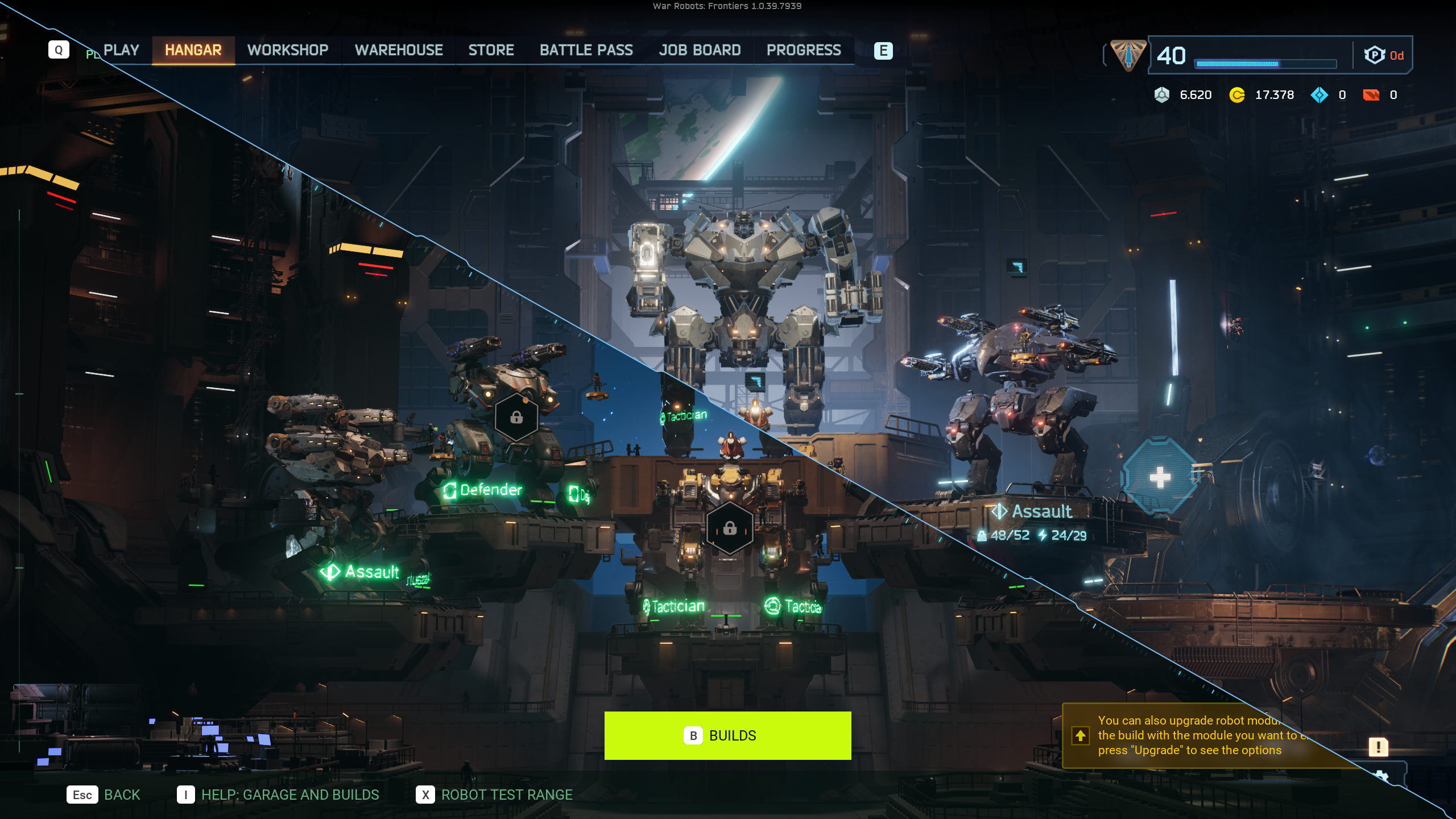 Invite your friends to squad up or meet new Pilots, and play cross-platform to engage in tactical mech action on a galactic scale.
You'll even receive the exclusive "[b]Fractured Sparrow[/b]" Sticker just for participating in the playtest (distributed at the game’s launch in 2025).
[b]
Invite your friends to squad up or meet new Pilots, and play cross-platform to engage in tactical mech action on a galactic scale.
You'll even receive the exclusive "[b]Fractured Sparrow[/b]" Sticker just for participating in the playtest (distributed at the game’s launch in 2025).
[b]
 [/b]
[hr][/hr]
Read up on all the content in the [url=https://wrfrontiers.com/news/157]dedicated 0.17 patch notes[/url], and check out some additional changes below.
[/b]
[hr][/hr]
Read up on all the content in the [url=https://wrfrontiers.com/news/157]dedicated 0.17 patch notes[/url], and check out some additional changes below.
Bug Fixes
- Fixed a bug where Bot opponents in the last round of the Tutorial Matches would stop moving after breaking line of sight with the player.
- Fixed a bug where Bulwark’s Torso Ability “Absorber Sphere” increased the damage taken instead of lowering it.
- Fixed a bug where Purifier’s Torso Ability “Zealot” did not increase the damage of allies when activating.
- Fixed a bug where Bots equipped with the Weapon “Vortex” could see other Bots and players through walls and lock onto them.
- Fixed a bug where Bots were flying further than intended when using their Jetpack to dash when players switched application focus at the same time.
- Fixed a bug where damage from Titan Abilities did not count towards the Job “Titan Tutorial 2: Using Titan Gear”.
- Fixed a bug where the leg armor value for Matriarch Legs on level 13 was lower than on level 12.
- Fixed a bug where the option “Buy All” in the Daily Deals section of the Store withdrew less currency than intended.
Game Adjustments
- Added a loading icon animation to the loading screen.
- Added support for keyboard layouts other than QWERTY.
- Features such as Customization, Robot Slots, etc. which are unlocked between Level 1-4 are no longer shown on the reward screen.
- Improved the quality of the following maps:[list]
- Catalyst[list]
- Reworked the sound effects of taking damage from lava.
- Fixed an issue that led to Bots getting stuck in different places.
- Removed snow from the map.
- Patches of floating grass have been reattached to the ground.
- The bridge between the Warp Gates B and D had no collision, allowing projectiles to go through it.
- Added rain weather effects.
- Fixed an issue where the “Flanker” and “Assault” Bots were swapped.
 [/url]
[url=https://wrfrontiers.com/l/discord]
[/url]
[url=https://wrfrontiers.com/l/discord]
 [/url]
[hr][/hr]
[/url]
[hr][/hr][url=https://store.steampowered.com/publisher/mygames style=button][table equalcells=1][tr][td][h5][p] Follow MY.GAMES on Steam
[/h5][/td][/tr][/table][/url][/p]